WordPressTutorial
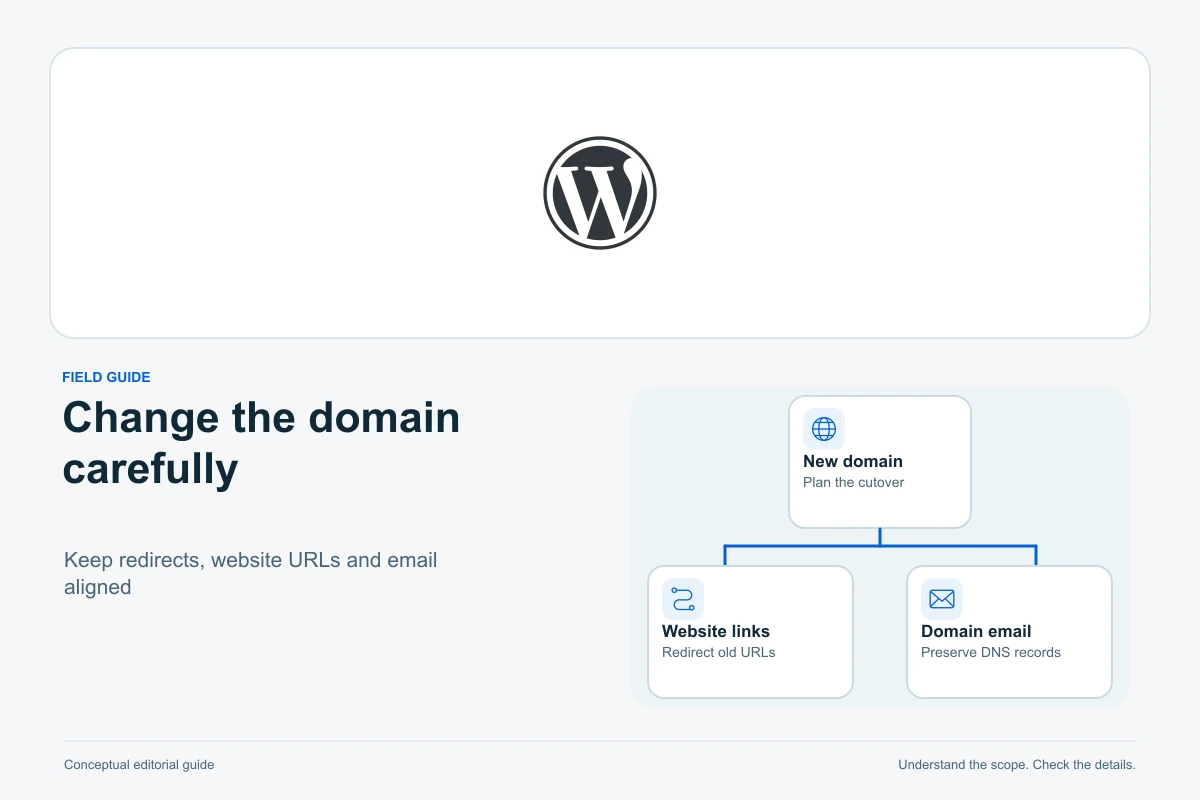
Prepare a WordPress domain change with checked backups, safe URL replacement, HTTPS, page redirects and a separate plan for old and new email addresses.

Email ToolsTutorial
Move the audience, its restrictions and its history together. Use a MailerLite-to-Brevo example to check imports, existing contacts, automations and opt-outs before sending.

Email ToolsTutorial
Find the right recovery route for a lost password, MFA device or former administrator. Keep Google Workspace, Zoho Mail and Microsoft 365 roles and ownership checks separate.
Security & BackupsTutorial
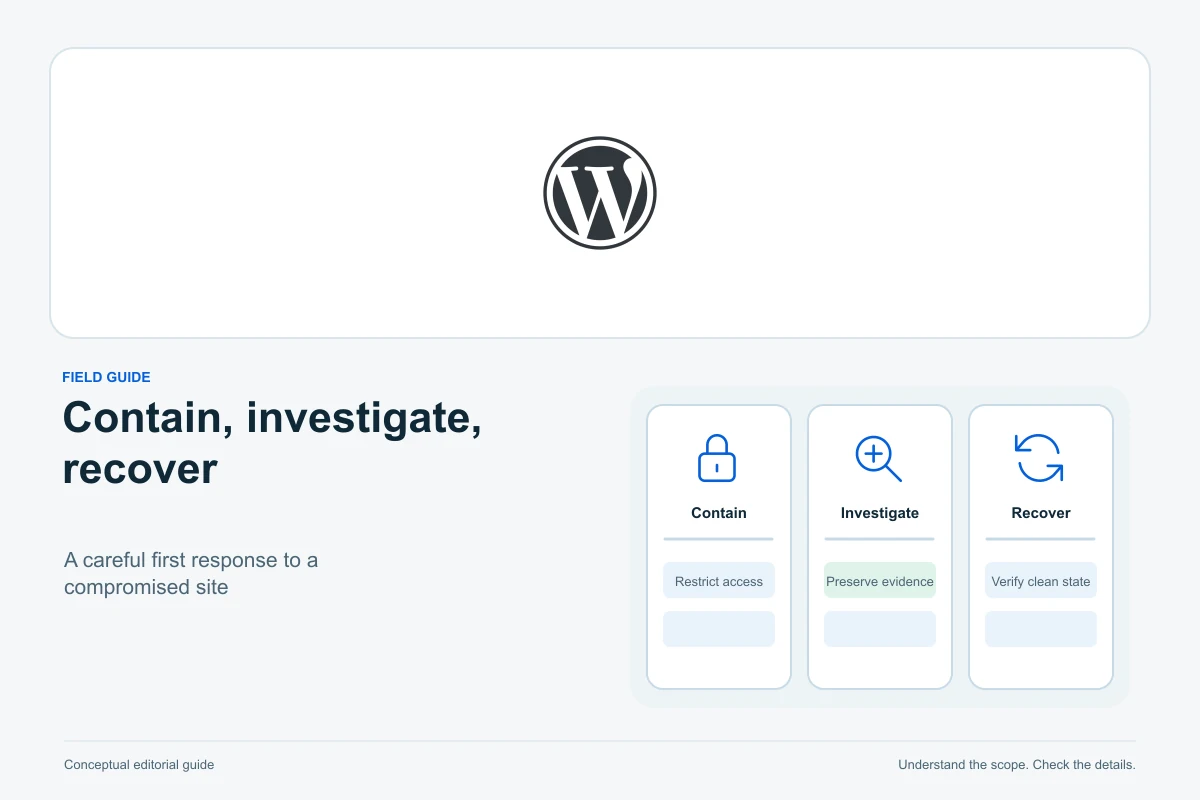
Contain harmful activity, preserve evidence and recover WordPress safely. Decide when to use your host, a checked backup, free tools or specialist cleanup.

WordPressExplainer
Understand Search Console versus onsite analytics, choose a few useful metrics, keep accounts under your control and verify collection before relying on the numbers.

WordPressTutorial
Check the final domain, navigation, forms, backups, ownership and search settings with a practical stop-or-go checklist for a small website.
WordPressTutorial
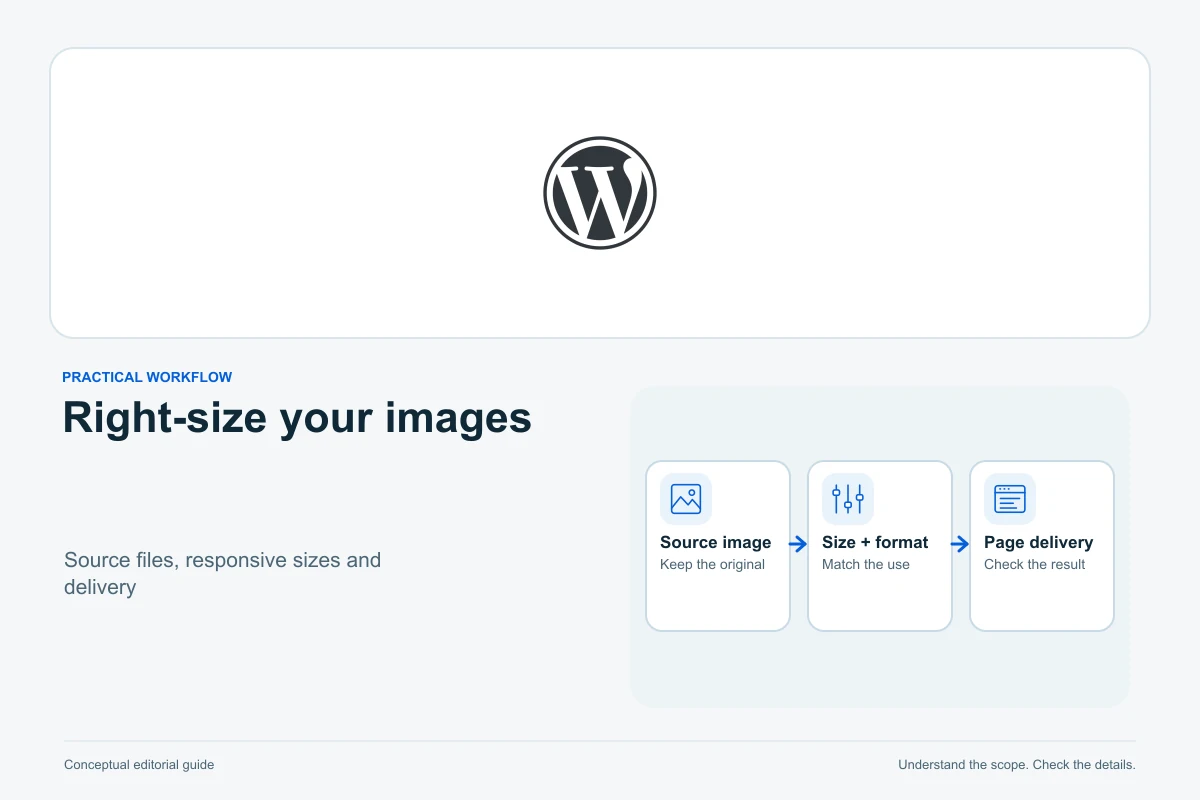
Match image dimensions to the page, choose a usable format, add the right alternative text and verify the actual file delivered on desktop and mobile.

HostingExplainer
Read the resource behind each hosting limit, compare like-for-like measurements and decide whether to optimize, investigate or upgrade.

Website BuildersTutorial
Inventory content and services, understand what your platform can export, and verify an independent replacement before cancelling the original site.

WordPressTutorial
Choose access by the task, create an individual account, verify its permissions and revoke it deliberately without deleting the contributor's work.

WordPressTutorial
Reproduce a specific failure in a private copy, isolate plugins and theme changes, and confirm the smallest supported fix before touching the live site.
Email ToolsTutorial
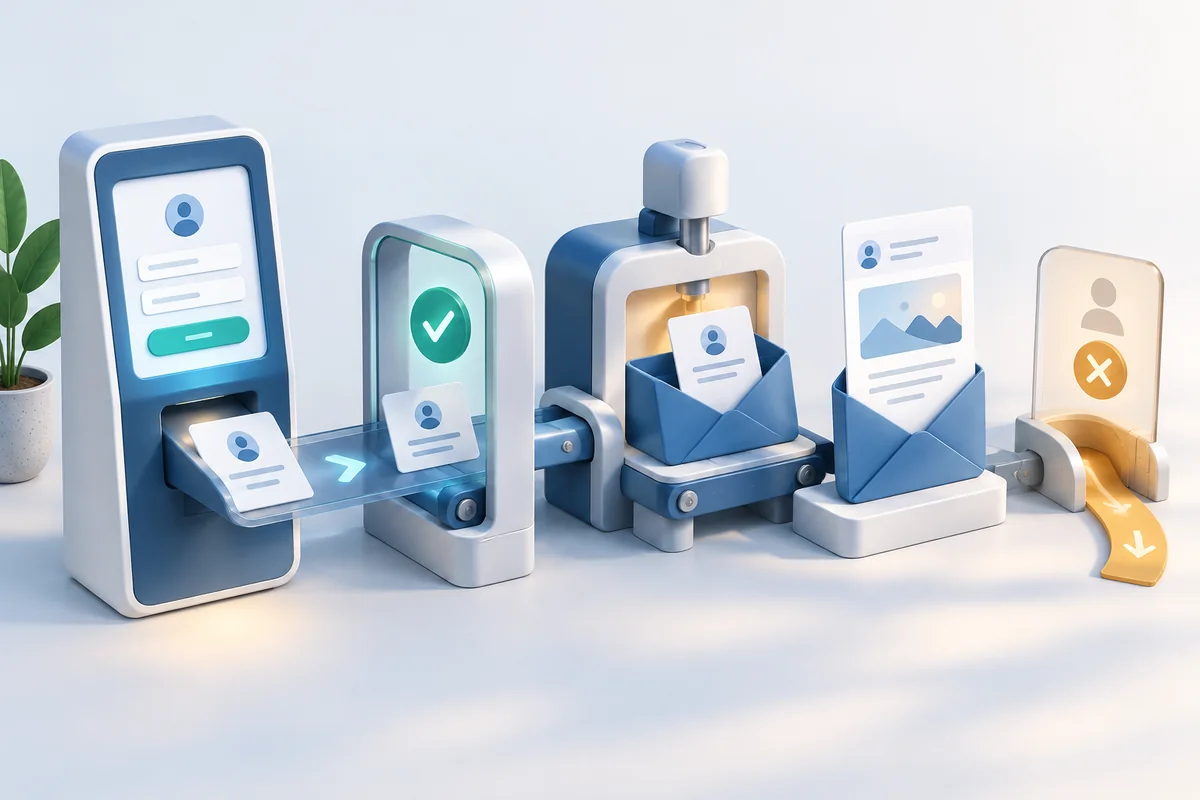
Build one clear signup path, verify confirmation and subscriber status, then test the welcome email and unsubscribe journey before inviting readers.
