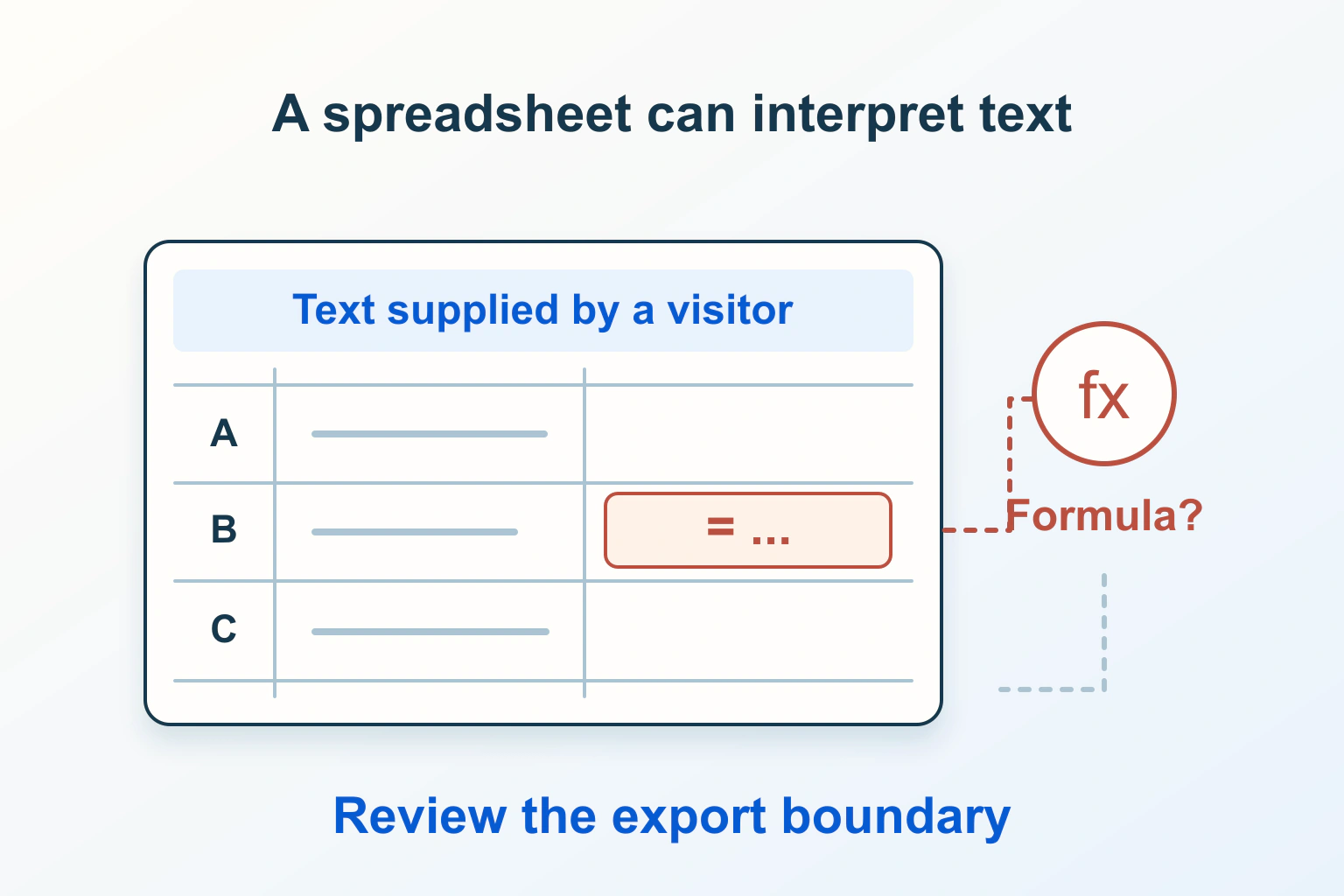
Security & BackupsTutorial
Visitor-supplied text can change meaning when opened in a spreadsheet. Separate viewing and machine exports, preserve source data and test the complete workflow.

Website BuildersTutorial
Give browsers useful field-purpose hints, separate repeated address groups and preserve filled values through validation. Diagnose the actual submission instead of fighting autofill.
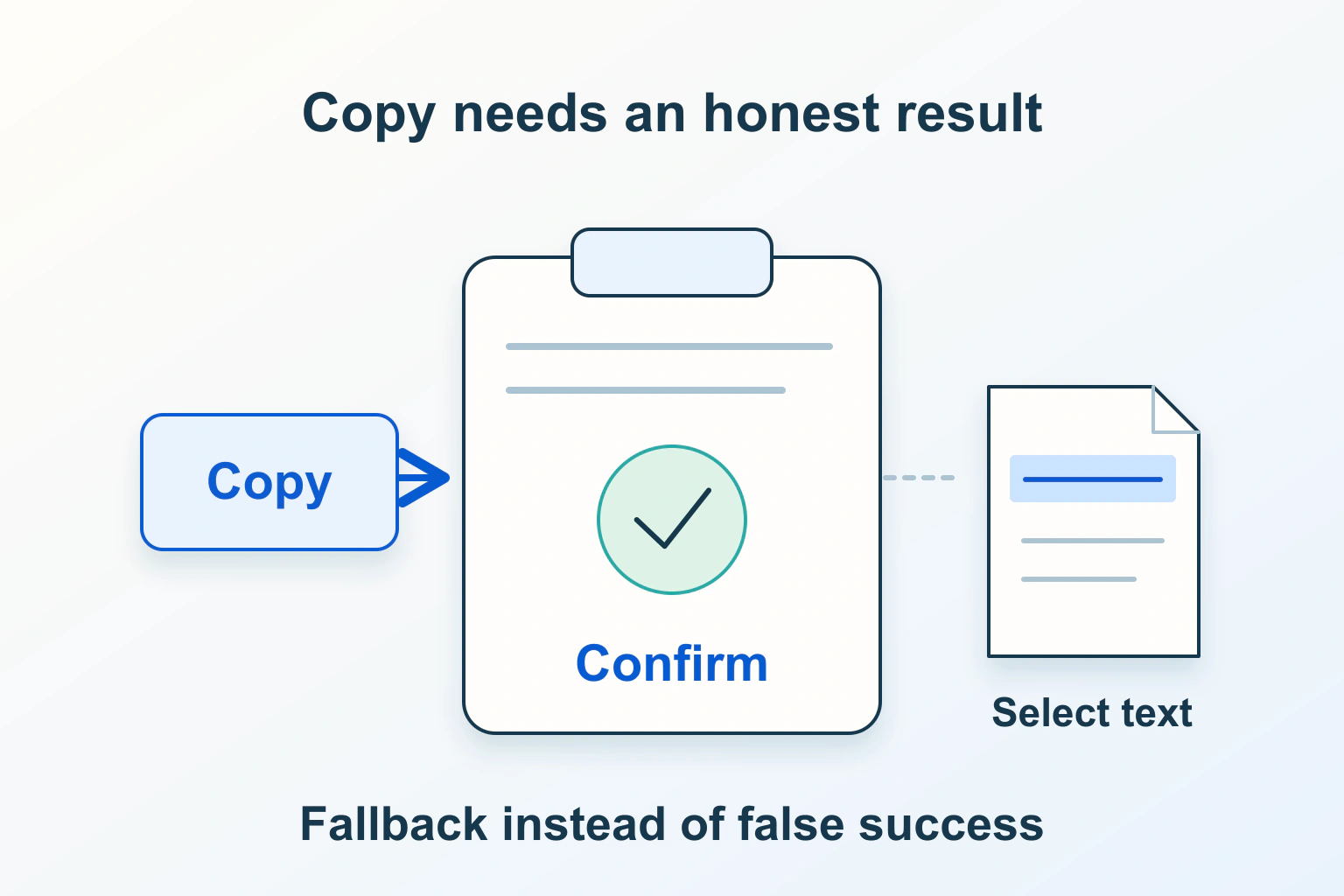
Website BuildersTutorial
Check secure context, user activation and the clipboard write result. Provide selectable text and accessible feedback when the browser cannot complete a copy.

Website BuildersTutorial
Separate service-worker control, waiting updates and Cache Storage from an ordinary browser cache. Release an update without destroying visitors' unfinished work.
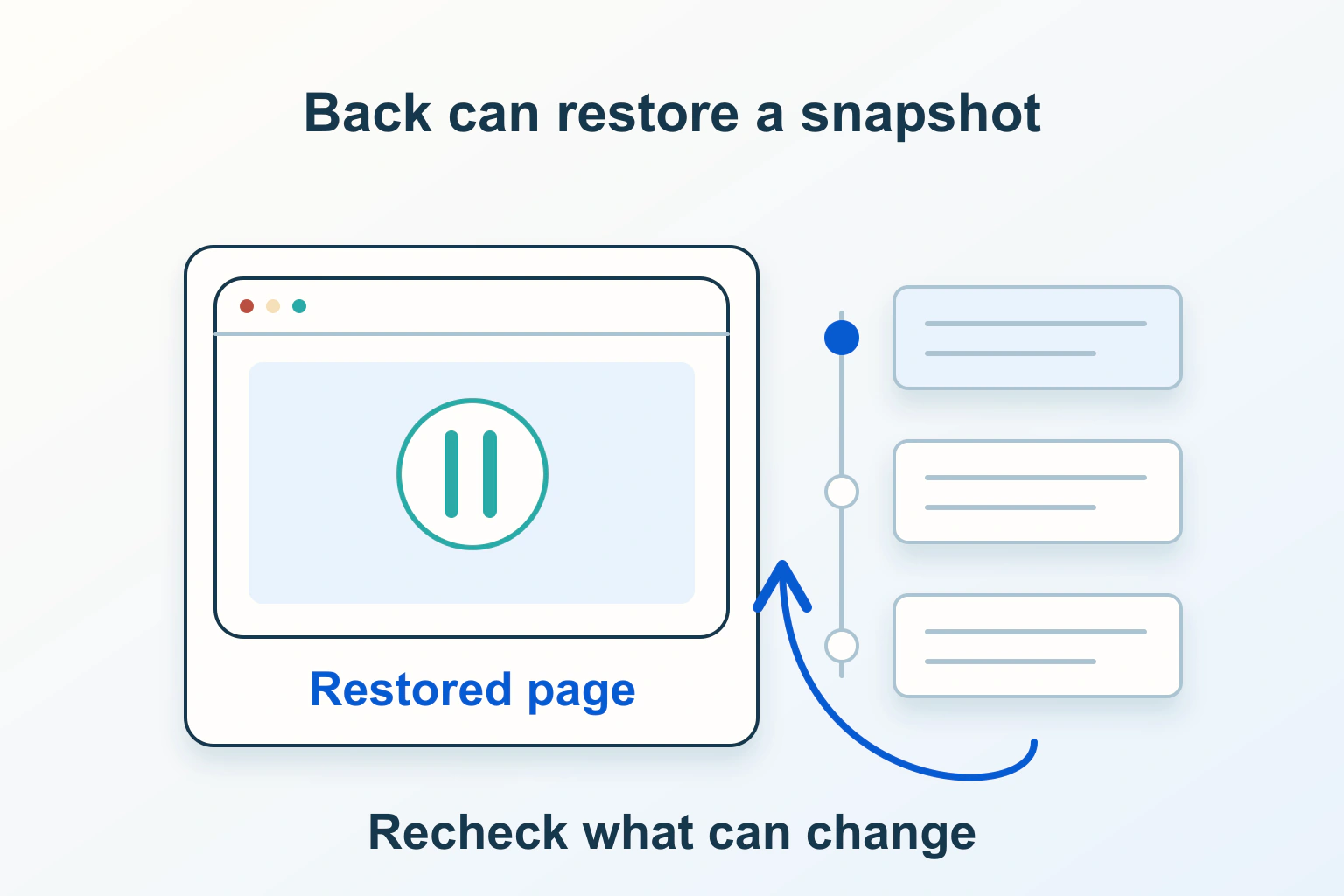
Website BuildersTutorial
Identify a back/forward-cache restoration, separate it from SPA routing and refresh account or cart facts without discarding useful input and scroll position.
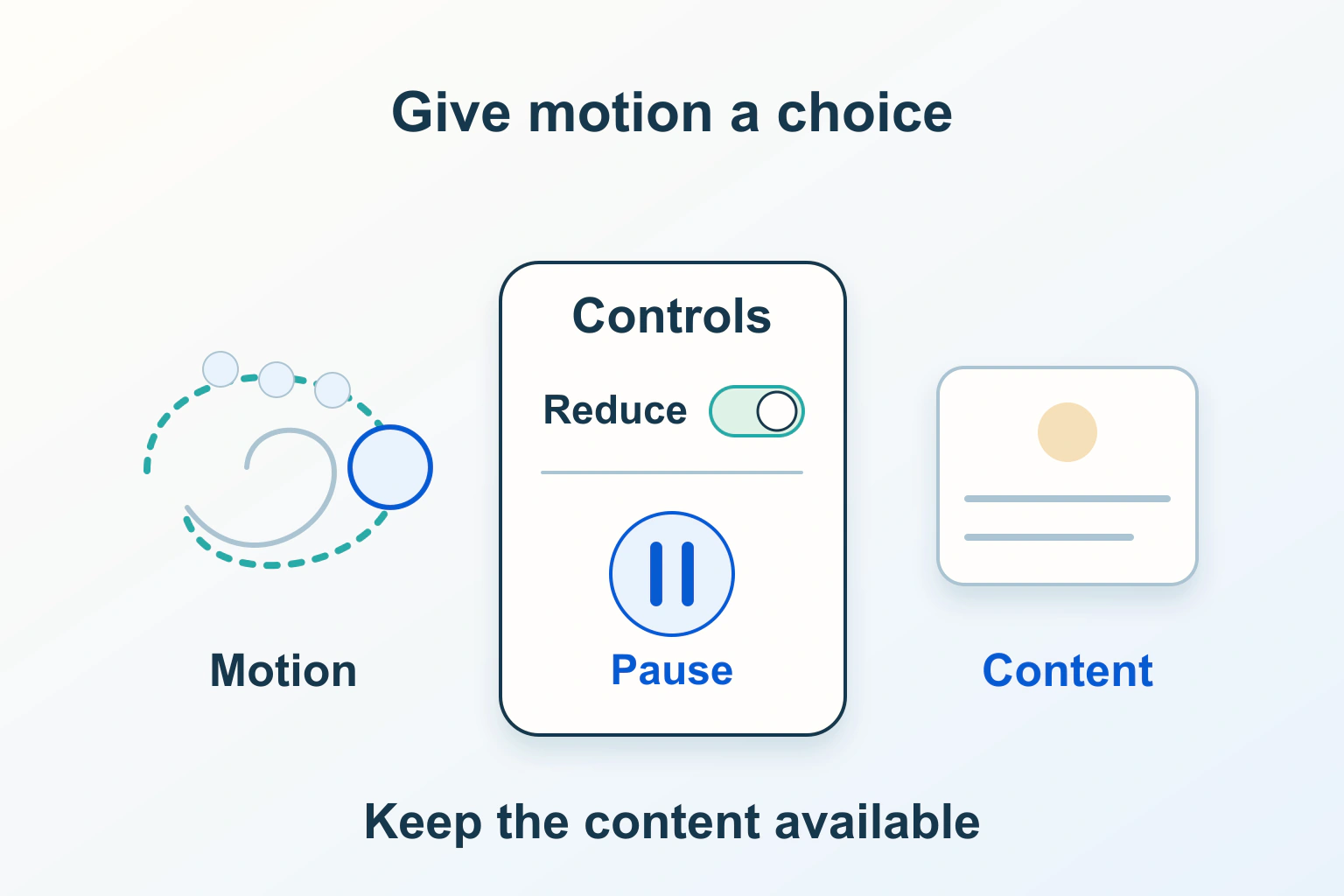
Website BuildersTutorial
Honor motion preferences, distinguish decorative effects from automatic updates and test pause controls without hiding progress or breaking interactions.

Security & BackupsTutorial
Distinguish browser and shared caches, choose deliberate response policies and test two synthetic accounts before trusting a personalised page.

Website BuildersTutorial
Find which origin and response fail, separate OPTIONS from the real request and repair a narrow CORS policy without removing authentication.

Website BuildersTutorial
Measure the image slot, inspect the browser-selected candidate and separate resolution switching from crops, CSS layout and failed downloads.
WordPressTutorial
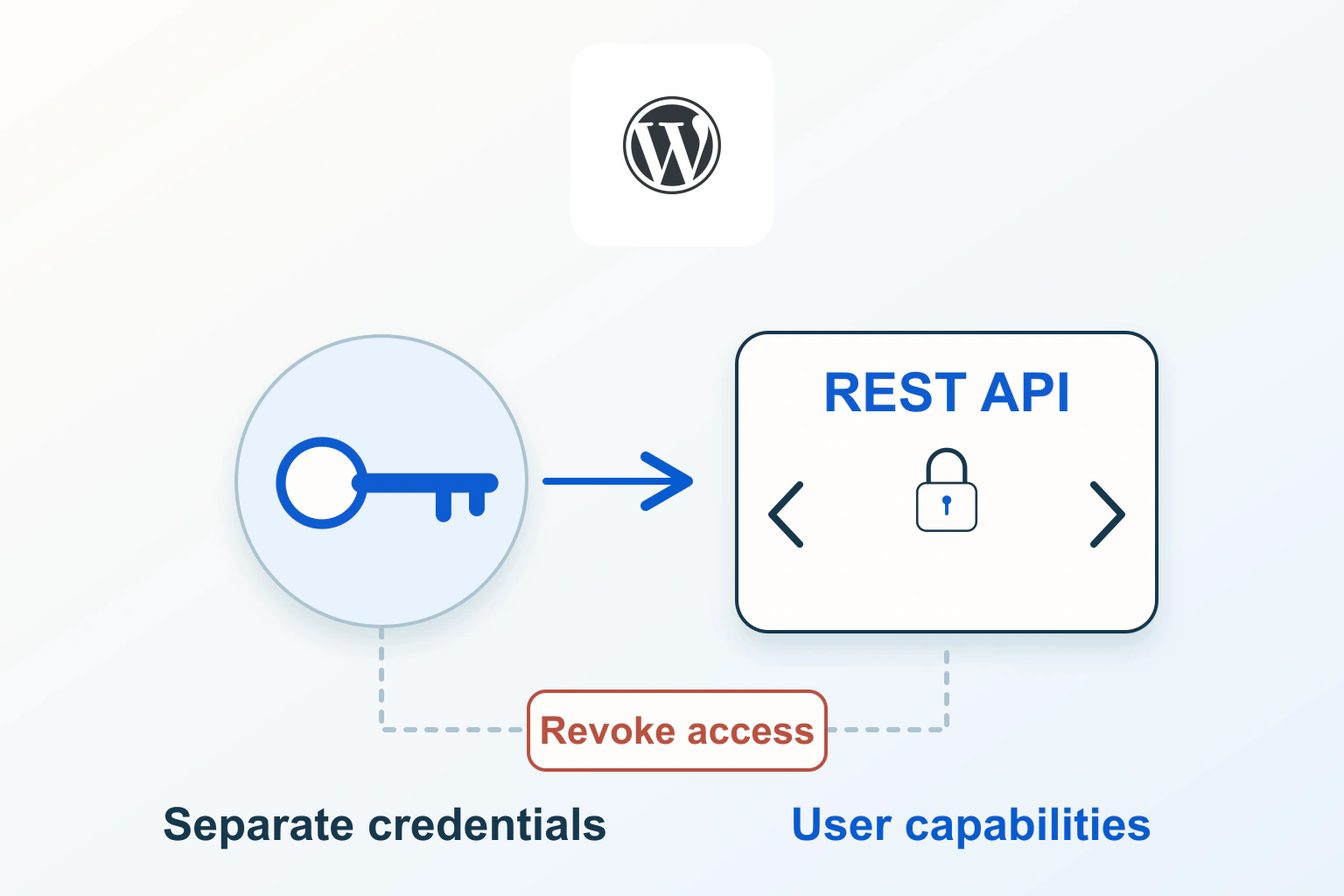
Use a separate WordPress application password for an authorised integration. Choose the right user capabilities, verify a read-only request and plan individual revocation.

Website BuildersTutorial
Move font delivery deliberately: verify the individual licence, keep needed weights and languages, choose a loading strategy and confirm old external requests are gone.

WordPressTutorial
A PDF has its own URL and indexing instructions. Decide whether the file should be searchable, inspect its real HTTP response and distinguish noindex from private access.
