WordPressOpinion
Do you need a paid page builder?
Start with the native editor for a simple content or service website. Pay for a builder only when a specific requirement justifies its cost and dependency.
4 min readRead
Learn to build, manage and troubleshoot a WordPress website. Explore plugins, performance, updates, security and recovery with practical step-by-step guides.
Start with the native editor for a simple content or service website. Pay for a builder only when a specific requirement justifies its cost and dependency.
Compare WordPress.com Personal with another WordPress host for the same small-business site: upfront costs, renewals, plugins, maintenance and moving later.
Shared describes how server resources are used; managed describes work the provider takes on. Compare the actual responsibilities and restrictions before choosing.
US reference · Observed 2026-10-15
| Provider / plan | Initial amount or listed rate | Initial term | Renewal reference | View plan |
|---|---|---|---|---|
 Essential — annual Essential — annual | US$60.00 | 12-month term | — | View pricing Affiliate link. |
Initial terms differ. Check the billing basis, tax and included features before choosing.
Trace a test submission from the form to the sending service and recipient inbox before changing plugins, DNS or email subscriptions.
Separate a slow server response from heavy images, scripts and uncached pages, then decide whether a hosting upgrade addresses the actual problem.
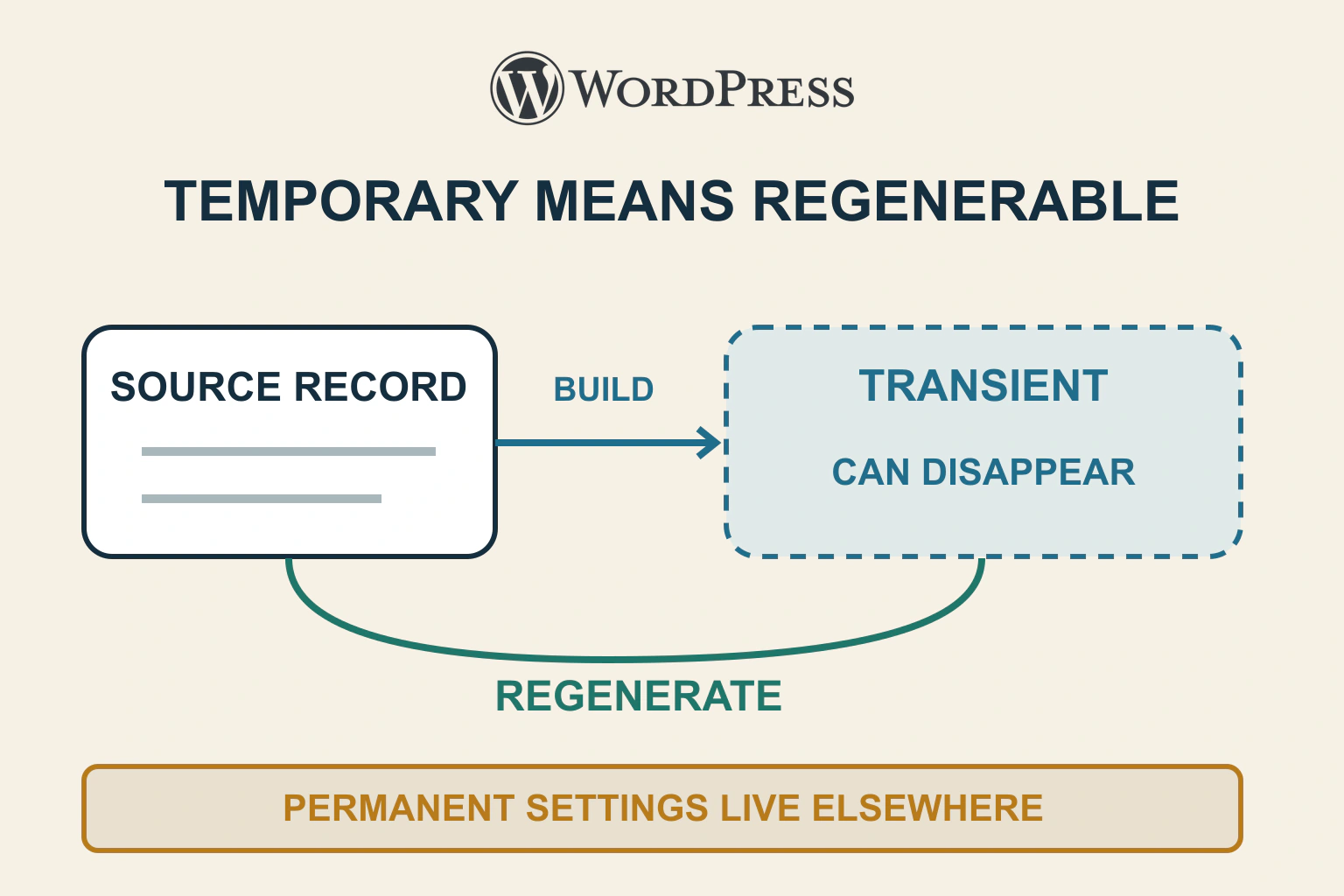
A transient can vanish before expiry. Keep authoritative data elsewhere, distinguish cache misses from valid empty results, and test safe regeneration and source failure.
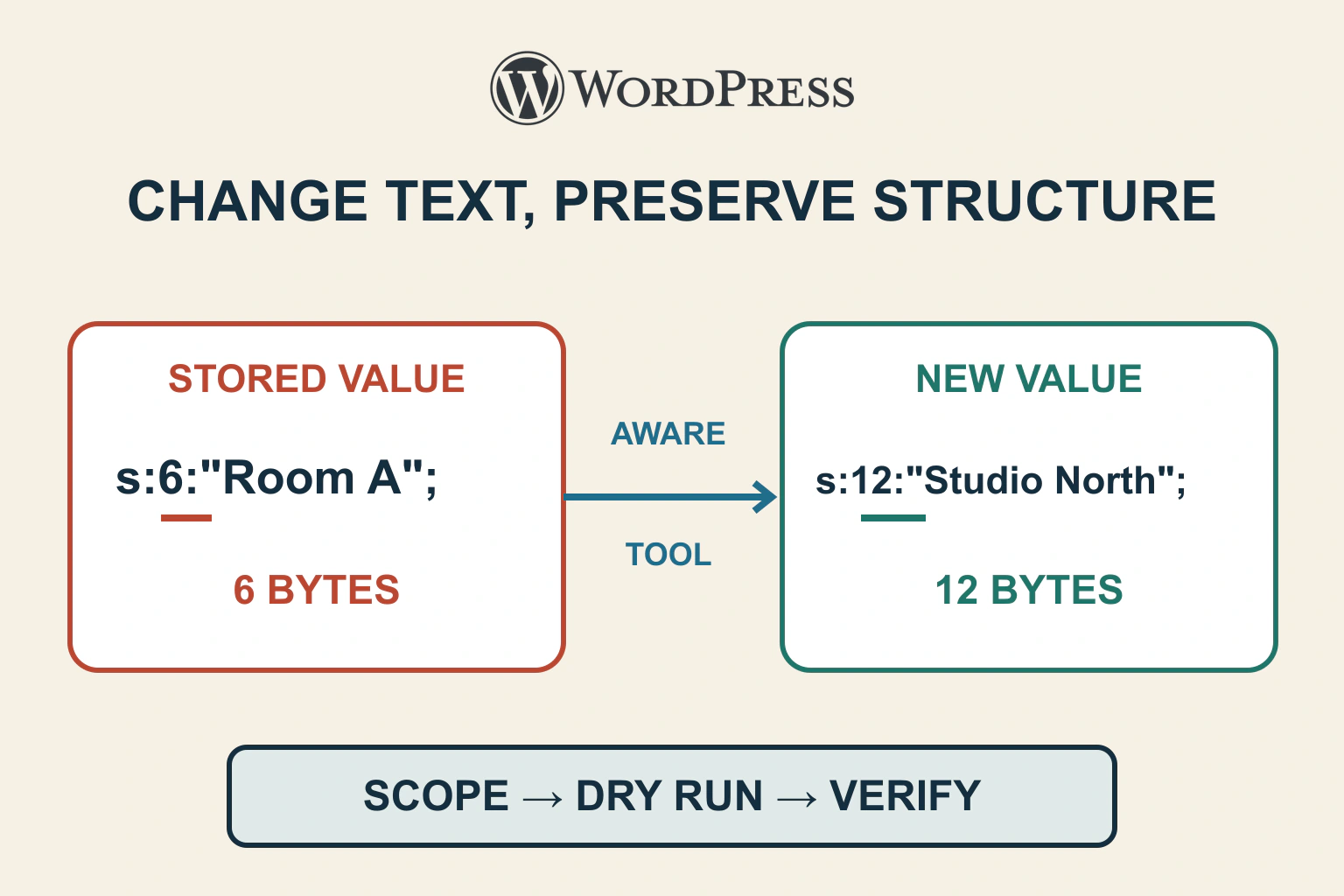
Serialized data stores structure as well as text. Define a narrow replacement, rehearse with a serialization-aware tool and verify both changed values and application behaviour before any live write.
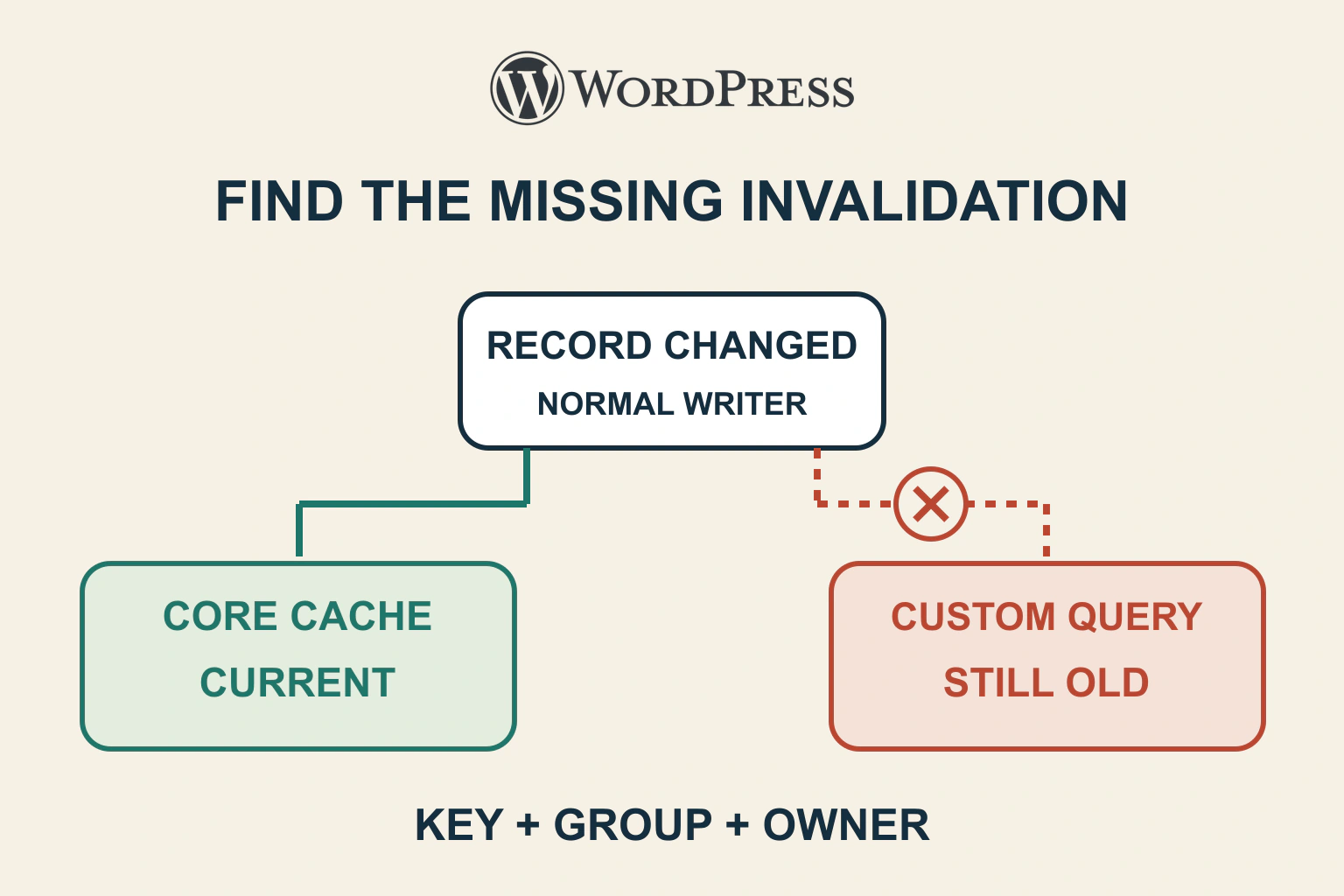
Trace old WordPress data to its cache key, group and writer. Distinguish object caching from stored HTML and verify invalidation through the normal update path.
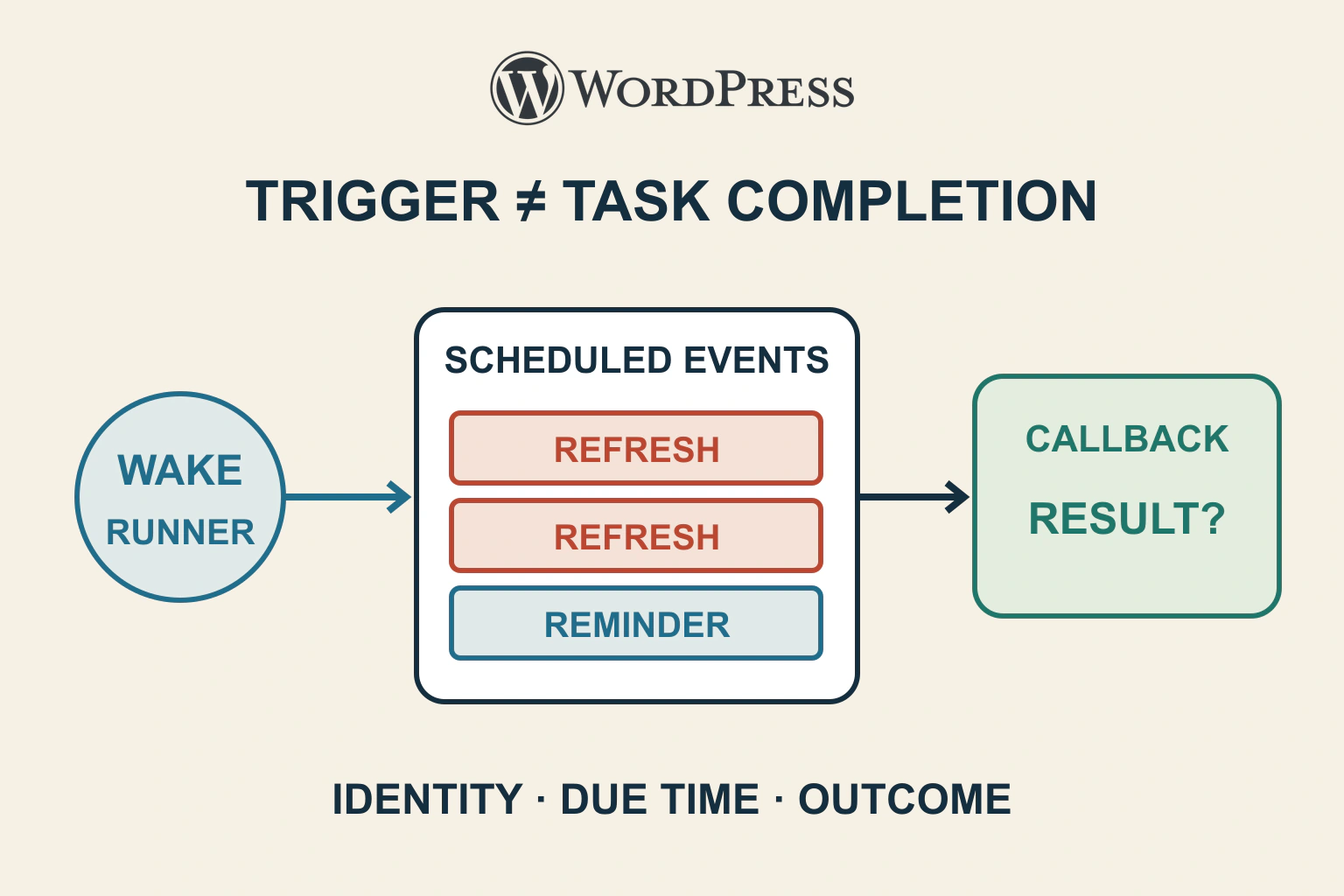
A cron backlog can mean a missing trigger, failing callback or duplicate schedule. Inspect hook identity, arguments and due times before running or deleting anything.
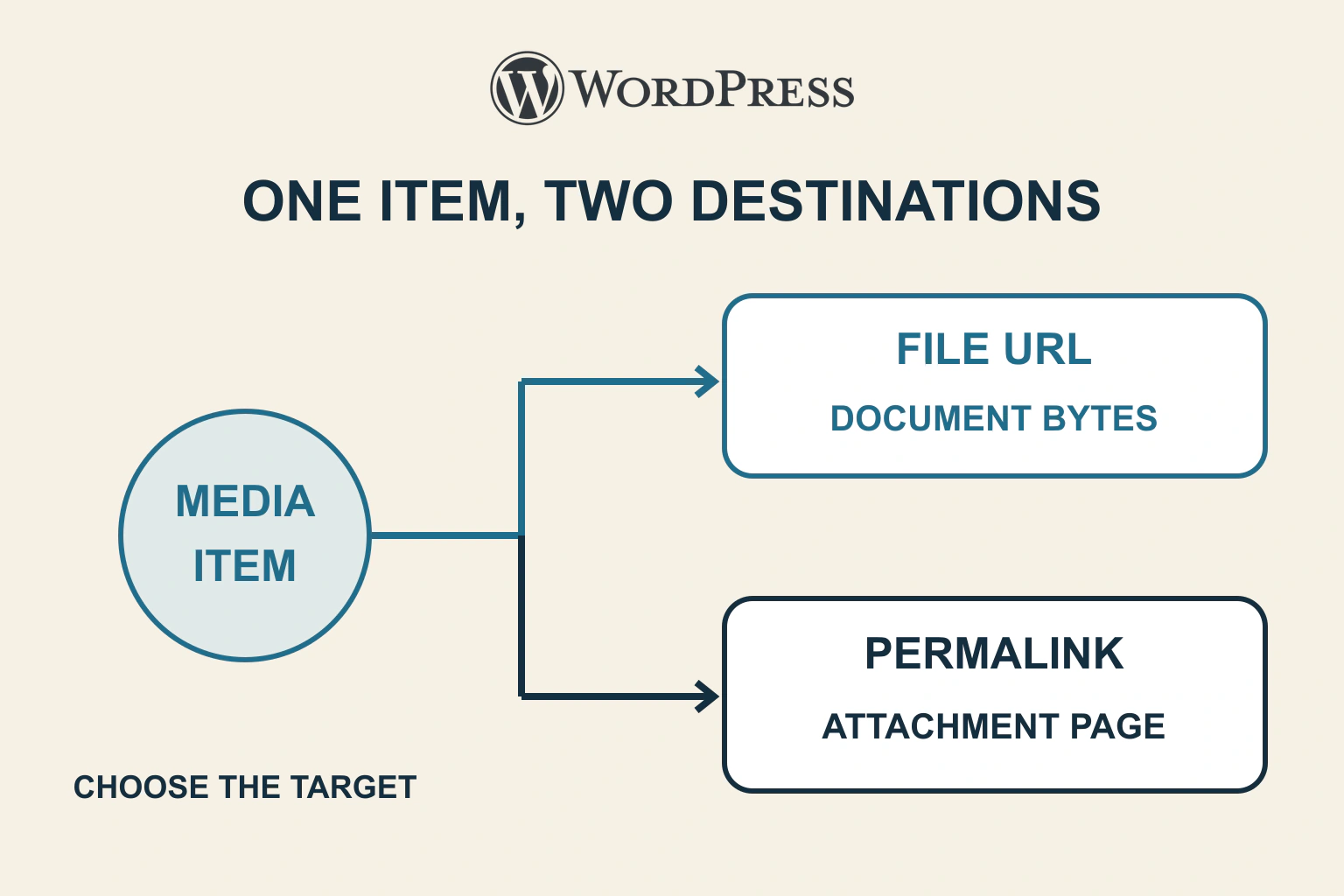
An attachment page and the uploaded file have different URLs. Inspect the saved link and choose the intended File block target before changing downloads, permalinks or media.
Replace an unmaintained plugin by preserving the capability and data it owns. Rehearse conversion, compare old and new results, switch deliberately and retire the old component after acceptance.
A handover that covers the website, domain, hosting, plugin subscription, editing permissions and a repeatable update-and-recovery routine.
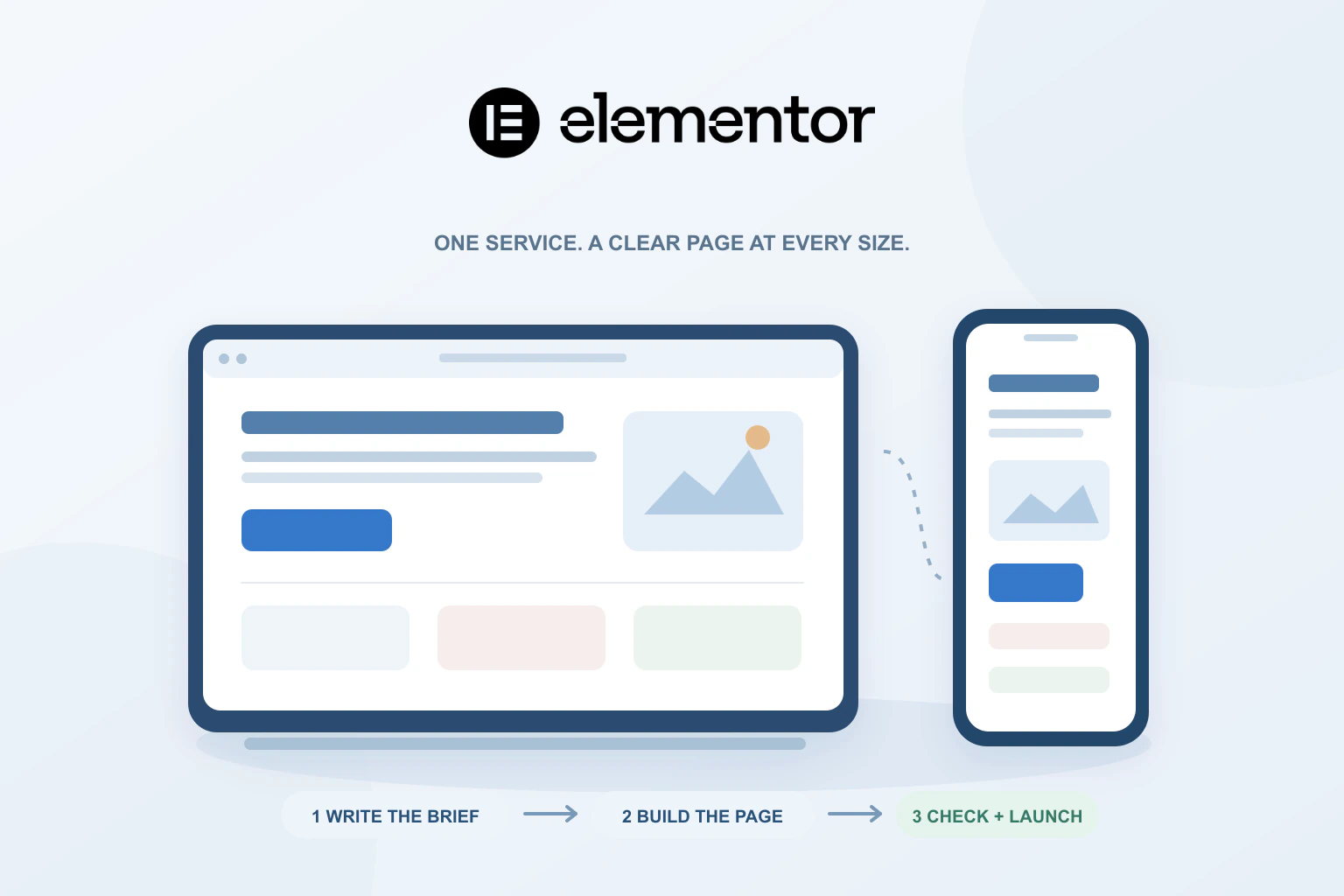
A practical service-page workflow covering the brief, content order, reusable styles, mobile reading and the enquiry checks that matter before launch.
A useful one-site comparison built around the work: page layouts, lead capture, dynamic content, ecommerce and a budget that keeps hosting separate.