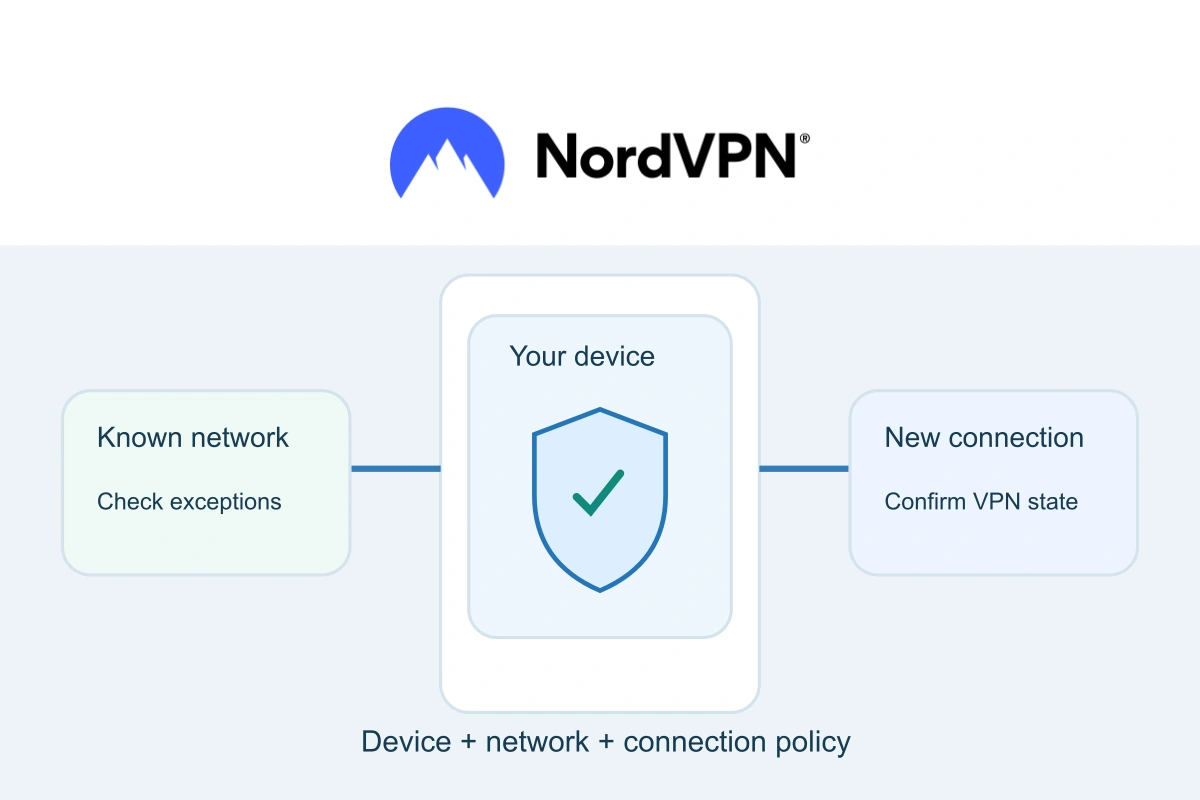
Security & BackupsTutorial
Choose when NordVPN should connect on your laptop or phone, understand trusted-network limits and check the result when you restart or change networks.
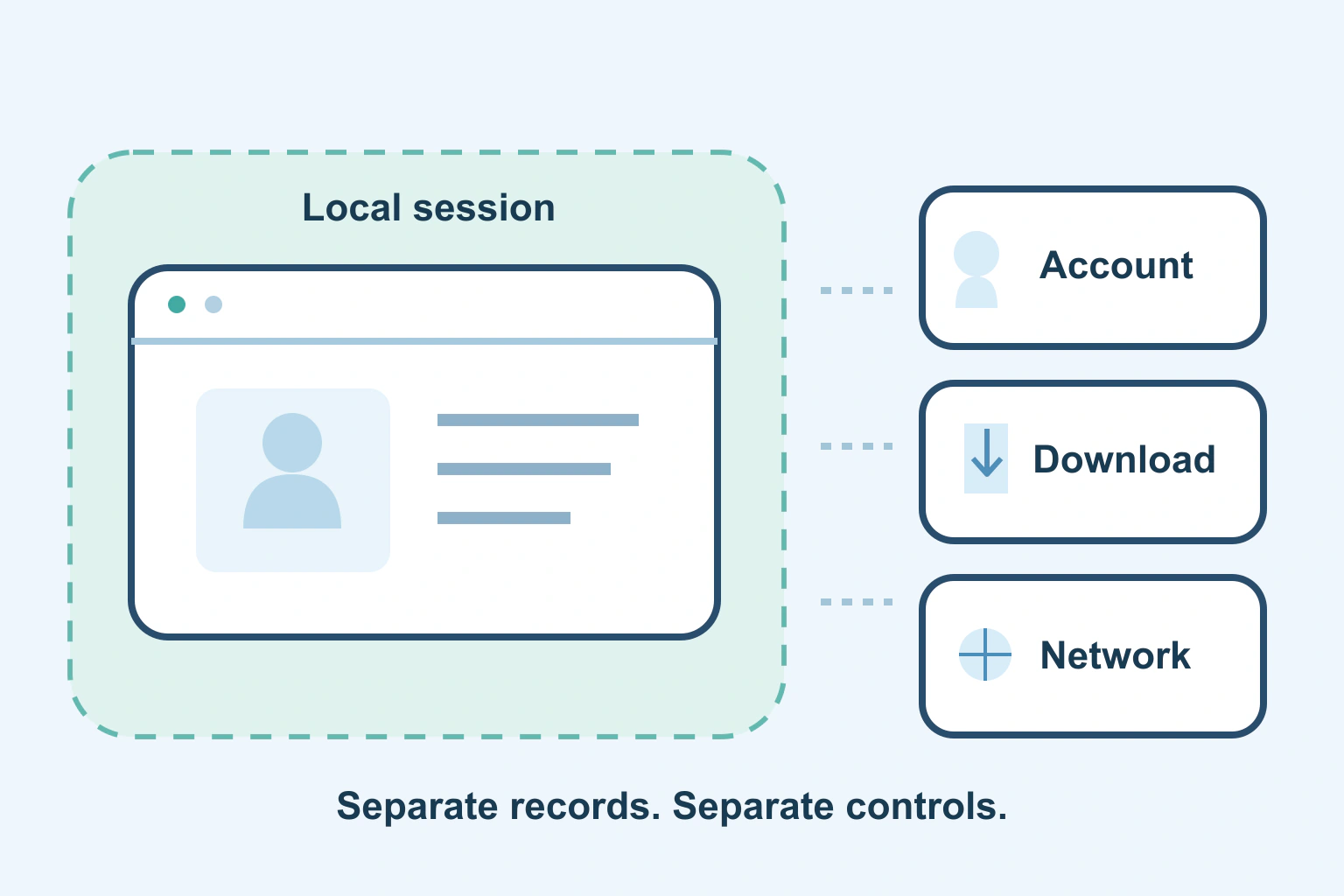
Security & BackupsExplainer
Private browsing limits local session records. Understand downloads, signed-in websites and managed networks before relying on it for privacy.

Security & BackupsComparison
Compare roaming, hotspot limits, convenience and realistic privacy. Build a travel connection plan without assuming every public Wi-Fi network is unsafe.
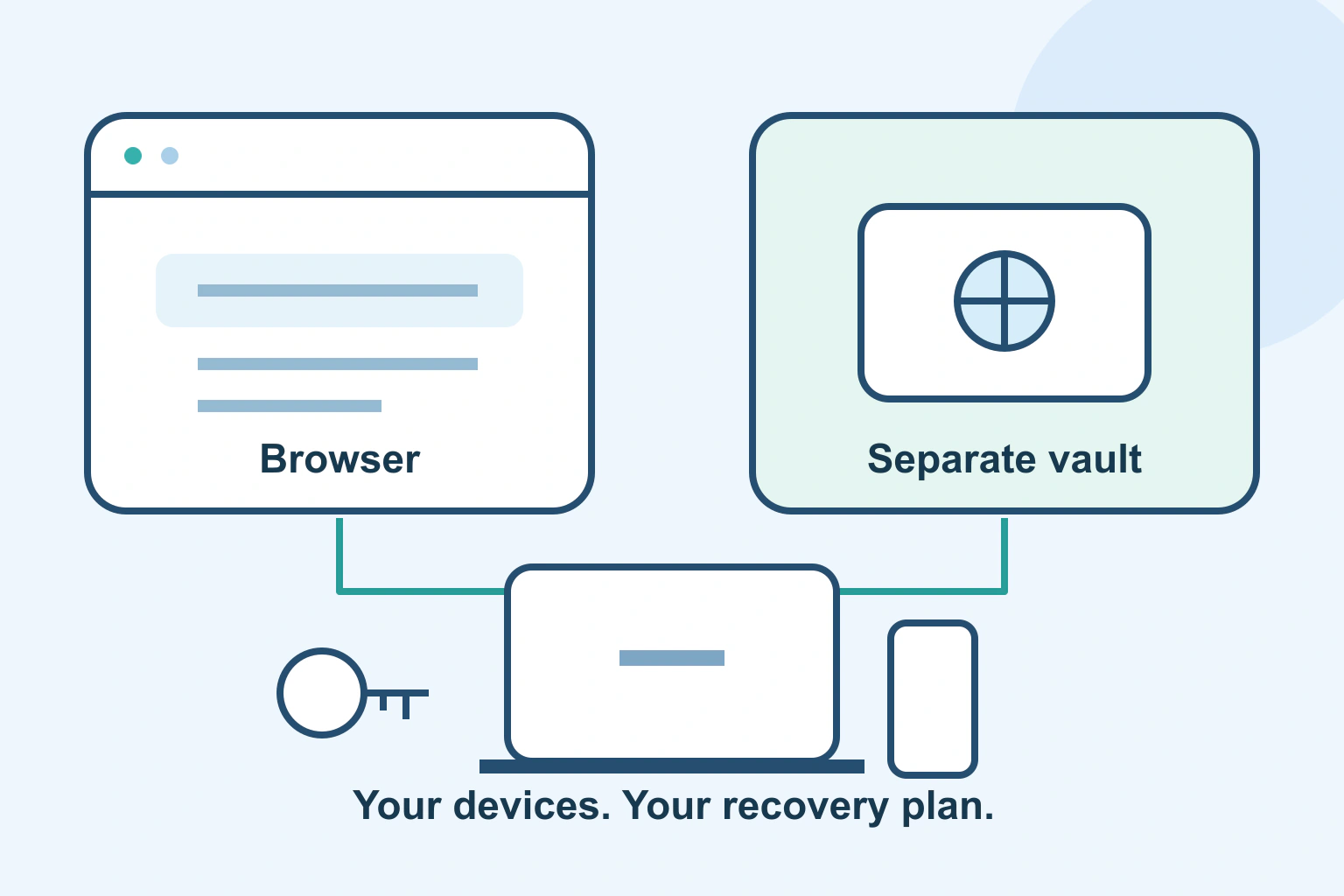
Security & BackupsComparison
Compare everyday sign-in, device support, recovery and control. Choose a password manager around the accounts you use, rather than a universal winner.

Security & BackupsTutorial
Hide message previews without losing every useful alert. Review lock-screen choices, individual apps, connected watches and a harmless privacy test.
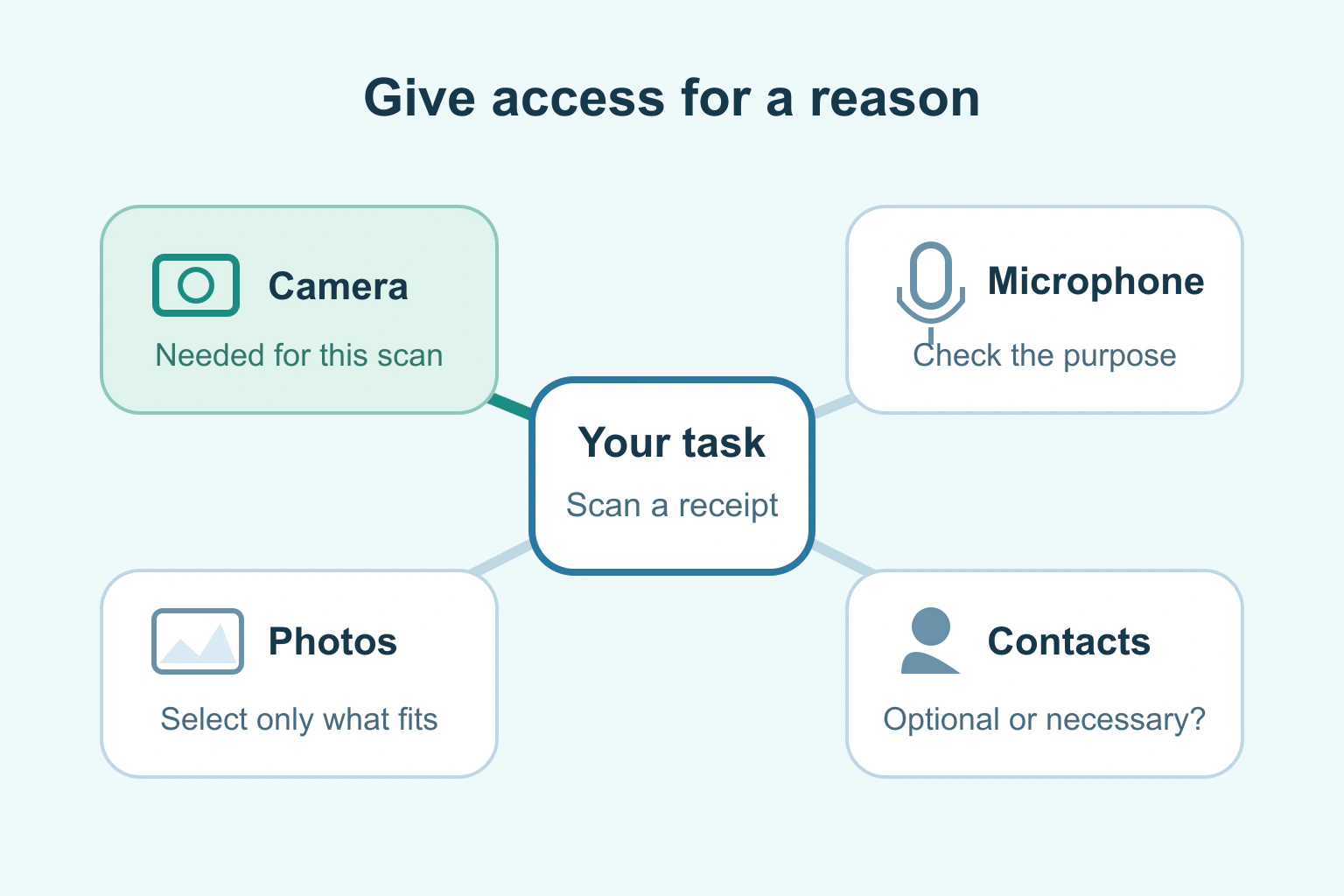
Security & BackupsTutorial
Review camera, microphone, photos and other phone permissions around the task you use. Choose narrower access where supported and check what changes.
Security & BackupsTutorial
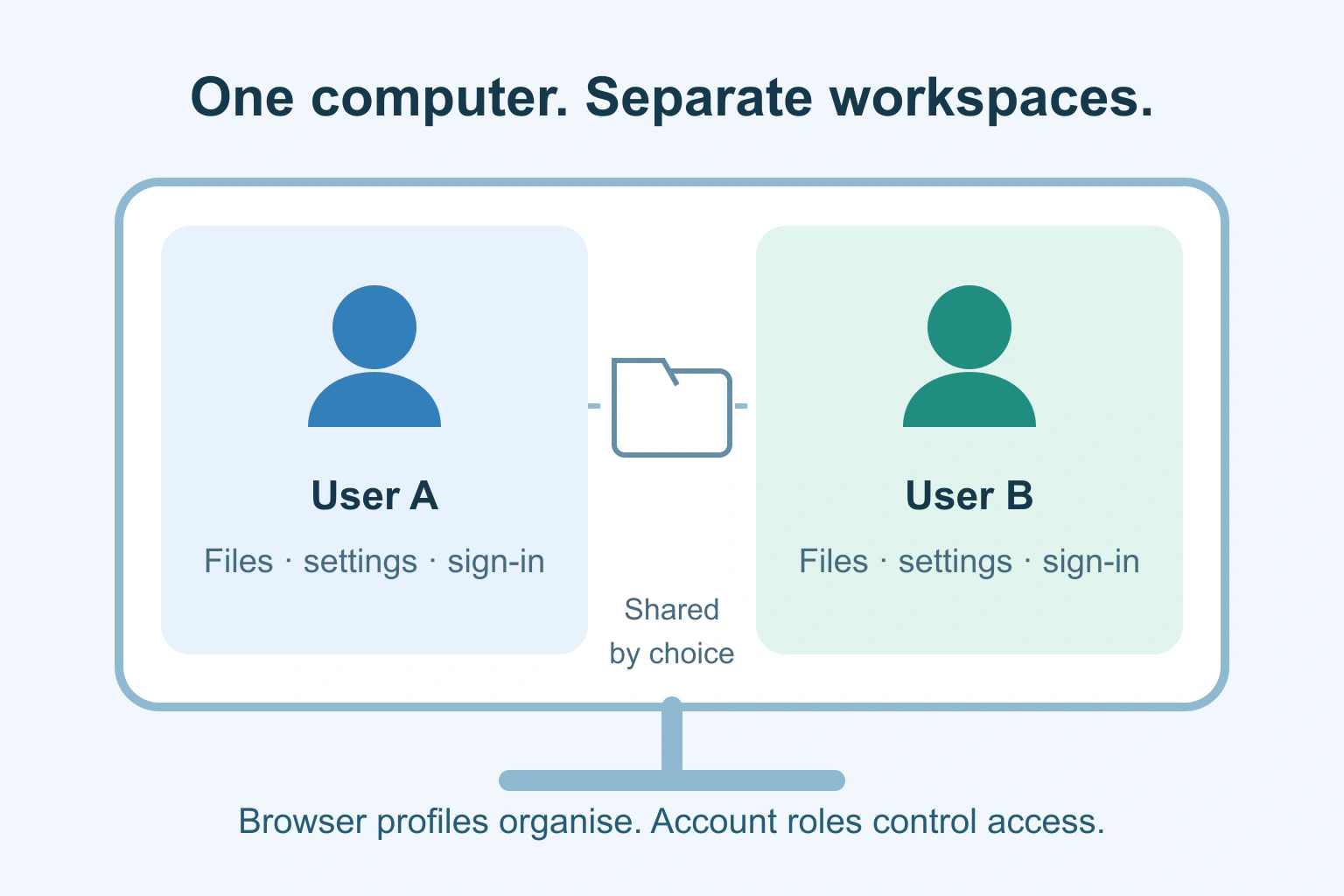
Give each regular user a separate computer sign-in. Understand browser profiles, administrator access, shared folders and a practical handover routine.
Security & BackupsTutorial
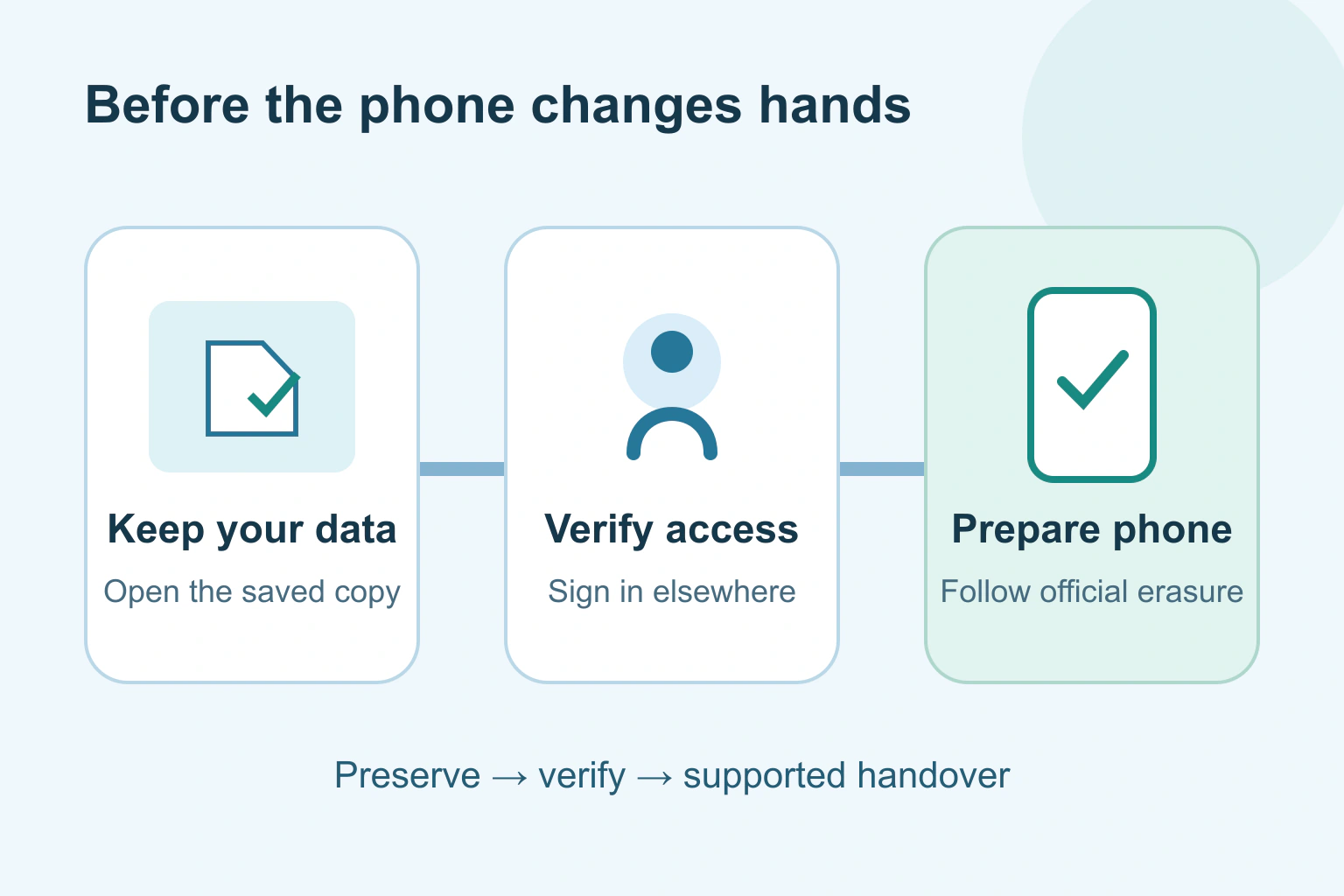
Keep your data and account access before handing over a phone. Check backups, transfers, SIMs and the manufacturer’s supported erase process.

Security & BackupsTutorial
Move a personal photo library carefully. Keep originals, distinguish capture dates from download dates and check albums, edits and videos before closing the old account.
Security & BackupsTutorial
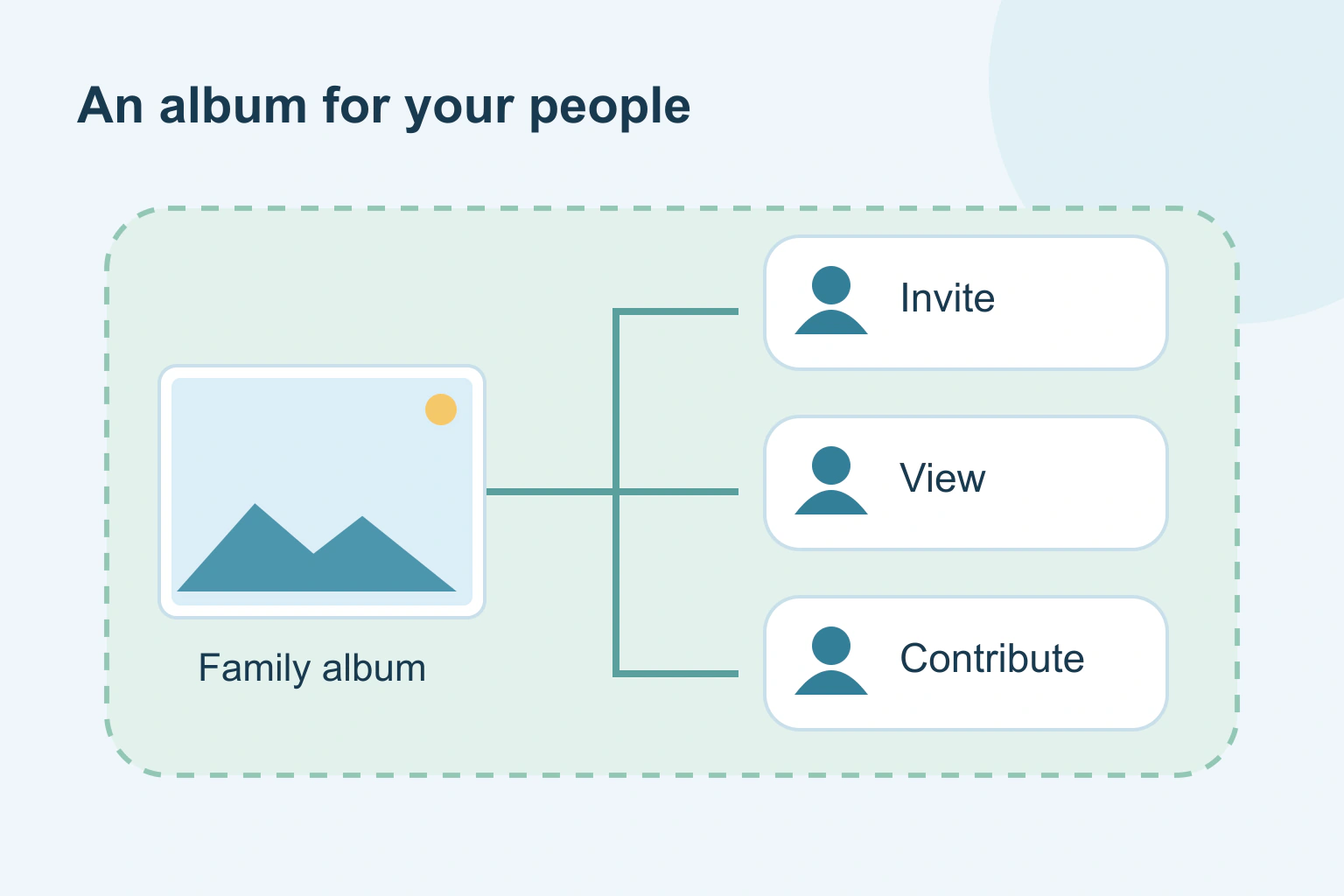
Share family photos with a chosen audience. Compare named invitations with anyone-with-link access, check permissions and understand what stopping sharing can undo.
Security & BackupsTutorial
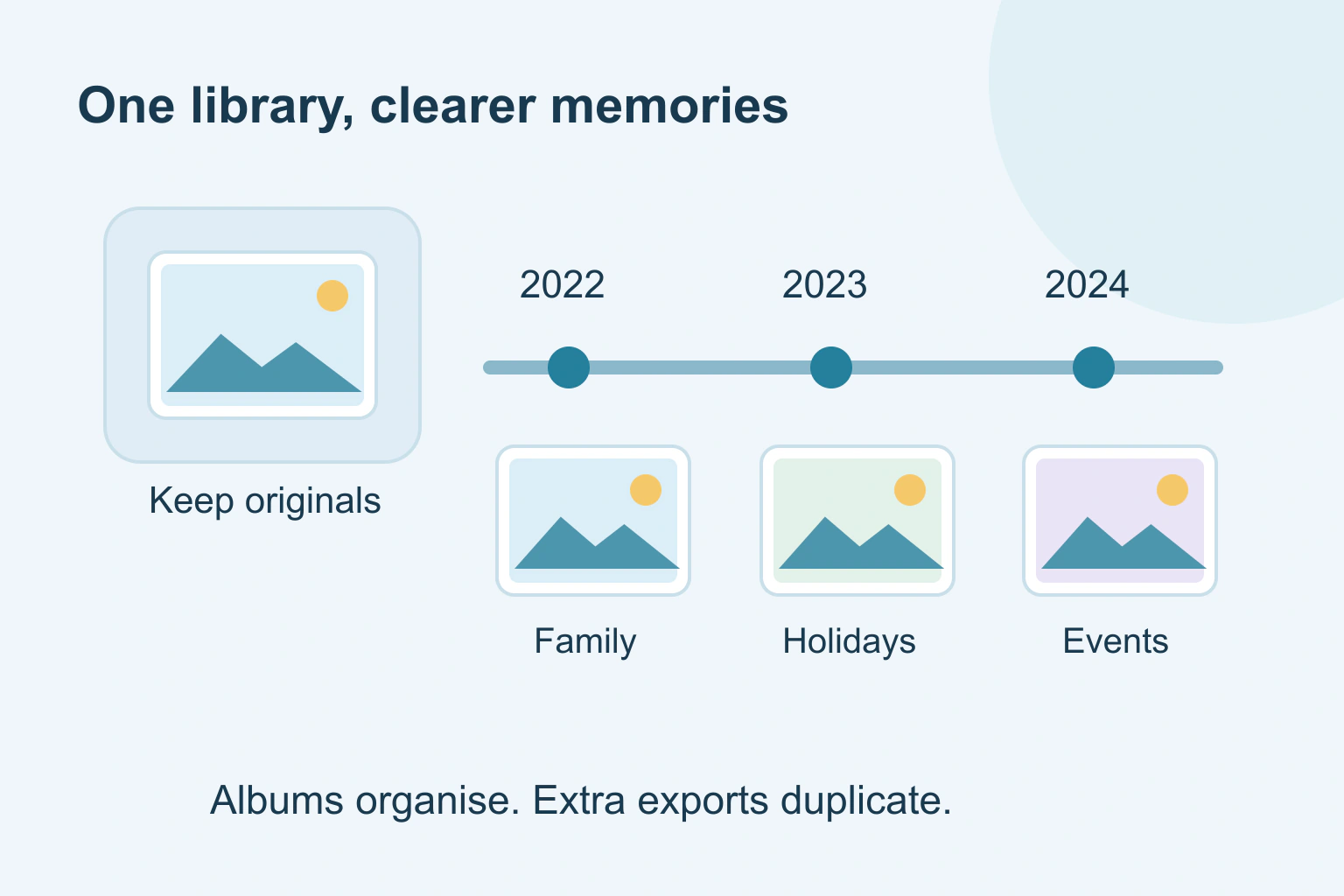
Bring order to an old photo library with a protected original set, a simple timeline and useful albums. Review duplicates without deleting different memories.

Security & BackupsTutorial
Before entering a card for a free trial, find the future price, billing date, seller and cancellation route. Learn the signs of a disguised subscription.
