Security & BackupsTutorial
SVG on a website
An accepted SVG is not automatically safe in every context. Check trusted originals, upload processing, image-versus-document behavior and a faithful raster fallback.
6 min readRead
Clear explanations and practical steps for building and running a website.
512 guides
Page 24 of 43An accepted SVG is not automatically safe in every context. Check trusted originals, upload processing, image-versus-document behavior and a faithful raster fallback.
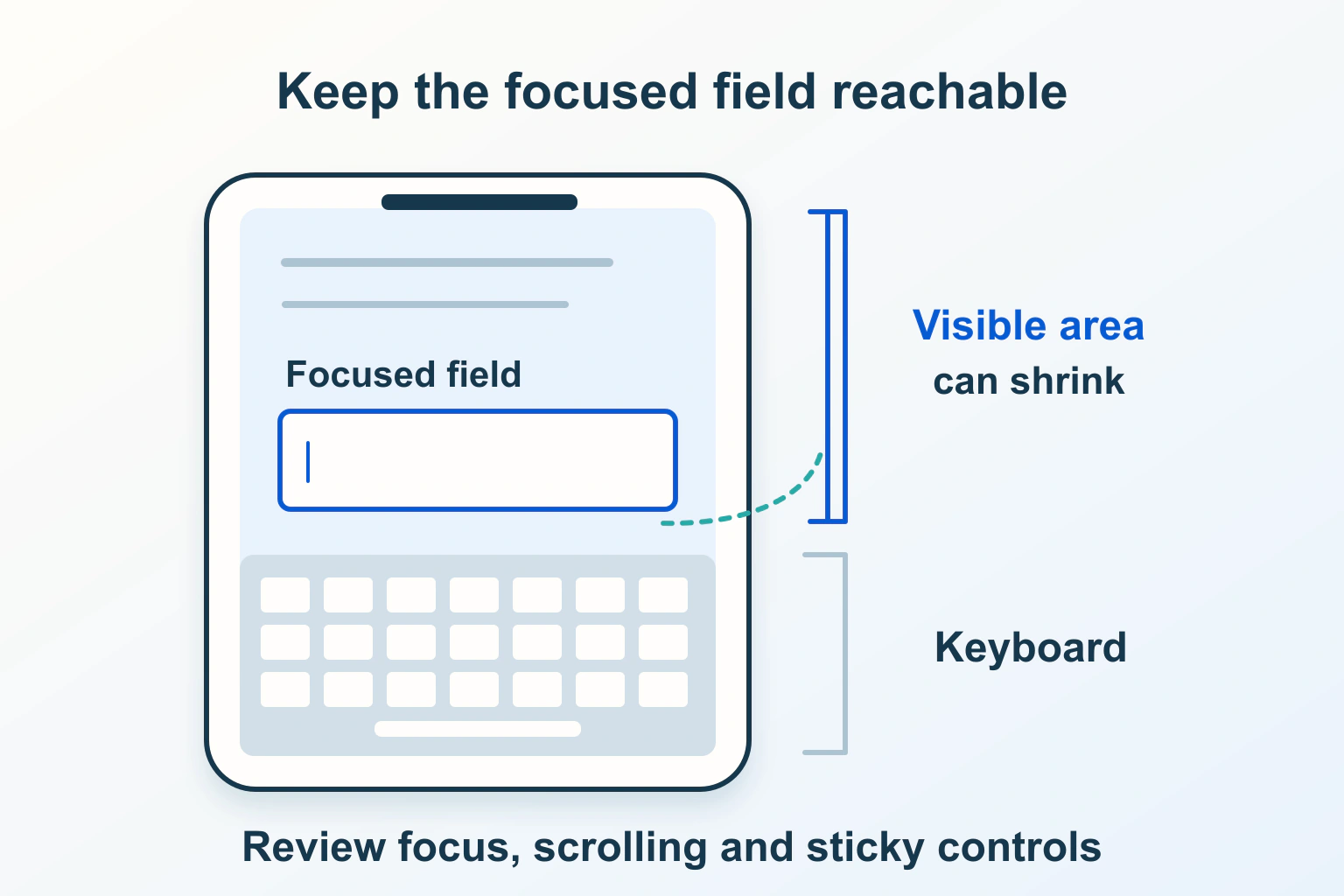
Trace keyboard-open visibility, fixed bars and scroll containers before changing viewport behavior. Keep fields, errors and the next action reachable on real phones.
Review a website in the reader-selected system palette. Preserve borders, selection, focus and chart meaning without disabling forced-color adjustments across the page.
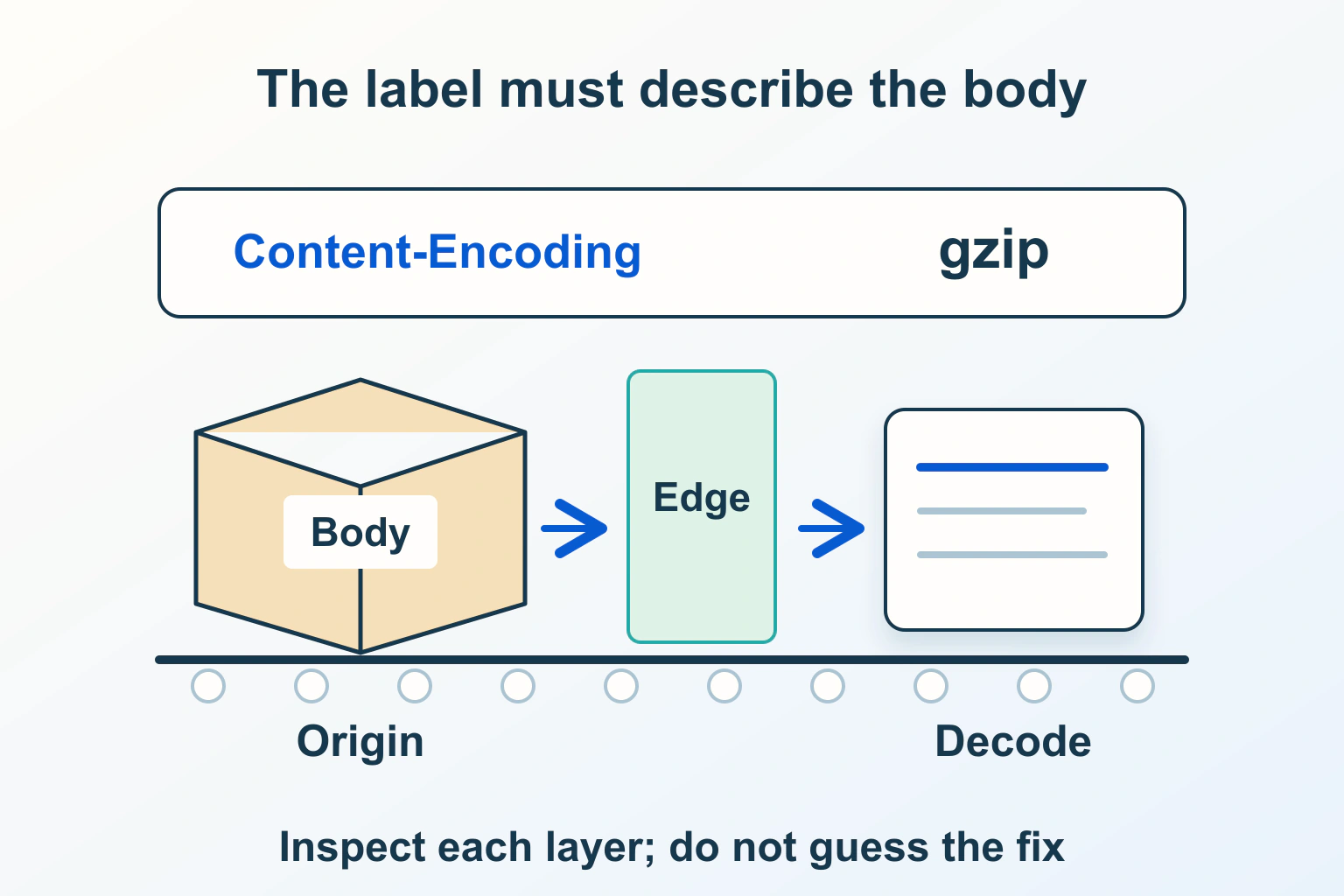
Investigate compressed-response failures without confusing them with broken accents. Compare response bytes, coding declarations, negotiation and cached variants across delivery layers.
Distinguish request-header size failures from large uploads and rate limits. Compare sessions safely, trace cookie growth and repair the writer or delivery limit that actually failed.
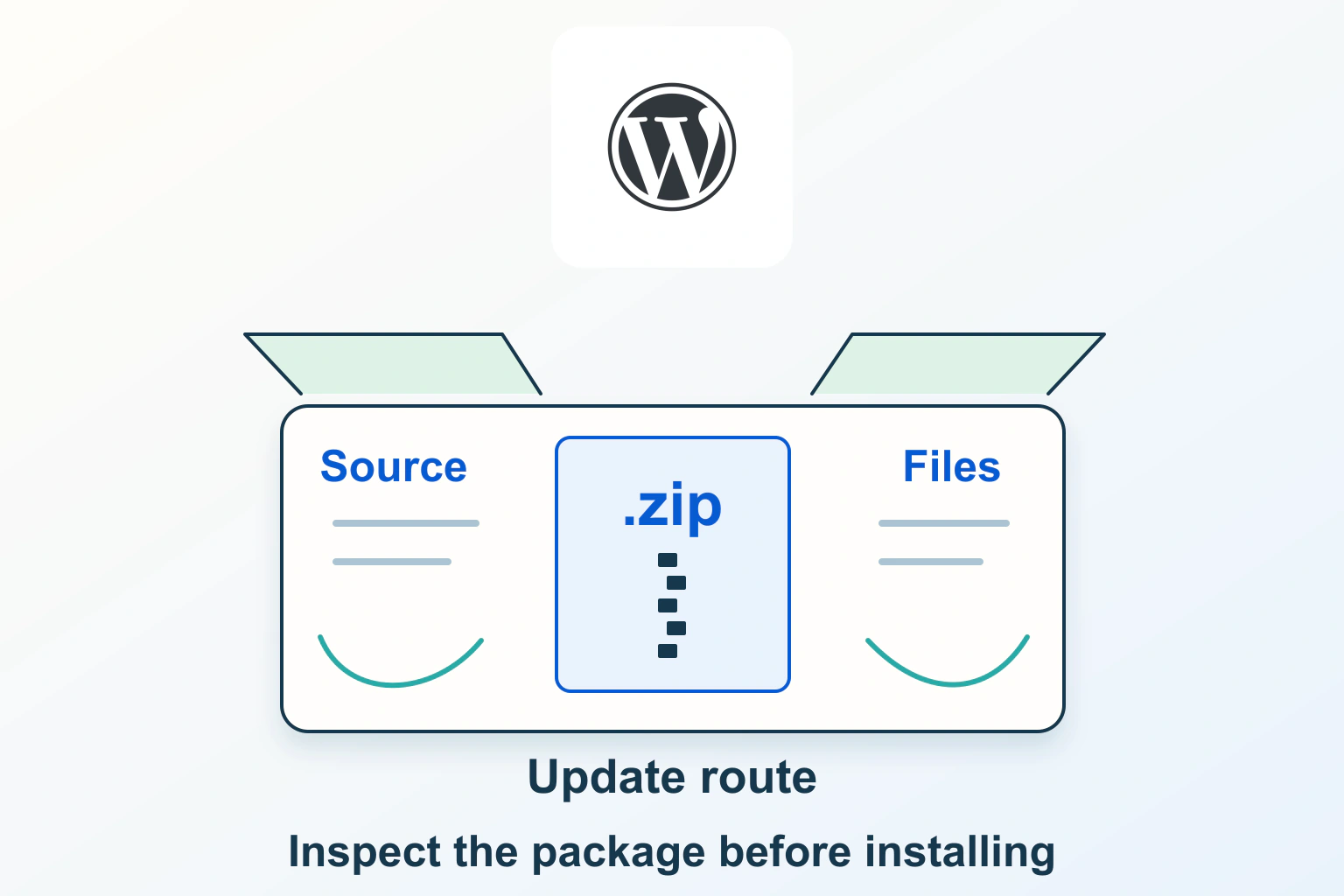
Check the intended publisher and exact package before installation. Keep evidence of where a plugin came from, what its checks prove and how updates will reach the site.
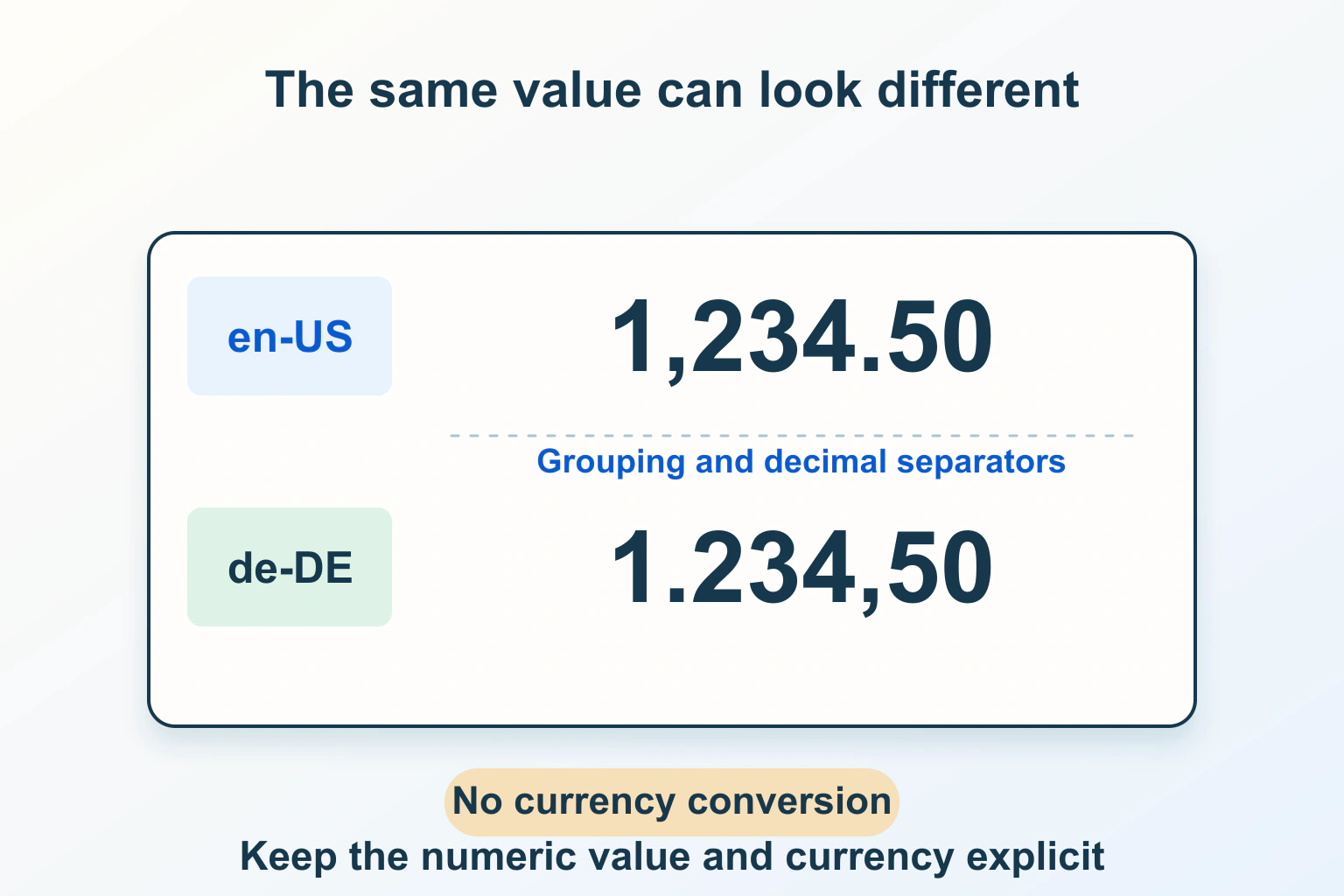
Keep the numeric value, currency and display locale separate. Use explicit formatters, review ambiguous symbols and test unusual values without inventing conversions.
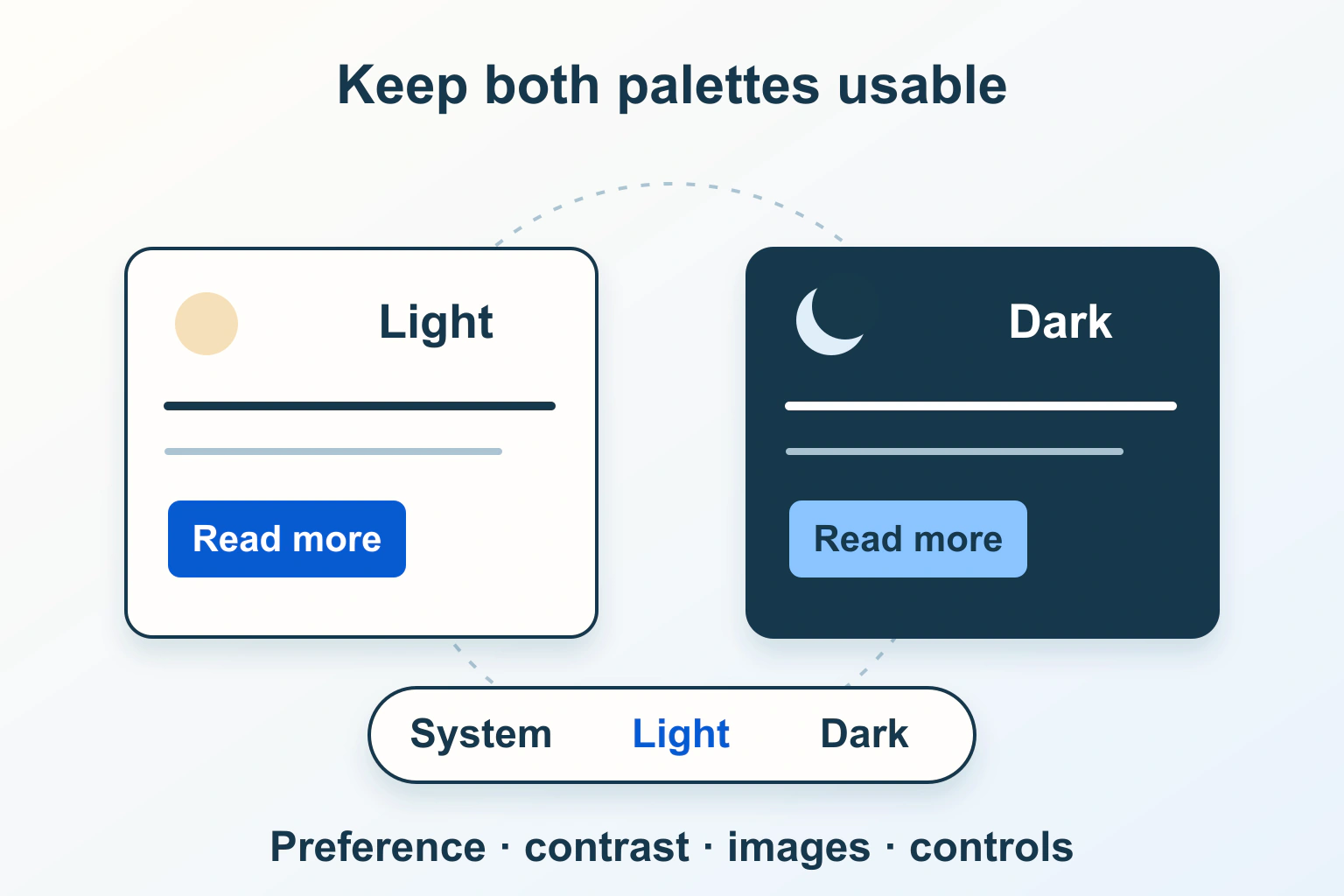
Separate the system preference from a saved override, define two complete palettes and check controls, images and real reading states before adding a dark-mode switch.
Understand why an inbox logo depends on more than a DNS record. Compare current Gmail and Yahoo requirements, certificate options and the authentication work to finish first.
Review an RTL website beyond right alignment: language, mixed identifiers, logical spacing, reading order and mobile behavior need separate checks.
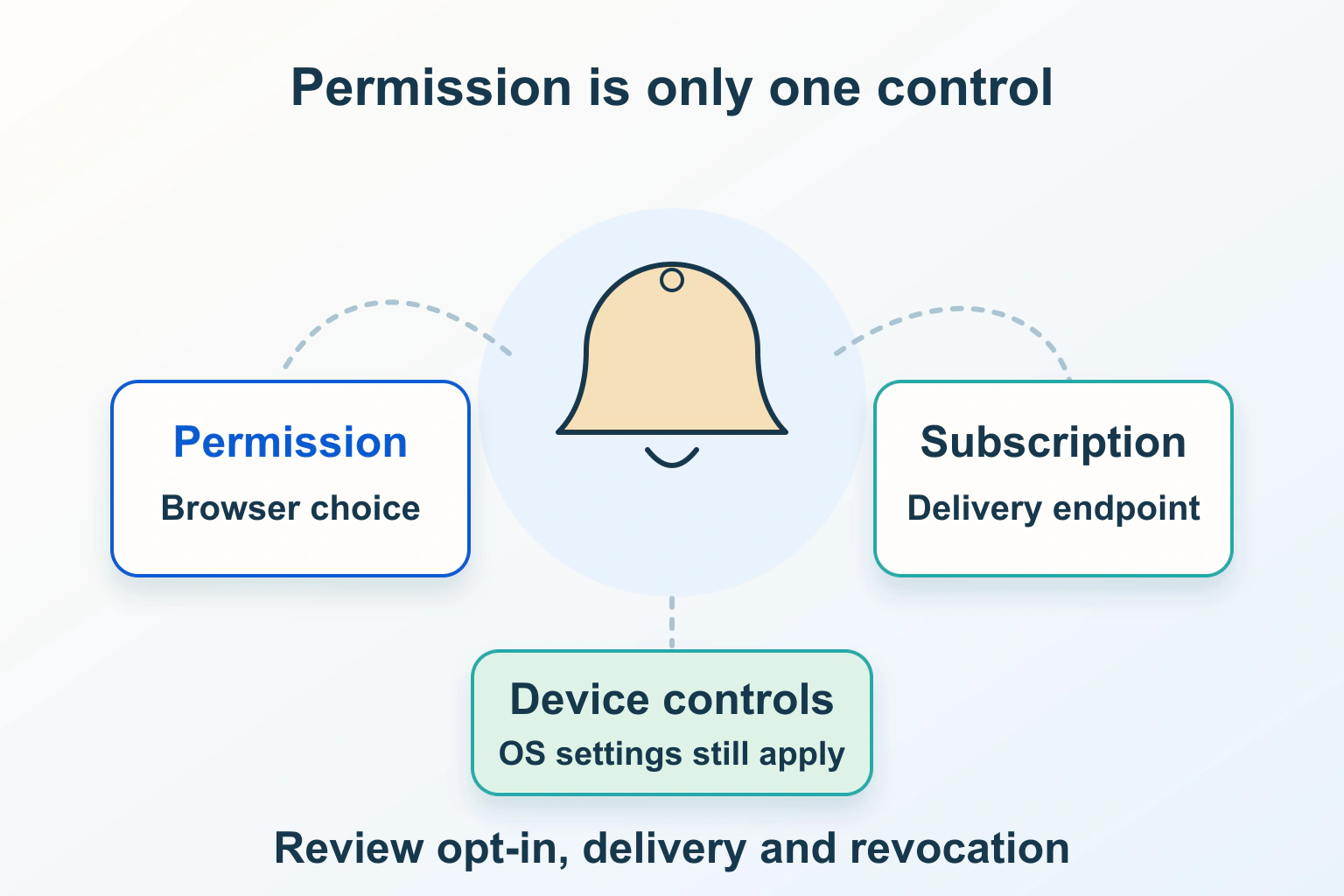
Plan useful browser alerts without confusing permission, subscription and delivery. Review device support, quiet failures, privacy and stop controls.
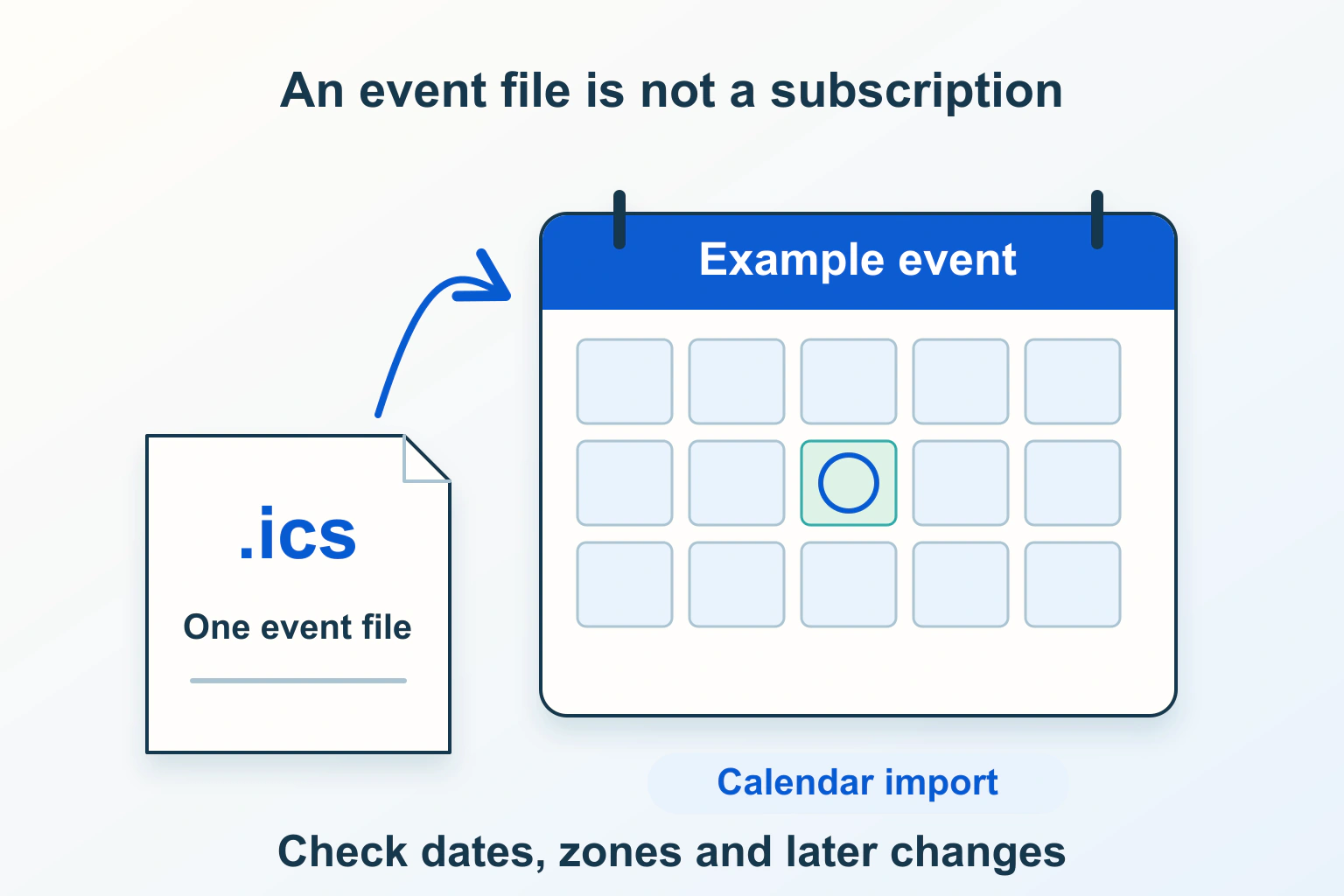
Choose a calendar snapshot or subscription, verify event facts and test imports without promising reservations, automatic updates or duplicate prevention.
Find an answer, a decision or a practical next step. Choose a topic and format: explanations, buying guides, comparisons, tutorials or editorial opinion.