 Pagember

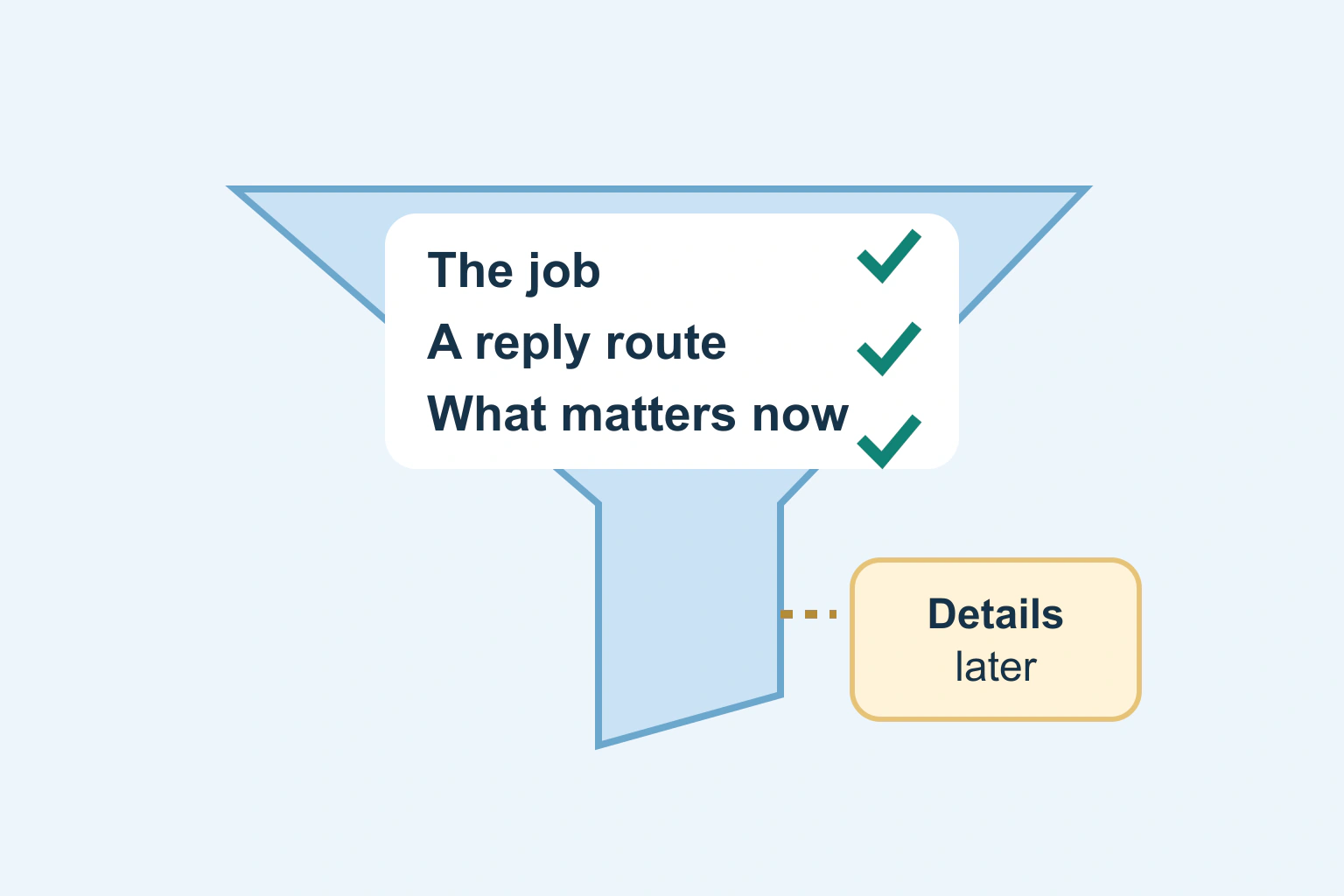
A quote-request form should collect enough information to decide whether you can help and what to ask next. It should not demand a finished specification from someone who is contacting you precisely because they need guidance. Start with the decisions the first response must make, then justify each requested answer.
Using EngageBay? EngageBay inline forms: build a clearer quote request builds this form step by step. If you are the one asking for a quote, read What to prepare before asking for a website quote.
This is a service-qualification design exercise. It is different from fixing broken email delivery or adding accessible labels. Those foundations remain necessary, but a technically functional form can still ask the wrong questions and make useful inquiries unnecessarily difficult.
Map the first response before choosing fields
Write the decisions your team makes when an inquiry arrives: whether the work is within scope, whether its location or delivery mode is supported, who should respond and what missing information prevents an estimate. For each decision, name the smallest answer that enables it.
A hypothetical garden-design studio might need the service type, approximate project location, a brief description and a reply address. A precise plant list is not necessary to decide whether a consultation is appropriate. Conversely, location can be essential when the studio only visits a defined area.
The GOV.UK question-page pattern emphasizes understanding why every question is needed. Apply that discipline without automatically splitting a small commercial form into many screens. The best grouping depends on the actual task.
Separate required, useful and later information
Required means the first useful response cannot proceed without the answer. Useful means it can improve that response but there is a legitimate route without it. Later means it belongs to an assessment, proposal or contract stage rather than first contact.
Ask the team to demonstrate the failure caused by leaving a field blank. If nobody can identify one for company registration number, full postal address or secondary phone, make a deliberate decision to remove or defer it. Do not collect it merely because a template supplied a space.
| Information | Possible first-contact treatment | Reason to change it |
|---|---|---|
| Reply address | Required when email is the chosen response route | Offer another supported contact route where appropriate |
| Project location | Approximate area if enough to check coverage | Exact address only when the first assessment needs it |
| Budget | Optional range with an unsure choice | Required only when a genuine minimum determines eligibility |
| Technical specification | Short description, optional attachment | Collect a detailed brief during the next stage |
This table is a decision worksheet, not a mandatory field list. A manufacturing estimate may need dimensions that a first consultation does not. State the real requirement and give a way to explain uncertainty rather than encouraging invented answers.
Ask about the job in the customer's language
Example form copy: the hypothetical garden studio. These labels illustrate a first inquiry; they are not a working form or a submission to a real business. Keep the studio's actual coverage and response process beside its live form.
- What would you like help with? Choices: “A new garden layout”, “Changing part of the garden” and “I am not sure yet”. The last choice lets the studio route a person who knows the problem but not its service category.
- Where is the project? Hint: “Town or approximate postcode is enough for the first coverage check.” An exact address can be requested later if needed to arrange a visit.
- What would you like to change? Hint: “Tell us what is difficult now and how you would like to use the space. Do not include access codes or private documents.”
- Email for our reply. Hint: “We will use this address to respond to this inquiry.” A genuine alternative contact route should be described separately if the studio supports one.
- Is there a date we should know about? (optional) Hint: “Explain whether it is a preference or a fixed event. This does not reserve a project slot.”
- Overview photo (optional). Explain the real accepted formats and size limit on the live form. A written description must remain a valid first-contact route in this example.
Filled description: “Water collects by the patio after rain. I would like a usable sitting area and a route to the back gate. I do not know whether the paving or drainage needs changing.” That gives the studio a problem to assess without asking the customer to diagnose the technical solution.
Action and honest confirmation: “Send project inquiry” fits the commitment. After the system has actually accepted the record, suitable copy is “Your inquiry has been received. The studio will review whether it can help and contact you at the address provided.” It must not announce a booked visit or an agreed quote; any response-time claim needs to match the business's real process.
WAI's forms tutorial supports purposeful, understandable forms with labels, instructions and grouping. Our form accessibility guide covers implementation checks so this qualification exercise does not become an excuse to rely on disappearing placeholders.
Handle budget and timing honestly
If there is a real minimum project size, explain what it covers before asking whether the prospect's budget fits. A hidden minimum followed by a compulsory exact amount wastes effort on both sides. Do not publish a false starting price just to make the form look approachable.
When a range is useful, use ranges that map to decisions your business actually makes and include an unsure option. Do not interpret that selection as permission to charge the top of the range. The later quote should describe scope, assumptions and the actual price.
Distinguish a preferred completion date from a fixed external deadline. For the hypothetical studio, an upcoming event may matter more than a vague As soon as possible response. Explain that entering a date requests consideration; it does not reserve capacity or create a delivery commitment.
Make files optional unless they are necessary
A photograph can clarify a garden inquiry, but requiring an upload may block someone who is on a different device or has not prepared images. Provide an alternative short description and state any genuine file-size and format limits before the person starts uploading.
File handling also creates storage, access and deletion responsibilities. Use the contact-form upload workflow to plan those independently. Do not ask people to upload sensitive documents just because the form builder supports attachments.
For the studio, an optional overview photograph may support routing. A complete property plan might be requested after a suitable staff member explains why it is needed and which secure route to use. That staged process can be more useful than collecting every possible document in advance.
Explain what happens after sending
Describe who reviews the inquiry, the supported next step and any genuine response expectation. If the service is short and fixed, such as a 30-minute consultation, a booking calendar may suit better than a quote form; our guide on booking calendar or inquiry form helps decide. If the business cannot consistently promise a response within a stated period, do not manufacture one. Explain whether the first reply arranges a call, asks for details or provides an initial estimate.
Keep the action label aligned with the commitment. Request a quote does not mean Buy now, book a confirmed appointment or receive an instant fixed price. If the page offers an immediate calculation, explain its assumptions and how it differs from an accepted proposal.
WAI's notification guidance supports understandable feedback after the action. Show a confirmation only for the outcome actually established by the form system. If the accepted inquiry exists but the notification fails, the customer should not be told to start again without checking the first request.
Build this form in a form tool
On WordPress, WPForms can build the garden studio form with dropdown, paragraph, email and date fields, and its paid plans add conditional logic, so the photo upload or budget question appears only when relevant. Our comparison of WPForms Lite and paid plans explains which features need a license. If you want each inquiry to land in a CRM with follow-up tasks, EngageBay forms create a contact record directly; see our walkthrough of an EngageBay inline quote form on mobile.
If you also want to show an indicative price, read when a website price calculator helps before adding calculation fields.
Review a realistic inquiry from beginning to end
In an authorized test environment, submit a synthetic request for a small garden redesign with an unknown budget and no file. Check that staff can decide whether it fits and produce the promised next response. Repeat for a location outside the service area, an urgent deadline and an inquiry that needs clarification.
Test the actual mobile keyboard, conditional fields, required-field errors and success state. Keep the form readable without horizontal scrolling. Do not grade only how attractive the empty form looks; long answers, validation messages and file names change its geometry.
If the inquiry never reaches the working process, follow our contact-form delivery diagnosis. A lower field count cannot repair a missing accepted record or broken notification route.
Improve qualification without chasing fewer fields at any cost
Review useful inquiries, not just raw submission counts. If a removed question creates repeated unnecessary follow-up, refine its wording or restore a justified version. If an answer is collected but nobody uses it, remove it from the first step. If the form must stay long, split it into steps that save and resume.
Keep a short field inventory with its decision, required status, owner and later-stage alternative. That record makes future additions reviewable. A good quote form is compact because each question earns its place, while the customer understands both what to send and what the business can honestly do next.