 Pagember


Keep WPForms Lite when a straightforward contact form and email notifications cover your needs. Pay when a specific missing workflow matters: a local entry archive, a required integration, or advanced payment controls. Buying the cheapest paid tier does not remove the WPForms Stripe platform fee. Choose the smallest plan that resolves the actual limitation, including the cost after the first year.

This comparison follows WPForms' documentation as checked on October 10, 2026 and focuses on one decision: Lite or a paid license. For an overview of WPForms as a product, its addons and templates, see our WPForms company page.
Which version fits your form?
Write down what should happen after someone presses Submit. A request that reaches an inbox, a record that staff can search in WordPress and a completed payment are separate outcomes. Decide which ones your website needs before choosing a subscription. See every WPForms plan and its price in US$ on our WPForms pricing page.
Start with the required workflow
| Your requirement | Option to investigate | Check before choosing |
|---|---|---|
| Simple inquiries sent to email | Lite | Delivery and a suitable way to retain important messages |
| A searchable entry archive inside WordPress | Basic or another suitable paid tier | Who can access it and how it will be backed up |
| A specific email marketing integration | Any plan, Lite included, for Drip; Plus for MailerLite or Brevo; Elite for the native ActiveCampaign addon | The destination service and its separate subscription |
| Conditional Stripe payment logic or the qualifying platform-fee exemption | Active Pro or Elite; Stripe Pro addon where required | Eligibility, incremental license cost and processor charges |
| More than five WordPress sites | Elite offers unlimited sites on one license | Count the sites you will maintain and compare the full annual price |
Basic already lists entry management, file uploads and conditional fields for one site. If you only need to route a form to your newsletter, match it to your email service before choosing a tier. The native ActiveCampaign addon requires Elite, even for a single WordPress site. The email platform has its own subscription. Our ActiveCampaign welcome-sequence example helps you decide what the signup needs to trigger.
Choose between Pro and Elite by licensed sites and required integrations. Pro covers five sites and can remove the WPForms fee on eligible Stripe payments with an active qualifying license. Elite is worth comparing when a sixth site or an Elite-only integration would otherwise require a different setup. Check the current plan features and renewal price before committing.
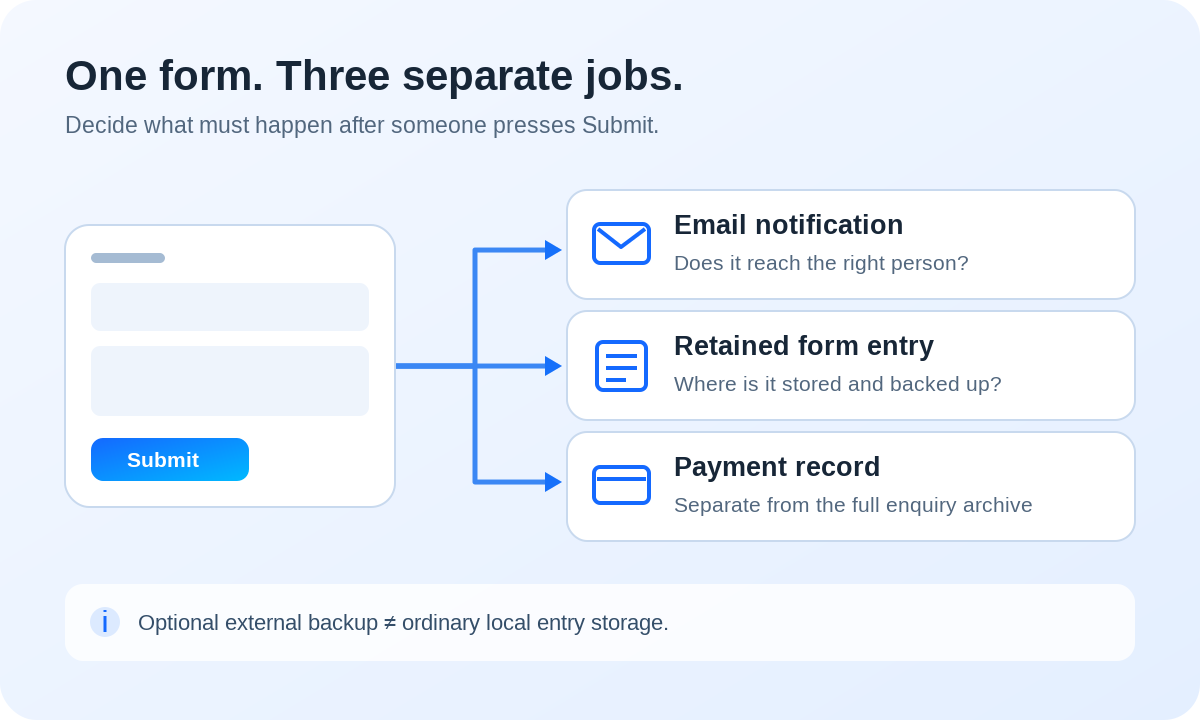
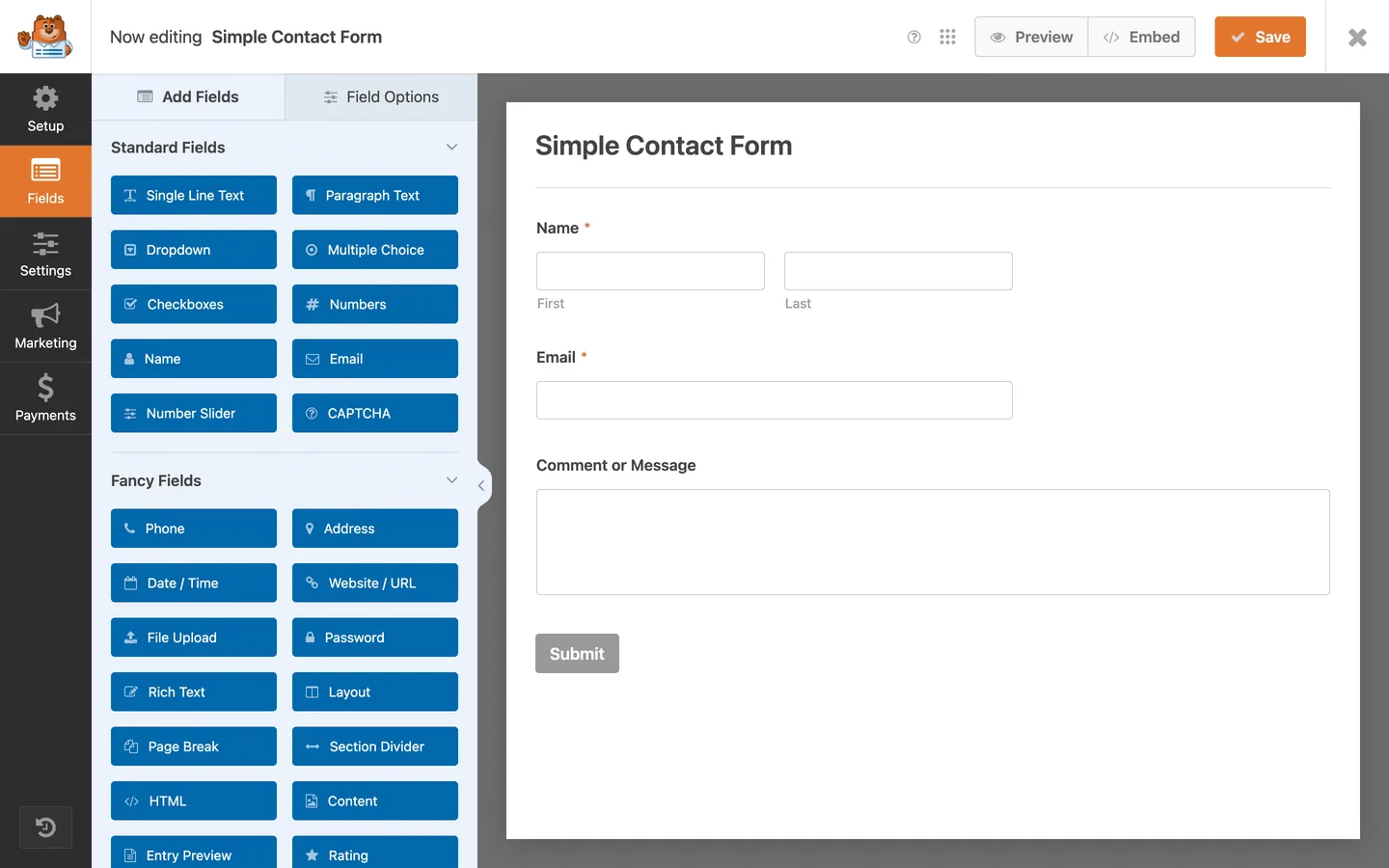
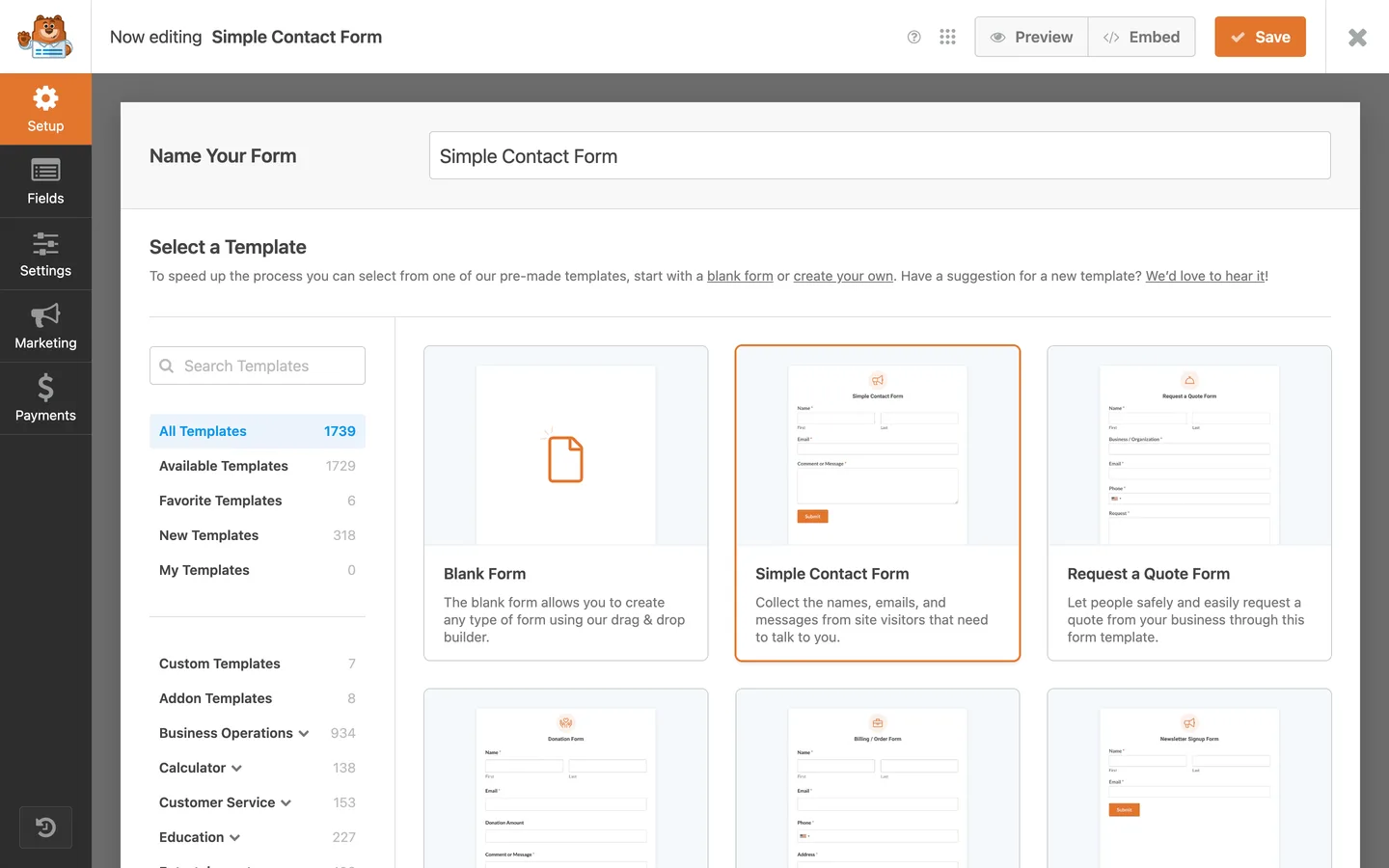
An email notification is not an entry archive
For ordinary form submissions, Lite does not provide the normal local WordPress entry database available with paid entry management. Its payment records are a separate feature; seeing a transaction under Payments does not prove that every contact inquiry has been archived. See the Lite payment documentation and entry-management documentation.
With a paid entry workflow, staff can review, export and delete saved records in WordPress. Local storage is useful when a message is missed, but it creates another data store to maintain. Limit access, decide what to retain and include the database in your backup process. A notification address should belong to someone who will actually respond.
Lite Connect is an optional external backup, not the same local archive. When enabled, it backs up new entries on WPForms servers. Each entry is kept for one year. A paid upgrade can restore the backed-up history that is still available; it cannot recreate submissions made before activation or entries that have already expired. Deleting the associated form can also prevent restoration. The total submission count is not a promise that every entry remains recoverable. Read the Lite Connect retention and restoration rules before relying on it.
Before paying to recover a missing inquiry, check whether a backup exists. The WPForms dashboard widget shows when Lite Connect backups started and how many entries were backed up. Compare that start date with the missing inquiry. Confirm the original form still exists and the entry is less than a year old. If you upgrade and the restore notice appears under WPForms → All Forms, run the restore and verify the specific entry in the paid archive before relying on it.
If customers may send confidential information, first decide whether the form needs those fields at all. Consider where email copies, local entries, exports and optional external backups will live. A plugin feature labeled privacy or compliance does not make those decisions for your business.
What changes with Stripe payments?
WPForms documents a 3% platform fee for Stripe payments on Lite, Basic and Plus, on top of Stripe's own charges. An active qualifying Pro or Elite license removes the WPForms fee; it does not remove the payment processor's fees. This is why Basic can solve an entry-storage problem while leaving the payment-fee calculation unchanged. Version comparison; Stripe Pro license requirements.
Recurring Stripe subscriptions are already supported in Lite. Eligible Apple Pay and Google Pay availability also depends on Stripe's country, device and domain requirements, rather than simply buying a higher tier. Conditional payment logic requires Pro or higher and the Stripe Pro addon. Confirm merchant eligibility and HTTPS before planning a live payment form. These details come from the official Lite Stripe guide.
Lite can also offer a free trial on a Stripe subscription plan, a setting WPForms added to every plan on November 5, 2026. The card is saved and verified at signup, the form tells the subscriber they won't be charged that day, and Stripe takes the first payment when the trial ends. See the Stripe subscription trials announcement.
What Lite gained in November 2026
Two November updates make Lite go further before you need to pay. The Front-End Form Themes Editor lets you style a form on the live page, with field, label and button styles and the Classic and Default themes on every plan; paid plans add container and background styles and 40+ ready-made themes. The Drip integration now works on every plan, so a Lite signup form can add subscribers to Drip with tags. Conditional logic on that connection starts at Basic.
If either update covers what you were planning to upgrade for, keep Lite for now and revisit the decision when a workflow from the table above becomes a real need.
Compare the annual commitment
| Plan | Introductory year | Regular annual reference | Sites |
|---|---|---|---|
| Basic | US$49.50 | US$99.00 | 1 |
| Plus | US$99.50 | US$199.00 | 3 |
| Pro | US$199.50 | US$399.00 | 5 |
| Elite | US$299.50 | US$599.00 | Unlimited |
These are the provider's global USD references, not a United States tax-inclusive checkout or a European invoice. Promotional prices apply to the initial term; renewals use the applicable full rate. Confirm tax and the final amount using your billing details on the official pricing page: wpforms.com.
Budget for continued maintenance, not just installation day. The license terms tie updates and support to the subscription and permit restrictions after expiry. Review automatic renewal and cancellation before buying. Do not assume an expired paid license leaves every form-editing or connected service available indefinitely.
When could removing 3% cover the license?
Use incremental annual license cost ÷ 0.03 as a simple fee comparison. Starting from free Lite, the US$199.50 introductory Pro cost corresponds to US$6,650 of eligible Stripe payment volume in that year. At the US$399 regular annual reference, it corresponds to US$13,300. Those are arithmetic examples, not projected sales, profit or a promise that an upgrade will pay for itself.
If you already need Basic for entry management, compare the additional cost of the upgrade instead of charging the whole Pro license to the payment decision. Use the actual upgrade quote and remaining coverage; do not assume a fixed credit. Compare the same period and currency, include applicable tax, and keep Stripe's own fees in both scenarios. A genuinely needed Pro feature can justify the purchase independently of volume.
If the only gap is a stored copy of simple inquiries, another free route is Contact Form 7 with the Flamingo add-on, which saves messages in the WordPress database.
Check the whole inquiry journey before buying more
- Submit a realistic inquiry and check the confirmation, recipient inbox and reply workflow. A working-looking form is not proof of delivery.
- Decide which fields and records you need, where they are stored, who can see them and when they should be deleted.
- Verify that your backup covers the relevant database and test restoration away from the live site.
- Check the form on mobile and with a keyboard, including validation, labels and an understandable error message; our accessible forms guide lists what to check, and the contact form spam guide covers anti-spam settings.
- For payments, use the provider's documented test mode before enabling a live checkout, and verify the exact plan, fee and renewal terms.
Your next step: solve the missing workflow, then buy only if a verified limitation remains. For missing messages, use our WordPress form-email diagnosis. For retained entries, follow our recoverable WordPress backup guide. When changing plugins, read how to test a WordPress update before it goes live.