 Pagember


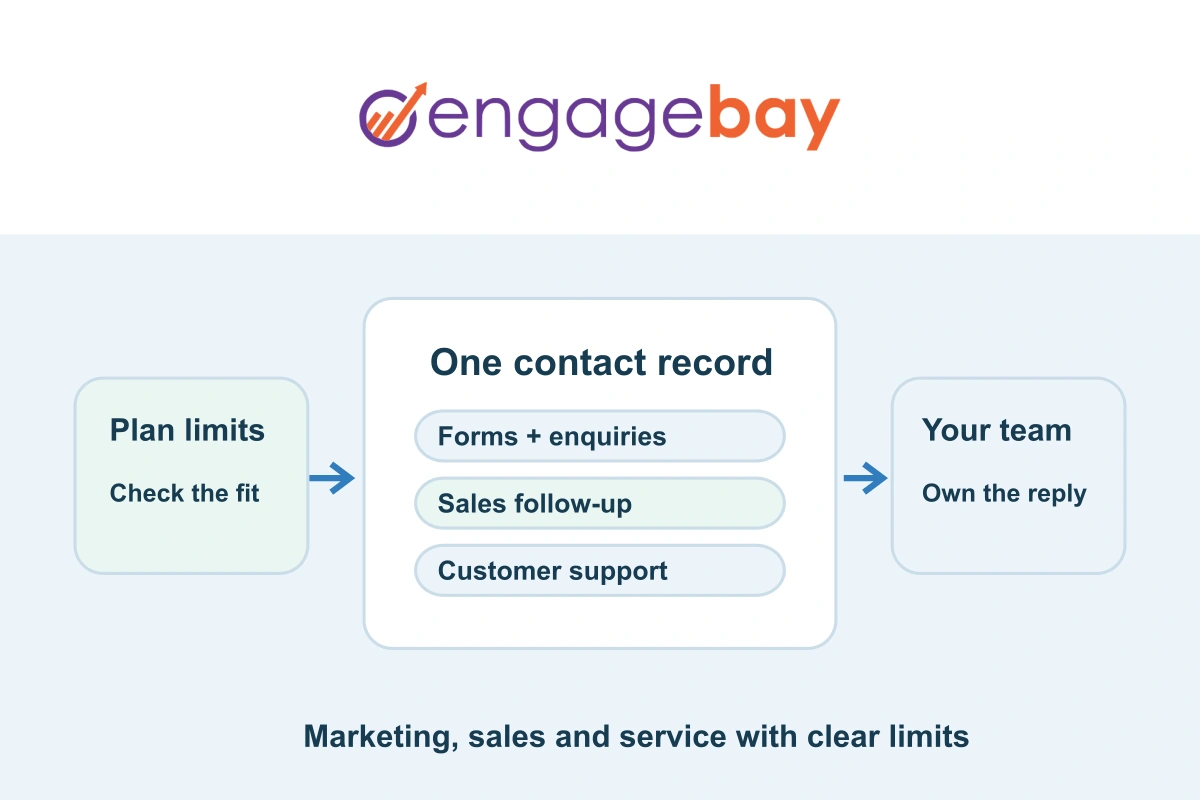
The attraction is continuity. Rather than treating a form submission as an isolated email, you can organize the person, the opportunity and the work that follows in a connected system. This guide explains that fit, the main plan choices and what to check before paying.
Where EngageBay can help a small business
| Your job | Relevant capability | A useful outcome to check |
|---|---|---|
| Keep inquiries organized | Contact management | The team can find the person and the relevant conversation context. |
| Know what happens next | Tasks and deal tracking | An owner, due date and next action can be identified for each active inquiry. |
| Collect a website response | Inline web forms | A submission reaches the intended contact record and has a clear confirmation. |
| Communicate with subscribers | Marketing tools in the chosen bundle | The message type, audience, permissions and sending allowance match the job. |
| Handle customer questions | Helpdesk and live-chat tools | The team understands who monitors the channel and when customers can expect a response. |
The system can be useful when two people currently maintain different notes about the same customer, or when the owner cannot tell which quote requests still need an answer. Those are practical reasons to investigate it. A new CRM will still need a clear process and somebody responsible for keeping the records useful.
Choose the suite before comparing the tiers
EngageBay presents All-in-One alongside separate Marketing Bay and CRM & Sales Bay offerings. This page discusses All-in-One. A plan with the same tier name in another bundle should not be assumed to include the same contacts, functions or price. Keep the bundle name on your shortlist and in any purchase notes.
All-in-One is worth considering when the same small team needs both marketing and sales work, rather than only a place to store names. If you only need one function, compare the relevant standalone offering with the whole suite. The most comprehensive package is useful when you use its connected parts; extra tools alone do not make a process simpler.
The four All-in-One plans, in practical terms
| Plan | Published contact allowance | Reason to consider it |
|---|---|---|
| Free | 250 contacts | Evaluate the fit with a small, controlled set of real working requirements. |
| Basic | 500 contacts | Consider templates, popups, lead scoring, SMS marketing and tags alongside the larger starter allowance. |
| Growth | 5,000 contacts | Evaluate automation, A/B tests, custom-domain landing pages or proposals when you have a task for them. |
| Pro | 10,000 contacts | Investigate advanced features such as custom reporting, role management and SSO if your team needs them. |
Contact capacity is only one part of the decision. Write down which people need access, the functions they must use and your expected sending needs. Confirm how the account counts contacts, what happens near the allowance and whether any required usage is charged separately. Do not treat a contact allowance as an email-sending allowance.
Every EngageBay plan side by side, with the first bill and the renewal: EngageBay pricing guide.
The official help article says removing EngageBay branding from forms and landing pages requires Growth or Pro and a request to support. That can matter if your website needs that presentation from launch. It does not mean every other type of branding is governed by the same rule.
What the main features mean in everyday use
Contacts hold the relationship. Use them for the person and the relevant history. Keep a clear source and enough context to answer without asking the same opening questions again. Avoid filling the record with unrelated personal details simply because the software offers another field.
Tasks hold the next action. EngageBay documents assigning an owner and due date, associating a contact and recording notes. A task such as “send the revised estimate by Thursday” is easier to act on than “follow up.” The value comes from making the responsibility explicit.
Deals describe a potential sale. Their visual tracking can help the team see where an opportunity stands. Define stages around real events, such as a quote actually sent, rather than optimism. A saved contact is not automatically a qualified opportunity or a completed sale.
Forms collect the starting information. An inline form can sit inside an existing website page. Decide what the visitor needs to ask, what information you need to respond and what happens after submission. The form, its confirmation and the human follow-up should tell the same story. Our guides to an EngageBay inline quote form on mobile and the details a quote form should ask for cover the setup.
Start with a small workflow you can verify
- Choose one entry point. Begin with a single quote or contact page rather than replacing every form at once.
- Define the record. Keep the source, request and chosen owner understandable to somebody else on the team.
- Define the next action. Decide what a new inquiry should receive and when your team can realistically respond.
- Run a controlled trial. Use contacts you control and check the record, task and response separately.
- Review the handover. Ask another authorized team member to find the inquiry and explain what happens next.
For example, a hypothetical studio could start with one consultation form and one daily review of outstanding requests. It would not need to automate every stage on the first day. Once the manual process works, the team can decide which repeated step would justify a plan with the appropriate automation capabilities. Our EngageBay inquiry follow-up guide walks through that first workflow.
Match a requirement to a plan
| You need to… | Capability to inspect | Plan to evaluate |
|---|---|---|
| Keep a small inquiry list organized | CRM and contact records | Free, within its 250-contact allowance |
| Use templates, popups or lead scoring | The Basic plan-card feature list | Basic |
| Repeat a marketing workflow or compare campaign variants | Marketing automation and A/B testing | Growth |
| Use a custom domain for landing pages or prepare proposals | Custom domain and proposals | Growth |
| Define staff roles or build custom reports | Role Management and Custom Reporting | Pro |
| Use single sign-on | SSO | Pro |
The public pricing page contains both summary cards and a longer feature matrix; availability symbols and limits matter. Confirm the exact feature in the selected plan rather than treating a list of product names as proof that every tier includes them. The account-settings guide specifically reserves role assignment for Pro.
Contacts, staff access and email sends are different
| Quantity | What it means for your choice | Example to write down |
|---|---|---|
| Contacts | People or records held within the plan allowance; it is not a staff-seat count. | A service business expects 420 contact records. |
| Users / staff seats | People who need account access; paid pricing is presented per user. | The owner and an assistant both need access, so price two users. |
| Email allowance | How much the chosen account can send, with its own period and conditions. | Two planned messages to 420 recipients mean 840 recipient-sends before tests or follow-ups. |
In that hypothetical example, 420 contacts fit the published Basic contact allowance, but that alone does not prove Basic covers the workflow. Two-user billing, the required functions and the email allowance are set in EngageBay's plan selector. The 840 figure is planning arithmetic, not an EngageBay quota or a recommendation to email every contact.
Black Friday 2026: 40% off all plans plus 50,000 free email credits, no code needed, first-time purchases, through December 4, 2026 (EngageBay's Black Friday page).
Read the payment commitment before upgrading
Paid plans are presented per user, and the pricing page offers different billing terms. Checkout shows the term, number of paid users, currency, taxes, total due and renewal conditions together. A displayed monthly equivalent under a longer term should not be read as a promise that payment is collected monthly.
The plan selector shows the per-user price for your billing term, and checkout shows the total. Keep written confirmation of any account limit, inclusion or extra charge that is important to your choice.
Is it the right next step?
EngageBay is a promising option to explore when your website already generates conversations and your team needs a shared way to handle them. Its connected CRM, task and marketing capabilities give you room to develop that workflow. Start with the smallest suitable plan, prove one complete inquiry journey, then upgrade for a clear requirement rather than a feature list.