 Pagember

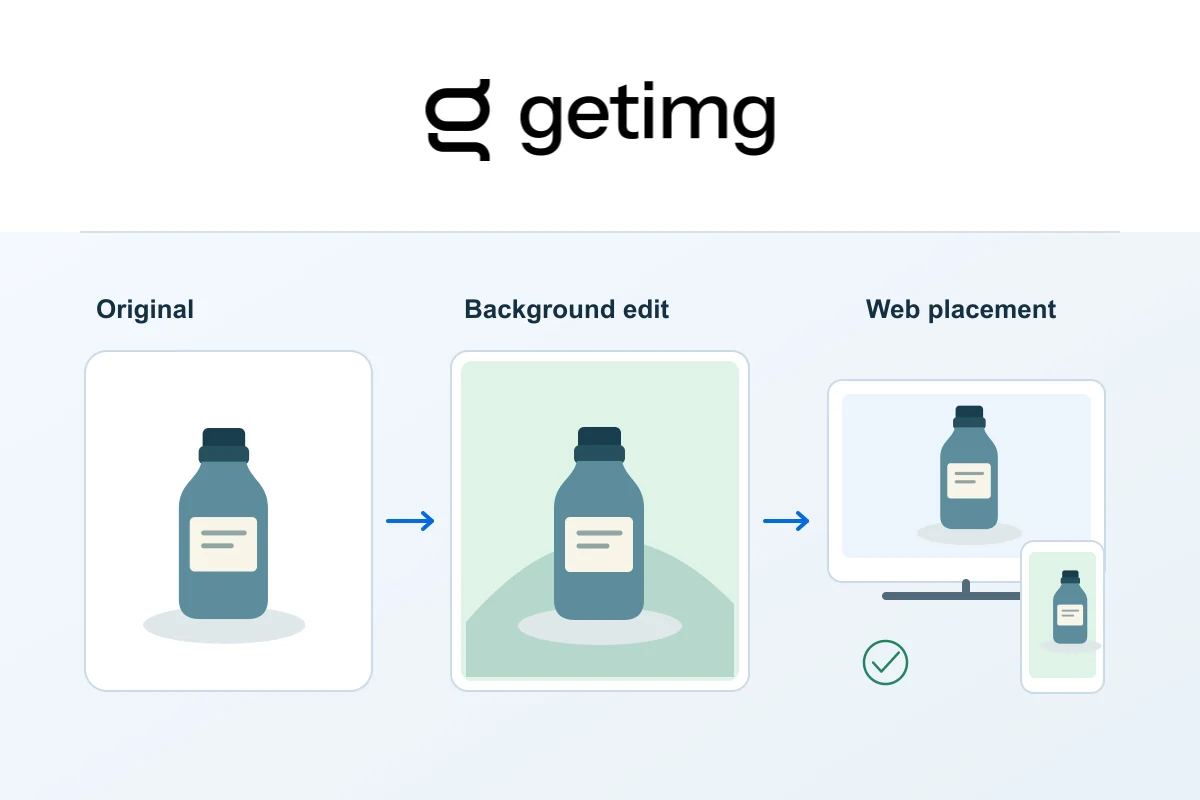
getimg.ai can help a small business explore visual directions, change an image background and prepare variations for a campaign. Its image editor accepts existing images and prompt-based changes, so the work can begin with an asset you already own rather than an entirely new scene. That is especially useful when the product should stay recognizable while the surrounding composition changes.
The first decision is what kind of image you are making. A campaign concept can be imaginative; a product page needs an accurate representation of what someone will receive. Keep those jobs clear from the beginning. A polished result is only useful when the viewer understands it correctly.
Give the image a concrete job
Write a short brief before generating anything. State the placement, the audience, the visual subject and what must remain unchanged. An article cover needs a clear topic and room for the crop; a product listing needs faithful product detail; a social campaign may need a recognisable message at a small size.
| Image job | Useful brief | Acceptance check |
|---|---|---|
| Campaign concept | Explore one visual direction for a defined audience | Does the composition communicate the intended idea? |
| Product-background edit | Change the setting while preserving the supplied product | Do shape, label, color and included parts still match reality? |
| Article illustration | Explain one topic with a distinct composition | Is it relevant, readable and clearly illustrative? |
| Placement variant | Adapt an approved direction to another aspect ratio | Are the subject and important details safe in the new crop? |
Be specific about the parts the model should not reinvent. If a label, connector, garment seam or package dimension matters to the sale, make that a review priority. Generative editing can alter small details even when the requested change concerns the background. Keep the original source beside the draft for comparison.
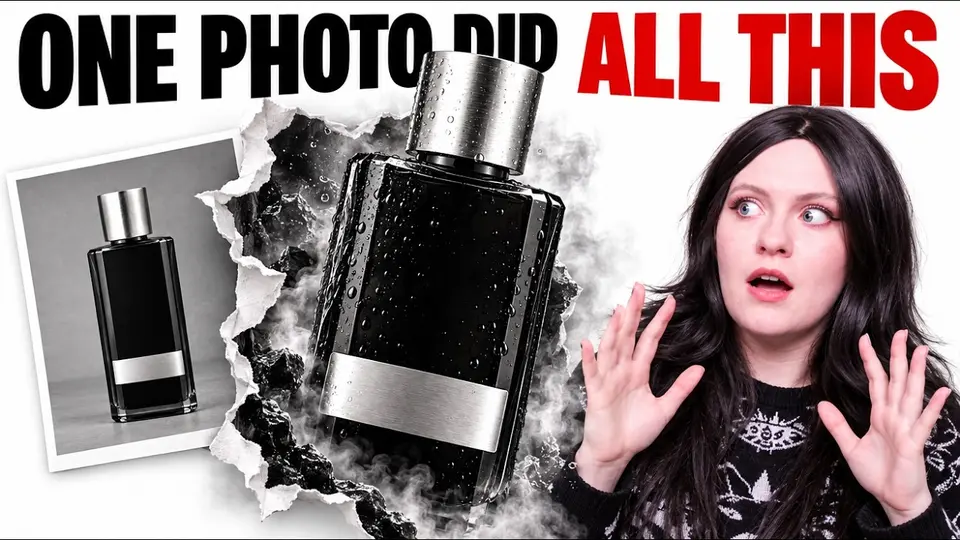 Play video: AI Product Photography: Create Campaign Shots Without a Photoshoot
Begin with sources you are permitted to use
Use your own photographs or material supplied with permission for the intended edit and publication. getimg.ai’s restrictions require the necessary rights to uploaded content and prohibit intellectual-property infringement and harmful deceptive uses. A paid subscription does not remove those responsibilities.
For a client project, confirm who owns the source image and which uses are allowed. An image downloaded from a retailer, a social profile or a search result is not automatically available for a new campaign. Keep the permission or license with the project so the final publisher can check it without reconstructing the conversation.
The FAQ permits commercial use of paid-plan output subject to the terms and third-party rights. That is useful for a business workflow, but it is not a guarantee that every generated mark, person or object is cleared for every purpose. Review the final subject and use your actual approved logo as a separate asset when brand identification is needed.
Make controlled edits before broad variations
The documented image editor accepts JPG, PNG and WebP. It describes prompt-based edits, background replacement and targeted editing, with automatic model selection. Start from a clear source image and request one meaningful change at a time. That makes the result easier to judge and the next revision easier to explain.
For example, a permitted product photograph could be adapted to a quieter background with a suitable area for nearby page text. Review the product edges and shadows after the edit. If the image has added a feature or altered the packaging, correct the result or return to the original photograph rather than relying on the styling to hide the difference. The checklist on AI product images and customer expectations covers what a buyer must be able to rely on.
Use a small initial batch to choose the composition. Once a direction is approved, refine that candidate instead of generating a large unrelated collection. Read the displayed credit cost before each action; the model and settings affect consumption. This keeps exploration connected to both the brief and the monthly production budget.
Review details at the size people will see
Inspect the chosen draft at full size, then at the actual placement size. Look for altered text, uneven edges, duplicate objects and details that could mislead a buyer. Check color and proportions against the source where they matter. A thumbnail can hide an error that becomes obvious on a product page.
For editorial imagery, make the concept recognizable without claiming it is a screenshot or evidence of a real event. If the subject is a named partner, use the complete original official logo with the required permission and clear space. Do not ask an image model to recreate a logo or present invented software controls as a real product screen.
Review representation as well as visual polish. A campaign image should not imply an endorsement, certification, product capability or result that the business cannot support. When the image is conceptual, make that context clear in the surrounding page or caption where a viewer could otherwise mistake it for documentary evidence.
Prepare the asset for the page
Choose the final aspect ratio and export dimensions for the actual placement. Keep important content within the safe crop region used by article cards and responsive layouts. A large landscape image can fail in a narrow mobile card if the subject sits at the edge. Preview both before approving the asset. When a square product photo needs to become a wide banner, getimg.ai Outpainting extends the canvas while keeping the original pixels.
Upscaling allowances differ by subscription: the reviewed plan table lists 4K on Entry, 8K on Core and 16K on Plus and Ultra. Use a larger output when the placement needs it, then optimize the delivered web file. Extra pixels are not a substitute for correcting an inaccurate product detail, and a very large file can slow a mobile page without improving its visible quality.
Write alt text for the information the image contributes. A decorative background may need different treatment from a diagram that explains a process. Name a conceptual illustration honestly and avoid describing it as a tested product screenshot. Give the final file a useful name and keep the original source plus the approved version.
A compact approval checklist
- The image has one clear job and meets the original brief.
- Source assets and the intended commercial use have the required permissions.
- Real product features, labels, proportions and included parts remain accurate.
- Any official logo is an approved original asset rather than generated lettering.
- The composition works at full size, in its card crop and on a phone-sized layout.
- The delivered file is appropriately sized, optimized and accompanied by truthful alt text.
- The final version and its source/permission record are stored together.
Build a reusable visual process
getimg.ai is most useful when the team can define and judge the work. Keep a short record of the brief, chosen model or editing route, credits used and reason the final image was accepted. Over time, that gives you a repeatable process for campaign concepts and controlled edits rather than a folder of disconnected experiments.
The strongest commercial workflow combines useful creative exploration with accurate final presentation. Start from a permitted source, make the change deliberately and review the result in the real page. That lets the tool support the brand while preserving the details the customer needs to make a decision. The getimg.ai company guide summarizes plans and the other getimg.ai workflows.
Budget getimg.ai credits and annual payment · Turn an approved image into a motion clip