 Pagember

Send-time optimization is useful only when the email remains useful throughout the allowed sending window. If a message has a fixed deadline or promises that everyone receives it at one time, define that requirement before choosing a feature that varies timing by recipient.
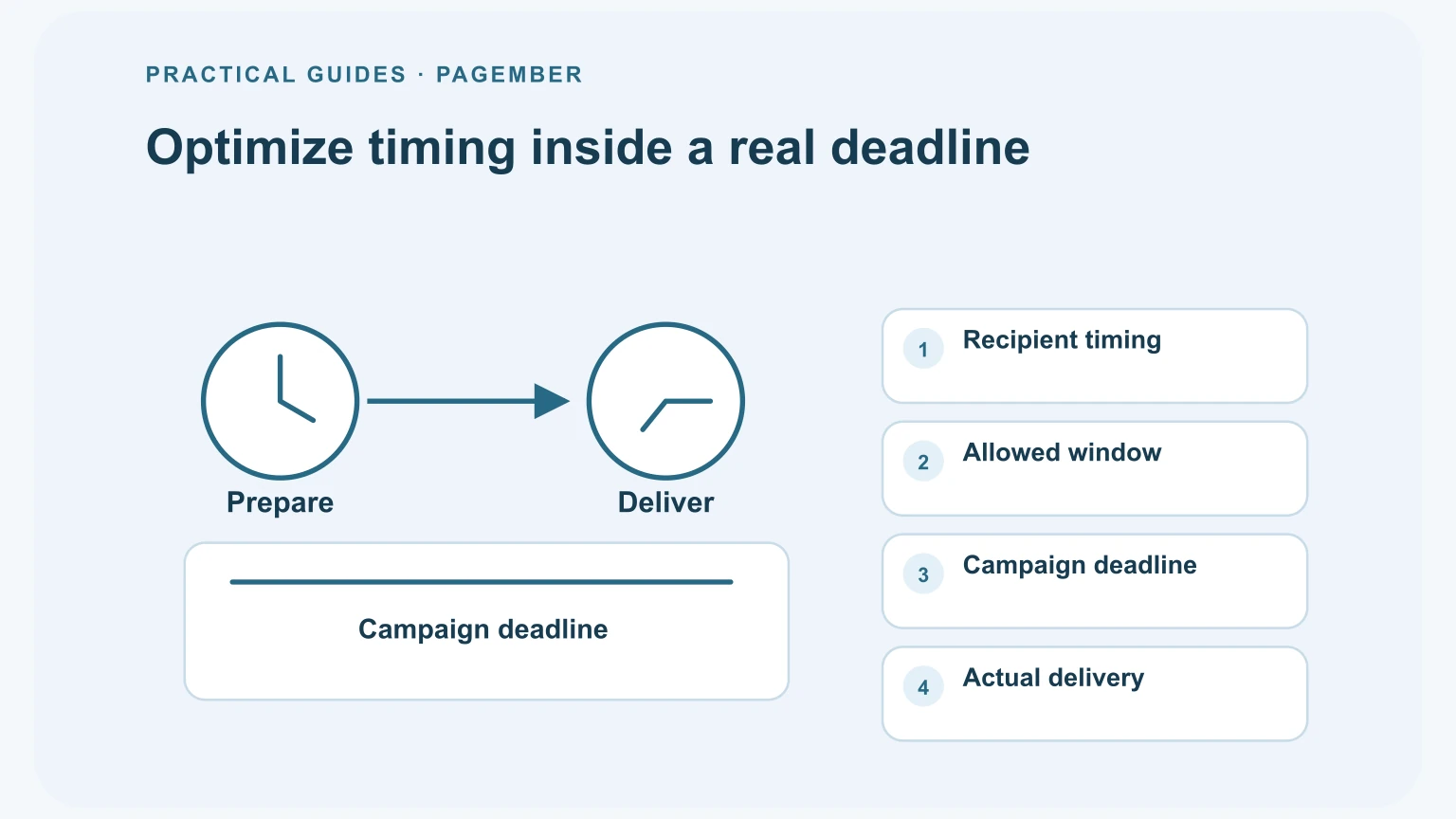
Start with the business rule, not the optimization label. A weekly reading recommendation and a same-day booking reminder have different timing needs. An appropriate setting for one can be unsuitable for the other even if both are ordinary newsletters.
Write the real time constraint
Record the earliest useful send, latest acceptable arrival and the time zone used in the message. Distinguish when the system begins dispatching from when each reader can act. The phrase send on Tuesday does not by itself describe the allowed window.
Check every deadline-dependent statement in the copy. Today, this evening and ends in two hours can become unclear when messages are intentionally distributed over time. Prefer wording that remains accurate for the permitted window or choose a more appropriate sending route.
MailerLite's Smart sending documentation describes using subscriber interaction signals and fallback behavior to choose timing. It also documents the selected-day start rules and different cancellation handling before and after sending begins. Those details belong in the decision, not only the promise of better timing.
Separate prediction from guarantee
The feature's description is a statement about how the product chooses a time, not a guarantee that a particular reader will open the message or buy. Treat the resulting report as observed behavior under that campaign's conditions.
- Can recipients receive it at different times?
- Defines whether individualized timing fits
- Is there a fixed event or closing time?
- Sets the useful delivery boundary
- What time zone governs the schedule?
- Prevents an ambiguous start date
- What happens with limited interaction data?
- Explains fallback timing
- Can the send be stopped after it starts?
- Defines the recovery plan
If you cannot answer those questions from the current tool documentation and campaign settings, keep the campaign pending. A vague assumption about what AI scheduling probably does is not a sufficient sending instruction.
A hypothetical class announcement
Imagine an art studio emailing two different messages. The first recommends a new article that remains useful all week. The second reminds people that registration closes at a particular time that afternoon.
Smart sending suits the reading recommendation, because the article is useful all week; the studio still checks the selected day and account time zone. The registration reminder goes out as a regular scheduled campaign at a fixed time that leaves everyone enough of the afternoon to register. Before using Smart sending at all, the studio also checks which fallback timing an imported subscriber with little interaction history would get.
Inspect the signals without overreading them
Know which signals the tool documents and what it does when they are missing. MailerLite describes a sequence involving clicks, opens, subscription timing and account patterns for different cases. Do not rewrite that as proof that the system knows each person's daily routine.
Consider whether your campaign's actual goal is represented by the measure you plan to review. A timely open, a useful click and a completed booking are different outcomes. Avoid calling a change successful merely because the easiest visible number increased.
Keep comparisons modest. Two campaigns with different content, audiences and deadlines do not isolate the effect of send-time optimization. Record what you actually changed and describe the results without turning them into a universal best-time claim.
Review the stop path before scheduling
Read the current cancellation rules and identify who can act if the message becomes wrong. The recovery route may change after dispatch begins. Do not assume a button available for a future campaign can recall messages already delivered.
Check the approved version immediately before enabling the send. A late change to the offer or event can make a previously suitable window inappropriate. The schedule, content and destination need to describe the same current arrangement.
For a recurring campaign, revisit the decision when the content changes. An evergreen roundup may tolerate a broad window, while a special issue added to that workflow may not.
Read the copy at the latest useful moment
Pretend the hypothetical registration reminder is opened at the latest time your sending plan permits. Does the reader still have enough time to act, and does the wording remain true? This is a content check you can perform before any campaign is scheduled.
If the copy says book this morning while the allowed window extends later, either change the message to an accurate explicit deadline or choose a route that fits the intended promise. Do not assume the timing system will repair ambiguous language.
Keep the destination page in the same review. Its opening status, availability and deadline should agree with the email at the permitted arrival time. A correctly timed message can still send the reader to an expired or contradictory offer.
Record that latest-useful-time example beside the schedule decision. It gives the next reviewer a practical constraint to check rather than an unexplained preference for optimized sending or a particular hour.
If you are choosing an email platform, see current MailerLite plans and check which features each plan includes.
Finish with a deliberate timing choice
For a deadline message, schedule the campaign for a fixed time instead and confirm the account time zone in the scheduling step, so every recipient gets it at the hour the copy assumes. The newsletter measurement guide helps interpret the interaction signals Smart sending relies on when privacy features affect open data, and the MailerLite company page summarizes the plans.
Choose optimization when its documented window fits the message and you can evaluate the result appropriately. Choose a different supported route when a fixed deadline is the primary requirement. Either way, every intended recipient should receive a message that is still accurate and still in time to act on.