 Pagember

Before starting an email A/B campaign that sends a winning version to the remaining audience, check the rule that will choose it. The system's winner is the result of a configured metric and evaluation window, not automatic proof that one message will always perform better.
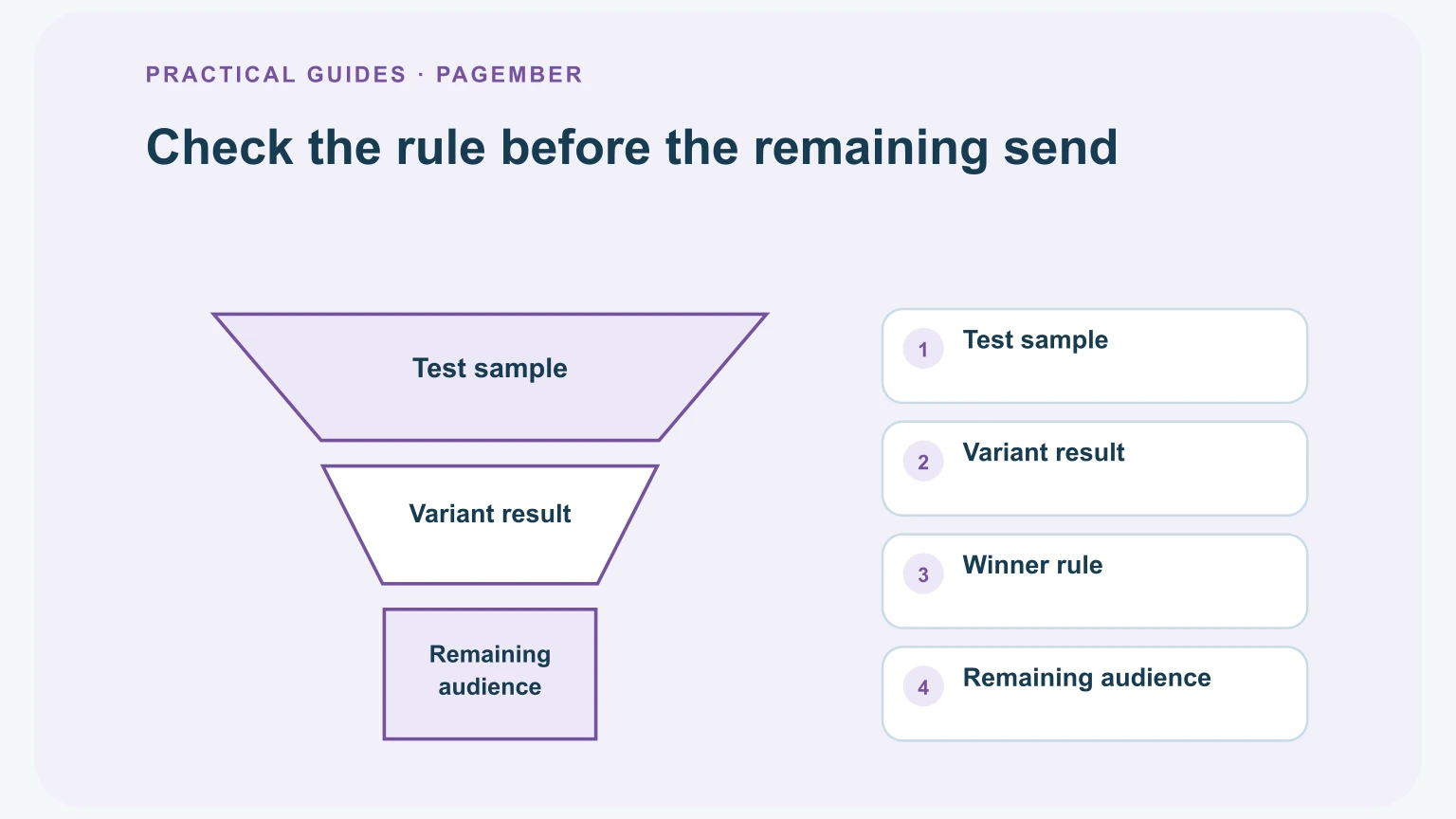
This guide uses MailerLite's documented split-test workflow as the example. The operational question is what will happen to the people who have not yet received either version. A small experiment can become a much larger send when the evaluation period ends.
Identify the people still waiting
Write down the intended recipient list, the portion receiving each test version and the portion reserved for the final send. Confirm that the campaign is actually configured for that staged approach. A full-list split test has a different delivery plan.
Check exclusions and the selected list before inspecting the creative. A perfect subject line does not repair an unintended recipient selection. If there are separate campaigns running, consider the total communication each person may receive rather than viewing this test in isolation.
The official MailerLite A/B guide describes automatic winner selection, the test period, manual selection before that period ends and a full-list option with no automatic mid-campaign winner. Use the current route for your account rather than copying settings from a legacy interface.
In the current MailerLite editor, the settings that decide the final send sit in one place:
- Go to Campaigns → Create campaign and choose A/B split campaign as the type.
- Pick what to test: Email Subject, From name or Email content.
- Select recipients, then build version A and version B.
- Set the test group size with the slider. Everyone outside the test share receives the winner later. Ticking Run A/B test on the entire list splits the whole audience instead, and no winner is sent.
- Choose the winner criteria, Clicks or Opens, and the testing period, then review and schedule.
Step 4 and step 5 together decide who gets which message and when. If you are new to the platform, the MailerLite company page and the free vs paid comparison show which plan includes the features you need.
Read the metric as a rule
MailerLite documents choosing clicks or opens for the winning decision. Select the metric because it addresses the campaign's purpose, and understand what it actually measures. A higher open rate and a higher rate of visits to a booking page are different observations.
Do not rename an engagement metric as revenue or successful registration. If the business goal is a completed action, inspect that outcome separately through an appropriate measurement setup. The platform can execute the chosen rule without proving the wider goal improved.
- Audience
- Who receives A, B and the later message?
- Metric
- What exactly makes a version win?
- Window
- When does the system evaluate and proceed?
- Final content
- Will its dates, links and offer still be valid then?
Keep the timing meaningful
Inspect when the test begins, when evaluation ends and when the remaining audience is expected to receive the result. A reminder about a deadline can lose its purpose if the test runs until after that deadline.
The documentation notes that engagement can continue accumulating after the winner was chosen, so the later report can look different from the decision-time comparison. Save the relevant configuration and decision context rather than assuming the final report must always display the same apparent lead.
If the sample produces very little information, an operational winner may still be a weak basis for a general claim. Our low-traffic experiment guide explains why a difference in a small test is not automatically a durable conclusion.
A hypothetical workshop announcement
Imagine an invented newsletter announcing a workshop registration deadline on Friday. The editor prepares two subject lines and schedules a long evaluation period. They notice that the automatic final send would occur after registration has closed.
They stop before activation and revise the delivery plan. They also check both versions' links and the final audience. The question is no longer “Which subject line wins?” but “Will the reader receive a valid, useful message while they can still act?”
In another imagined review, one version leads early in opens but the editor's chosen rule is clicks at the end of the defined window. They avoid manually declaring an early winner from the wrong metric. If they deliberately change the plan through a supported control, they record the reason instead of presenting it as the original test.
Both examples are invented to show how the audience, metric and window shape the outcome before any results come in.
Inspect both versions as deliverable messages
Read the actual subject, sender, body and links in each version. If you intend to compare one change, keep other relevant elements aligned enough to understand the result. A version with a different offer and several changed links answers a broader question than a subject-line test.
Review the message on a phone and in an appropriate test inbox. A version that clips the important link or has unreadable text should be fixed before the experiment rather than allowed to lose as an accidental design defect.
Check dynamic fields and their fallback wording too. Do not treat a successful test addressed to your fully completed profile as proof that recipients with missing fields see a coherent message.
If you are choosing an email platform, see current MailerLite plans and check which features each plan includes.
Know the stop and manual routes
Locate the supported controls before the campaign runs. The official guidance describes when manual winner selection is available and how stopping the test affects the remaining send. Do not assume a manual choice remains possible after the automatic decision has already occurred.
If the campaign status is uncertain after an interruption, inspect the current campaign record before submitting again. Recreating a send to remove uncertainty can produce duplicate messages.
Our open-rate guide helps interpret another measurement limit. Finish this setup with an understood audience, metric, time window and final message, then describe the actual results within those boundaries.