 Pagember

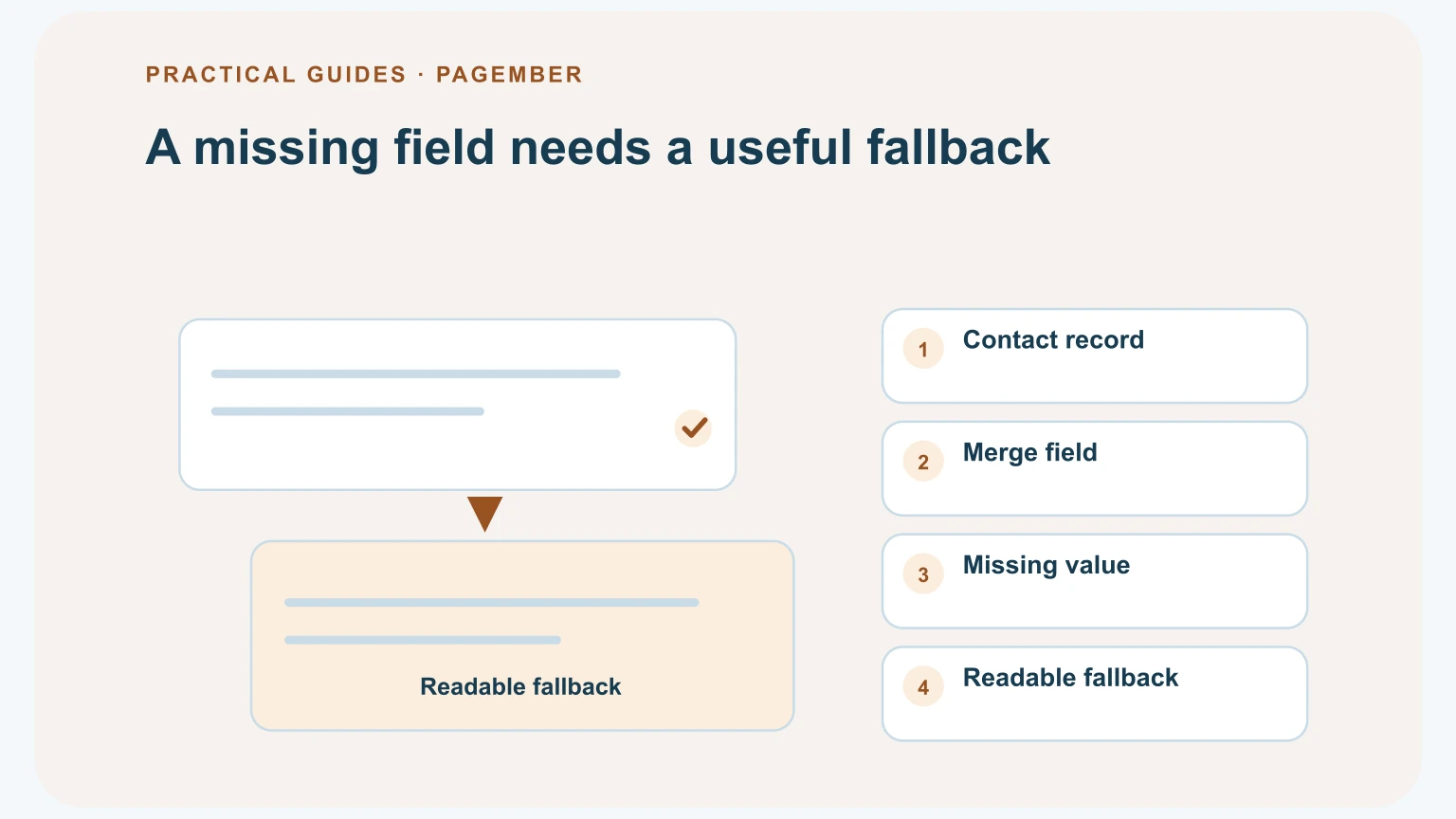
Write the sentence for both a present value and a missing one. A newsletter greeting should not become awkward or misleading because a subscriber has no first name in the expected field. A fallback is part of the copy, not just a technical exception.
This guide uses MailerLite's documented variables as the example; the MailerLite company page covers the plans. Use only recipients and test addresses you are authorized to contact.
Identify the field, not just the visible label
Check which subscriber field supplies the value and which tag the editor inserts. A field labeled Name might contain different data depending on how it was collected or imported. Inspect a permitted sample rather than assuming every entry is a clean first name. If your segments overlap, see how to prevent duplicate newsletters.
MailerLite's variables guidance documents field tags, case sensitivity and default values. It gives a fallback form such as {$name|default('Friend')}. The same guidance explains that missing data without a default can leave an empty space.
Three fallbacks that read well in most newsletters:
Hi {$name|default('there')},
Hello {$name|default('and welcome')},
Thanks for reading, {$name|default('friend')}.
Read each one aloud with a name and without: "Hi Ana," and "Hi there," both work, while "Dear {$name|default('Customer')}" tends to sound like an invoice. For a field other than the name, keep the fallback neutral, such as {$city|default('your area')}, or leave the detail out of the sentence entirely. Check the field names in your own account, because tags are case sensitive.
Use the editor's supported variable control where appropriate and confirm the actual tag. Do not invent a tag from the column label or copy another platform's syntax into this campaign.
Test the whole sentence
- Name present
- Does the greeting read naturally with the supplied value?
- Name empty
- Is the fallback appropriate and grammatical?
- Unexpected long value
- Does the layout and tone remain acceptable?
- Wrong type of data
- Should this field be corrected or avoided rather than displayed?
Use harmless controlled records for a rehearsal. A placeholder that works syntactically can still create a strange sentence or expose information the message did not need.
A hypothetical community newsletter
Imagine a newsletter for a local drawing group. Some subscribers supplied a first name; others signed up with only an email address. The editor initially writes, “Hello [name], your workshop notes are ready.”
They prepare a version with the actual supported tag and choose a neutral fallback. They read the sentence using an example name, using the fallback and with an unusually long invented name. The fallback should fit the publication's tone rather than sound like a marketing template accidentally left in place.
The editor also notices that one imported field contains an organization name instead of a person's first name. A default value does not fix a present but unsuitable value. They either correct the permitted source data or choose a greeting that does not depend on that field.
The example shows three different states: missing data, suitable data and present but inappropriate data. Only the first is solved by a missing-value fallback.
Keep the message useful without personalization
Read the newsletter with the personalized greeting removed. Does it still clearly explain why the reader is receiving it and what to do next? A first name should not carry the entire impression of relevance.
Use personalization when it contributes to the message. Do not include private or sensitive fields merely because the platform can insert them. A subject line or preview can appear on a shared screen, so consider where the chosen information will be visible.
For an essential detail, use an appropriate source and review route rather than inferring it from another subscriber field. An email domain, location label or earlier interest is not authority to guess a person's name or circumstances.
Understand the limits of test email
MailerLite explains that ordinary test emails do not exercise every variable's full behavior. It recommends an appropriate controlled campaign copy sent to yourself as a regular subscriber for proper variable testing. Follow the current instructions and keep the real audience excluded from that rehearsal.
Check the exact recipient set before any test send. A duplicate campaign is not safe merely because its title says test. Confirm the actual controlled list or addresses and review the final content. Do not use an unintended live send to discover whether the fallback works.
Record which cases were checked and how. “Layout preview looked correct” is different from “the controlled missing-name recipient received the intended greeting.” Keep those observations separate so the next editor understands the evidence.
If you are choosing an email platform, see current MailerLite plans and check which features each plan includes.
Review the delivered version
Inspect the subject, preview text, greeting and any other personalized sections. Click only the links relevant to the intended test, and keep recipient-specific management links private. A forwarded screenshot is not a suitable place to expose someone's unsubscribe or preference link.
If the value is wrong, trace it to the field and record before changing the template. If the field is correct but the tag is wrong, repair the tag. If the missing case reads badly, rewrite the fallback or the sentence. These are different fixes.
Our newsletter-rendering guide covers layout differences after delivery, while the list-migration guide covers preserving field meaning. Here the stopping point is a sentence that reads properly for the reviewed data cases, with the field, tag and fallback all understood.