 Pagember


Use EngageBay to give every website inquiry one owner, one useful record and one dated next action. You can start with a manual routine, even if the inquiry arrived through an existing form or ordinary email. This is particularly useful when a small team shares responsibility and nobody is certain who has replied.
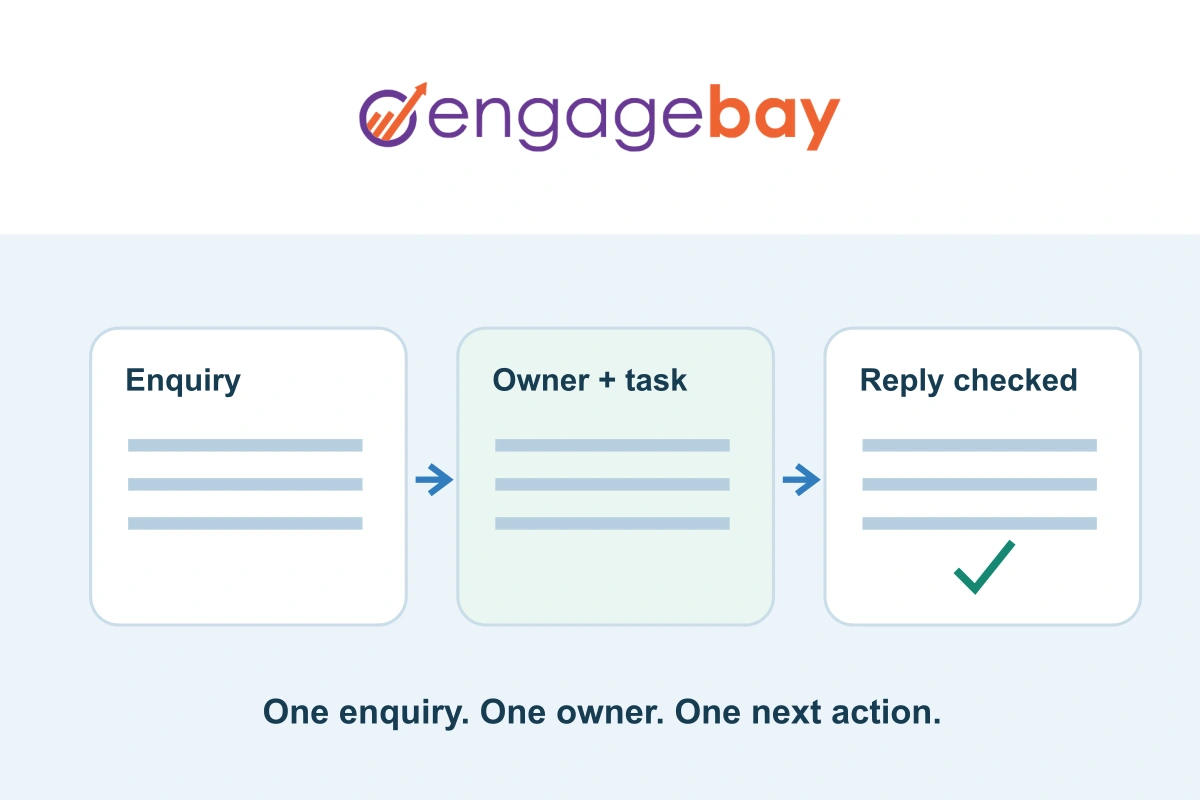
The aim is a calmer handover: somebody unfamiliar with the conversation should be able to open the record and understand what the person asked, what you promised and what happens next. This guide develops that routine for a hypothetical service studio. The studio and timings are an example. If the inquiries come from a form you have not built yet, start with the EngageBay inline quote form.
Separate the person, the opportunity and the work
EngageBay documents contact management, visual deal tracking and tasks. Give each a distinct purpose. The contact represents the person. A deal represents a possible piece of business when it becomes useful to track one. A task records an action somebody must complete. Keeping those meanings separate prevents a contact list from becoming an unclear mixture of requests, customers and reminders.
| Record | Illustrative entry | What the team should learn |
|---|---|---|
| Contact | Alex, asking about a studio booking | Who is speaking to us and how should we respond? |
| Deal | Possible booking for a workshop | What opportunity are we assessing, and where does it stand? |
| Task | Check availability and reply by Tuesday | Who does the next piece of work, and when? |
You do not have to turn every message into a deal. A request for an opening time may need a simple reply and no sales record. Use a deal when there is a meaningful opportunity to track, not merely because somebody sent a form.
A complete inquiry, filled in
Worked example: Alex asks whether a studio can run a Saturday workshop for eight people. Jordan handles the reply. The studio has not yet checked availability or quoted a price. The entries below are hypothetical and the stage names are an editorial example, not mandatory EngageBay defaults.
| Step | Entry to make | What closes this step |
|---|---|---|
| 1. Find the person | Search for Alex’s email. Use the matching contact, or create one if there is no match. | One contact represents this person; the inquiry is not duplicated. |
| 2. Record the request | Website inquiry: eight-person workshop; Saturday requested; date still to be chosen. | A colleague can understand the question without guessing. |
| 3. Open a relevant deal | Workshop for eight — Alex. Stage: Inquiry. Owner: Jordan. Value: not yet quoted. | The possible booking is distinct from a confirmed sale. |
| 4. Create the first task | Confirm workshop availability. Owner: Jordan. Due: next working day. Link Alex and the deal. | Availability has been checked and an accurate reply sent. |
| 5. Send the options | List the available dates and the studio’s actual price and booking terms. Move the example stage to Options sent. | The customer has the information needed to choose. |
| 6. Wait with a reason | Record the question still open. Add a review date consistent with the promised response window. | Alex replies, declines or reaches the agreed review point. |
| 7. Record the decision | If confirmed under the studio’s booking rules, record Booked. If declined, record the reason offered, without inventing one. | The deal reflects the actual outcome, not merely that a quote was sent. |
| 8. Finish or hand over | Close the completed reply task. Create a delivery task only if there is genuine booked work to do. | The next responsible person can see their task and its due date. |
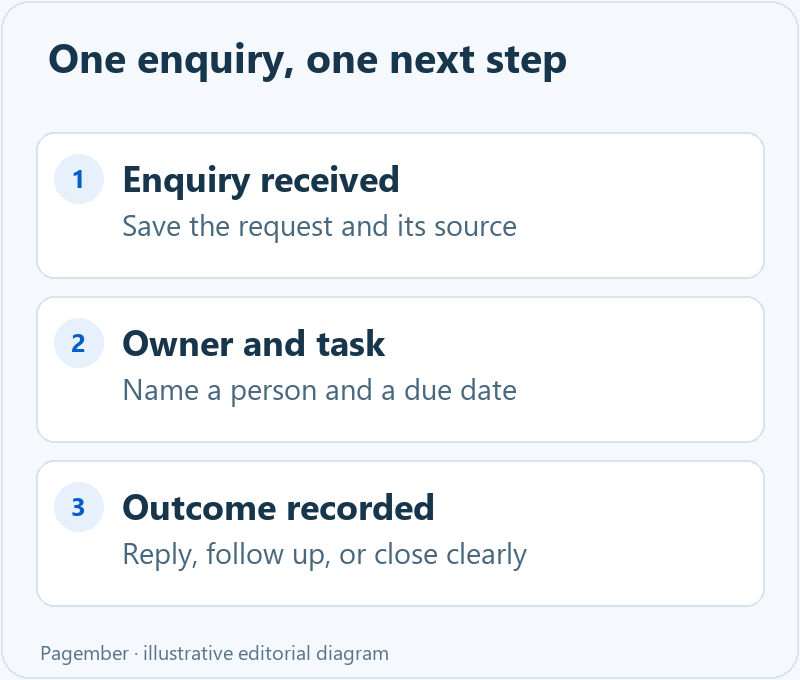
A reusable first reply: “Hi Alex, thanks for asking about a workshop for eight people. I’m checking the Saturday availability and will reply by [a time we can meet]. Is there a particular date you prefer? The booking is not confirmed yet.” Replace the bracketed text before sending. Do not promise a deadline you cannot monitor.
The saved handover after sending: “Jordan checked availability and emailed the actual options. Waiting for Alex to choose a date. Review on [agreed date]. No booking or payment confirmed.” This is more useful than a note saying only “followed up.”
Write a short intake note that answers the basics
Before adding a new contact, search the account for the person using reliable information such as their email address. If you find an existing record, check that it really belongs to the same person. Do not create another record solely because the spelling of a name changed or a second inquiry reached a different colleague.
A useful intake note has five parts: the inquiry date, its source, the actual request, the relevant deadline and the next agreed action. Keep the original meaning when summarizing. If the visitor asked for a callback, do not silently convert that into permission for promotional campaigns.
For the hypothetical studio, the note might read: “Website inquiry, 21 October. Alex is asking whether a Saturday workshop can accommodate eight people. Needs an availability reply before choosing a date. Jordan will check the calendar and reply tomorrow.” This is enough to explain the work without reproducing a long email chain or collecting unrelated information.
Create an action that can be completed
The documented route is Sales → Tasks → Create Tasks. Enter the task name, type, priority, due date, status and owner; associate the relevant contact or deal, add the useful note and save. Confirm that the saved task appears in the list. Navigation can change, so use the current account help if a label differs.
- Use a specific title. “Confirm Saturday availability for Alex” makes the work recognizable in a shared list.
- Choose one responsible owner. A colleague may help, but everybody should know who checks that the action is finished.
- Set a realistic due date. Use the promise made to the customer and your actual operating hours.
- Link the relevant record. The owner should not have to search a different inbox for the request.
- Add the completion condition. For example, the customer has received an availability reply, not merely that a draft exists.
EngageBay also documents an email reminder option. Its account settings include task-notification controls. A reminder can help, but it is not the work itself. If a notification is missed, the task list should still make the responsibility visible. Check time zones and the date shown in the account before relying on an urgent reminder. See every EngageBay plan and its price in US$ on our EngageBay pricing page.
Use a daily review instead of constant chasing
Pick a review time that fits the business, such as the beginning of the working day. The task documentation describes views for open work, due tasks and overdue tasks. Use those to find unfinished commitments, then check the underlying conversation before making changes. The routine should be short enough that the team continues using it.
- Does this task still need work?
- Keep it open with a clear next step, or close it after checking completion.
- Are we waiting for the customer?
- Record what was requested and choose an appropriate review date.
- Has the owner become unavailable?
- Make an explicit handover with enough context for the replacement.
- Has the deadline passed?
- Review the promise, contact the person when appropriate and set an honest next action.
Avoid changing an overdue task to a future date merely to make the list look tidy. First find out what happened. Was the reply sent but not recorded? Was the question unclear? Did the owner need somebody else to confirm a price? A useful record explains the blockage and the next decision.
Keep replies helpful and proportionate
A first reply should acknowledge the actual question and answer what you already know. If you need another detail, ask for the smallest piece of information that lets you proceed. Explain when the person can expect the next response instead of sending a vague “we will get back to you soon.”
For the studio, a useful reply could say that the requested group size is possible, ask which of two dates the person prefers, and explain that a booking is confirmed only after the studio’s normal booking steps. The wording should reflect the actual service conditions. Do not invent availability, offers or urgency to encourage a reply.
A later follow-up should have a reason: an answer you promised, a document the person requested or a sensible check on an open inquiry. If the person says they are no longer interested, record that outcome. Repeated contact without a useful purpose can damage trust rather than improve the process.
Finish with an outcome, not an abandoned record
When the request is resolved, record what happened in plain language. A booking may have been confirmed; the visitor may have chosen another date or decided not to proceed. Close the completed task, and create a new one only when there is another genuine action. Keep potential business separate from actual revenue.
Once a week, look at a small sample of records. Could another colleague understand the handover? Did anybody receive two conflicting replies? Were completed actions left open? These observations are more useful for an early routine than inventing a conversion improvement percentage. When you are ready to count results, measure accepted inquiries rather than button clicks.
When an upgrade becomes worth examining
If your team repeatedly performs the same well-defined step, it may be time to investigate automation on an appropriate plan. Write the rule in plain language first: what starts it, what action should happen and when should it stop? A process that is unclear by hand will remain unclear when software repeats it.
Compare the current All-in-One plans, summarized in the EngageBay guide, against your contact count, users and required functions. Confirm the particular automation entitlement before purchasing. A simple manual system remains a valid starting point when the volume is manageable and the owner can reliably review the work.
Your immediate goal is modest and useful: take one inquiry from receipt to a clear outcome, with no mystery about the owner or next action. When that journey works, apply the same routine to the next inquiry.