
Use private browsing for an appropriate temporary local session, while treating downloads, website accounts and the device or network operator as separate privacy questions.
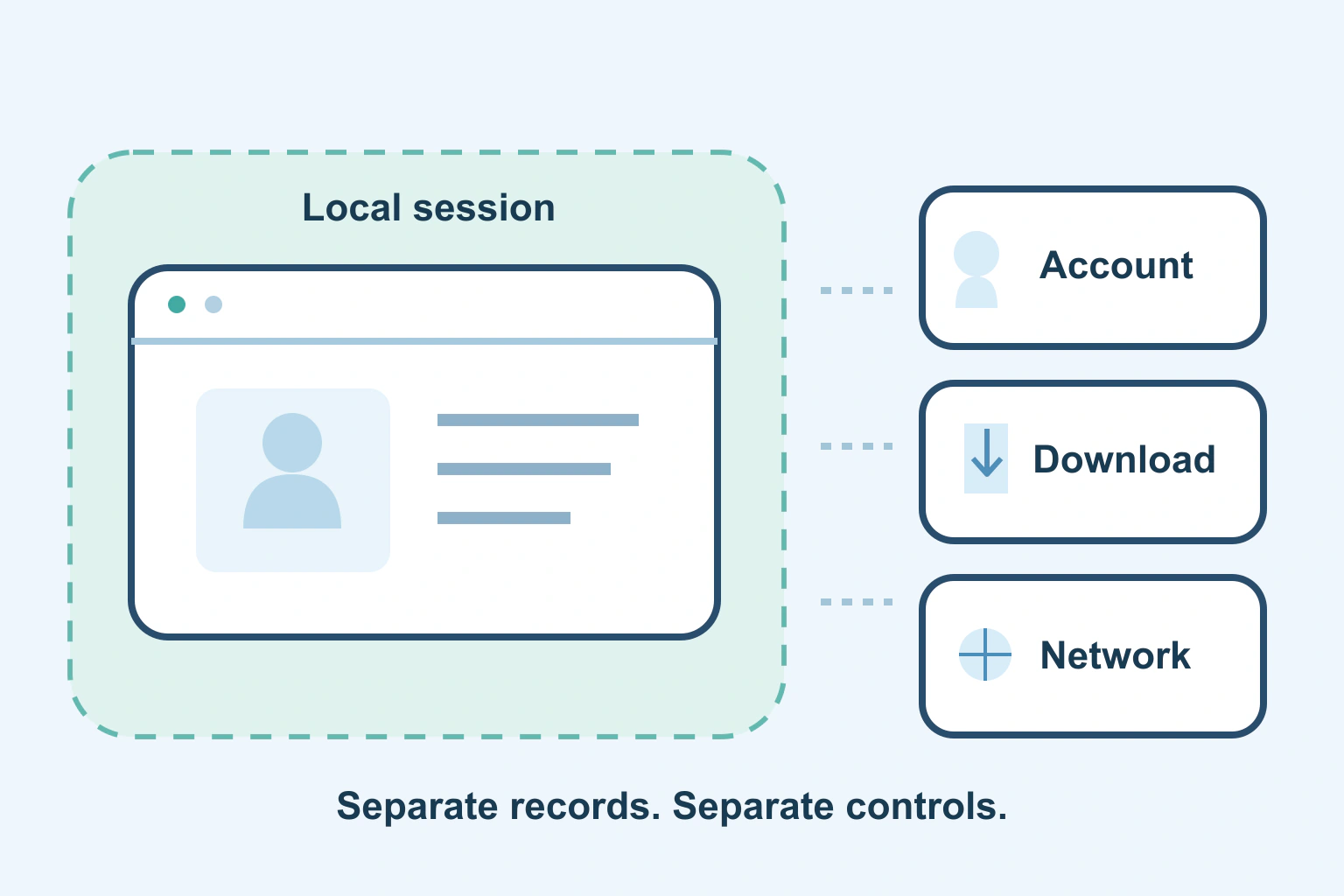
Incognito mode mainly changes what the browser keeps in its ordinary local session records. It does not make you invisible to a website, erase a downloaded document or create a private computer inside someone else’s computer.
The useful question is “private from whom?” Avoiding a shared browser’s ordinary history is different from hiding an action from the service where you signed in. Once you separate those questions, private browsing becomes a useful tool with a clear job instead of a promise it cannot fulfil.
Separate the browser, the account and the connection
There are several places where activity can leave information. Your browser has local history and site storage. A website has the requests and actions it receives. An account can retain purchases or messages. A managed device or network can have its own controls.
Changing one layer does not automatically change the others. A private window can start without the ordinary window’s site session, yet you can still deliberately sign in to the same website. The website then knows which account is performing the action you send it.
Google’s Incognito documentation explicitly says private browsing does not make you invisible. It distinguishes temporary browsing data from the information websites and network operators may still observe. Do not turn “may observe” into a claim that every operator records every detail.
Know which records can remain
| Information | What private browsing means |
|---|---|
| Ordinary browser history | The browser limits local session records according to its documented rules |
| A downloaded document | The saved file can remain on the device |
| A saved bookmark | It can remain available outside the private session |
| An order placed while signed in | The website can retain the account action |
| A work device or network | Its management and observation are separate from the browser mode |
This is a distinction between storage locations, not a forensic guarantee. If a file is private, choose an appropriate device and file location before downloading it. A mode that removes the browser’s download-list entry does not necessarily remove the actual document.
Microsoft’s InPrivate explanation makes the same practical distinction between limiting local browsing records and retaining saved downloads or favourites. A different browser name does not remove the need to check those outputs.
Use it for a temporary task that fits
A private window can be useful when you need a temporary sign-in separate from the normal browser session. You might inspect a public page without automatically using your ordinary website login, or do a short task without adding it to the browser’s normal history.
Check which kind of window is open before starting, and understand the browser’s current session-ending controls. Chrome says that opening another Incognito window continues the session and that all Incognito windows must be closed to end it. Closing one tab is not the same action.
Mozilla’s Private Browsing guide describes Firefox’s own history, cookie and session controls. It also warns that private browsing is not anonymity. Follow the instructions for the browser and installed version rather than applying one product’s button sequence everywhere.
Do not expect websites to forget actions
If you send a message, place an order or upload a document, the destination receives that action. Closing a private window is not a request to delete the message, cancel the order or retrieve the upload. Use the service’s supported controls for those separate jobs.
The same reasoning applies to account notifications. A purchase confirmation can arrive in email, a family account can show an order, and a saved delivery detail can remain within the service. Those are possible records to consider; this guide does not claim that every website uses all of them.
For a private purchase on a shared device, think through the receipt and delivery journey before paying. Private browsing alone cannot create a surprise if the order appears in a shared mailbox or the package arrives at the shared address.
A fictional gift search with an unexpected download
Imagine fictional reader Robin uses a private window to research a birthday gift on a household laptop. Robin downloads a size guide and assumes ending the session removes everything associated with the search.
The ordinary browsing history may no longer contain that private session, but the size-guide file can remain in Downloads. If Robin also places an order while signed in, the shop can keep the order and send its normal confirmation. These are separate records with separate controls.
Robin changes the plan: use an appropriate personal device for the purchase, consider where receipts arrive and deliberately manage the saved file. Our download-location guide helps identify the actual file rather than judging privacy from a closed tab.
Treat shared and managed devices differently
For regular household sharing, use an appropriate separate computer account. Our shared-computer guide explains that arrangement and its limits. A browser feature does not replace the computer’s own access boundaries.
For an employer’s or school’s device, follow its policy and ask the administrator about monitoring or allowed use. Do not use private mode to infer that management tools are disabled. If you require privacy from whoever controls the device, choose a trusted device and an appropriate environment instead.
Phone app permissions are another separate layer. Our permission guide helps review access to capabilities such as microphone or photos; opening a private browser tab does not rewrite every installed app’s permissions.
Make the privacy goal explicit
- Name who should not see the information.
- Identify the records the task can create.
- Choose a trusted device and an appropriate account.
- Use private browsing only for the local session role it documents.
- Check files and service records separately when finishing.
You do not need to reject private browsing because it has limits. Use it when those limits match the task. For stronger privacy needs, start with the device, service and audience involved rather than assuming a different coloured window settles the whole question.
Sources and verification
Editorial review 2026-10-18. Source check dates are recorded separately. Notes describe what each source supports and its limits.
View sources
- Google: Browse in Incognito modeChecked Temporary site data and history behaviour, retained bookmarks/downloads, continued website/network visibility and closing all Incognito windows to end the Chrome session.
Limits: Chrome computer workflow; not a complete inventory of every external log or another browser's session controls. - Mozilla: Private Browsing without saving historyChecked Firefox local-history and cookie separation, retained files/bookmarks, and the explicit limit that private browsing does not make the user anonymous.
Limits: Firefox version-dependent controls; does not audit the reader's device or specify what a particular employer records. - Microsoft: Browse InPrivate in EdgeChecked InPrivate limits ordinary local browsing records while downloads and favourites can remain saved.
Limits: Edge-specific summary; no guarantee of secrecy from sites, account owners or device-management software.