Pagember

Europe is not one hosting price or tax jurisdiction. The same plan can show a different currency, VAT line and package depending on your billing country, and the server location is a separate choice from both. The plan figures on this page are USD references, so get the final quote with your own billing details.
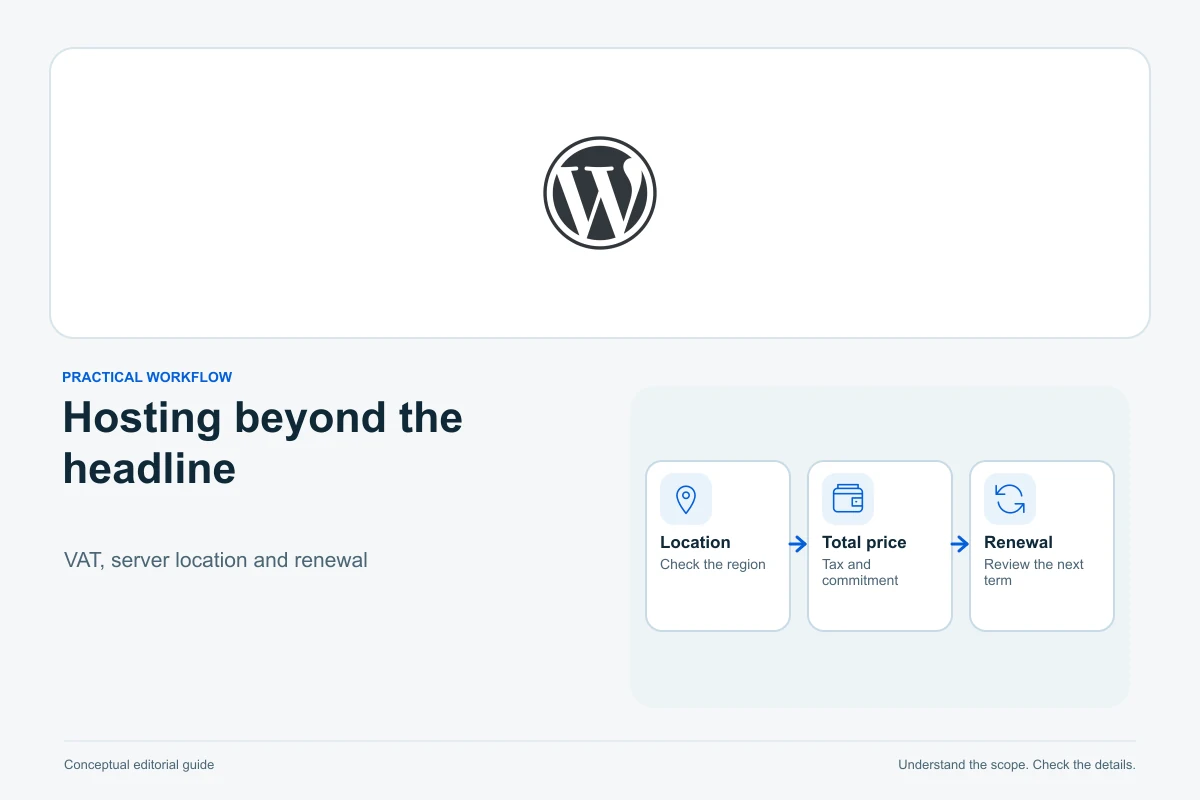
Identify the offer you are seeing
Check the provider’s offer region, currency, term and tax note. A page’s language does not prove your billing country, so obtain the final quote using your actual billing details.
Equal introductory numbers do not imply equal renewal costs. Compare regional cards with standard-rate documentation. Serving US readers does not require a US payment profile: the account must describe the real purchaser.
 Play video: How Do I Add a New WordPress Site/Install with the MyKinsta Dashboard?
Separate VAT from the headline
Hosting bought by a consumer in the EU is normally charged VAT at the rate of the buyer's country. In mainland Portugal the standard rate is 23%, so a plan shown as 100 before tax costs 123 at checkout (100 × 1.23). A business with a valid EU VAT number buying from a supplier in another EU country is usually invoiced without VAT under the reverse charge and accounts for it in its own return. Find your country's rate through the European Commission's VAT rates page, which links to its Taxes in Europe Database, and compare tax-inclusive quotes on both sides before deciding that a service is cheaper.
Choose location for users and requirements
Ask which server location the actual plan permits and when you select it. Currency and corporate address do not establish server location. Consider your audience, integrations and actual data-processing requirements.
A nearby data center is a shortlist criterion, not a measured latency result. A CDN can change asset delivery while the application remains elsewhere.
Several hosts let you pick a European location when you order. Kinsta offers Frankfurt and Madrid among its data centers (details below). UltaHost lists more than ten European locations, including London, Frankfurt, Amsterdam, Paris, Madrid, Milan, Stockholm and Warsaw. For ScalaHosting and hosting.com, check the location menu on the order page for the plan you choose.
Choose a plan for the work you need
Choose the operating arrangement first, then request the matching quote. Kinsta is the managed WordPress starting point below; IONOS Web Hosting is an owner-managed candidate subject to regional product and purchaser eligibility. The comparison references below are in USD.
| Your situation | A starting shortlist | The deciding requirement |
|---|---|---|
| A managed WordPress testing and recovery workflow | Kinsta | Check the available data center, selected plan and continuing charge. Keep a quoted USD amount in USD; mailbox hosting is separate. |
| Owner-managed WordPress with a possible hosting-and-email bundle | IONOS Web Hosting, after checking the regional product and purchaser eligibility | Confirm local availability, specification, currency, tax, mailbox scope and renewal. The US Essential and Plus references do not establish a European tariff. |
Managed WordPress: check the workflow and location
Start with Kinsta when you want a managed WordPress staging and recovery workflow. Its documentation covers Standard staging and daily automatic backups. Confirm the selected plan’s resource allowances and ongoing bill in the Kinsta guide.
Kinsta documents a data-center choice when creating a site, including Frankfurt and Madrid. Select an appropriate available location for your requirements; the list is not a legal-compliance certificate. If the offer is in USD, keep it in USD and obtain the tax-inclusive invoice for the real buyer. Mailbox hosting is not included.
Owner-managed WordPress: confirm the regional IONOS offer
Investigate IONOS Web Hosting when you will manage WordPress and want to assess a hosting-and-email bundle. Its US product page documents WordPress installation and plan-specific mailboxes. That establishes the US product’s scope, not availability or an identical package in every European country. Confirm the regional product and purchaser eligibility before relying on it.
IONOS runs country sites across Europe that show prices in euros, so open the site for your country and read the initial invoice, VAT, renewal and included mailboxes there. Our IONOS guide explains the product range. IONOS also distinguishes self-managed WordPress on Linux hosting from its Managed WordPress service; choose the actual operating arrangement and assign application maintenance and recovery.
Choose the recovery workflow before upgrading
Decide who tests changes, who can restore the site and how much recent work may be lost. Compare the documented resources and recovery scope of the partner arrangements above. An included feature is useful when somebody can operate it; a higher tier is not automatically faster or safer.
Read the renewal as a bill, not only a rate
Record the actual renewal amount, billing period, tax and date in the service account. A promotion’s term does not establish the length of the next invoice. Keep domain and mailbox renewal separate and confirm the final quote for the real purchaser.
Your next step: compare the Kinsta or regional IONOS arrangement above against your requirements, then check the recorded plan costs and commitment, then request the matching quote for your real billing country. Keep USD alternatives in USD and compare like-for-like tax-inclusive budgets. For an existing site, plan the hosting move and email continuity before canceling anything.
Compare terms rather than flags
The plan cards below are not European price quotes. Check availability, local currency and complete terms directly with each provider. Obtain actual quotes for the same sites and duration. Keep a private converted budget separate from a supplier’s published tariff.
Assign updates, account recovery, backups and restoration. The hosting checklist helps expose missing responsibilities. Buy a plan covering the job and defer unrelated upgrades until there is a real need.
Before paying
- Confirm purchaser identity, country, currency and final tax.
- Record initial total and renewal period.
- Confirm permitted locations.
- Check when domains and mailboxes stop being included.
- Save the actual accepted offer and contract.
For a dollar budget, use the US guide to first-year and renewal costs, and if you are still choosing between hosted and self-hosted WordPress, read WordPress.com vs WordPress.org.