 Pagember

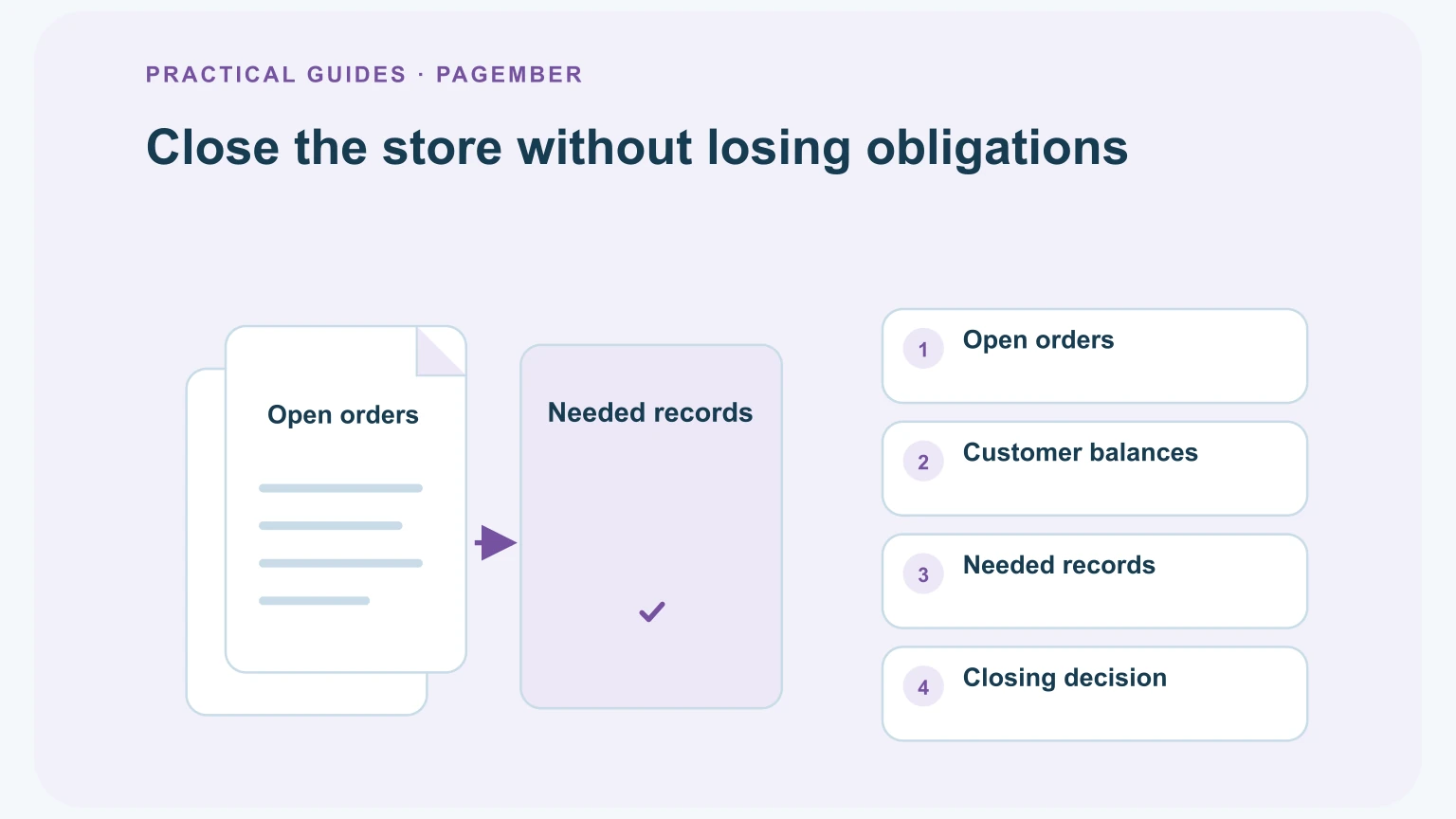
Pausing or closing a store is an operational transition, not only a subscription change. Before confirming it, reconcile open orders, customer balances, payouts, external services and the records you will still need. Decide who handles customers after new sales stop.
Use the current options and terms for your Shopify plan. A pause, a canceled subscription and permanent deletion are different decisions. Do not use an irreversible data-deletion request as a shortcut for stopping routine billing.
Choose the state you actually need
Write the intended result first: stop accepting orders temporarily, continue working on the store or finish the business's online operation. Include the date new orders should stop and what existing customers should still be able to do.
The official Shopify billing and closure guide distinguishes pausing and deactivation, explains billing-cycle effects and identifies continuing issues such as external app charges, domains, payouts and chargebacks. It also addresses outstanding gift cards and advanced purchase arrangements. Read the actual account's conditions before confirming a change.
- Pause and Build
- The storefront stays visible but customers cannot complete purchases. Shopify lists this plan as no longer available to new subscriptions, so only stores already on it can keep using it.
- Deactivate
- Cancels the subscription from the Shopify admin. The store deactivates at the end of the current billing cycle, and pending charges such as app usage, transaction fees and shipping labels are billed at cancellation.
- Delete customer data
- A separate request the store owner makes to Shopify Support after deactivation. Treat it as permanent.
To deactivate, the store owner goes to Settings > Plan in the admin and follows the deactivation steps; Shopify Plus stores go through their Merchant Success contact instead. Shopify keeps the store information for two years, and reactivating within a paid cycle does not add a new charge. Pending Shopify Payments payouts still process after deactivation, but fixing a failed payout or answering a chargeback needs admin access, which means reactivating.
Treat the effective closure date as something to verify in the account, not an assumption based on the day you clicked cancel. Keep the confirmation and note what access remains afterward.
Reconcile promises already made
Make an inventory of obligations that do not disappear when the storefront stops taking new orders. Include unfulfilled orders, partially fulfilled orders, returns under way, agreed refunds, gift-card balances and any subscriptions or preorders you have sold.
Assign an owner and a next action to each unresolved item. “We will handle it later” is not enough if the account access needed to perform the action is about to change. Determine the supported way to complete it before closing.
- Open order
- Who fulfils or resolves it, through which system?
- Customer balance
- What value remains and how will it be addressed?
- Pending payout or dispute
- Who monitors it and can access the required records?
- External service
- Does it continue billing outside the store subscription?
A hypothetical seasonal shop
Imagine an invented shop that sells handmade calendars for a seasonal campaign. The owner wants to pause after the sales period. There are three parcels still in transit, one customer awaiting an agreed replacement and a separately billed design app.
The owner first writes a transition list. The replacement has an owner and a promised next step. The in-transit parcels remain visible to the person answering support. The design app is reviewed through its own billing account rather than assumed to stop with the store plan.
They also check whether anyone holds an unused gift-card balance. They establish an appropriate resolution under their actual terms and obligations before making a general “shop closed” announcement. The transition plan therefore follows real outstanding promises rather than only the subscription's renewal date.
The shop is invented. Check how long you must keep tax and order records where you trade before you close.
Save records before access changes
Use supported exports for the records you legitimately need, including relevant billing, payout, order and balance information. Export the gift card list as a CSV too, so outstanding balances can be refunded or honored later. Our Shopify backup and export guide lists what the built-in exports cover. Check the exported files can actually be opened and identify the period they cover. An export button being clicked is not proof that the record was saved successfully.
Store sensitive records through an appropriate controlled route. Do not put complete customer exports in a publicly shared folder merely because several people are helping with the closure. Assign access according to the continuing work.
Keep the context needed to interpret the exports: the store identity, currency, date range and relevant record definitions. A spreadsheet without that context can be difficult to reconcile later, especially if the business has more than one store or payment account.
Review every billing relationship
List the services the store depends on and identify their actual billing owner. Some charges are processed through the platform; others come directly from a provider. Verify cancellation or continuation separately rather than assuming an app disappearing from the admin settles its external contract.
Domains deserve their own decision. Canceling the store does not cancel a Shopify domain's renewal, so turn off automatic renewal in the domain settings if you will not keep it, or transfer it to another registrar if you will. A domain bought elsewhere stays with that provider. If the domain also carries your business email, keep its MX records and mailbox provider running; our guide to moving a domain without breaking email covers the DNS records to preserve, and choosing a registrar helps if you transfer it.
Canceling the store uninstalls its apps, but apps billed outside Shopify can keep charging, and during a pause the apps you had installed can keep billing too. Check each provider's own account and cancel what you no longer need.
Make support continuity explicit
Decide where customers can find current information and contact the responsible person. Update the relevant public message and any automated replies so they explain the actual state. A paused checkout should not invite customers to place an order through a broken route.
Keep a diary of confirmations and any future follow-up dates you have chosen. If a payout fails or a dispute arrives, the owner should know the supported route for regaining necessary access. Read Shopify’s terms rather than assuming the closed admin will retain every feature.
Before the final confirmation, review the inventory again with the person responsible for the business. The order-status guide helps separate the records. Finish the transition when the chosen store state, customer work, records and billing relationships have clear owners and outcomes.