 Pagember

A paid status is not the same as a completed fraud review. Before shipping an order flagged as risky, inspect the platform's overall recommendation and the relevant supporting details. Follow a documented review process rather than treating one green check or one unfamiliar location as decisive.
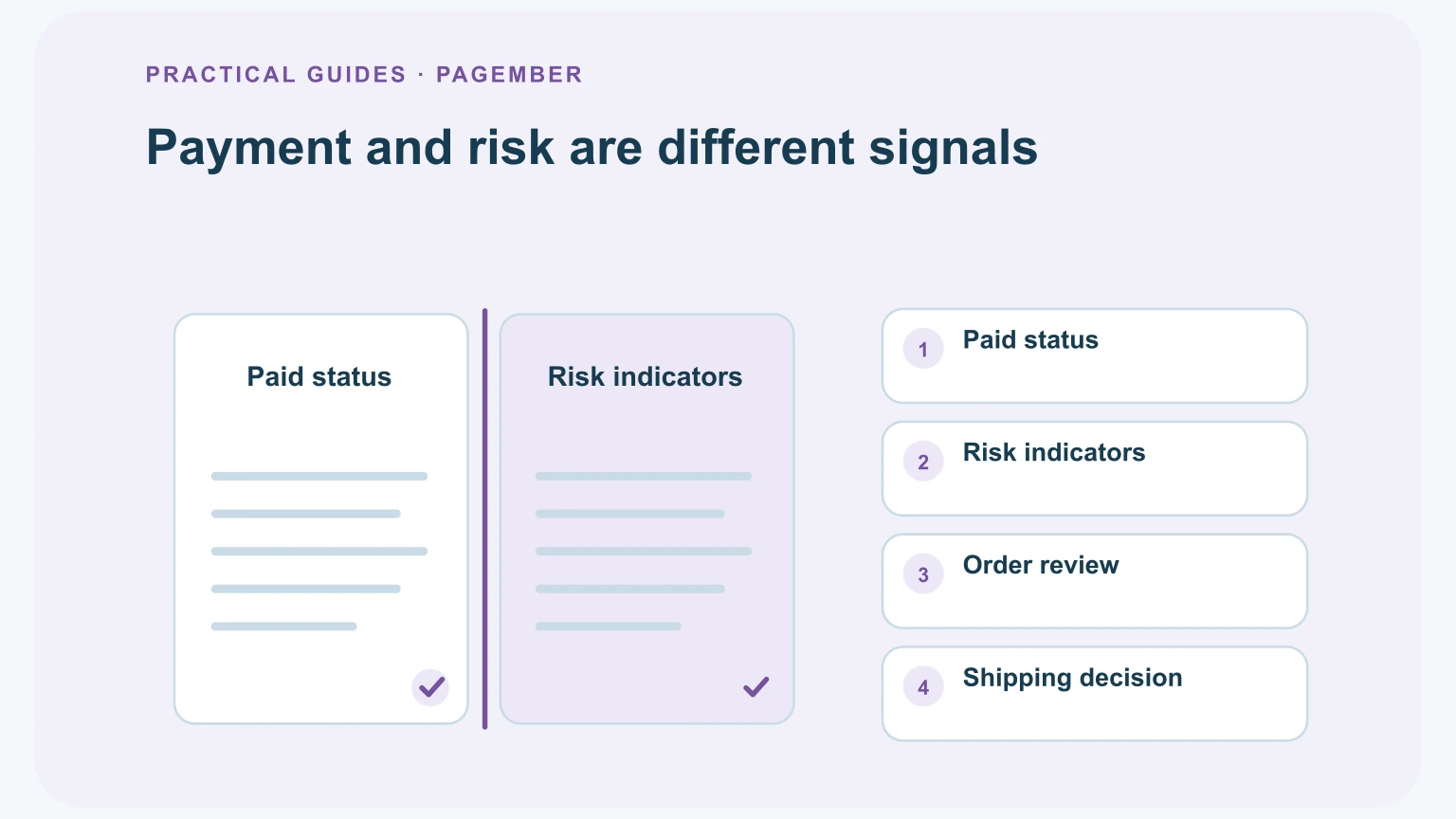
This guide follows Shopify's fraud-analysis documentation. A recommendation is an assessment, so your business still needs a clear owner for the final fulfillment decision.
Separate the order states
Write down what you actually know. Was an order created? Was payment authorized or captured? Has the risk information completed? Has anything been fulfilled? Those questions describe different parts of the process.
Do not let an automated paid-order workflow ship the parcel before the intended review can occur. Inspect the relationship between payment, fraud review and fulfillment in your own configured process. A risk label has little operational value if the goods have already left before anyone sees it.
The Shopify fraud-analysis guide distinguishes indicators from an overall recommendation and explains eligibility differences between orders and setups. It warns against deciding from a single indicator or the number of indicators. Some order types do not receive the same recommendation, so an absent label should not be read as a universal clearance.
Risk levels and what to do with each
Shopify rates eligible orders as low, medium or high risk. Medium and high orders carry a warning symbol on the Orders page, and the order's fraud analysis shows the recommendation and the indicators behind it.
- Low
- Fulfil through your normal process
- Medium
- Hold fulfillment and confirm the order with the customer through your usual channel
- High
- Verify the order, or cancel and refund it, before anything ships
Test orders, free orders, orders paid in full with a gift card, Point of Sale orders, B2B orders and subscription renewals do not receive a recommendation. For those, use your own checks instead of reading the missing label as a clearance.
Read the recommendation in context
Inspect the complete available assessment for the specific order. Note what is associated with the recommendation and what is merely additional metadata. An address, location description or individual check does not by itself answer the whole question.
If your store uses another processor or assessment provider, read that provider's current documentation and the terms of any protection separately. Do not assume that a label, score or color has identical meaning across services.
Keep the customer's treatment professional. A risk signal is a reason to review evidence, not permission to accuse someone of wrongdoing. Use your normal legitimate verification process and avoid requesting card secrets, passwords or unnecessary identity material through ordinary email.
- Order says paid
- Whether the payment will remain undisputed
- One check passed
- The overall recommendation and other relevant evidence
- A location looks unfamiliar
- Whether the customer is fraudulent
- No recommendation is shown
- Whether this order type and setup support that assessment
A hypothetical expedited order
Imagine an invented shop receiving a paid order for an expensive item with expedited delivery. The ordinary fulfillment rule would send it straight to packing, but the order is flagged for review. The staff member sees a passed address check and initially considers ignoring the rest.
Instead, they open the full assessment, identify the relevant indicators and follow the shop's documented process. They keep packing paused while the responsible owner evaluates the evidence. Any customer contact uses the shop's normal verified channel and requests only appropriate information.
The outcome could be proceeding, canceling through an authorized process or obtaining more information. The example deliberately does not prescribe the same decision for every order. It demonstrates why “paid” and “one check passed” did not complete the review.
Know what protection actually covers
The official fraud-prevention overview explains unauthorized transactions and chargebacks. Fraud analysis helps review a transaction; it is not automatically the same thing as an applicable reimbursement or protection program.
Read any protection status and terms separately for the order. Eligibility, required actions and exclusions can matter. Do not turn a general product name into an assurance that all losses are covered.
Where payment capture, cancellation, refund or shipment changes are involved, use the responsible person's approved workflow.
Review before you capture the payment
If you set your store to capture payments manually in the Payments settings, a card payment is only authorized at checkout, which gives you time to review a flagged order before money is taken. When the order passes review, go to Orders, open the order and click Capture payment in the Authorized section. With Shopify Payments, a card authorization lasts 7 days, so set your review deadline inside that window. Other providers set their own periods, as Shopify's capture documentation explains.
Make the review repeatable
Record the order identifier, the assessment available at the time, the observations considered, the reviewer and the decision. Keep only the information needed for the legitimate operational purpose and store it through approved systems.
Avoid vague notes such as “looked fine.” A later colleague should understand whether the decision followed a current recommendation, resolved an exception or remained uncertain. If you discover a recurring pattern, review the workflow without assuming that every future matching customer should be rejected.
For automation, test what happens when a recommendation is missing, delayed or changes. A hold should have a clear owner and follow-up route so legitimate customers do not disappear into an indefinite queue.
Confirm the next state
After a decision, inspect the actual order state. If the order is approved for fulfillment, check that the intended parcel and destination proceed once. If canceled or refunded, confirm the authorized operation completed and that fulfillment did not continue separately.
Our order and payment guide covers those separate records.
If the order is later disputed
The review record you kept becomes part of your chargeback response. For card disputes and inquiries on Shopify Payments, Shopify's chargeback guidance says an AI-written defense is added to the response by default, built from the evidence you submit and the evidence included automatically, and you can exclude it. The bank or card network still decides the outcome, so check the draft against your records before you submit.
- The item was dispatched
- The fulfillment record and date for this order
- The item was delivered
- The carrier event, which shows delivery to an address, not who received the parcel
- The customer accepted a policy
- The policy that applied at purchase and the acceptance record
- A refund was issued
- The refund record, amount and transaction for the disputed line
Correct or remove any sentence that goes further than its record, such as "the customer personally received the parcel" when you only have a carrier status. Present the policy and product text as they were at purchase, not a later edit. Use the response deadline shown in the case itself, and log prepared, submitted and decided as separate states.