 Pagember

Free product listings and paid Shopping ads are different distribution routes. A product being present in Merchant Center or eligible for free listings does not prove a paid campaign is running. Equally, turning on a paid campaign does not guarantee that every product will appear for every search.
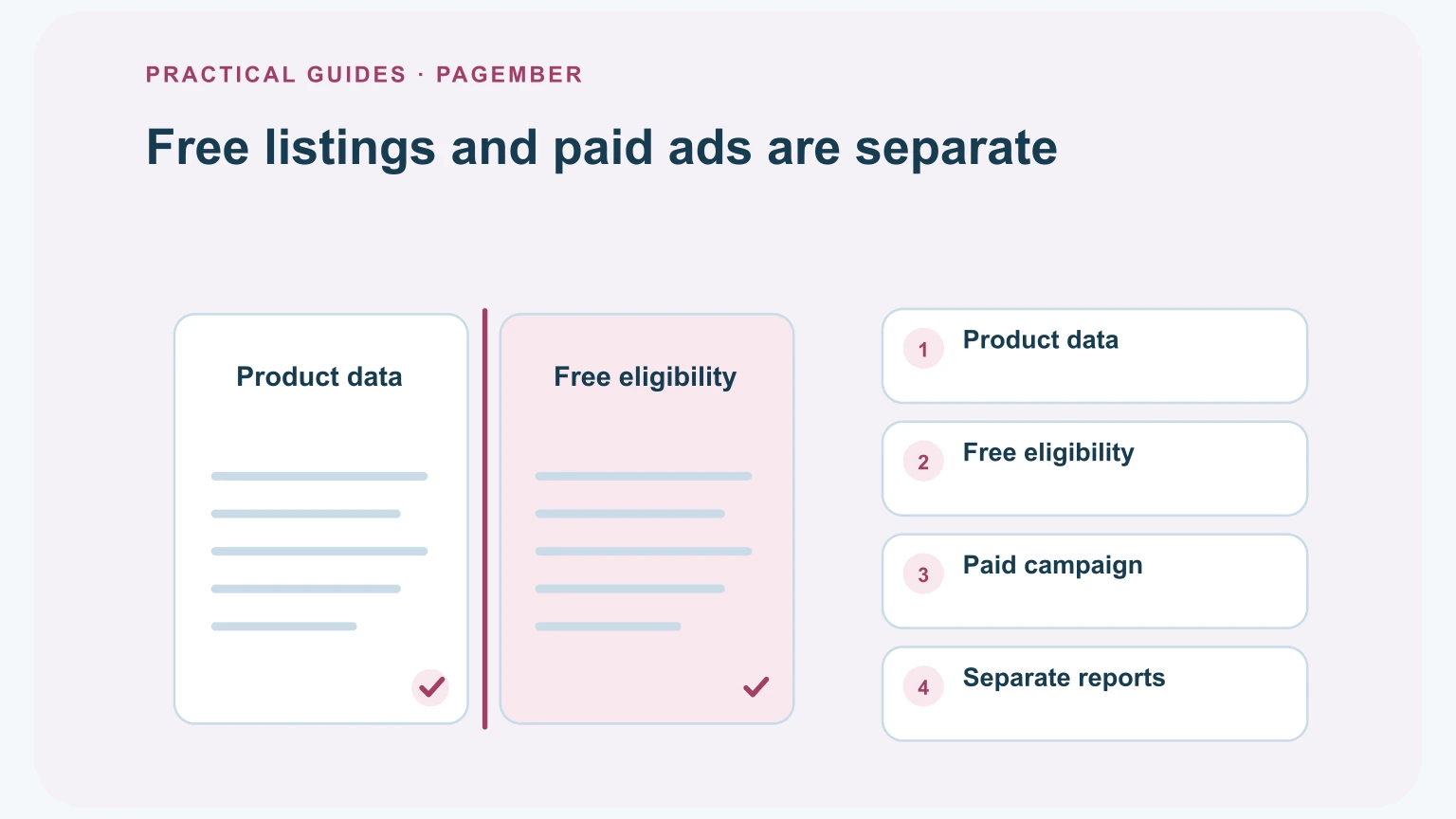
Start by identifying which route you are reviewing and what evidence would show it is working. Keep product-data quality, eligibility, actual appearance and sales as separate questions. That makes it easier to decide what to improve before spending money.
Understand the free route
The official free-listings guide describes eligible product appearances across Google surfaces, required product information and the status controls in Merchant Center. It explicitly says permission to show products does not guarantee that customers will see them.
Inspect the actual product records and their intended destination. A listing for a product is not the same thing as general visibility for your homepage, policy pages or article library. Use the appropriate channel and report for the thing you are trying to distribute.
Do not interpret free as requiring no maintenance. Prices, availability, landing links and the customer-facing offer still need to match the actual store. A feed that remains enabled while its data becomes inaccurate can create a poor shopping journey.
Turn on free listings
- Create or open a Google Merchant Center account for the business, verify the website and claim the domain.
- Add products. On Shopify, install the Google & YouTube app, connect the Merchant Center account and let it sync the catalog. On WooCommerce, install the Google for WooCommerce extension and connect it the same way. Other stores can upload a product feed or use a spreadsheet.
- Add the shipping and returns settings Merchant Center asks for, so the listing shows accurate delivery information.
- In Merchant Center's marketing or programs settings, check that free listings are turned on for the target country.
- Open the product list a day or two later and fix any items marked as limited or not showing before adding more products.
Understand the paid route
The official Shopping ads guide explains using Merchant Center product data within supported Google Ads campaigns. The selected campaign settings and product information affect how advertising is generated and delivered. Review the campaign type and actual settings rather than assuming all product advertising behaves like a keyword-based text ad.
Confirm the advertising account, campaign status, budget and intended products before activation. Linking a product source to an account is not a complete spending decision. Only the responsible owner should authorize a new campaign or budget change.
Keep the setup evidence precise. “The feed is connected” establishes one connection. “The campaign is enabled” describes a setting. “The report shows impressions in this period” describes an observed result. None alone establishes profitable sales.
- Can the product be considered for free listings?
- Product data, eligibility and free-listing status
- Is paid promotion configured?
- The actual advertising account and campaign
- Was the product shown or clicked?
- The relevant route's scoped performance report
- Did the visit become an order?
- Appropriate store and measurement evidence
A hypothetical small catalog
Imagine an invented shop with twenty desk accessories in Merchant Center. The owner sees product records and assumes that Google is already advertising all twenty. In fact, they have not established that any paid campaign exists.
They first inspect the free-listing status and product issues. One accessory links to an old URL, while another has a price that no longer matches the product page. They repair the source records and verify the customer journey before treating advertising as the next step.
If they later choose a paid test, they identify a bounded product set and an authorized budget. They keep the paid results separate from free-listing performance so they can explain what actually produced the recorded visits.
The example separates maintaining product distribution from deciding to pay for advertising.
Check one product from end to end
Choose a representative item and inspect its submitted title, image, price, availability and link. Open the destination as a customer would and confirm the intended variant and offer. Then inspect the current eligibility information for the route being reviewed.
If a product has an issue, diagnose that issue rather than changing several unrelated fields simultaneously. Keep the original observation and the correction so you can determine whether the result changed afterward.
For account- or policy-level restrictions, follow the official review route. Do not create duplicate accounts or misrepresent product facts to make an error disappear. A genuine eligibility problem needs its own resolution before any distribution assumption is reliable.
Read reports without mixing the channels
For free listings, use Merchant Center's performance reports, which show clicks and impressions for your products and can be split between free listings and ads. For paid campaigns, use the campaign reports in Google Ads, where cost sits beside clicks and conversions; product ads usually run as Shopping or Performance Max campaigns. Record the time period and the route represented by each report. Separate impressions, clicks and orders. If several channels can lead to the same store, use the available attribution evidence within its limits rather than assigning every order after a campaign started to that campaign.
Compare similar periods and product scopes where practical. If ten products were eligible in one period and twenty in the next, a larger total is not automatically evidence that each product improved.
Keep costs with the paid route and avoid inventing a paid return for visits from another source. For a small shop, a modest accurate worksheet can be more useful than a large dashboard whose definitions nobody can explain.
Decide the next improvement from evidence
If product data or checkout usability is wrong, fix that before trying to solve the problem with more distribution. If the route is eligible but has little observed exposure, inspect the appropriate guidance and results without promising that one setting will guarantee visibility.
Our Merchant Center issue guide covers mismatched offer data. Before spending on ads, check that a sale price or discount code shows the same amount on the product page and at checkout. Finish with a clear answer about which route is configured, what it has actually delivered and what remains unverified.