 Pagember

Rytr’s browser extension is useful when the writing already exists and the task is to make a particular passage clearer. Working beside the page can help keep the original context in view. The strongest workflow still gives the writer control over what changes, especially when a shorter sentence contains an important condition.
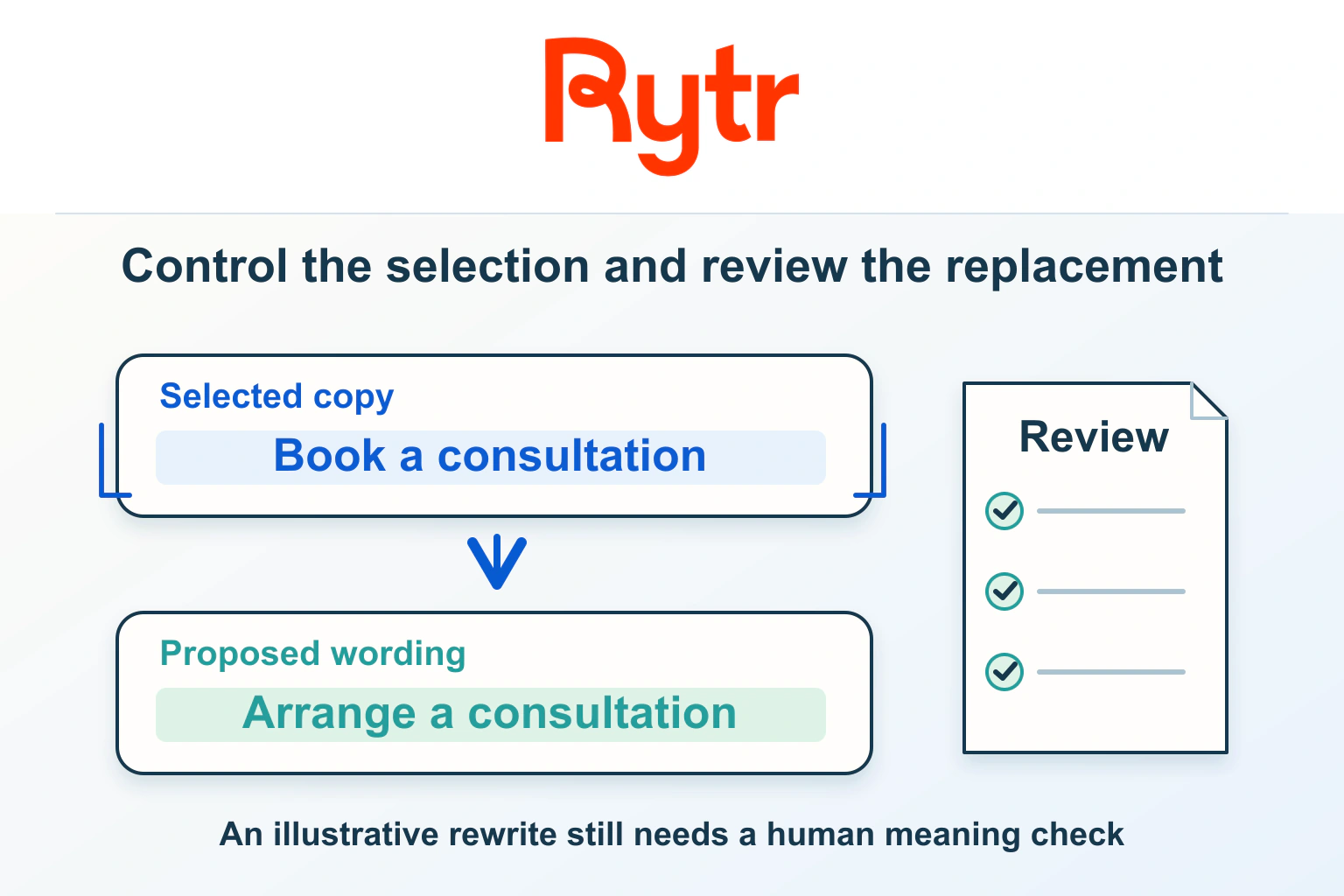
Imagine a membership website with an approved cancellation explanation. The editor wants a more readable paragraph for a narrow account page, while preserving the notice period and the distinction between a cancellation request and its confirmation. This guide focuses on revising that existing passage, rather than generating a complete new website or newsletter.
Keep an approved original and define one editing goal
Copy the current approved passage into the team’s normal revision record before asking for a rewrite. Record where it appears and who owns its meaning. If the wording governs a consequential decision, involve the responsible reviewer before replacing it publicly.
Choose one goal: shorten a long sentence, explain an unfamiliar term or improve the flow of a paragraph. “Make this better” leaves too much unspecified. A useful brief says what must stay, such as the notice period, qualification and confirmation step.
For the hypothetical page, mark three protected facts: when the request must arrive, what the member needs to provide and how they know it was confirmed. Keep those in a checklist beside the rewrite. The objective is clearer reading without changing the service promise.
 Play video: Getting Started with Rytr in 1 Minute
Check the current extension instead of assuming an old toolbar
Rytr’s current extension listing checked on October 14, 2026 describes a redesigned side panel and writing or rewriting alongside the current page. It requires a Rytr account, and feature availability depends on the plan and connected services.
Confirm the interface and permitted access available in the actual browser. Use the supported route to prepare a candidate replacement, and keep the original intact until the result has been reviewed.
Begin in a harmless draft field with ordinary sample wording. Check whether the current workflow accepts the intended passage and how the result returns to the editor. Do not assume that a replacement works correctly in every rich-text editor, embedded field or published administration screen.
Match the rewrite intention to the passage
Rytr’s command guide distinguishes expanding text, shortening it and improving or rephrasing it. It illustrates a selected-text ribbon in its editor instructions. Use those command names to define the task; the extension side panel may present them differently.
For the cancellation paragraph, shortening is a sensible intention when the facts are already complete. Expansion is useful only if the passage genuinely needs an explanation supported by the approved source. Do not invite extra detail merely to make the paragraph sound more authoritative.
Write an instruction that makes the boundary explicit: shorten this paragraph, keep the notice period and required information unchanged, preserve the difference between a request and a confirmation, and do not add promises. Check the candidate against each of those conditions before using it.
Here is how that looks with hypothetical wording for the membership page.
- Original: "Members who wish to cancel must submit a cancellation request no later than 14 days before their next billing date, including their membership number, and should note that cancellation is only effective once they have received a confirmation email from our team."
- Candidate to reject: "Cancel any time with your membership number and we will confirm by email." It drops the 14-day notice and implies the cancellation is immediate.
- Accepted rewrite: "To cancel, send a request at least 14 days before your next billing date and include your membership number. Your membership ends only when you receive our confirmation email."
The accepted version is shorter and keeps all three protected facts.
| Editing goal | Useful boundary | Review before applying |
|---|---|---|
| Shorten a paragraph | Keep every required condition | Compare the notice and confirmation wording |
| Explain a term | Use an approved definition | Check that no new entitlement appears |
| Improve flow | Keep the original sequence meaningful | Review who acts and when |
| Adjust tone | Keep the commitment unchanged | Reject invented certainty or urgency |
Compare meaning before choosing the smoother sentence
Read the candidate beside the original, one claim at a time. Check numbers, dates, exceptions and negative wording. “You can request cancellation” does not mean “your membership is canceled,” even if the second sentence sounds simpler. Keep that distinction visible.
Ask who performs each action. A rewrite can accidentally move responsibility from the member to the service team, or remove the step that confirms receipt. Review the complete paragraph after any sentence-level change, because a qualification may refer to wording outside the selected fragment.
Keep a rejected candidate when it helps explain the review decision. The useful record is brief: what changed, why it was unacceptable and what the final wording preserves. Repeatedly regenerating without a clear defect can make it harder to remember the approved meaning.
Apply the replacement carefully in the real writing surface
Rytr presents its extension as writing assistance across browser work, including improving existing prose. That is an attractive fit for focused revisions. Test the result in the field where you will paste it.
Apply only the reviewed passage through the route supported by the current interface. Check that surrounding text remains in order and that a link or paragraph break was not removed. If the result is inserted manually, compare the pasted text with the accepted candidate before saving.
Save as a draft where the publishing system supports it, then open the preview. A successful insertion does not prove that the public page has changed, and a saved draft is not evidence that the revision has been approved. Keep those stages understandable to everyone maintaining the page.
Protect the context supplied to the rewrite
Supply only the information needed for the passage. Do not include passwords, private account histories or unrelated customer correspondence merely because they are visible nearby. Review the extension’s current permissions and organizational rules before using it in sensitive writing surfaces.
For the hypothetical page, a permitted sample of the policy wording is enough to develop the editing method. Private membership cases are unnecessary. When the wording depends on an unresolved case, ask the responsible team for an approved explanation instead of asking the writing tool to infer one.
The Rytr website-copy workflow covers developing new copy from a brief. Use it when the source itself is missing, while this narrower process helps improve a passage whose facts are already approved.
Verify the final page and carry the lesson forward
After authorized publication, read the real page at its normal size on a phone and a larger screen. Check the whole explanation, its links and the next action. Confirm that the revised paragraph remains consistent with any other page describing the same process.
Keep one short editing rule from the review, such as “request and confirmation remain separate.” Reuse that rule in future briefs instead of assuming that a preferred tone alone will protect the facts. The Rytr newsletter workflow covers a separate publication format where that same discipline can remain useful.
Rytr’s value here is practical writing support close to the existing work. A narrow goal, an approved original and a meaning check let the editor use that assistance with confidence. Plans and the other Rytr workflows are in the Rytr company guide.
