 Pagember

Use an RSS-driven email when the useful message is a dependable roundup of newly published material. Use an edited newsletter when selection, context or a different message matters more than automatically including the latest posts. You can combine feed content and editorial writing, but the workflow should make clear who controls the final email.
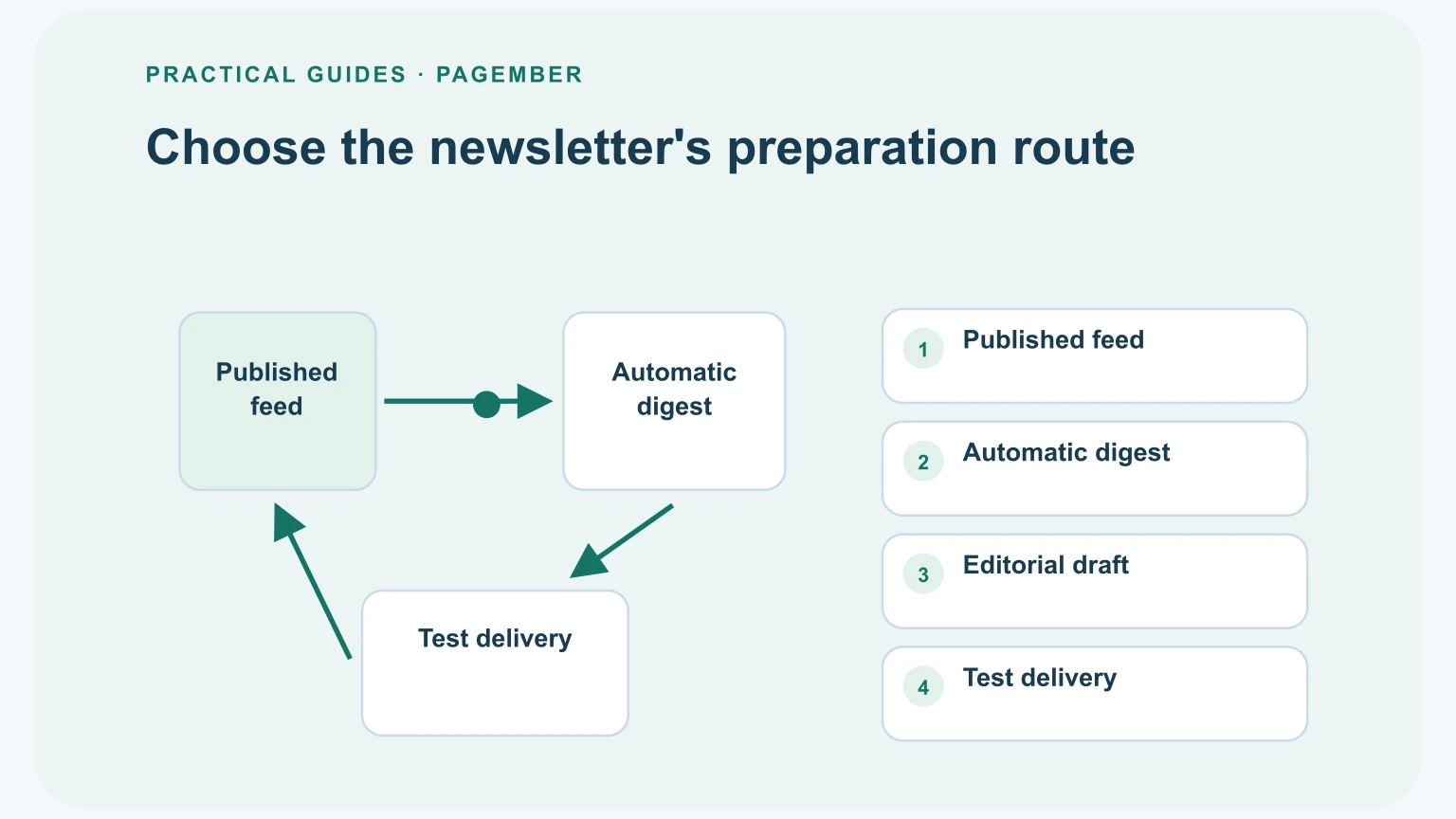
Start with what the subscriber expects. New posts from our blog is a different promise from one carefully chosen idea each week. Choosing the tool first can leave you sending a mechanically correct email that does not match the reason someone subscribed.
Decide what needs an editor
Write a sample issue in plain text before configuring automation. Identify which parts could be taken directly from the feed and which require a person to choose, explain or check them. This separates publishing convenience from the reader's actual need.
MailerLite's RSS-campaign guidance distinguishes recurring RSS campaigns from regular campaigns containing RSS blocks. It describes differences in feed selection, post formatting and how upcoming content is drawn from the feed. RSS campaigns are a paid-plan feature, so confirm your plan before choosing that route.
Set up an RSS campaign in MailerLite
- Go to Campaigns, click Create campaign and choose the RSS campaign type.
- Fill in the subject, sender and tracking options, then click Next: RSS settings.
- Enter the feed URL with the
https://prefix. On WordPress the main feed is usuallyhttps://example.com/feed/, and a single category has its own feed athttps://example.com/category/news/feed/. - Under Sending details, choose daily, weekly or monthly, plus the day and time.
- Turn on New posts if each email should include only posts published since the previous send.
- Add a notification address so someone knows each time an issue goes out, then click Next: Content.
- Build the template with an RSS featured article or RSS list block. The design applies to every future issue, so check it with a long title and a post without an image.
- Review the settings and click Send to start the schedule.
For an edited issue that still pulls in a few posts, create a regular campaign and add an RSS block instead. You keep control of the introduction and choose how many posts the block shows. The MailerLite company page covers which plan fits a small newsletter.
Do not assume that the website's visual layout becomes the email's layout. Inspect the actual feed fields and resulting message. A beautiful article page can still supply an excerpt, image or title that is unsuitable for the email you intended.
Compare the workflows
- A predictable roundup of new posts
- A configured recurring RSS campaign
- A chosen article with an editorial introduction
- An edited campaign with selected feed content
- Several sources and a different story each issue
- A curated workflow with explicit review
- Time-sensitive information
- A process that checks relevance at the actual send
Read the current behavior of the product you use, especially how it identifies new posts and when it assembles the message.
If you cannot explain what will be included in the next send, leave automation off while you test. A preview of today's content is not necessarily a preview of the content available at the next scheduled occurrence.
A hypothetical repair-café newsletter
Imagine a repair café publishing practical articles throughout the month. Its subscribers want to know which new guides are available. A simple roundup could suit that promise, provided the titles, excerpts and links remain useful in email.
The organizer creates a draft using the actual feed and discovers that one article's excerpt begins with an internal note. They correct the source rather than editing only one preview and assuming every future send will be clean.
For a separate invitation to a special event, the organizer chooses an edited issue. The date, registration deadline and explanation need deliberate attention; automatically grouping the newest posts would not communicate the event well.
The two workflows coexist because they serve different purposes. The organizer labels them clearly and checks which subscribers should receive each.
Check the feed as an input
Open the feed you intend to use and identify the relevant publication set. A site-wide feed may include material that does not belong in a topic-specific email. Choose the appropriate source rather than expecting an automation to infer your editorial boundaries.
Review titles, excerpts, links and images where supplied. Check a post with unusual formatting and a post whose introduction depends on context. If those inputs are not useful outside the website, improve the source or choose a workflow that allows the required editing.
Understand how updates and identity are handled. A corrected old post is not automatically the same event as a new publication. Do not promise subscribers that every correction will be emailed unless the system and your editorial process actually support that behavior.
Rehearse the recurring case
Test the output with harmless content and an appropriate internal review route before enabling a live schedule. Check what happens with no relevant new material, several new posts and an item that should be excluded. Those cases matter more than a single attractive sample issue.
Read the email on a small screen as well as desktop. Confirm that titles are understandable, excerpts stop sensibly and links lead to the intended published pages. Images should support the message rather than leave the reader dependent on an unavailable picture.
Record the schedule, feed and responsible owner. Someone should know how to pause the send when the source changes or a serious content problem appears. Automation removes repetitive assembly work; it does not remove editorial responsibility for what is distributed.
Review the empty and crowded issue
Prepare two harmless acceptance examples before enabling a recurring roundup. One has no relevant new posts; the other has more posts than you normally publish in a week. Decide what readers should receive in each case and compare that intention with the tool's documented behavior.
For the crowded issue, check whether the ordering and excerpts still help a person choose what to read. A mechanically complete list may be less useful than a clearly scoped roundup. If your promise requires human selection, choose the edited workflow rather than expecting the feed to make that editorial judgment.
For the empty issue, avoid writing a standing introduction that implies there are new articles when there are none. Review which parts of the message depend on the live content and which remain fixed.
Keep the accepted examples with the campaign's maintenance note. When the feed structure or publication pattern changes, they provide a concrete reason to review the recurring email again.
Keep the promise recognizable
If the newsletter evolves, review the subscriber expectation before quietly changing its role. A roundup and a personal editorial letter can both be useful, but they are not interchangeable simply because they share a list.
The WordPress feed guide helps identify the appropriate feed and excerpt choice. The RSS identity guide explains why old items can reappear or remain in readers. For email distribution, finish with a workflow whose source, assembly time and editorial checks you can explain before the next issue is sent.