WordPress
Learn to build, manage and troubleshoot a WordPress website. Explore plugins, performance, updates, security and recovery with practical step-by-step guides.
More on WordPress

WordPressTutorial
A PDF has its own URL and indexing instructions. Decide whether the file should be searchable, inspect its real HTTP response and distinguish noindex from private access.
WordPressTutorial
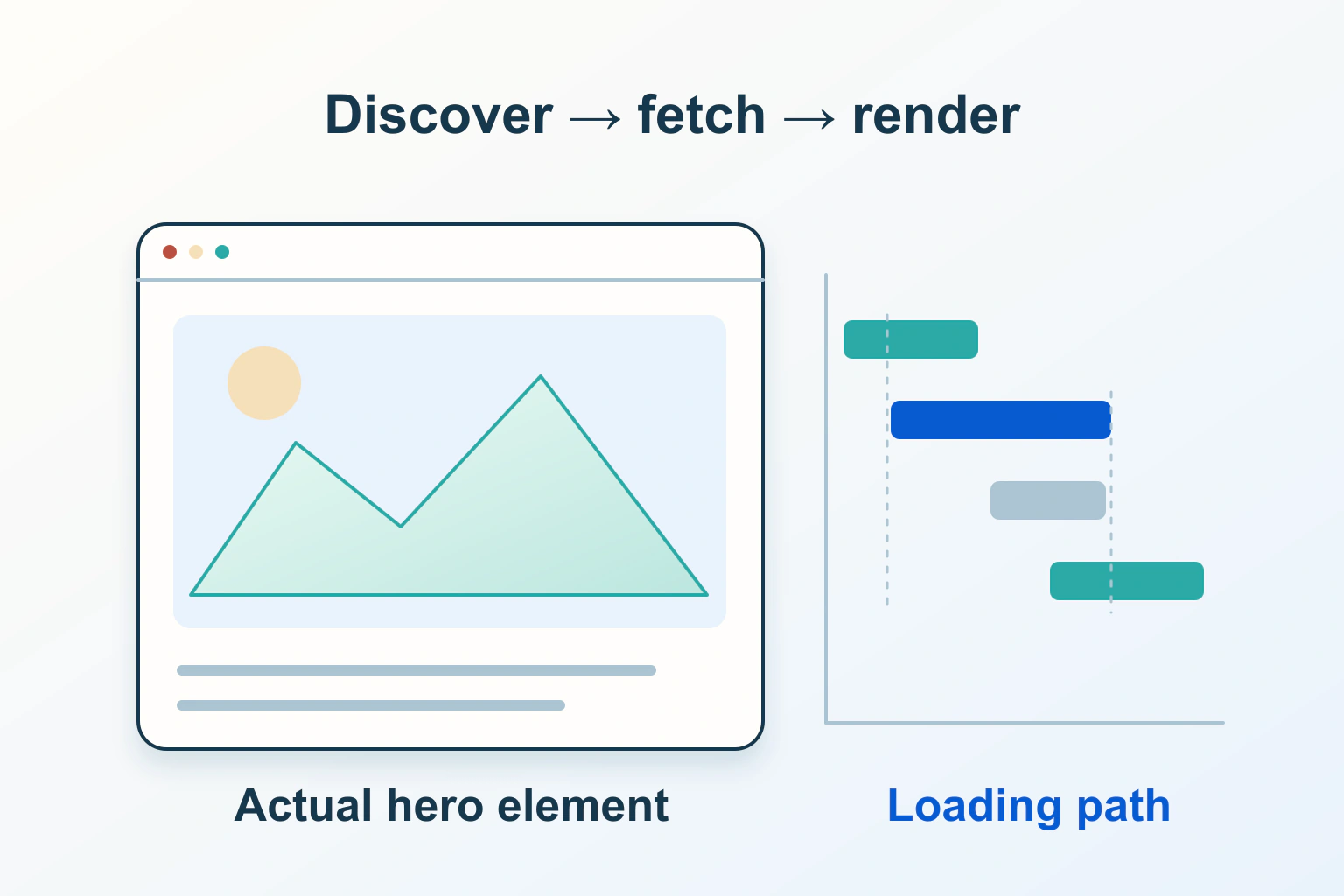
Find the actual Largest Contentful Paint element, trace its loading phases and choose a focused fix for discovery, priority or rendering instead of preloading everything.

WordPressExplainer
Separate IndexNow, Google’s restricted Indexing API and normal recrawl requests before trusting an instant-indexing plugin’s success badge.
WordPressTutorial
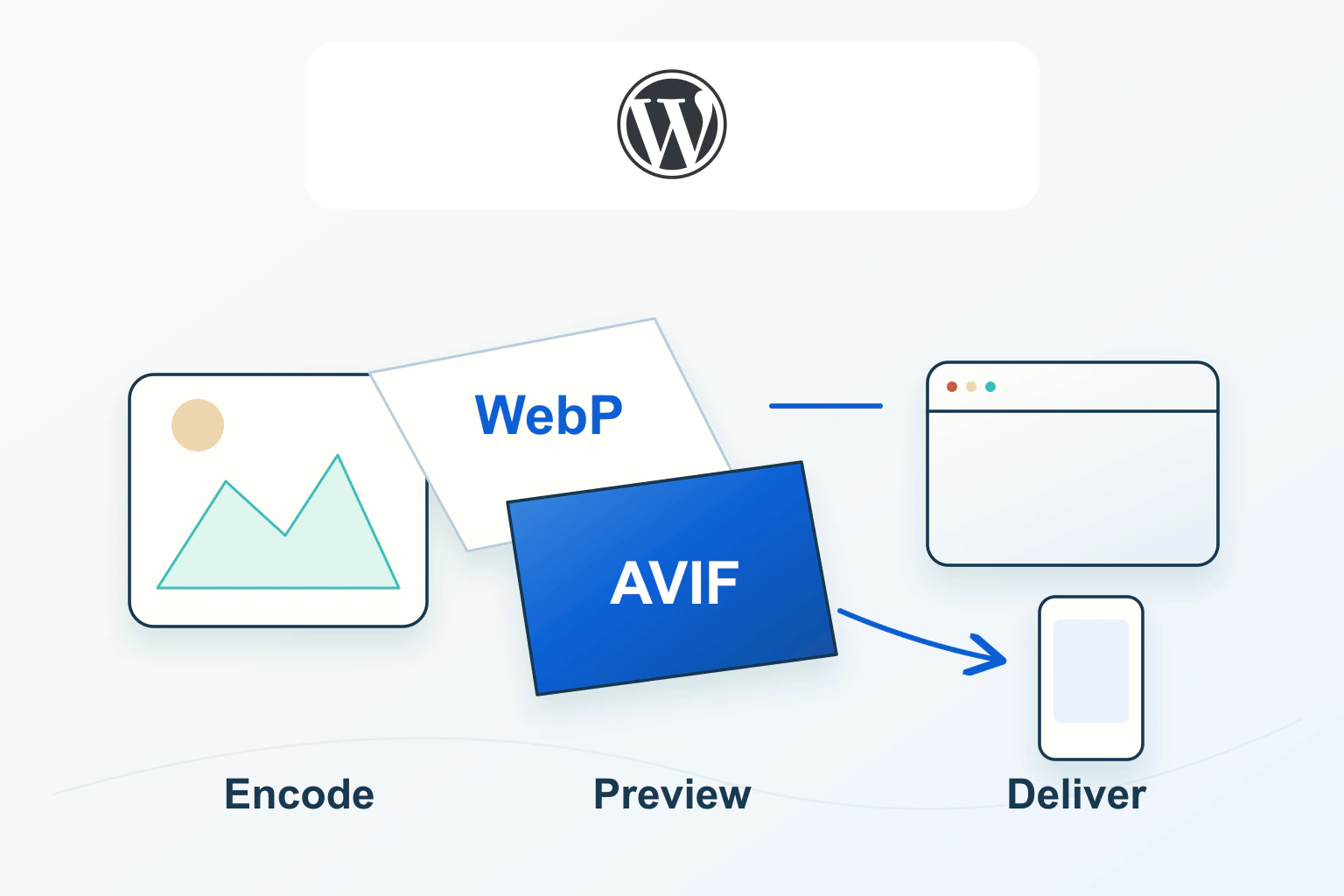
Choose an image format after checking uploads, generated sizes, public delivery, cropping and social previews—not just the original file's size.
WordPressTutorial
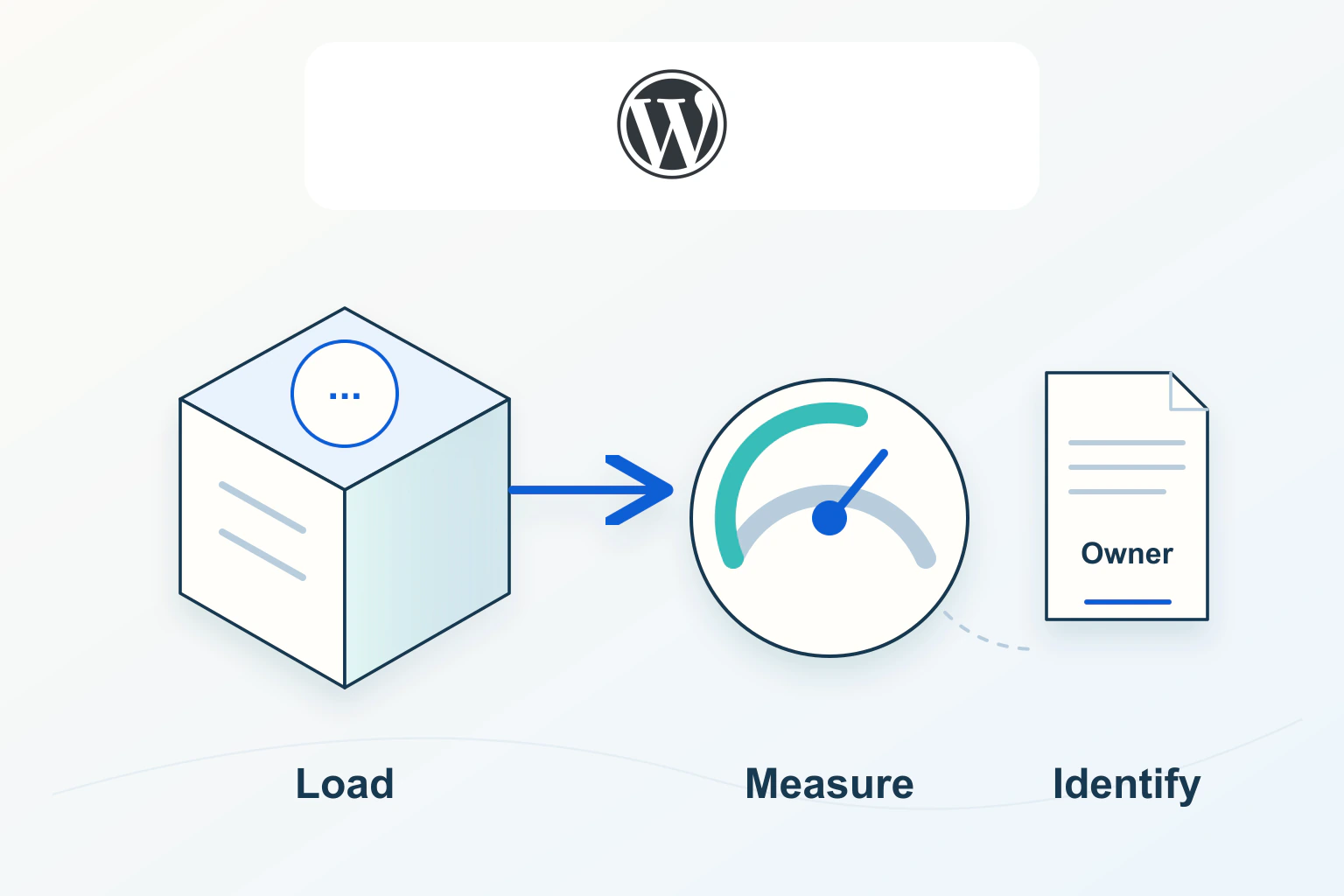
Find which settings contribute to the Site Health warning, identify their owners and verify a reversible fix instead of deleting database rows by size.
WordPressExplainer
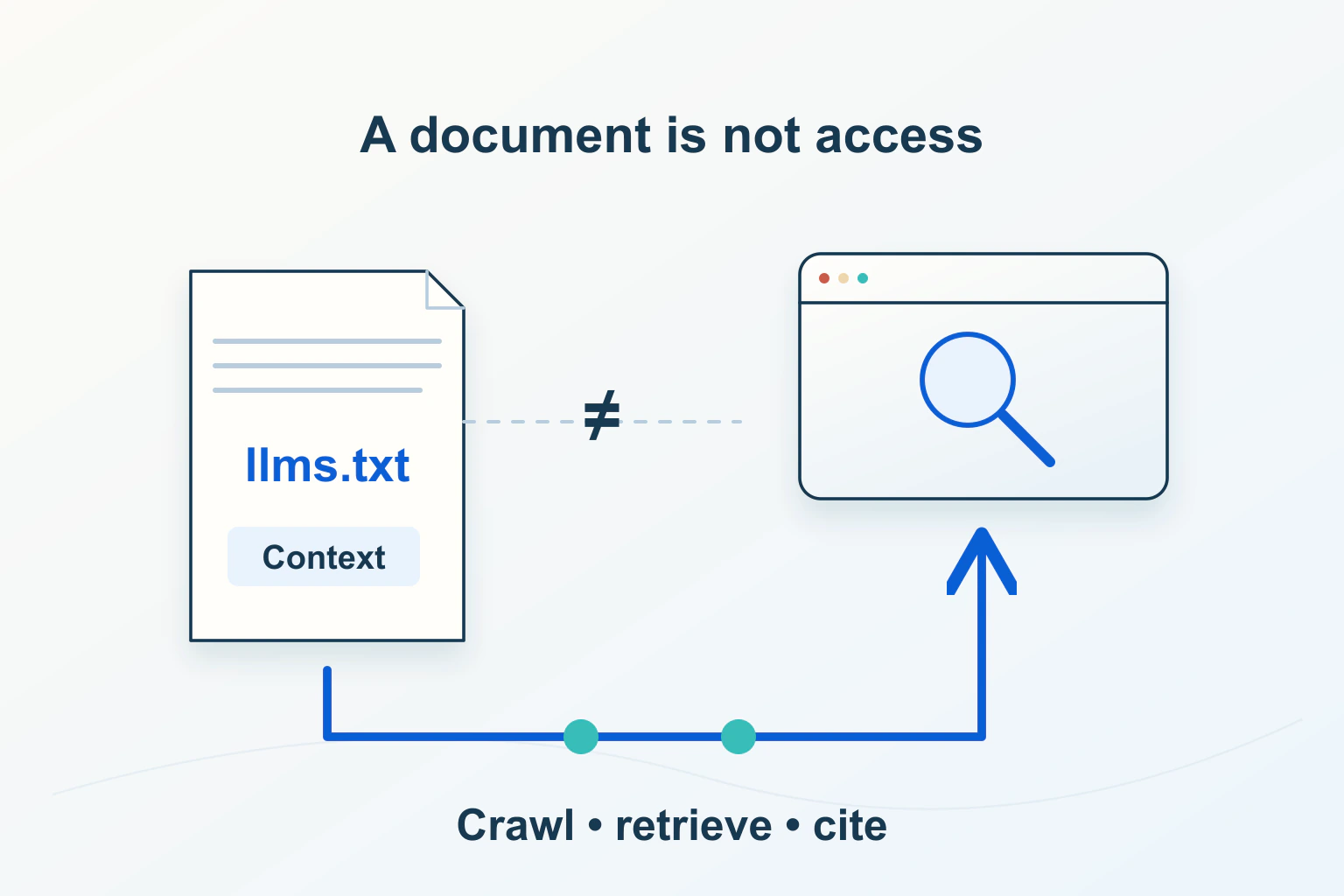
Treat llms.txt as an optional documentation aid with a maintenance cost, not a shortcut to Google rankings or a replacement for crawlable pages.

WordPressTutorial
Check actual runtime, upstream support and component requirements, test a private representative copy, and plan rollback without overwriting new orders or submissions.
WordPressTutorial
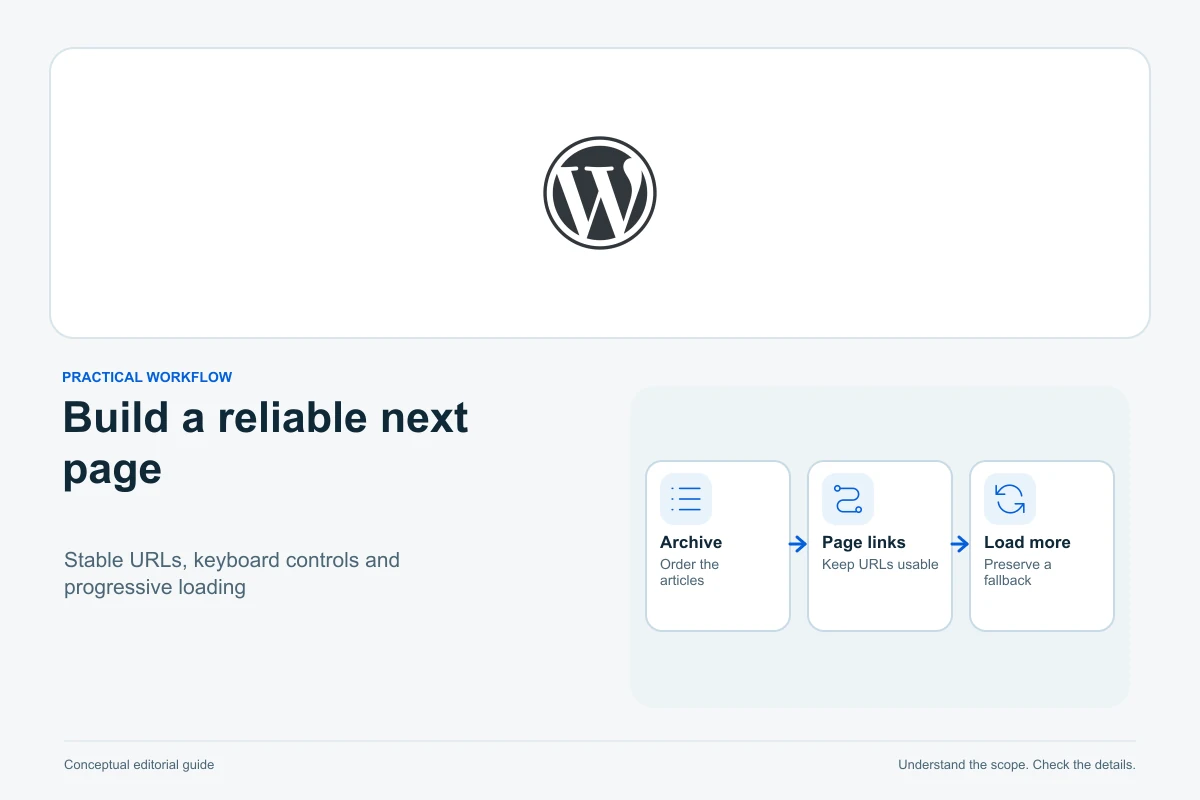
Choose collection navigation, preserve query context and public URLs, and test later results, keyboard focus, retries, filters and Back navigation as one browsing journey.
WordPressTutorial
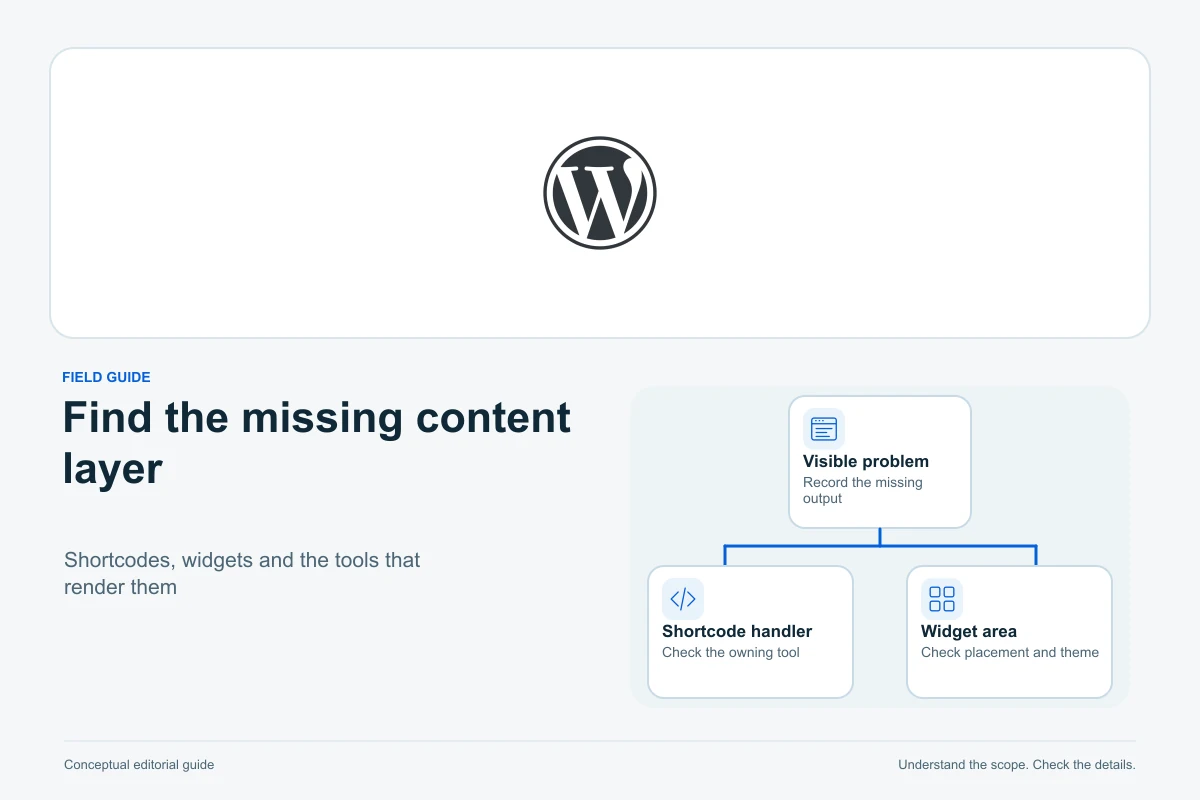
Separate raw shortcode text from empty output and failed interactions, identify the owner and context, then restore supported functionality or replace it without losing content.
