 Pagember

Qualify an outgoing link according to the relationship behind it, then check the anchor your website actually publishes. An ordinary research citation, a paid placement and a reader's comment do not have the same origin. A single global checkbox cannot reliably describe all three.
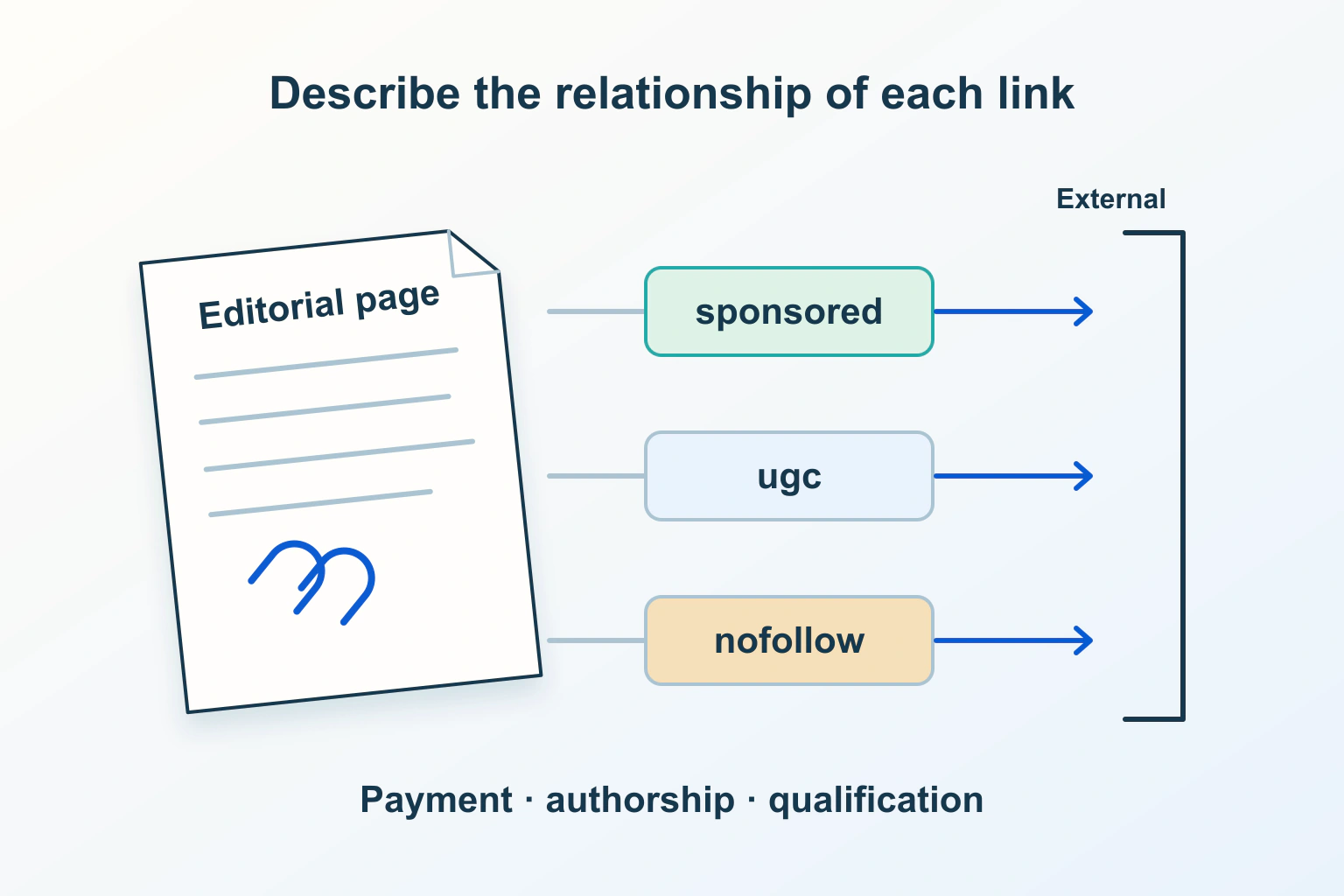
Use rel="sponsored noopener noreferrer" on affiliate links, paid placements and sponsorships; use rel="ugc" on links in comments, forum posts and other content your visitors add; use rel="nofollow" for any other link you do not want to vouch for. An ordinary editorial citation needs no rel value at all. The sections below show how to record the reason for each choice and check that your theme or plugins publish it.
Begin with who placed the link and why
Before choosing an attribute, record the destination, placement owner and relationship. Ask whether money or another commercial arrangement influenced the placement, whether a reader supplied it, and whether the publisher is citing it as an ordinary source. Keep unanswered questions visible until the responsible editor confirms them.
Google's qualification guidance recommends sponsored for advertising or paid placements, ugc for user-generated links, and nofollow when the other values do not apply and you do not want to associate your site with the destination. Ordinary editorial links need no special “dofollow” attribute.
Use a small relationship inventory. It should be understandable without reading the HTML, so another editor can see why a value was chosen and when that choice needs review.
| Placement | Relationship to confirm | Qualification decision | Separate reader task |
|---|---|---|---|
| Research citation | Selected independently as evidence | No special value needed for an ordinary editorial link | Explain what the source supports |
| Affiliate offer card | A purchase may earn the publisher commission | sponsored | Make the commercial relationship clear |
| Paid directory entry | Placement purchased by the listed business | sponsored | Label the paid placement accurately |
| Reader comment | Destination supplied by a visitor | ugc, with other values if appropriate | Apply the site's moderation process |
| Unendorsed reference | Editor does not want association | Consider nofollow | Explain the reference's context |
A label such as “partner” can describe several different arrangements, so confirm the real one. Keep an approved destination and responsible person beside each commercial entry.
Use combined values only for real combined reasons
Google allows combined values. For paid links, nofollow remains acceptable although sponsored is preferred. Record a real reason for each value instead of adding every token automatically.
A moderated comment remains user-generated even after a staff member approves it for publication. Approval does not automatically turn the commenter into the article's independent research editor. Decide how moderation and qualification interact, then keep that rule consistent across comment templates.
Record why an exception exists. If a commercial relationship ends, do not assume every historical placement should change immediately: review what the page still says, what arrangement applied and what the current destination does. An edit should follow evidence, not a cosmetic desire to remove a token.
Keep a short, inert example for implementation review
In HTML, the values look like this (the host is a reserved example domain):
<a href="https://example.test/offer/" rel="sponsored noopener noreferrer">View the offer</a>
<a href="https://example.test/community/" rel="ugc nofollow">Reader's reference</a>
Ask the maintainer how the CMS stores these relationships and which renderer creates the final anchor. An editor field may save a commercial flag while a theme, reusable card or plugin supplies the actual rel value. Review the output of that complete route.
Do not paste escaped example text into a visual editor and expect a working link. Conversely, do not mistake a functioning blue button for proof that its relationship metadata survived publication. Use the platform's supported editing control or an authorized implementation change, then inspect the result.
How to set rel sponsored or nofollow in WordPress
WordPress core does not add a sponsored or nofollow switch to ordinary text links, so where you set the value depends on the block and the plugins you use:
- Text links in the block editor: select the block, open the options menu and choose Edit as HTML, then add
rel="sponsored noopener noreferrer"inside the<a>tag. Switch back to the visual view and check the block still validates. - Button and Image blocks: with a link set, open the block’s Advanced panel and type the value in the Link rel field.
- Yoast SEO and Rank Math: both add checkboxes to the link popover for marking a link as nofollow or sponsored, so editors can set it without touching HTML.
- Elementor: open the link options (the gear icon next to the URL field) to tick Add nofollow, and use Custom Attributes with
rel|sponsoredwhere your version offers it. The Elementor page lists our other guides for the builder. - Comments: WordPress already adds
rel="nofollow ugc"to links in approved comments and to commenter website links, so you rarely need to change anything there.
After saving, open the public page, right-click the link and choose Inspect to confirm the published anchor carries the value you chose.
Separate new-window and referrer decisions
MDN's rel reference distinguishes noopener, which controls the new browsing context's opener relationship, from noreferrer, which omits referrer information and also implies noopener. Neither value describes whether a placement is paid or supplied by a reader.
Choose a new tab only when it serves the reader's task, and label the handoff where needed. Use the external-link handoff guide for that separate decision. Keeping both responsibilities clear prevents a security-related value from being mistaken for an affiliate qualification.
Do not present nofollow as a privacy barrier. It does not stop a visitor following the destination or establish what information a commercial tracking arrangement receives. If changing referrer behavior could affect a supported partner workflow, check its documented requirements rather than promising unchanged attribution.
Give readers a visible explanation too
A rel value is not a visible disclosure. Decide what a reader needs to understand about the relationship at the point where the commercial recommendation appears. Keep the wording accurate, readable and consistent with the applicable partner rules and publication requirements.
For an affiliate offer card, the editor records the commission relationship, approves the visible explanation and confirms the destination separately. None of those checks establishes the product's suitability by itself. An editorial judgment should still explain relevant limits and the reader's actual needs.
Do not call an offer “verified” merely because its anchor has sponsored. The product page, offer period and conditions need their own factual review. Likewise, a correct link cannot prove a future purchase will earn commission; attribution depends on the actual program and user journey. If clicks are not turning into reported sales, work through the affiliate tracking and attribution checks.
Inspect every route that can produce the anchor
Review an ordinary article citation, a reusable offer card, a mobile button, a comparison row and a user-generated placement where those exist. Open the final public page in the appropriate reader state and inspect each intended anchor's destination and rel tokens.
If a value disappears, identify the owner of the transformation: editor sanitization, template rendering, a plugin, or later client-side replacement. Correct the responsible route rather than repeatedly editing a field that the renderer ignores. Preserve unrelated link behavior while making a scoped change.
Use the broken-link audit workflow for destination failures. A successful response and correct qualification are different checks. Retain the approved URL, actual rendered URL, values found and any exception in the review record.
Do not mistake qualification for permission to manipulate
Google's spam policies distinguish appropriately qualified advertising or sponsorship links from links intended to manipulate rankings. Correctly qualifying a paid link does not approve a broader manipulative scheme or promise favorable search performance. To attract links to your own site without buying them, see how to earn relevant website references.
Google notes that destinations can be discovered elsewhere. Qualification is not an indexing or access barrier. Protect restricted material through its actual access controls, not outgoing-link metadata.
- Confirm the actual relationship and accountable placement owner.
- Choose values that explain that relationship.
- Approve the destination and visible reader explanation separately.
- Inspect the final anchor across relevant publishing routes.
- Retain exceptions and repeat the focused check after renderer changes.
Add those checks to the launch review. Accept the link when its destination, relationship metadata and reader-facing explanation are coherent. Attribute syntax is one part of that decision, not a substitute for editorial accuracy.