 Pagember

An article can be published, load successfully and appear in a sitemap while remaining difficult to find from the rest of the website. An internal-link audit asks a different question from a broken-link check: can a reader reach this useful page from a relevant place, and does the link explain why they should follow it?
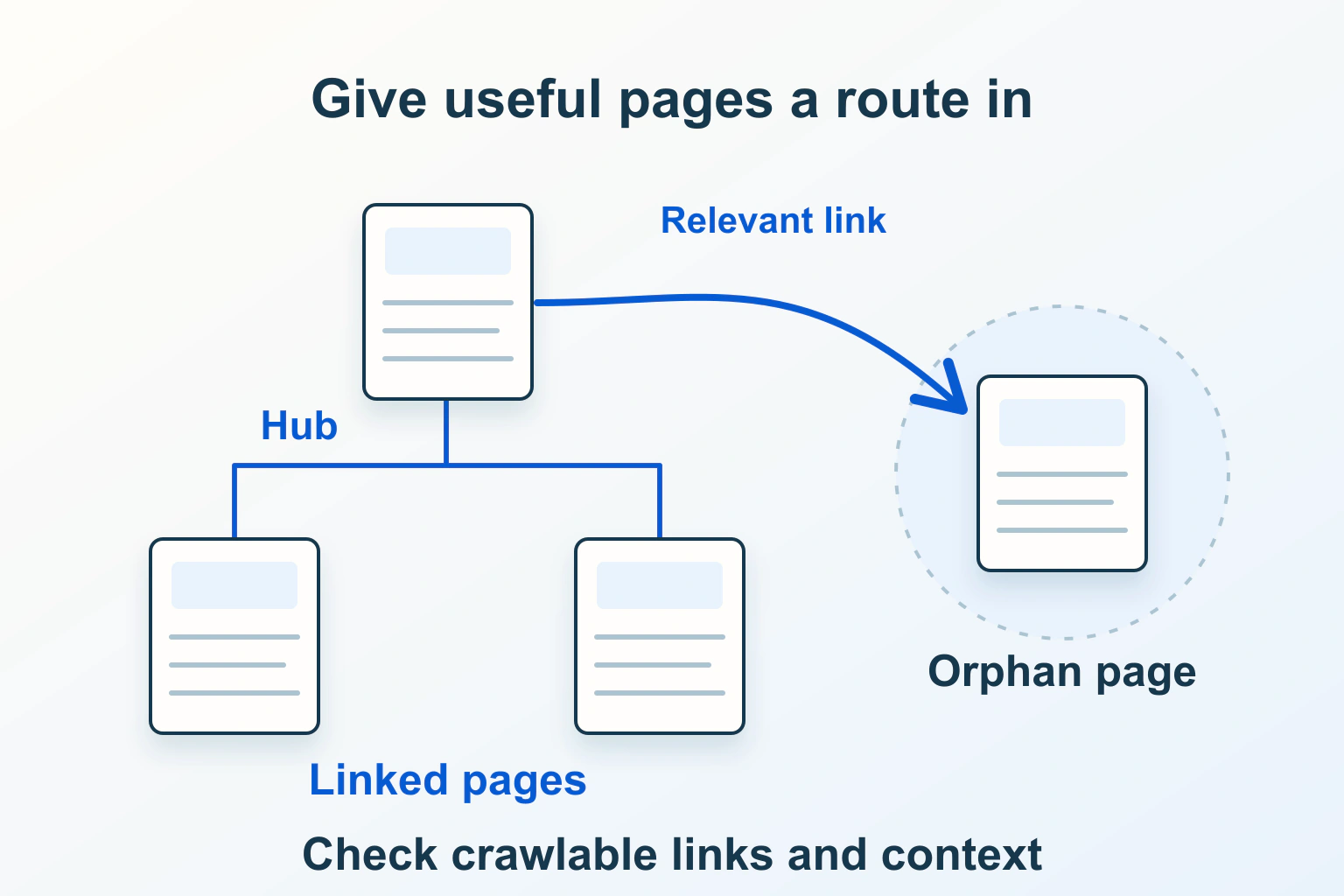
Begin by comparing the pages that exist with the routes available through the public website. Then repair the reader journey, not a link-count score. This guide uses a hypothetical community-garden site.
Define what an orphan page means in your audit
For this workflow, an orphan candidate is a public page intended for discovery that has no known incoming internal link in the reviewed scope. Record that scope. A crawler starting from the homepage may miss private pages, excluded sections, unsupported interactions or content outside its allowed host.
A page with one link from a forgotten archive is not strictly isolated in that graph, but readers may still struggle to find it. Keep “no discovered incoming link” separate from “weak or confusing route.” The repair can be similar, while the evidence is different.
Do not treat intentionally private account pages, temporary previews or protected documents as promotional gaps. Agree which content should be public before increasing its visibility. A search box or direct address can provide access without supplying a useful route from an article that raises the relevant question.
Build the page inventory independently of the crawl
List the intended public pages from the content-management system, its supported export or another authorized inventory. Include the content types that matter: articles, reference pages, topic hubs and relevant resources. Record title, complete URL, publication state, purpose and owner.
On WordPress, two built-in sources give you that list. Tools > Export produces an XML file of all posts or all pages, and the core sitemap at /wp-sitemap.xml lists public posts, pages and archives; an SEO plugin may replace it with its own index, often at /sitemap_index.xml. For the link side, the Links report in Search Console lists your most-linked internal pages, and a desktop crawler can export every internal link with its source page.
Compare that list with the public sitemap and investigate differences. Google's sitemap overview explains its role in discovery and the absence of a crawling or indexing guarantee. A listed URL is not proof of a navigable reading journey.
Keep drafts and deliberately excluded content distinguishable instead of forcing the inventories to have identical totals. Our sitemap and indexing diagnostic guide covers that separate investigation. Here, the inventory supplies the pages a homepage-only crawl might never discover.
Collect incoming-link evidence with source locations
Run a permitted crawl of the public website or perform a manual pass for a small archive. Record the starting address, included host and paths, rendering capabilities, exclusions and date. Avoid private sessions and respect rate limits and access controls.
For every discovered internal link, retain the source page, destination and visible or accessible label. Distinguish editorial body links from menus, breadcrumbs, cards and footer links. That detail helps explain whether a destination is merely reachable or offered at a useful moment.
Reconcile the crawl's destinations against the independent inventory. Investigate unmatched pages rather than immediately declaring them defective. A URL might have moved, a canonical address might differ, or the crawler might not handle a particular component. Normalize addresses carefully without erasing meaningful query or path differences.
Inspect the real link, not just a clickable-looking control
Google's link best practices describe ordinary anchor elements with href attributes as the usual crawlable form. A styled control or script-driven interaction should not be assumed to provide the same discoverable destination merely because it responds to a mouse click.
Check the rendered page and its accessible interaction. Can an ordinary visitor identify the link and activate it with a keyboard? Does its address lead to the intended public page? If navigation relies on an interactive component, review its actual output before changing the site structure to compensate for an incomplete crawl.
A working response is only one check. The destination should answer the link's promise, and the source passage should remain understandable after the link is added. Use our broken-link repair workflow when the route itself fails.
Choose source passages by the reader's next question
Suppose the hypothetical garden has a public “Watering during holidays” guide that appears in the sitemap but receives no known incoming article link. The seed-starting article discusses daily watering, and the seasonal checklist asks volunteers to arrange cover. Both are plausible places to offer the holiday guide.
The page about submitting reimbursement receipts is not a plausible source merely because it has spare space at the bottom. A link should fit a reader's task, not serve as a token addition to satisfy a numerical quota. Read the surrounding paragraph and explain the transition.
| Source moment | Likely next question | Useful destination |
|---|---|---|
| Daily watering instructions | Who handles this while I am away? | Holiday watering arrangements |
| Seasonal volunteer checklist | How do we document shared cover? | Holiday watering arrangements |
| Reimbursement form | Which receipts are accepted? | The reimbursement rules, not the watering guide |
Keep a repair record with the precise source passage, proposed label, destination and reason. That is more reviewable than telling an editor to “add three links” without identifying the journey they should improve.
Write labels that explain the destination
W3C's link-purpose guidance explains that purpose should be understandable from the text or its programmatically determined context. Prefer a useful label such as “arrange holiday watering cover” over an isolated “click here.”
Keep the label honest about the resource. “Download the rota template” should not open a general advice page with no template. “Read the beginner checklist” should not unexpectedly take the visitor to a private administration screen.
Do not force every link to repeat an exact keyword phrase. Natural wording can distinguish different destinations and serve the surrounding explanation. Avoid placing several identical vague labels together when a reader needs to choose between resources.
Use hubs and navigation for orientation, not link dumping
A well-organized topic page can offer a route through a larger subject: start here, complete this task, troubleshoot this problem, then review advanced options. Write short descriptions that make those choices meaningful rather than displaying an undifferentiated inventory of every article.
Use contextual links for the detailed next step and navigation for broader orientation. A site-wide footer containing hundreds of unrelated titles does not replace the paragraph where a reader actually needs an explanation. Equally, do not add a large related-content box when one specific sentence can provide a clearer route. Breadcrumbs also give each article a route back to its section; the breadcrumb guide covers choosing honest parent pages.
Important pages deserve a discoverable internal path, but there is no universal link quota that makes every article useful. Do not require reciprocal links between every pair of pages. The relationship should make sense in each direction independently.
Verify the changed journey and record remaining gaps
- Open the edited source as a logged-out visitor on desktop and phone widths.
- Check that the link label and surrounding passage explain the next step.
- Activate the link with a keyboard and verify the intended destination.
- Confirm that any reusable component was changed at its correct source.
- Repeat the relevant crawl or manual inventory check and retain its boundaries.
If a worthwhile page remains isolated, identify an appropriate source or improve its place in a relevant hub. If no other content has a meaningful reason to point to it, reconsider its purpose, audience or duplication before manufacturing links.
Use measurement appropriate to the reader's task if later reviewing use. A repaired route can make content easier to discover, but a crawlable anchor is not a promise of search placement or a measured increase in readers. Repeat focused reviews when new articles, redesigns or retired pages change the available paths.