 Pagember

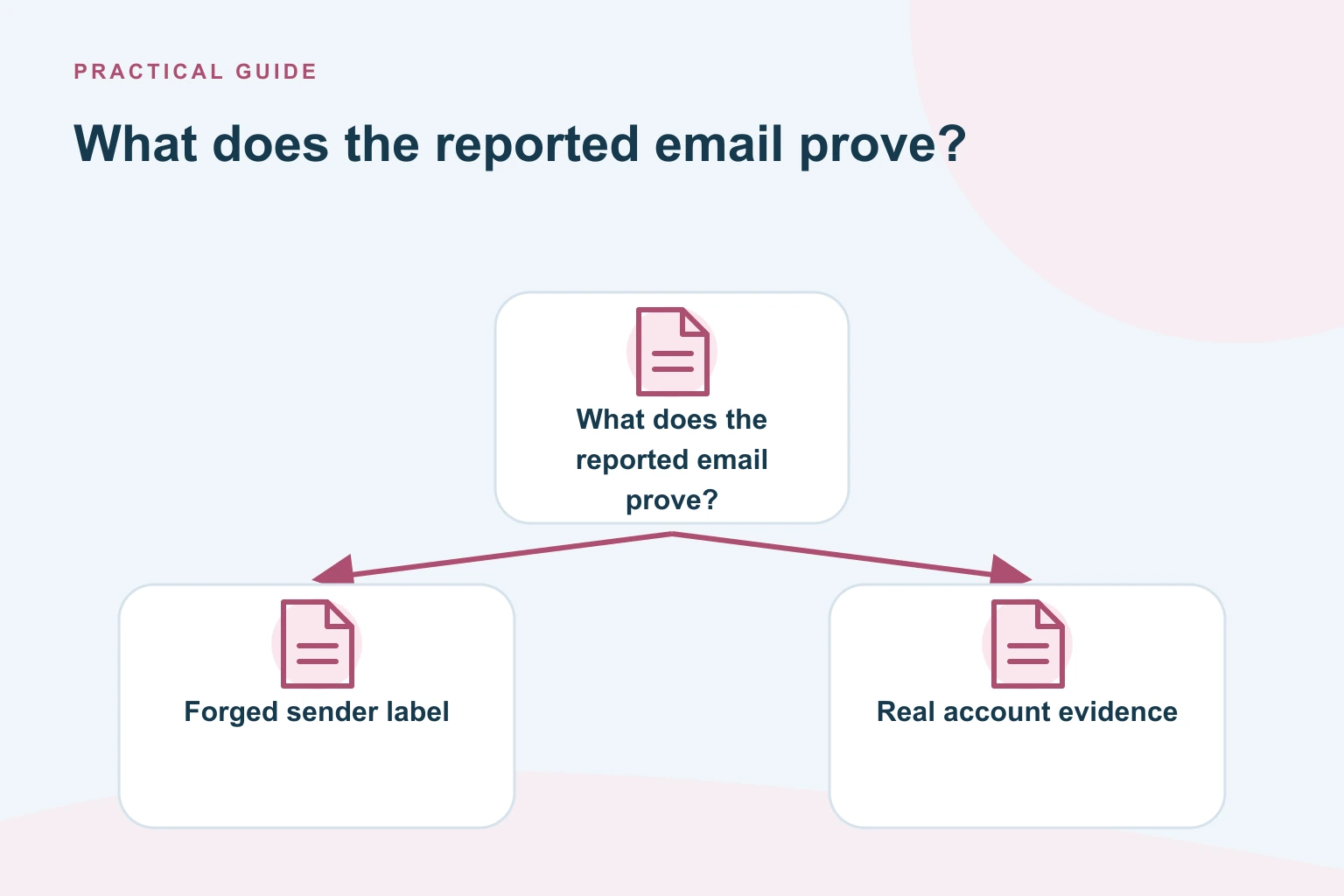
An email displaying your address does not, by itself, prove that somebody signed in to your mailbox. Sender details can be forged. However, dismissing every report as spoofing can miss a real account problem. Check the message evidence and your account independently.
Is this your case? This guide helps you tell spoofing from a real sign-in. If you already know someone used the mailbox, go to Hacked business email: how to recover the account; if you cannot reach the admin console, read Locked out of business email: how to recover administrator access.
The starting point might be a friend's worried reply, a delivery-failure message or spam that appears to come from “me”. Before changing addresses or deleting an account, establish what each piece of evidence actually tells you.
Ask for the message, not just the display name
Ask a known contact through your usual trusted channel what they received and when. A screenshot can show the suspicious wording, but the original message and its technical details may be needed for investigation. Do not ask the contact to open an attachment or follow a link to help you test it.
Google's spoofed-address guidance explains that forged sender or reply-to information can produce bounces and replies for mail you never sent. An attacker does not need to send that forged message through your account. Conversely, a familiar-looking name is not evidence that a message is genuine.
- A bounce refers to a message you do not recognize
- Possible forged-sender backscatter; it does not prove your mailbox submitted the original.
- A friend sees your name or address in From
- The claimed sender identity; inspect the real message and account evidence.
- An unfamiliar successful sign-in or changed account setting
- Account evidence requiring the provider's security process.
- No matching message in Sent
- A useful observation, but insufficient on its own to rule out account access or a deleted item.
Check the account directly
- Open your provider's app or known website, rather than a link inside the suspicious email.
- Confirm the account identifier and the reported time.
- Review recent account activity, signed-in devices and security changes using the provider's own controls.
- Look at Sent and any available recent-deletion areas without erasing possible evidence.
- Review mailbox permissions and automation for unfamiliar changes.
For Gmail, the official security checklist specifically includes delegated access, send-as identities, forwarding and filters that forward or delete messages. Use the equivalent official procedure for your provider. A password reset is important when unauthorized access is suspected, but it is not a substitute for checking persistent account settings.
An illustrative report from a friend
Suppose a friend asks whether you really sent a short message requesting gift cards. You have no matching item in Sent. That absence does not settle the matter, so you review account activity and discover a sign-in you cannot explain and an unfamiliar forwarding rule.
The useful response is a compromised-account investigation, not a public announcement that “it was only spoofing”. Secure the account through the provider, remove unauthorized access using its checklist and notify affected contacts through a trusted route. For a work mailbox, follow the hacked business email recovery steps, which cover sessions, app grants and mailbox rules for Microsoft 365 and Google Workspace.
Now consider a different case: you receive several bounces for messages apparently sent to strangers, with no other unfamiliar activity found in your review. Spoofing remains a plausible explanation. Keep the observations separate instead of treating the number of bounces as a count of successful intrusions.
If the address was forged outside the mailbox
Google explains that Gmail cannot stop an external sender from simply placing your address in forged sender information. Changing your password does not erase those messages or prevent every future forged label. Continue to keep the account secure, but do not promise contacts that a password change made all mail displaying your address trustworthy.
Use your mail provider's spam-reporting controls for suspicious bounces as appropriate. If this involves a domain you manage, pass a representative original message to the responsible mail administrator. The separate email-header guide explains the difference between claimed sender details and delivery evidence; avoid trying to infer that evidence from a cropped screenshot.
If the forged address uses your own domain
When the address ends in a domain you control, such as you@yourbusiness.com, you can make forged copies much harder to deliver. Receiving servers check three DNS records. SPF lists the servers allowed to send mail for the domain. DKIM adds a signature that your mail provider creates for each message. DMARC tells receivers what to do with a message that passes neither check for your domain, and where to send reports about it.
A DMARC record is a TXT record published at _dmarc.yourbusiness.com. A first record that only collects reports looks like this:
v=DMARC1; p=none; rua=mailto:dmarc-reports@yourbusiness.comThe aggregate reports list the servers that sent mail using your domain and whether each one passed. Once your mailbox provider, newsletter tool and website contact form all pass, change the policy to p=quarantine and later p=reject, so receivers file or refuse the forged copies. The SPF, DKIM and DMARC setup guide covers the order of the records, and reading DMARC aggregate reports shows how to match each sending source before you tighten the policy.
Business email services such as Fastmail and Zoho Mail show the SPF and DKIM values for your domain in their domain setup screens, so this step is mostly copying records into your DNS. The Fastmail custom-domain guide walks through it.
Communicate what you actually know
A useful warning is specific: “Do not open the payment link in the message sent at that time; I did not send it, and I am checking the account.” You do not need to speculate publicly about the attacker or disclose recipients' addresses.
- Keep the original report and approximate time.
- State whether unauthorized account access was found, suspected or not established.
- If payment or sensitive information was shared, have the affected person use the relevant organization's genuine reporting route.
- Review password reuse with the exposed-password decision guide if credential compromise is also involved.
The investigation has a useful result when the account's security state and the message report have been checked separately, unfamiliar access has a response, and contacts know which message to avoid. A reassuring guess is not the same as that evidence.