Security & BackupsTutorial
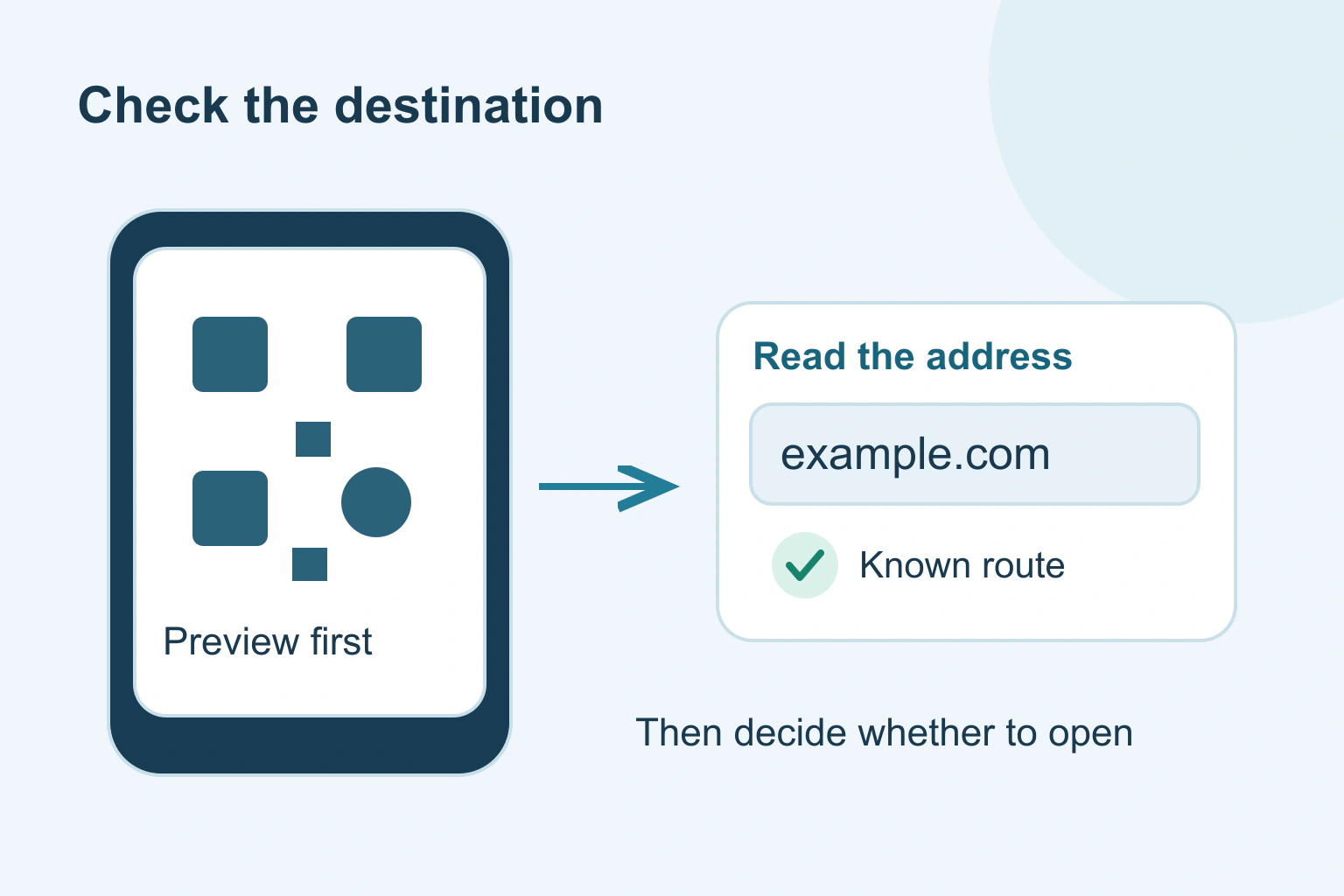
Check a QR code before opening the link
Pause before opening a QR link. Check where the code came from, inspect the address and use a known route when a payment or login request feels wrong.
5 min readRead
Clear explanations and practical steps for building and running a website.
68 guides
Page 2 of 6Pause before opening a QR link. Check where the code came from, inspect the address and use a known route when a payment or login request feels wrong.
Deleting a phone photo can remove its cloud copy too. Check which app and account hold the picture, then choose a storage action that matches your goal.
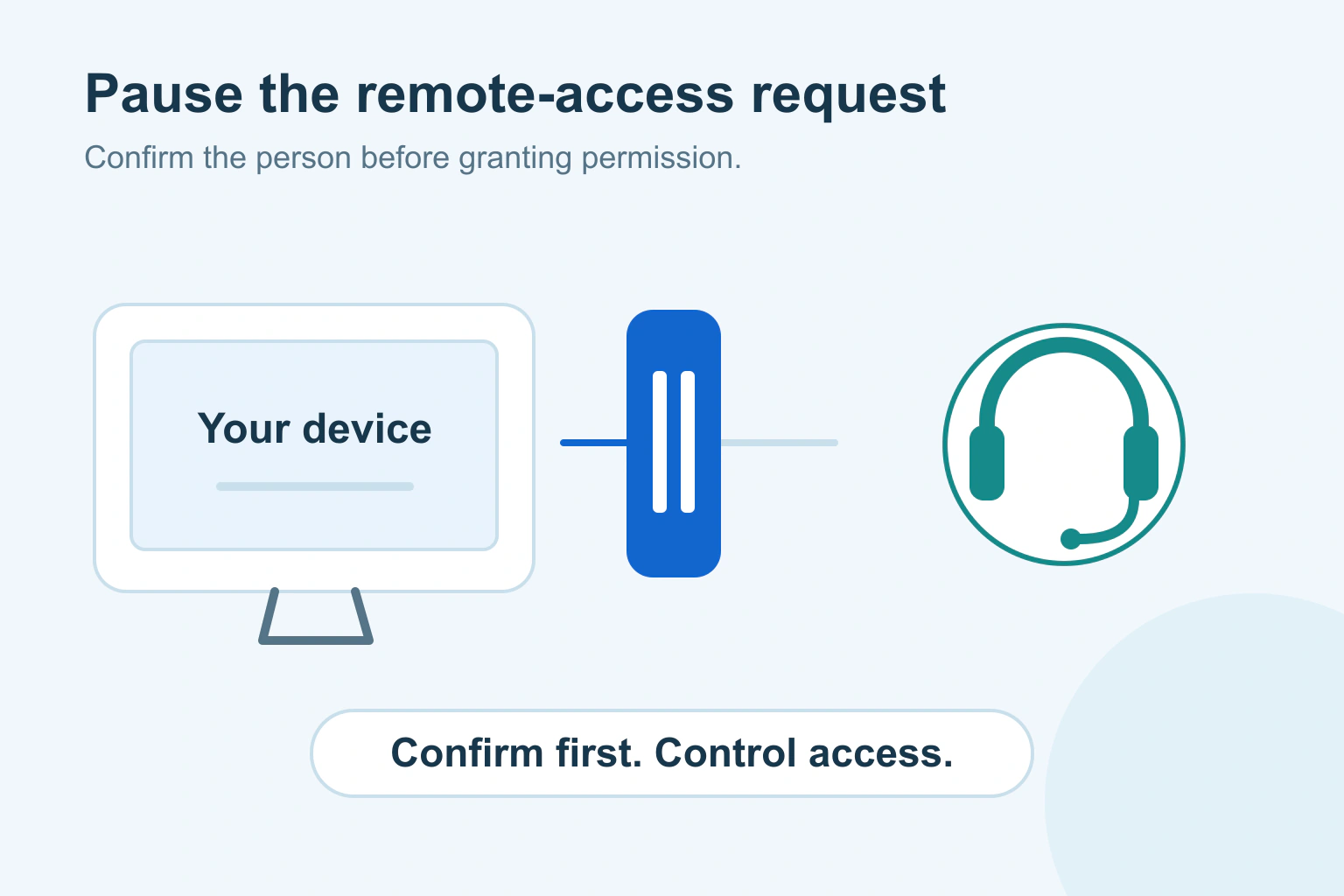
Before allowing remote support, confirm who contacted you, use an independent support route and understand the access. Learn what to do if a session feels wrong.
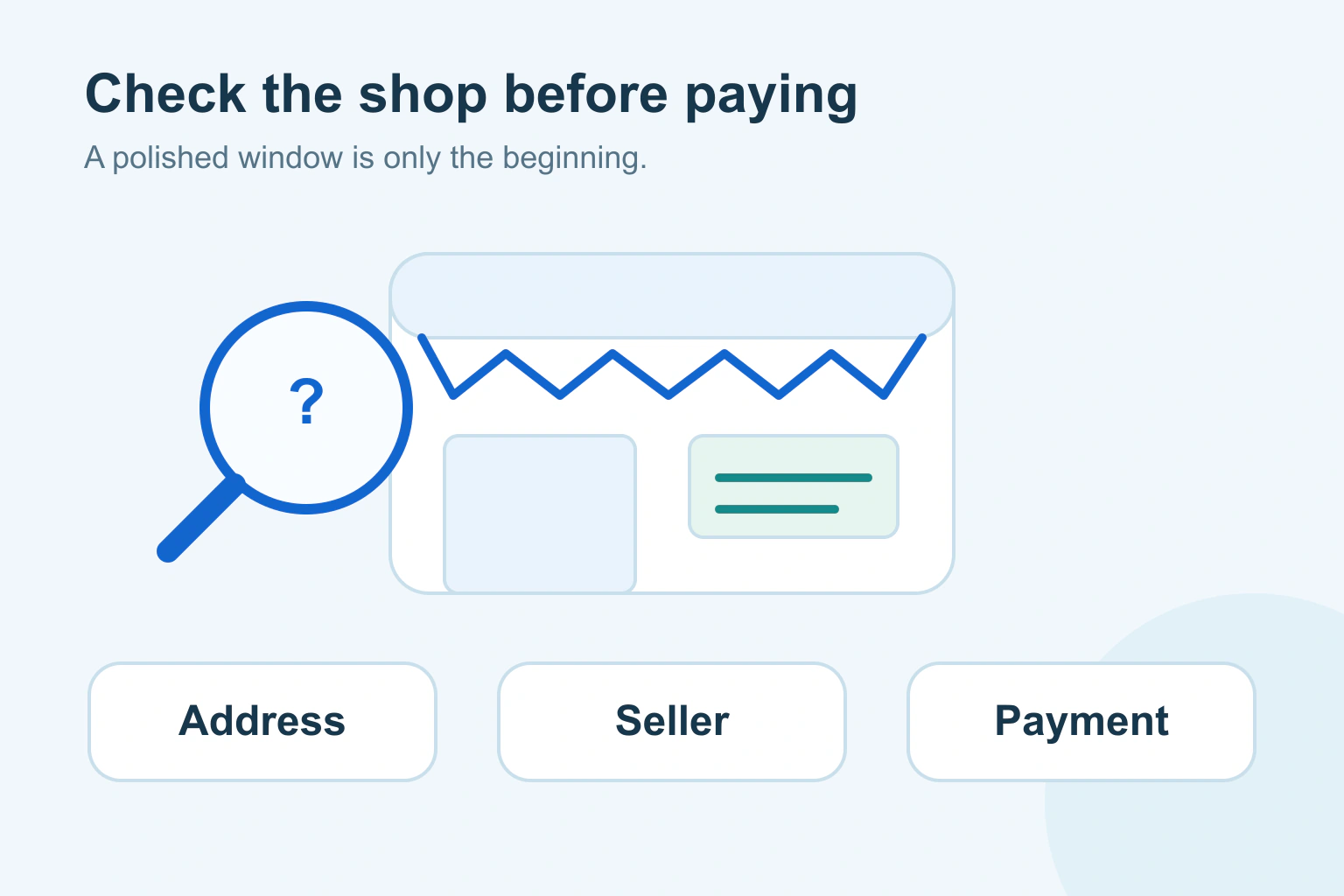
Check an unfamiliar online shop before paying. Compare the address, seller details, reviews, delivery terms and payment request without trusting a padlock alone.
Saved content is still untrusted when rendered. Separate plain text, rich HTML, links and other output contexts, then review every place the stored value is displayed.
Use parameterized queries for data values and deliberate allowlists for query structure. Review the actual database boundary rather than relying on a plugin label or scanner result.
Review a security warning through an independently known account route. Compare the actual activity and protect access without treating an authenticated sender as proof of a safe request.
A form can look valid while its request protection is stale or mismatched. Trace the current session, token, origin and actual server result without disabling CSRF defenses.
An integrity hash approves specific script bytes. Plan the version, CORS support and hash update together so an intended supplier update does not silently break your website.
Separate a connected app’s data permission, sign-in link and existing session. Revoke the intended access and check what happens to data already copied.
CORS controls browser response sharing, not ownership of account data. Authenticate callers and check each object and action at the server, including nonbrowser requests.
A signed download URL is temporary access, not the file’s public address. Recheck entitlement, issue a fresh scoped link and keep cached or saved copies in the threat model.
Find an answer, a decision or a practical next step. Choose a topic and format: explanations, buying guides, comparisons, tutorials or editorial opinion.