WordPressTutorial
WordPress transients are temporary
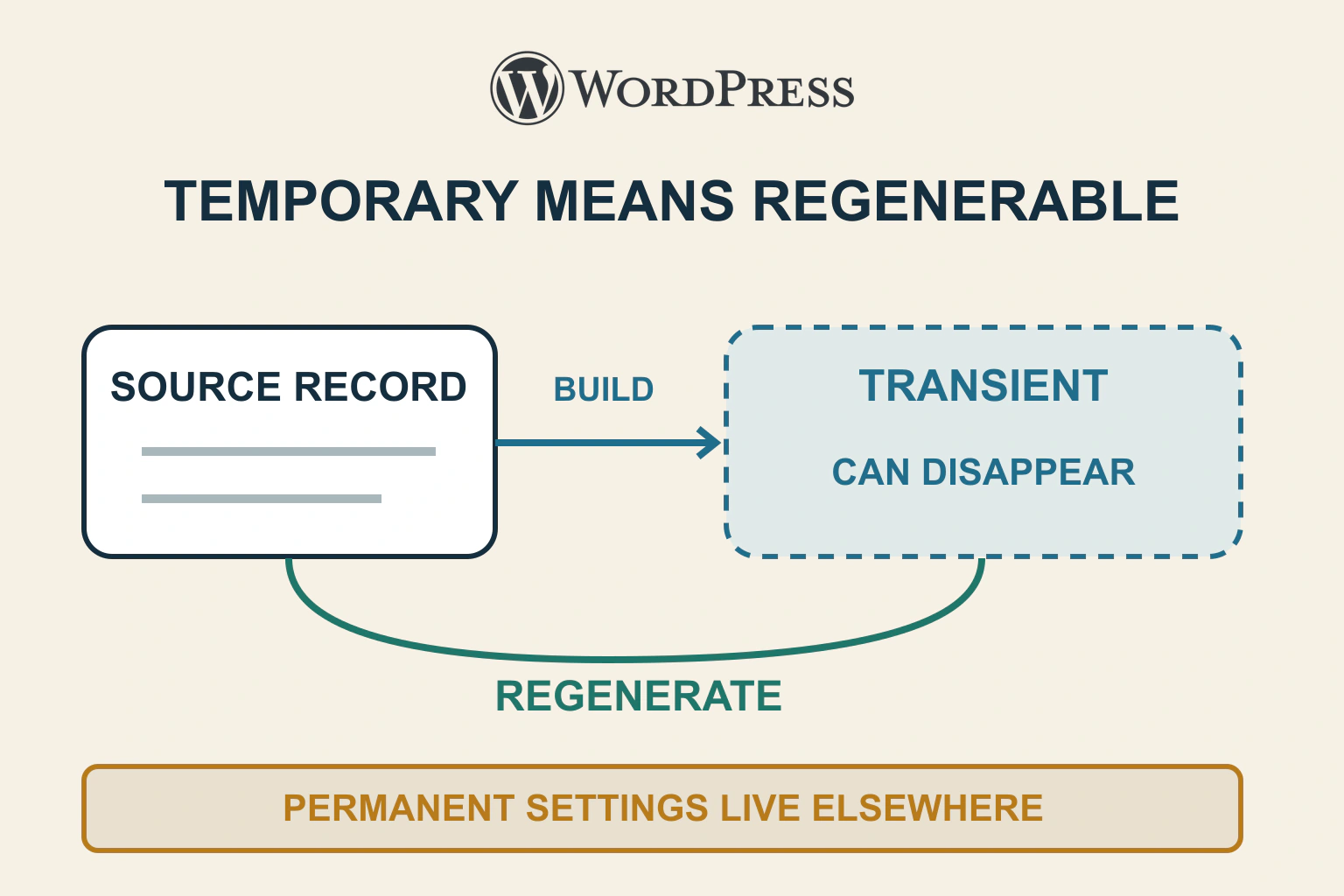
A transient can vanish before expiry. Keep authoritative data elsewhere, distinguish cache misses from valid empty results, and test safe regeneration and source failure.
6 min readRead
Clear explanations and practical steps for building and running a website.
75 guides
Page 1 of 7A transient can vanish before expiry. Keep authoritative data elsewhere, distinguish cache misses from valid empty results, and test safe regeneration and source failure.
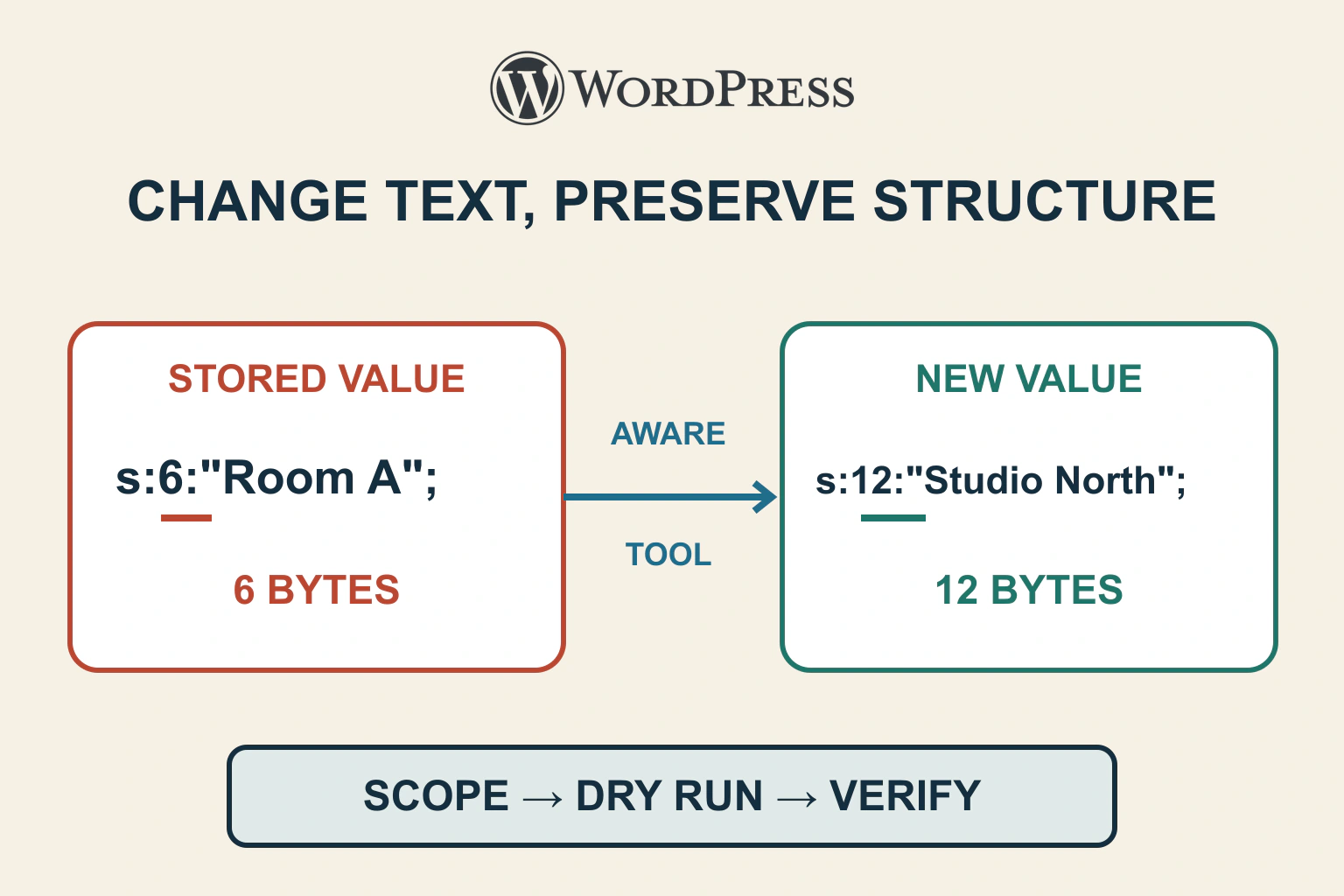
Serialized data stores structure as well as text. Define a narrow replacement, rehearse with a serialization-aware tool and verify both changed values and application behaviour before any live write.
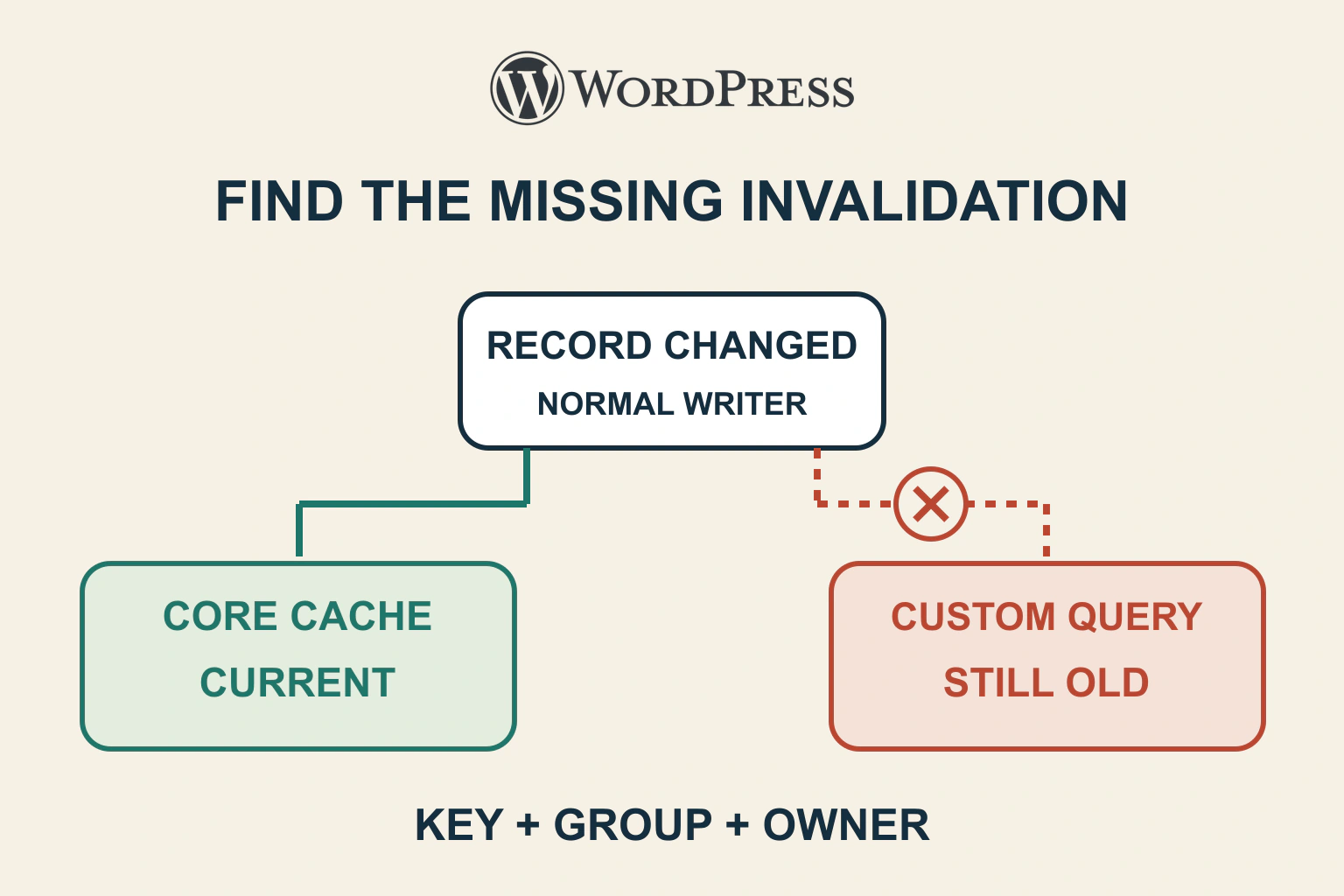
Trace old WordPress data to its cache key, group and writer. Distinguish object caching from stored HTML and verify invalidation through the normal update path.
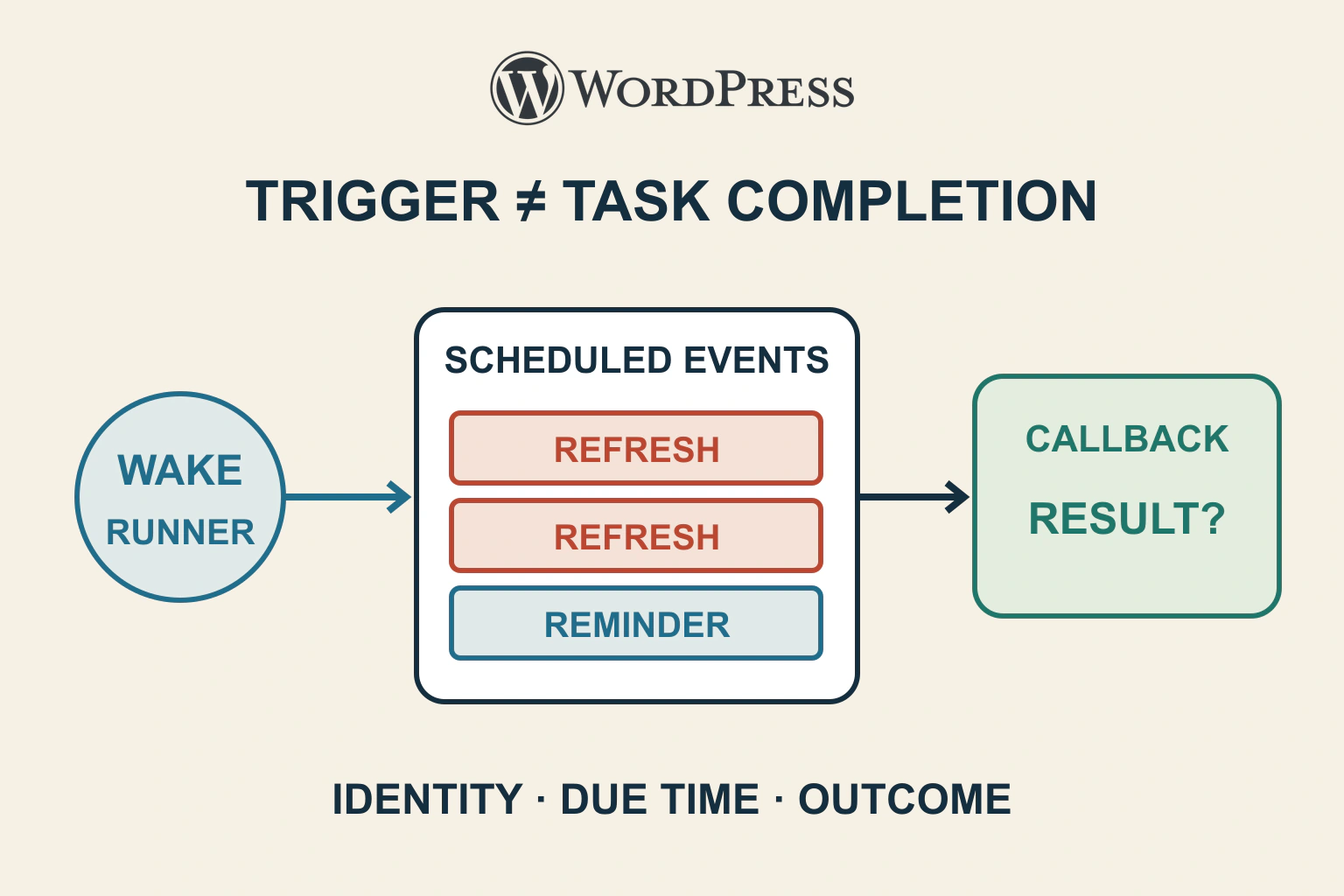
A cron backlog can mean a missing trigger, failing callback or duplicate schedule. Inspect hook identity, arguments and due times before running or deleting anything.
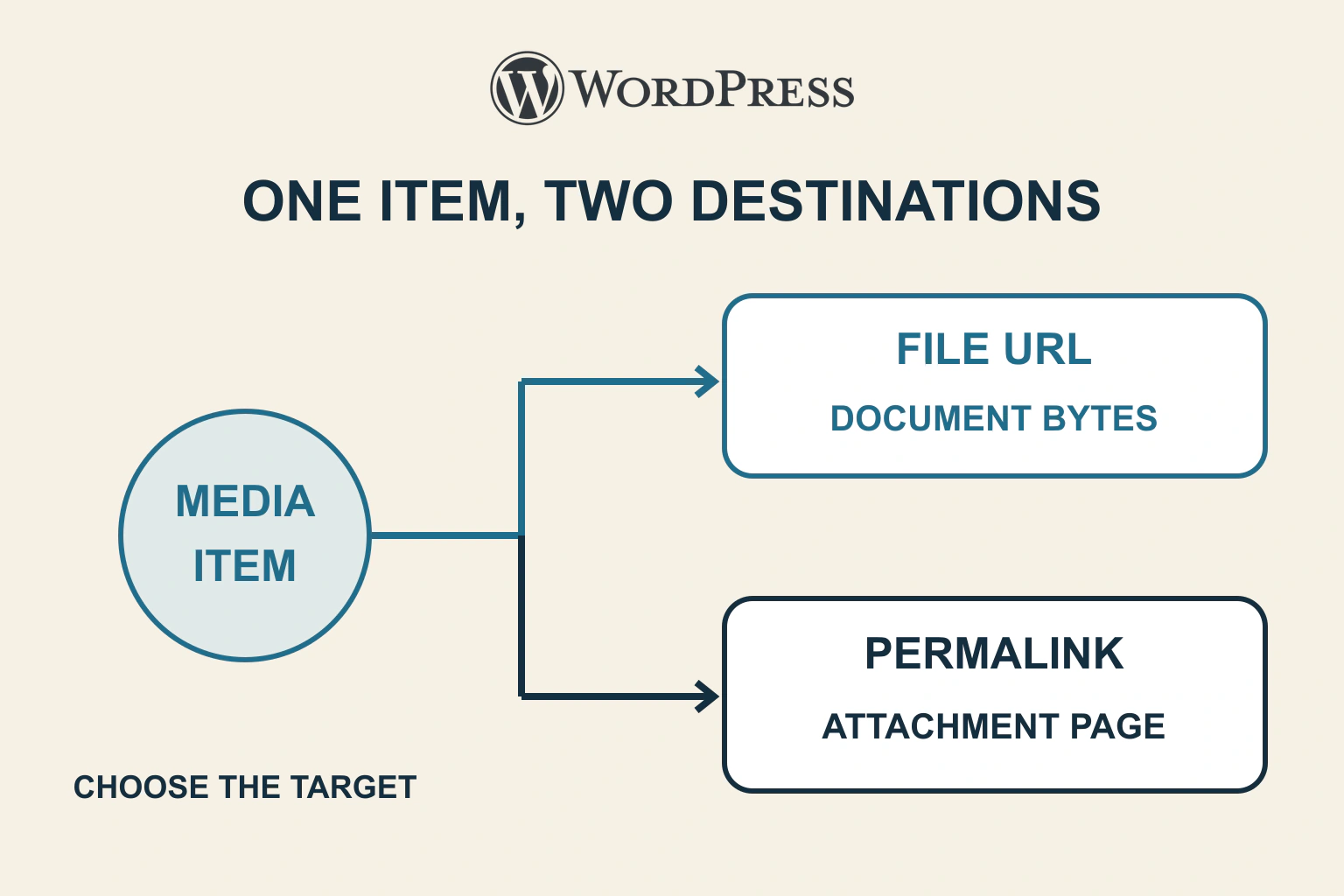
An attachment page and the uploaded file have different URLs. Inspect the saved link and choose the intended File block target before changing downloads, permalinks or media.
Replace an unmaintained plugin by preserving the capability and data it owns. Rehearse conversion, compare old and new results, switch deliberately and retire the old component after acceptance.
A handover that covers the website, domain, hosting, plugin subscription, editing permissions and a repeatable update-and-recovery routine.
A practical service-page workflow covering the brief, content order, reusable styles, mobile reading and the enquiry checks that matter before launch.
A useful one-site comparison built around the work: page layouts, lead capture, dynamic content, ecommerce and a budget that keeps hosting separate.
A recovery link can reopen an administrator’s route past a failing extension. Understand the private session, choose a bounded correction and retest the public site outside Recovery Mode.
A memory fatal error names a failed allocation, not necessarily the cause. Compare the effective PHP limit, WordPress request and specific task before choosing a repair.
Separate wrong database settings, unavailable service and evidence of damaged data. Recover the correct WordPress installation without exposing secrets or overwriting newer content.
Find an answer, a decision or a practical next step. Choose a topic and format: explanations, buying guides, comparisons, tutorials or editorial opinion.