Email Tools
Find practical guides to business email, custom domains, newsletters and email marketing. Understand mailbox setup, sending limits, costs and migration.
More on Email Tools

Email ToolsTutorial
Identify server, shared-cloud and local storage limits, preserve needed messages, review archive and Trash behaviour, then verify usable space and mail access.

Email ToolsTutorial
Compare attachment limits with linked-file access, choose specific-recipient permissions, test download and denial, and understand what revocation cannot undo.

Email ToolsTutorial
Use controlled contacts to check delivered links, one-click headers, saved choices, audience exclusions and queued sending limits without altering a real subscriber's preferences.
Email ToolsTutorial
Choose the right mailbox access method, verify secure incoming and outgoing settings, and diagnose receiving, sending, Sent folders and local-only archives separately.

Email ToolsTutorial
Trace each forwarding leg, distinguish envelope rewriting from author alignment and investigate preserved DKIM, receiver-evaluated ARC and the actual final delivery result.

Email ToolsTutorial
Use the full SMTP response and delivery-status action to distinguish a delayed message from an abandoned attempt, then investigate the cause without blind resends.
Email ToolsTutorial
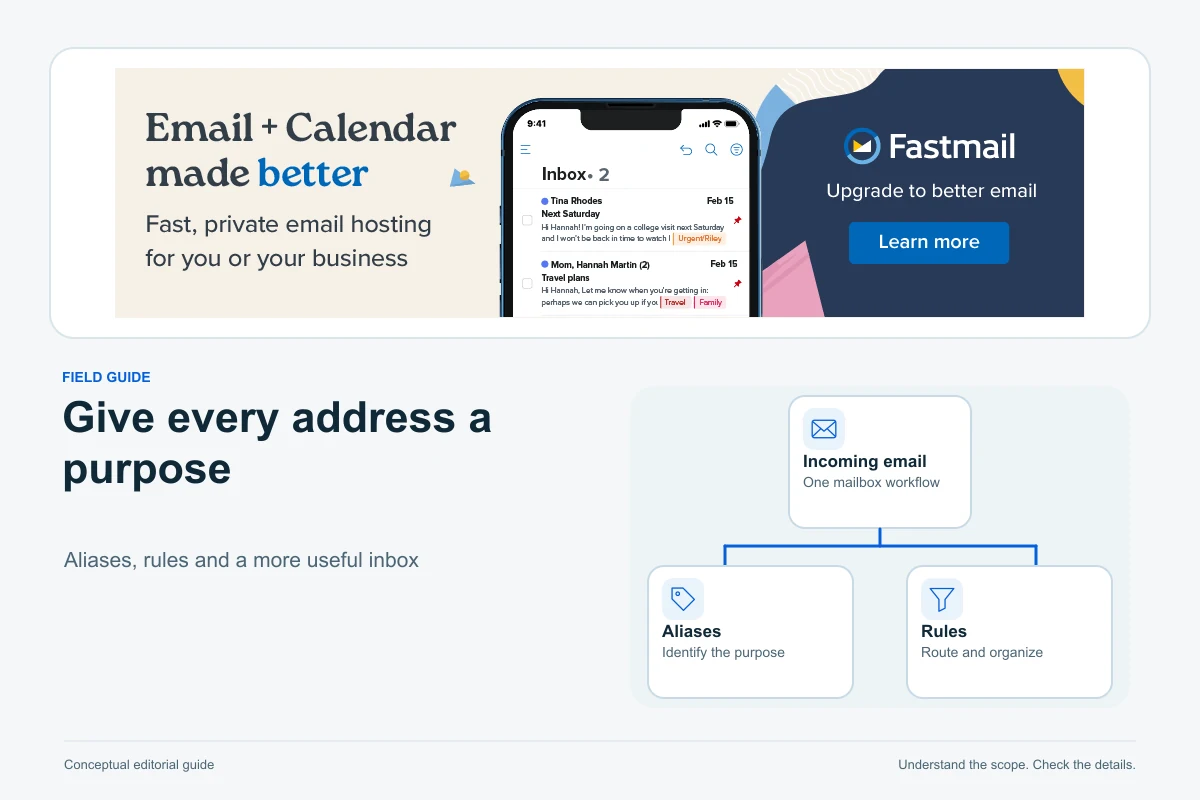
Build a small business email workflow with role addresses, folders and tested rules. Learn when an alias is enough, when to add users and what a shared folder actually solves.

Email ToolsTutorial
Keep your website in place while connecting a custom email domain: prepare mailboxes and aliases, preserve DNS dependencies and test receiving, sending and authentication separately.

Email ToolsTutorial
Choose an alias, group or delegated mailbox, give teammates named access, test replies from hello@ and plan offboarding without sharing credentials.
