 Pagember

News & analysis · October 26, 2026
Kling 4.0 is now available in getimg.ai's Create Video, with 1080p output, clips up to 30 seconds and support for reference images and videos. The best way to try it is with one clip your business actually needs and a clear idea of what the approved result must show.
What the October 22 update confirms
The getimg.ai changelog lists Kling 4.0 in Create Video from October 22. It specifies 720p and 1080p output; durations of 3–20, 25 or 30 seconds; and square, vertical, horizontal and 21:9 formats. Supported inputs include first and last frames, up to ten reference images, and up to five reference videos totaling no more than 30 seconds.
Reference videos and first and last frames let you guide motion and continuity directly, which helps when a product must look the same from start to finish. Generations use credits from your getimg.ai plan; the getimg.ai pricing and credits guide explains how to estimate what a test will use.
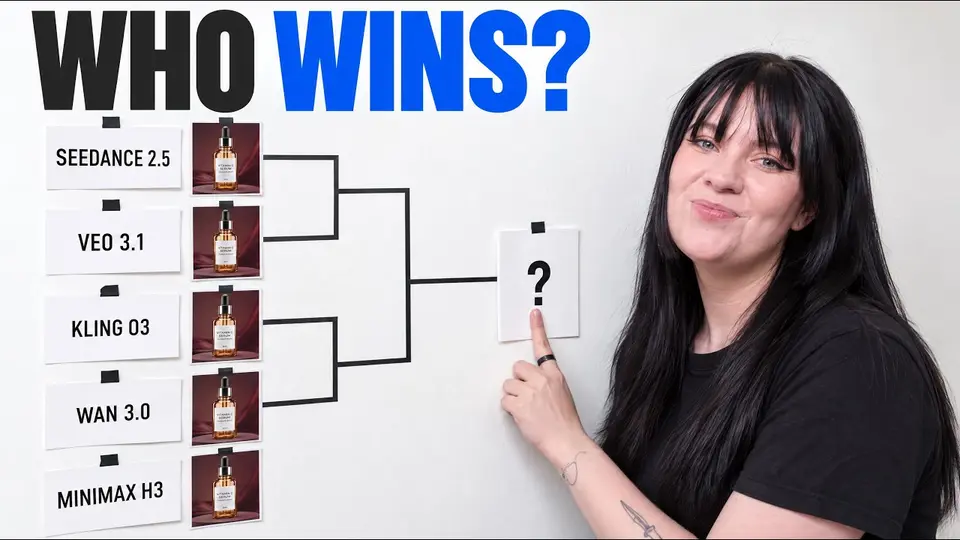 Play video: Image-to-Video Model Test: Animate the Campaign | getimg.ai
Our analysis: start with one deliverable
Before generating anything, write a short brief that another person could approve. Identify the audience, placement, subject and one action the clip should support. Keep a product demonstration separate from an atmospheric background: the first needs an accurate representation of an item, while the second may be judged mainly on composition.
Consider a stationery shop preparing a vertical introduction for a notebook collection. The owner could decide that the cover color and page arrangement must remain accurate, while the background can be illustrative. That choice gives the reviewer a clear standard to check each clip against.
A practical brief should also state what the clip must not invent. Product materials, safety properties and included accessories are examples of claims a reviewer should check against the real item. A visually attractive result is not sufficient evidence for a factual product statement.
Choose references you can explain and use
Our recommendation is to select the smallest set of references that communicates the task clearly. Give each one a role in your own production notes: appearance, framing, intended ending or movement. Adding more inputs without explaining their purpose can make it harder to identify which instruction needs changing after a disappointing result.
Use material you are entitled to provide to the service. Check the service's current terms, the intended use of the final video and any obligations connected with people or licensed assets in the inputs.
If a client supplied a private design or an unreleased product, settle permission and handling before uploading it. An early production test can use a non-sensitive substitute while the responsible people decide what may be shared.
Budget for a reviewable test
If you are animating an existing product photo, the getimg.ai image-to-video workflow covers preparing the still and reviewing the motion.
Check the current generation cost in the account before starting. Set a small spending or credit limit for the experiment and decide who can authorize more attempts. Record the selected model, output settings and brief so a later result can be compared with the same task.
Review the exported clip, not only its preview. Inspect the opening and ending, important objects, text and transitions. Place it in a simple draft of the intended page or social layout to check whether the subject remains readable at the actual display size.
Keep any criticism specific. “The notebook changes color halfway through” gives the next review a clear target; “make it better” does not. If the test cannot preserve an essential product fact, choose another production method rather than disguising the error with a stronger sales claim.
To budget the test against real credit costs, see current getimg.ai plans.
Our assessment
Kling 4.0 gives getimg.ai users clips up to 30 seconds, 1080p output and reference inputs in the same workspace they already use for images. A good first step is one short test clip for a real page or post, reviewed against the brief. If it meets the standard, the same settings can become a template for the next ones. The getimg.ai company page summarizes the plans and other models available.
Source review: October 26, 2026. Feature facts come from getimg.ai's October 22 changelog entry. The stationery shop is a hypothetical example, and the cover image is an illustration.