
Keep a browser manager when it reliably covers your actual sign-in and recovery needs; consider a dedicated manager when a checked cross-app, device or sharing requirement justifies it.
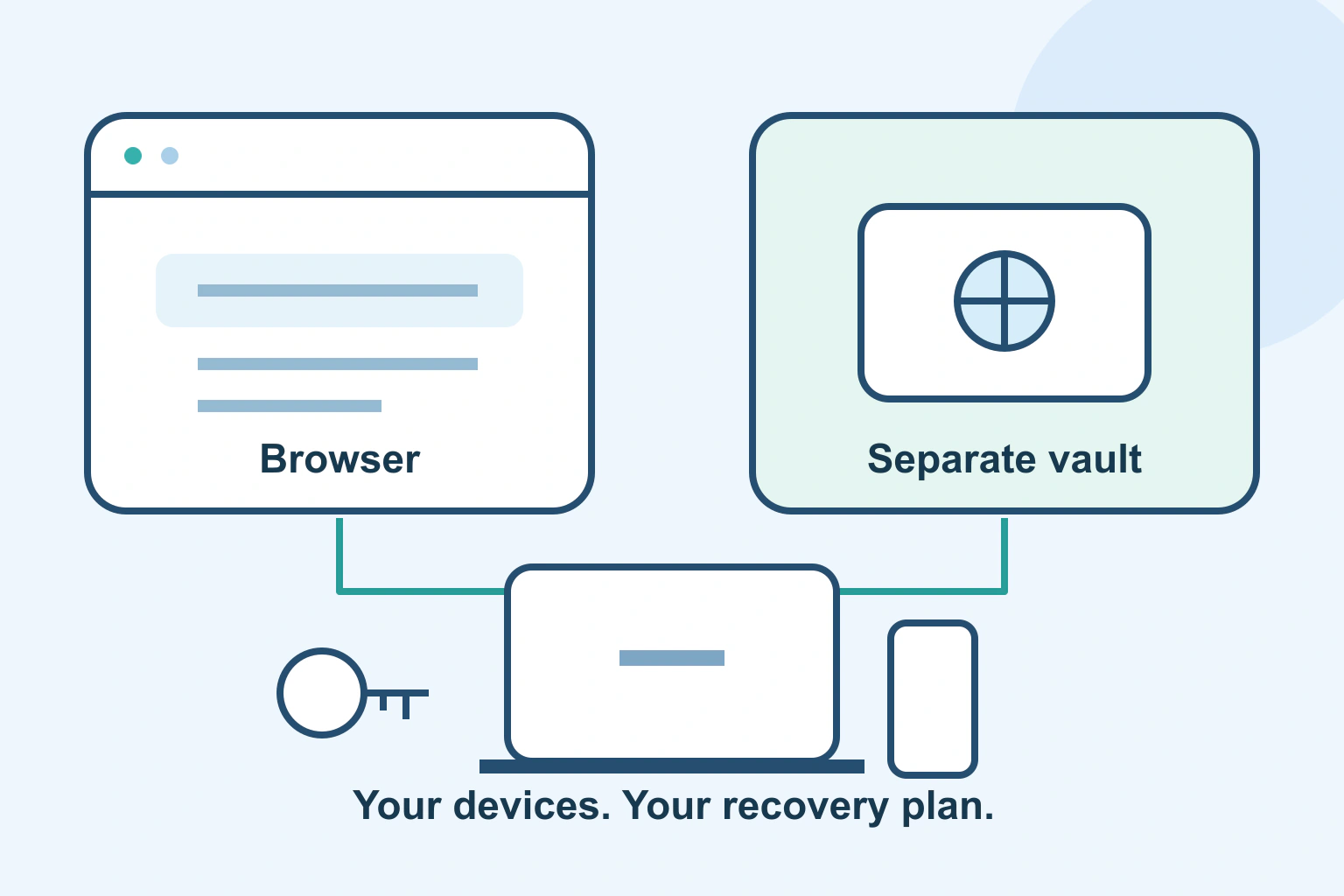
A browser password manager can be a sensible everyday choice if it reliably helps you sign in on the devices you actually use. A dedicated manager becomes useful when its checked features solve a gap: another browser, an app, a shared household workflow or a clearer way to manage your collection.
Neither category wins automatically. Compare the complete routine, including what happens when your phone is lost or you forget the main sign-in. A convenient autofill button is only one part of the decision.
Start with three ordinary sign-ins
List one account used mainly on a computer, one used in a phone app and one important account you rarely open. Include the devices and browsers involved. You do not need to write down the passwords. The aim is to discover where the chosen manager needs to work.
Try the existing manager’s supported route first. Can you find the correct item, distinguish personal from work identities and complete the normal sign-in? A missing menu item and a missing capability are different problems. Look at current support instructions before deciding to replace a tool.
Google’s Chrome guide documents saving and using passwords, selecting among usernames, editing saved details and checking passwords. Those are real management features, so “built into the browser” should not be mistaken for “does almost nothing.” Other browsers have their own documented arrangements.
Compare access, ownership and recovery
| Your need | What to compare |
|---|---|
| One familiar browser | Whether its supported manager already covers your routine |
| Several browsers and phone apps | The exact supported clients and autofill route on each device |
| More than one person | Named access, item ownership and supported sharing, if needed |
| A lost phone or forgotten secret | The documented route back to the account and stored contents |
| A future move | Supported export, item types and safe handling of temporary files |
Use this as a worksheet rather than awarding points for a longer feature list. An extra capability has value when someone needs it and can manage it. A household that never shares credentials does not need to buy a team-style arrangement simply because it exists.
Check the exact personal or organisational plan. Do not assume every feature shown on a provider’s website is included in its free tier. Equally, do not assume a paid vault is easier to recover just because it costs money.
Understand which secret unlocks which layer
Ask the provider two different questions: how do I recover my service account, and how do I regain usable access to the saved vault? Read the answers before loading important credentials into a new system.
For a dedicated-manager example, NordPass distinguishes its account password, vault Master Password, Recovery Code and MFA. A code used for one purpose is not automatically a replacement for every other secret. That distinction matters more than whether the icon sits in a browser toolbar.
Its full account-reset instructions explicitly warn that resetting deletes vault items. This is a concrete example of why “I can start again” is different from “I can recover my existing passwords.” It is not a reason to perform that reset as a routine check.
Keep recovery material through a suitable secure method that remains reachable if the main vault or device is unavailable. Do not create a circular arrangement where the only way to open the vault is stored inside that locked vault.
Choose a normal filling route
Running a browser manager and a separate extension together can leave you unsure which one supplied a value or offered to save a change. Decide which supported route you want for ordinary use. Check the relevant settings carefully rather than deleting the old collection to make its prompts disappear.
If the wrong account is offered, inspect the saved identity and destination first. Our wrong-account autofill guide covers that narrower problem. A wrong username is not evidence that the entire category of manager is unsuitable.
Also consider where the device is used. A manager unlocked in a shared computer session can expose information to the next person at the keyboard. Our shared-computer guide explains the separate role of operating-system accounts. Switching password products does not replace an appropriate device handover.
A fictional household with two different needs
Imagine fictional readers Pat and Jo. Pat uses one personal laptop, one browser and a phone. The current manager handles the important sign-ins, and Pat has checked its recovery instructions. Staying with it is a reasonable decision while those needs remain covered.
Jo regularly switches browsers and wants one organised collection across several devices. Jo checks the dedicated manager’s current compatibility for those exact devices, tries a few harmless sample entries and confirms the recovery arrangement. A separate manager may justify its extra setup because it removes a specific daily difficulty.
Neither result proves one product is universally safer. The useful difference is that each person can explain how their chosen routine works, where the records belong and what to do when ordinary access fails.
Switch only after a small, recoverable trial
- Check current device, browser and app support.
- Understand sign-in, vault unlock and recovery separately.
- Test representative accounts without removing the working source.
- Review any feature or subscription limits that affect your use.
- Choose the normal autofill route and finish any migration deliberately.
If you do move, use our staged import and recovery guide. A password export can contain readable secrets, and a successful row count does not prove every item type moved. Avoid exporting merely to compare a toolbar.
Keep the choice practical. A browser manager that meets your needs is useful. A dedicated manager that fixes a verified gap is useful too. The better choice is the one you can use consistently and recover deliberately, without making daily sign-in harder than necessary.
Sources and verification
Editorial review 2026-10-18. Source check dates are recorded separately. Notes describe what each source supports and its limits.
View sources
- Google: Manage passwords in ChromeChecked Saved-credential use, multiple-account selection, editing, exporting and password checking in Chrome.
Limits: Chrome-specific controls; does not establish that every browser manager or other app has identical capabilities. - NordPass: Passwords and codesChecked Separate roles of Nord Account password, vault Master Password, Recovery Code and MFA in one dedicated-manager example.
Limits: NordPass-specific authentication design, not a universal dedicated-manager architecture or current plan comparison. - NordPass: How to reset NordPass accountChecked The documented full account reset deletes vault items, illustrating why recovering access and recovering contents are separate questions.
Limits: A product-specific last-resort process, not advice to reset an account or proof that other recovery routes are unavailable.