
Allow mechanisms that assist authentication, keep the entire sign-in and recovery route usable, and evaluate passkeys as a complete supported flow rather than a cosmetic button.
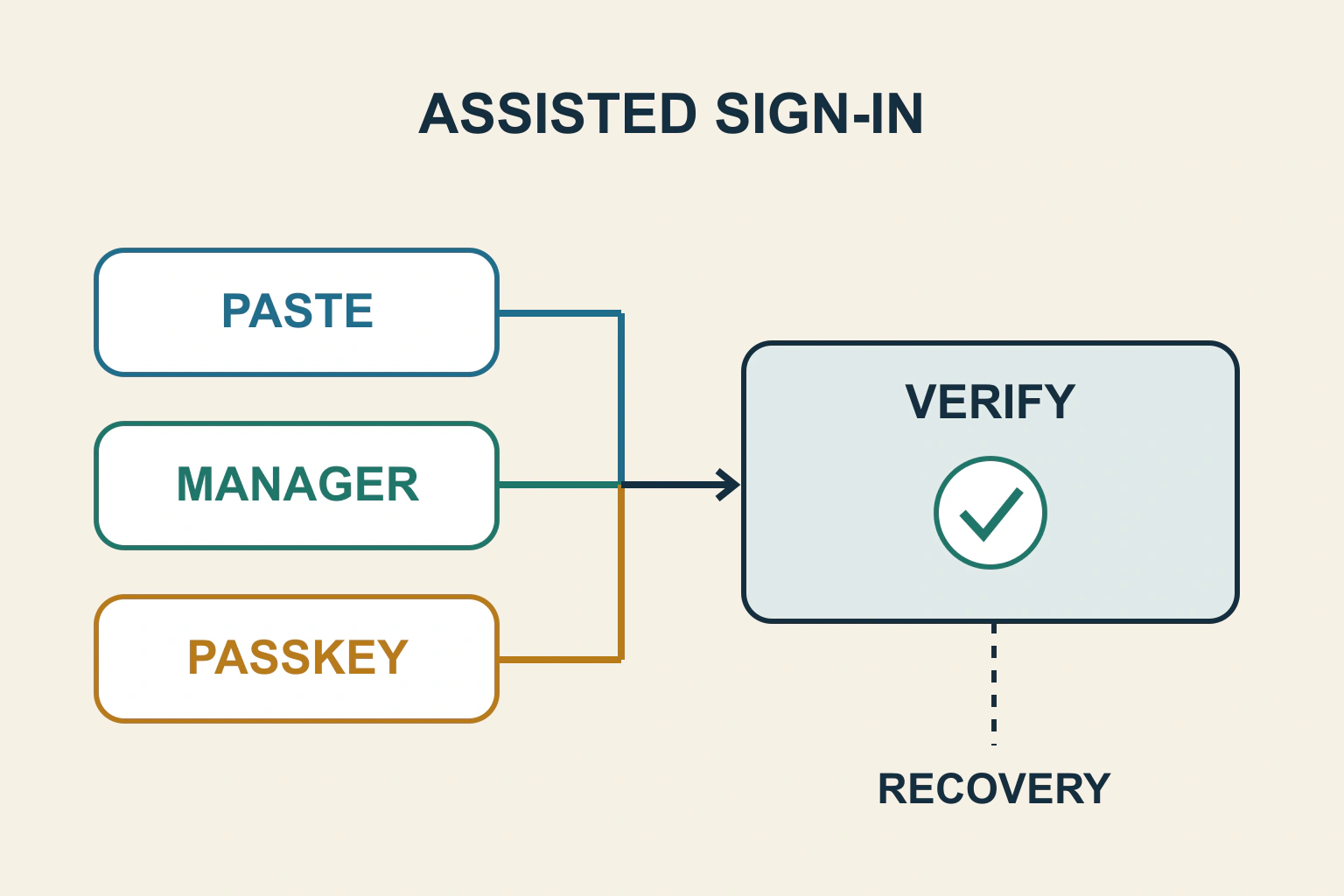
A sign-in form should let people use tools that help them authenticate. Allow password pasting, make fields understandable to password managers and avoid requiring a code to be manually transcribed when a supported assisted route is possible. If you add passkeys, verify their server-backed flow and a usable alternative.
Consider a fictional members’ archive. Its password field blocks paste, its verification screen splits a code into six boxes and its new passkey button appears on every browser. A visitor who has the correct credentials can still be unable to enter. The problem is the interaction, not proof that the visitor lacks permission.
Review the whole existing-account route
List every step: account identifier, password or passkey, additional verification, any challenge and recovery after a failed or expired session. A welcoming first screen does not compensate for a later mandatory puzzle or a recovery path that requires memorising another secret.
WCAG 3.3.8 at Level AA addresses cognitive function tests during authentication to an existing account. It allows specified alternatives or assistance mechanisms, including password managers and copy-and-paste. The criterion also has defined exceptions; it is not a blanket ban on passwords or a complete security standard.
In the archive, the maintainer should record whether a visitor can complete each required step using assistance. “Paste works in the first field” is too narrow if a second mandatory field strips the pasted code or insists on individual character entry.
Stop treating paste as an error
Find any paste, keydown or input handlers that block or transform credential entry. Ask what concrete requirement they serve. Do not preserve a blanket block merely because it has been described as security. Password verification, permission checks and abuse controls belong to the supported authentication design.
Use synthetic accounts to compare typing and pasting the same test value. Check that the form neither silently truncates a long password nor changes meaningful characters. A password visibility control can assist review if it has an understandable label and does not expose credentials in shared screenshots.
Do not record real passwords, one-time codes, passkey responses or recovery tokens in issue reports. Capture field behaviour, redacted state and the result. Accessibility debugging should not create a second store of credentials.
Give assistance tools meaningful fields
MDN’s autocomplete reference documents field-purpose tokens such as username, current-password and one-time-code. They communicate expected purpose to the browser. They are hints, not a guarantee that every password manager will behave identically.
For the archive, use the existing authentication component’s maintained field structure. A visually labelled field can still confuse assistance tools if the underlying purpose or name is unstable. The autofill diagnosis guide covers grouping and wrong-value placement more broadly.
Test at least the combinations relevant to the audience and record them. Confirm that choosing a saved account fills the intended fields and that submitting signs in to that account. A filled-looking field is not evidence that the application received its value correctly.
| Barrier in the example | Useful change to evaluate | Acceptance evidence |
|---|---|---|
| Password paste blocked | Allow supported paste and manager entry | A synthetic saved credential completes sign-in |
| Code boxes reject full pasted code | Support a complete-code entry route | Paste, correct and submit the same test code |
| Passkey appears but cannot start | Detect relevant capability and retain an alternative | Supported and unsupported journeys both make sense |
| Challenge has only a transcription alternative | Review a genuinely usable alternative method | Complete the mandatory step without the same barrier |
Review one-time codes as a complete value
If the design splits a code into boxes, verify whole-code paste, correction, deletion and keyboard movement. Automatically moving focus after every character can make editing unexpectedly difficult. A single well-labelled field may be easier to operate and maintain.
Distinguish an expired code from a malformed entry. Keep a clear resend or recovery route, and explain pending verification without claiming success. Preventing an accidental duplicate request is useful, but disabling the only recovery control indefinitely leaves a dead end.
Do not remove an essential security step to make a test pass. Instead, review how the step can provide an assisted or alternative method while meeting the application’s security requirements. The authentication owner should approve changes to verification logic.
Add passkeys through the supported authentication system
web.dev’s passkey autofill guide explains conditional UI, the username webauthn autocomplete token and capability checks. It also requires backend-provided challenge options and server verification. Adding an autocomplete token or drawing a passkey icon does not create a valid authenticated session.
For the archive, ask what happens when a passkey exists, when none exists, when the reader cancels and when the device cannot use the expected capability. Avoid a promise that every visitor must have a particular device or biometric method. Explain the available choice in ordinary language.
Test account association as well as the prompt. After successful verification, the resulting session must belong to the intended synthetic account. Account recovery and adding or removing credentials need separate authorization and security review; the sign-in screen alone does not settle those workflows.
Preserve labels, errors and recovery
The form accessibility workflow covers names, instructions, errors and confirmation. Apply it to the actual authentication states. An error should be discoverable, and focus should continue somewhere useful rather than returning to the document start.
Review the password-reset and magic-link journey when sign-in cannot continue. Recovery should not rely on inaccessible instructions or expose account information unnecessarily. A usable sign-in route includes a truthful explanation when an action fails.
Keep privacy in error design: the reader needs help, while the system’s account-enumeration and abuse protections still need to hold. Agree the wording and behaviour with the authentication owner instead of inventing a frontend workaround.
Run assistance-based acceptance checks
- Sign in with a saved synthetic password through the intended manager.
- Paste a complete password and complete verification code where applicable.
- Correct an entry without fighting forced focus changes.
- Exercise expired, cancelled and failed verification states.
- Use a supported passkey, then repeat without one or without the relevant browser capability.
- Complete the recovery route and inspect keyboard and screen-reader operation.
Keep the tested combinations and failures explicit. The next useful deliverable is a map of every mandatory authentication step and the assistance available there, followed by narrowly scoped changes that preserve the account’s real security boundary.
Sources and verification
Editorial review 2026-10-17. Source check dates are recorded separately. Notes describe what each source supports and its limits.
View sources
- W3C: Accessible Authentication minimumChecked WCAG 3.3.8 AA addresses cognitive function tests in existing-account authentication and mechanisms such as pasting and password managers.
Limits: Specified exceptions exist; satisfying this criterion is not proof of security or full accessibility. - MDN: autocomplete attributeChecked Purpose tokens including username, current-password and one-time-code; browser assistance is contextual.
Limits: Markup hints do not guarantee every manager/browser combination fills successfully. - web.dev: Passkey form autofillChecked Conditional passkey UI, username webauthn token and backend challenge/verification responsibilities.
Limits: Browser capabilities vary; this frontend guidance is not a complete authentication implementation.