
Trace a controlled account-recovery attempt stage by stage while preserving single-use protections, hiding tokens and keeping password reset distinct from passwordless sign-in.
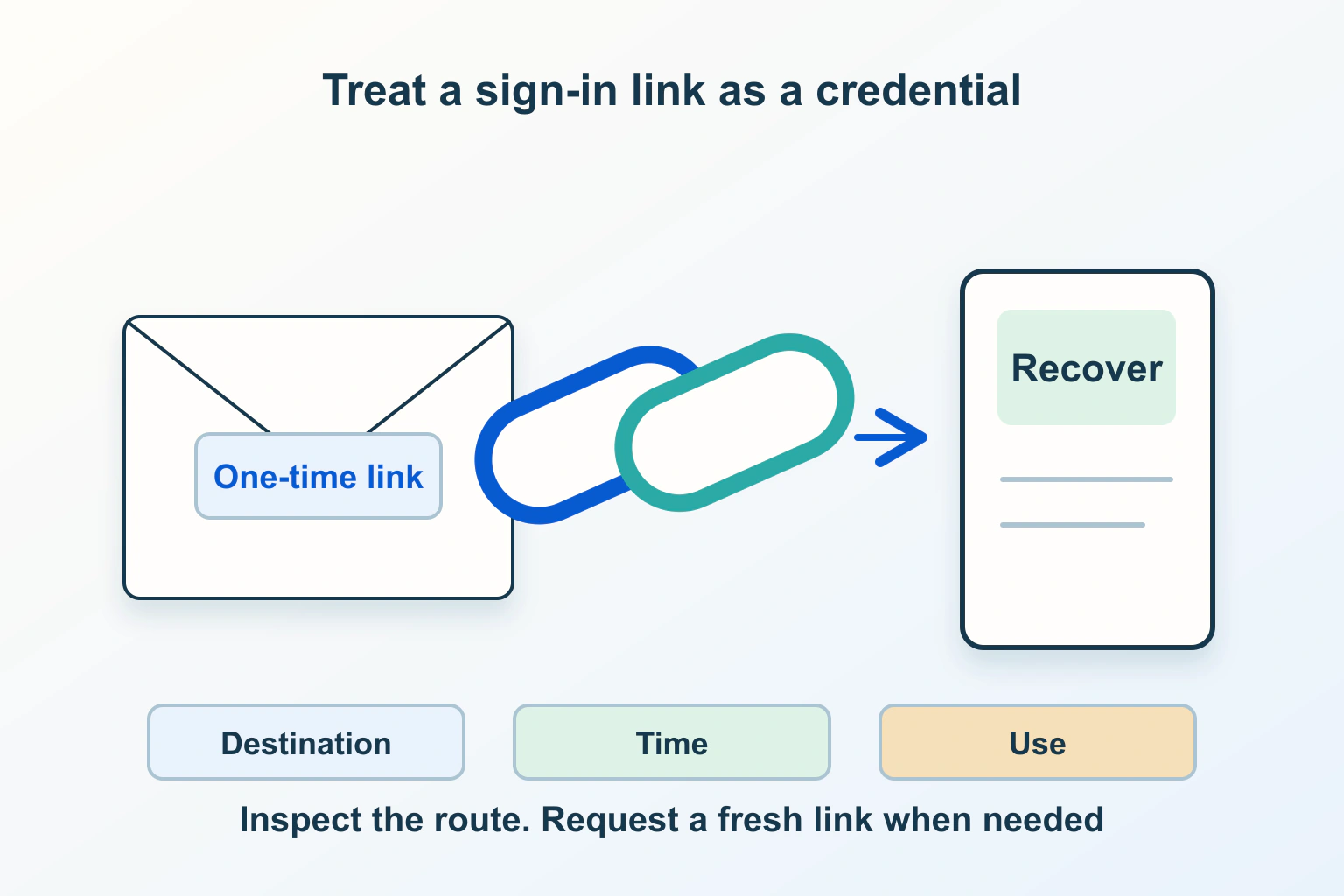
“The reset email arrived” and “the account flow works” are different results. A message may be delayed, a link may already be unusable, the browser may reach an unintended destination, or the final page may fail to explain what changed. Diagnose the stage that failed rather than repeatedly requesting more messages.
Imagine a fictional membership site whose readers report that a fresh recovery link is already invalid. The owner sees a successful email event and assumes the visitor waited too long. That event is useful evidence about one stage, not proof of the entire journey. The following investigation is a proposed workflow, not a test of an actual service.
Name the action before diagnosing its link
A password reset changes a password. A passwordless sign-in link is intended to establish access without entering that password. An email-verification or invitation link may perform another action again. Read the message and the implementation’s documented purpose before treating these as one interchangeable mechanism.
For the fictional membership site, write the expected outcome in ordinary language: the existing member reaches a page to choose a new password, completes that action and receives clear next-step guidance. If the product actually uses passwordless sign-in, write a separate acceptance journey. Do not report a successful sign-in as proof that a reset was completed.
Record the environment as well. A staging email that points into production is a different defect from a late production email. Ask the operator to identify the responsible website and authentication service without copying any secret from the URL.
Keep recovery protections while collecting evidence
The OWASP reset guidance recommends consistent responses and timing for existing and nonexistent accounts, securely generated tokens that expire and work once, and no account change before valid proof is presented. A neutral request message is therefore not proof that an account exists or an email was delivered.
Use an account you are authorized to test. Capture the time of the request, environment, general error wording and stage. Do not put a live recovery link into an online URL checker, support screenshot or public bug report. Ask support what redacted information it needs before forwarding the email.
Agree how the test account will be restored afterward. The fictional publisher should not use an administrator’s only recovery route for exploratory tests. Keep a separate reliable way to manage the site while its reader-facing flow is under review.
Split the incident into observable stages
| Stage | Useful observation | Question for the owner |
|---|---|---|
| Request | Time, intended action and neutral response | Was the request accepted by the intended environment? |
| Message | Arrival time and whether this is the expected email | Which authorized delivery record corresponds to it? |
| Link opening | First observed outcome and general error | Was proof expired, consumed or rejected for another reason? |
| Destination | Expected site and page, with token omitted | Did the flow reach the correct environment and action? |
| Completion | What the page confirmed and what happens next | Did the intended account operation finish? |
Use one controlled attempt with an agreed sequence rather than mixing screenshots from several emails. When another attempt is necessary, label it separately and follow the provider’s policy on outstanding links. Do not assume that every service invalidates older requests in the same way.
If no message arrives, investigate that delivery stage first. Our WordPress email-delivery guide covers separating application events from actual arrival. Its contact-form workflow is not an authentication implementation, but the evidence distinction is useful here.
Investigate an immediately invalid link without blaming the reader
Supabase’s email-template documentation describes a specific case where security prefetching consumes its confirmation URL before the person opens it. It documents alternatives involving an email code or a deliberate confirmation step. This is evidence that the mechanism exists in that product, not proof that scanning caused every invalid link.
Ask the operator to compare authorized issuance and consumption records with the person’s reported first interaction. Keep the result provisional if those records are unavailable. “The first human opening failed” describes the observation; “the mail scanner used it” requires additional evidence.
The same documentation warns that external email-tracking rewriting can interfere with its links. Review the delivery provider’s handling of these transactional messages with the developer. Do not experiment by disabling security scanning across an organization or making recovery tokens reusable.
Our mail-scanner click guide explains why a recorded link interaction need not represent a reader. Keep marketing-click measurement separate from an authentication event that grants or changes access.
Review redirects and token exposure deliberately
Compare the expected destination with the site’s approved authentication flow. Check whether the person reached the correct environment and whether the page requested the action described in the email. A familiar logo is insufficient evidence when the hostname or workflow is wrong.
MDN documents Referrer-Policy as controlling referrer information sent with requests; no-referrer omits it. That addresses one disclosure route. It does not remove a sensitive URL from server logs, screenshots or anything someone copies into another service.
Ask the developer to review the recovery page’s complete handling of sensitive values. Keep diagnostics redacted and avoid unrelated third-party tools in the test journey. A support handoff can identify the failed stage without distributing the proof that authorizes the account action.
Verify completion and provide a usable recovery route
OWASP recommends informing the user after a password reset without emailing the password, and returning them through the normal sign-in process instead of automatically logging them in. Check the message, final confirmation and next step together; an attractive success screen alone does not establish the intended operation.
- Complete the documented action with an authorized test account.
- Check its intended next step and the result of reusing the same link.
- Check the expired-link explanation using a controlled case.
- Verify that recovery help does not expose whether another person’s account exists.
- Retain redacted evidence and close temporary diagnostic access.
If the user also lost a second factor, treat that as a separate recovery problem. The MFA recovery-plan guide covers that distinction. Finish with a documented cause or a clearly scoped unresolved stage, not a weaker token policy that merely makes the error disappear.
Sources and verification
Editorial review 2026-10-15. Source check dates are recorded separately. Notes describe what each source supports and its limits.
View sources
- OWASP Forgot Password Cheat SheetChecked Uniform request responses, expiring single-use tokens and controlled reset completion.
Limits: Password-reset guidance is not a complete passwordless sign-in implementation. - Supabase Auth: email templates and limitationsChecked Documented link-prefetch consumption and email-tracking rewriting limitations.
Limits: Provider-specific behavior must not be assumed for every authentication service. - MDN: Referrer-PolicyChecked The response policy controls referrer information; no-referrer omits it.
Limits: This policy does not erase a token from logs or a copied URL.