
Use Julius to explore prepared exports with explicit metric definitions, then reconcile the calculations and keep the source files beside the final report.
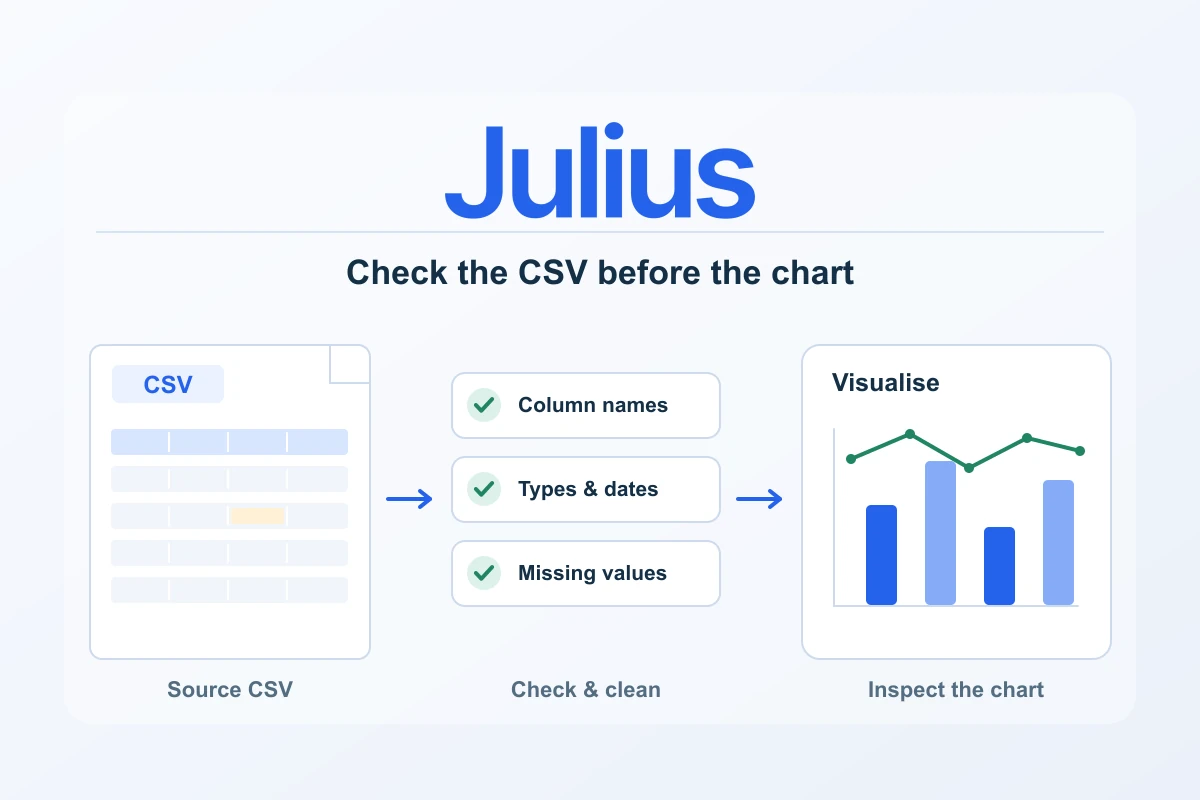
Website and advertising exports are full of useful questions: which campaigns attracted engaged visitors, where a landing page changed and which channels deserve a closer look. Julius offers a practical way to explore those files in natural language, create tables and charts, and inspect the analysis steps. The value grows when the input and the question are prepared carefully.
Begin with one business question rather than every available column. “How did weekly landing-page sessions change across these two complete months?” is a manageable brief. “Tell me everything about marketing” leaves the scope and definitions open. A focused question creates an analysis you can check, explain and repeat.
Prepare the exports as a small data package
Julius documents uploads including CSV and Excel. Export the relevant reports from the tools you already use, retain the original files and create a working copy for analysis. Include the report name, export date, selected reporting period and any filters in a short note. These details help explain a difference later without guessing how the file was produced.
Use only data you are entitled to process and share with the service. For a channel report, aggregate rows may answer the question without names, email addresses or individual customer records. Remove fields the task does not require. Keep access to the source exports controlled, especially when files contain a client’s commercial information.
| Input detail | Website export | Advertising export |
|---|---|---|
| Date basis | Reporting period and time zone | Reporting period and time zone |
| Useful grouping | Date, channel or landing-page path | Date, campaign or agreed campaign identifier |
| Metric definitions | Sessions, users or recorded key events | Spend, impressions, clicks or platform conversions |
| Scope note | Filters and excluded traffic | Account, campaign filters and currency |
A sessions column, a clicks column and a users column represent different things. Preserve their original names or document any renaming. Also check whether an export contains a total row, duplicate headers, formatted numbers or more than one currency. Those details can distort an otherwise reasonable calculation before the chart is ever created.
Inspect the files before asking for recommendations
After upload, ask Julius to describe the tables before drawing conclusions: list the columns, data types, row counts, date range, missing values and possible duplicate keys. The documented Data Explorer provides a way to inspect tabular data, filter the working view and export CSV. Use that inspection to confirm you are analysing the intended records.
Then ask for a source reconciliation. Sum the main numeric fields over the selected period and compare them with the totals in the originating tool. A difference may come from the export filter, formatting, missing dates or a platform definition. Resolve it while the task is still small. A polished report built on an unexplained mismatch is harder to trust.
Check date interpretation explicitly. A value such as 03/04 can be ambiguous without a known format, and an incomplete current week should not be compared casually with a complete previous week. State the intended time zone and require complete reporting periods for the first comparison. Keep any excluded rows visible in the analysis notes.
Give Julius an analysis brief it can follow
A useful prompt identifies the file, the metric, the grouping and the check. For example: “Using the website CSV, group recorded sessions by complete week and channel. Treat the date column as day/month/year. Show the grouped table first, confirm its total matches the original file and then chart the weekly series. Flag missing dates rather than filling them silently.”
Build the work in stages. Review the grouped table before requesting a comparison, and approve the comparison before requesting a recommendation. This makes the reasoning easier to inspect and gives a wrong assumption less room to spread. Save the agreed definitions so the next report begins from the same brief.
- Name the exact source file and date column.
- Define the metric and the unit, including currency where relevant.
- State the grouping and the complete periods to compare.
- Request a table and a reconciliation before a chart.
- Ask for missing or excluded records to be listed.
- Keep interpretations separate from the calculated observations.
Join advertising and website data deliberately
Combining two exports can be useful, but only when the joining key means the same thing in both files. A campaign name may change, contain extra spaces or appear in several accounts. A date may represent a different time zone. Inspect the distinct keys, normalise a working copy deliberately and report unmatched rows rather than discarding them without explanation.
Check whether the join is one-to-one, one-to-many or many-to-many. Joining a daily campaign total to several landing-page rows can repeat spend and inflate the final sum. Ask for totals before and after the join, then inspect a small sample of the matched records. That single check can prevent a convincing-looking but incorrect combined table.
| Potential problem | Useful verification |
|---|---|
| Campaign names differ | List unmatched keys and review an explicit mapping |
| Spend repeats after a join | Compare original and joined totals; inspect key uniqueness |
| Currencies are mixed | Group by currency or apply a documented conversion method |
| Date periods differ | Align complete dates and document time-zone treatment |
| Conversion totals disagree | Keep each platform’s attribution definition visible |
Inspect the analysis behind the answer
Julius documents visible analysis steps, including Python or R code in applicable workflows. Read the code relevant to the important calculation: which columns were selected, how missing values were treated and how groups or joins were constructed. Tool and language availability can vary with the workflow, model and plan, so review what the actual task used.
You do not need to approve every result by appearance. Recalculate a few important totals independently in the source spreadsheet and check the largest changes against the underlying rows. For a ratio, confirm both its numerator and denominator. A campaign’s cost per recorded conversion, for example, should not use one platform’s spend with an unrelated conversion definition without a clear explanation.
Keep the interpretation proportionate to the evidence. A change after a new campaign began may be worth investigating, but the export alone does not establish that the campaign caused it. Seasonality, tracking changes and other activity can also matter. Use the analysis to form a focused next question or test rather than presenting a correlation as proof.
Make the charts useful for a decision
Choose the chart after deciding what it needs to explain. A line chart can show a weekly pattern; a sorted bar chart can compare channel totals. Include the period, unit and metric definition in the caption. Keep missing periods or excluded groups visible when they change the interpretation.
Review the chart at the size where the reader will see it. Labels that look acceptable in a wide workspace may be unreadable inside a mobile report or presentation slide. Prefer a short clear series and a supporting table to a crowded chart that requires zooming. Save the approved data export beside the visual so another reviewer can follow the same result.
Finish with a repeatable reporting package
A useful final package contains the original exports, a short scope note, the cleaned working data, the verified calculation and the approved chart. Add a few practical next steps linked to the observations. “Inspect these three landing pages” is more useful than a broad recommendation to improve marketing.
Julius is well suited to this structured exploration: ask a clear question, inspect the table, refine the calculation and turn the result into a readable visual. The workflow becomes particularly valuable when you can repeat the same checks next month and compare like with like. Keep that process alongside the output, and the analysis becomes easier to maintain.
Budget Julius plans and credit allowances · Build a client report from verified analysis
Costs alongside this guide
Recorded public USD monthly subscription references for Plus, Pro and Business. Check current credits, tools, billing country, tax and renewal at checkout. These references do not establish a European-currency price or an annual invoice.
Monthly plans for this workflow
USD · US / global observations

Julius · Plus — monthly
- Initial term & commitment
- Initial term amountUS$20.001 month termPublished standard monthly subscription reference, before any eligible introductory discount; tax and selected checkout conditions remain separate.
- Renewal
Check local tax at checkout
Price observed 2026-10-16
Plan details & sources
Regular individual spreadsheet analysis and reviewed reporting.
2,000 monthly credits; 100 daily refresh credits as listed; 16 GB RAM. Credit consumption varies with task, model and complexity.
Choose another option if: Choose by your task and observed credit use; connectors and model availability depend on the selected subscription.
Public USD reference; no European currency, billing country or tax amount inferred. · Check local tax at checkout
Renewal: A separate future renewal amount was not established. Confirm current subscription and renewal terms at checkout.
Check local tax at checkout
Prices checked 2026-10-16Official price source ↗Observed 2026-10-16
Official price evidence ↗Julius · Pro — monthly
- Initial term & commitment
- Initial term amountUS$45.001 month termPublished standard monthly subscription reference, before any eligible introductory discount; tax and selected checkout conditions remain separate.
- Renewal
Check local tax at checkout
Price observed 2026-10-16
Plan details & sources
A larger individual analysis and reporting workload that needs the listed Pro capacity.
5,000 monthly credits; 100 daily refresh credits as listed; 32 GB RAM. Credit consumption varies with task, model and complexity.
Choose another option if: Do not equate the credit allowance to a guaranteed number of reports, files or model runs.
Public USD reference; no European currency, billing country or tax amount inferred. · Check local tax at checkout
Renewal: A separate future renewal amount was not established. Confirm current subscription and renewal terms at checkout.
Check local tax at checkout
Prices checked 2026-10-16Official price source ↗Observed 2026-10-16
Official price evidence ↗Julius · Business — monthly
- Initial term & commitment
- Initial term amountUS$450.001 month termPublished standard monthly subscription reference, before any eligible introductory discount; tax and selected checkout conditions remain separate.
- Renewal
Check local tax at checkout
Price observed 2026-10-16
Plan details & sources
A team needing the listed shared business capacity and collaboration allowance.
60,000 monthly credits; 100 daily refresh credits as listed; up to 50 team members. Credit consumption varies with task, model and complexity.
Choose another option if: Confirm per-user permissions, connector access, file persistence and the final invoice for your organisation.
Public USD reference; no European currency, billing country or tax amount inferred. · Check local tax at checkout
Renewal: A separate future renewal amount was not established. Confirm current subscription and renewal terms at checkout.
Check local tax at checkout
Prices checked 2026-10-16Official price source ↗Observed 2026-10-16
Official price evidence ↗Recorded prices can change. Check eligibility, taxes and the current full bill with the provider. Different currencies and services are shown separately.
Sources and verification
Editorial review 2026-10-19. Source check dates are recorded separately. Notes describe what each source supports and its limits.
View sources
- Julius quickstart: files, analysis and exportChecked Uploading supported files including CSV and Excel, asking natural-language analysis questions, creating charts and exporting data.
Limits: Official workflow documentation, not a hands-on test. Data quality, task complexity and review affect the usefulness of the result. - Julius tools and visible analysis stepsChecked Documented analysis tools and visible Python or R code steps; available tools can depend on the model, plan and workflow.
Limits: Do not promise universal tool access or assume every task uses the same model or language. Inspect the actual code, inputs and output when reviewing an analysis. - Julius Data ExplorerChecked Inspecting tabular data, filtering the working view and exporting CSV.
Limits: An inspected or filtered table is not proof that source data are complete or that a business conclusion is causal.