
Approve the analytical findings first, then use Julius reports and presentation tools to explain the decision in the format the audience needs.
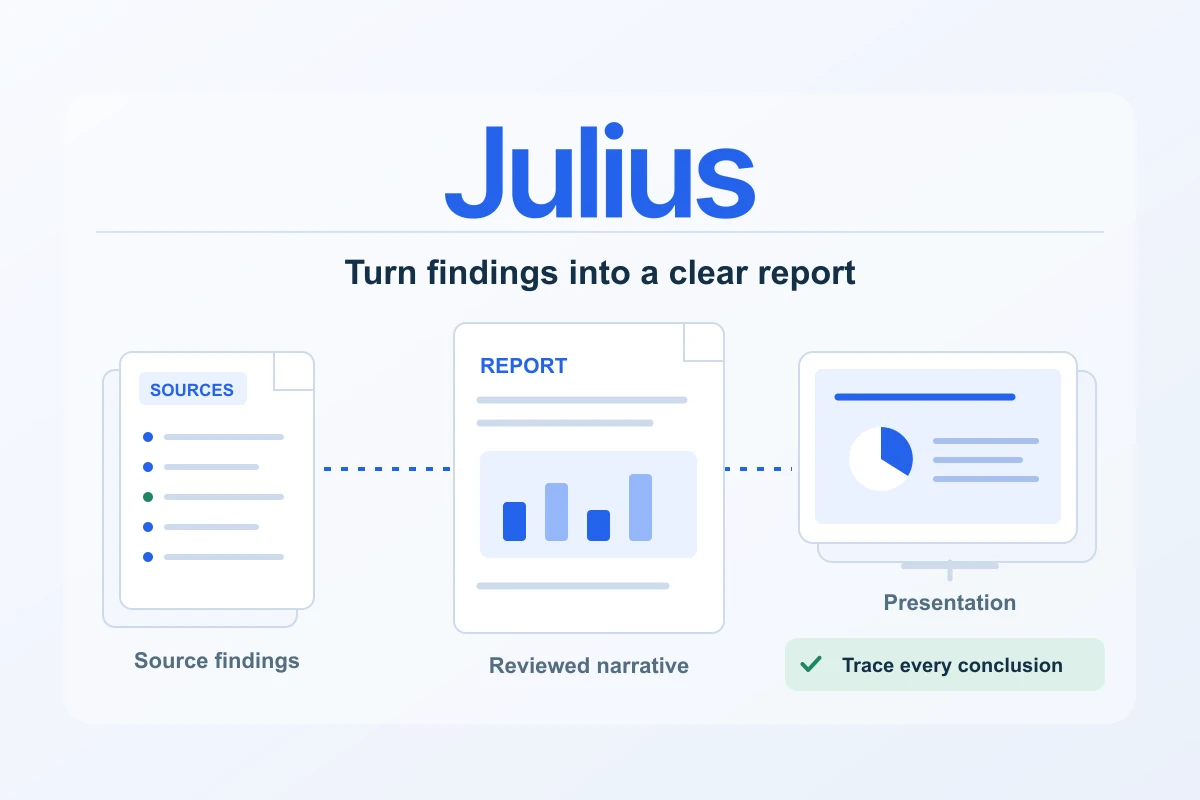
A good client report gives analysis a purpose. It explains what changed, why the finding matters and what the reader can reasonably do next. Julius documents report artifacts and presentation tools that can help turn an analytical conversation into a structured deliverable. The strongest workflow begins with verified findings, then gives those findings a clear narrative and an appropriate format.
Treat the report and the slide deck as related outputs with different reading conditions. A report can hold definitions, methods and supporting detail. A presentation needs a small number of clear decisions that can be understood while someone is listening. Creating both from an approved evidence set keeps the message consistent without forcing the same density into every format.
Approve the analytical record before writing the story
Before requesting a report, settle the input files, reporting period, metric definitions and calculations. Reconcile important totals with the source and inspect the analysis steps relevant to the recommendation. Julius documents visible code in applicable analysis workflows; use the actual steps and output to review the work rather than assuming a confident explanation establishes correctness.
Create a short approved findings list. Each entry should contain the observation, the supporting figure, the source period and any qualification. For example, a change between two complete months is a descriptive finding. A claim that a particular campaign caused that change needs additional evidence. Keep those two levels of confidence clear before the prose becomes polished.
| Approved finding needs | Useful record |
|---|---|
| Observation | One plain sentence describing what the data show |
| Evidence | The verified figure, unit, period and comparison basis |
| Qualification | Missing data, a changed definition or another relevant limit |
| Practical consequence | A decision, follow-up question or proposed test |
Preserve the original exports and the reviewed working table outside the final document. A later reader may ask how a total was calculated or why a category was excluded. Having the analytical record ready is more useful than trying to reconstruct the conversation after the report has been distributed.
Give the report a precise audience and brief
Ask Julius for a report that names the audience, purpose and required sections. A monthly client update might need a decision summary, three important findings, a small group of charts, recommended next actions and a method note. A technical handover may need more detail about transformations and calculations. State those differences before generation.
A practical brief could say: “Create a report for the client’s marketing lead using only the approved findings below. Begin with the decisions required this month. For each finding, include the reporting period, metric definition and supporting chart. Separate observed results from explanations that still need investigation. Finish with an owner and next step for each recommendation.”
The documented report artifact workflow gives you a route to structured explanatory content and visuals. Review its output as a document: check the order of ideas, the connection between chart and paragraph, and whether the summary reflects the actual findings. A generated heading should help the reader understand the result, rather than simply label a broad topic.
Choose a narrative that helps the client act
Lead with the decision the evidence supports. If the analysis identifies three landing pages worth investigating, explain the selection and the next review step. Avoid opening with a long history of the dataset. Put that supporting detail where a reader can find it after understanding why the report matters.
Give each main section one job: describe a change, compare alternatives or explain an action. Use the same metric names throughout the report. A label such as “conversions” should not quietly switch between platform-attributed results and the website’s recorded key events. Define it once and repeat the definition when the context changes.
Recommendations should be proportionate to the evidence and manageable for the recipient. A chart can justify inspecting a campaign or testing a revised page; it may not justify a sweeping budget change on its own. Explain the observation, the proposed action and what you will check afterward. This makes the next reporting cycle useful as well.
Build charts for the actual reading size
A useful report chart has a specific message, visible labels and an explicit unit. Include the date range and comparison basis. When a chart contains many series, ask whether the supporting table is doing a better job than the visual. A smaller number of meaningful groups often makes a stronger client discussion than a dense overview of everything available.
Review exported charts at their intended size. Confirm that axis labels remain readable, category names are not cut off and colours still distinguish the relevant series. A report viewed on a phone and a slide projected in a meeting place different demands on typography. Make those constraints part of the brief, then inspect the result.
Adapt the report into a concise slide deck
Julius documents presentation creation and several output routes. Use the approved report as the basis for a deck, with one decision or finding per slide. Keep the detailed method and complete tables in the report or appendix. The presentation should support a conversation rather than require the audience to read paragraphs while listening.
| Slide | Main job | Supporting content |
|---|---|---|
| Purpose and period | Explain what the review covers | Audience, scope and complete dates |
| Decision summary | State the practical outcome | A short list of the decisions or next steps |
| Key findings | Explain the evidence | One readable visual and a precise takeaway per slide |
| Action plan | Turn the findings into work | Owner, next step and review point |
| Appendix | Keep supporting detail available | Definitions, calculation notes and source references |
Ask for slide titles that express a finding, then verify that each one is supported. “Investigate the three pages with the largest complete-period decline” is a clearer working title than “Website performance”. Avoid turning a tentative observation into a categorical claim just to make the slide sound stronger.
Choose the export for the handover
The presentation documentation describes output routes including HTML, PPTX, PDF, PNG and Google Slides. Choose according to how the client will use the deliverable: a file to read, a deck to present, or a format they need to edit. Check the route offered in the current workspace and the entitlement of the plan you intend to use.
Open the actual exported file in the intended viewer. Review every page or slide for clipping, missing content, changed line breaks and unreadable chart labels. Where hyperlinks are included, test them. A successful workspace preview does not establish that a PowerPoint, PDF or shared presentation will look identical after the handover.
If the recipient needs an editable file, ask them to confirm that the important elements remain usable in their software. Keep a reference PDF when helpful so there is an approved visual version beside the editable copy. This is a delivery practice, not a guarantee that every export preserves all layout and editing behaviour.
Run a final client review
- Compare every headline number with the approved analytical record.
- Check that the period, currency, metric names and comparison basis remain consistent.
- Separate observations, possible explanations and proposed tests.
- Confirm that charts are readable in the actual exported document and presentation.
- Review source references, links and the next step attached to each recommendation.
- Remove information the recipient is not authorised to receive and check the sharing destination.
Save the approved report, deck, source references and a short change note together. When the next month’s export arrives, the team can update a known process rather than invent a new reporting structure. It also becomes easier to explain a revision if an underlying source is corrected later.
Julius is a compelling tool to consider for this handover because analysis, reports and presentation work can follow one coherent brief. Keep verification at the start and export review at the end. Between those two checks, use the product to make the evidence clearer, the report more readable and the client’s next decision easier to make.
Prepare and verify website and advertising exports · Choose a subscription and analysis budget
Costs alongside this guide
Recorded public USD monthly subscription references for Plus, Pro and Business. Check current credits, tools, billing country, tax and renewal at checkout. These references do not establish a European-currency price or an annual invoice.
Monthly plans for this workflow
USD · US / global observations

Julius · Plus — monthly
- Initial term & commitment
- Initial term amountUS$20.001 month termPublished standard monthly subscription reference, before any eligible introductory discount; tax and selected checkout conditions remain separate.
- Renewal
Check local tax at checkout
Price observed 2026-10-16
Plan details & sources
Regular individual spreadsheet analysis and reviewed reporting.
2,000 monthly credits; 100 daily refresh credits as listed; 16 GB RAM. Credit consumption varies with task, model and complexity.
Choose another option if: Choose by your task and observed credit use; connectors and model availability depend on the selected subscription.
Public USD reference; no European currency, billing country or tax amount inferred. · Check local tax at checkout
Renewal: A separate future renewal amount was not established. Confirm current subscription and renewal terms at checkout.
Check local tax at checkout
Prices checked 2026-10-16Official price source ↗Observed 2026-10-16
Official price evidence ↗Julius · Pro — monthly
- Initial term & commitment
- Initial term amountUS$45.001 month termPublished standard monthly subscription reference, before any eligible introductory discount; tax and selected checkout conditions remain separate.
- Renewal
Check local tax at checkout
Price observed 2026-10-16
Plan details & sources
A larger individual analysis and reporting workload that needs the listed Pro capacity.
5,000 monthly credits; 100 daily refresh credits as listed; 32 GB RAM. Credit consumption varies with task, model and complexity.
Choose another option if: Do not equate the credit allowance to a guaranteed number of reports, files or model runs.
Public USD reference; no European currency, billing country or tax amount inferred. · Check local tax at checkout
Renewal: A separate future renewal amount was not established. Confirm current subscription and renewal terms at checkout.
Check local tax at checkout
Prices checked 2026-10-16Official price source ↗Observed 2026-10-16
Official price evidence ↗Julius · Business — monthly
- Initial term & commitment
- Initial term amountUS$450.001 month termPublished standard monthly subscription reference, before any eligible introductory discount; tax and selected checkout conditions remain separate.
- Renewal
Check local tax at checkout
Price observed 2026-10-16
Plan details & sources
A team needing the listed shared business capacity and collaboration allowance.
60,000 monthly credits; 100 daily refresh credits as listed; up to 50 team members. Credit consumption varies with task, model and complexity.
Choose another option if: Confirm per-user permissions, connector access, file persistence and the final invoice for your organisation.
Public USD reference; no European currency, billing country or tax amount inferred. · Check local tax at checkout
Renewal: A separate future renewal amount was not established. Confirm current subscription and renewal terms at checkout.
Check local tax at checkout
Prices checked 2026-10-16Official price source ↗Observed 2026-10-16
Official price evidence ↗Recorded prices can change. Check eligibility, taxes and the current full bill with the provider. Different currencies and services are shown separately.
Sources and verification
Editorial review 2026-10-18. Source check dates are recorded separately. Notes describe what each source supports and its limits.
View sources
- Julius reportsChecked Creating reports as artifacts from analysis, with structured explanatory content and visual output.
Limits: A generated report still needs source, calculation, narrative and export review. Do not imply independent verification by the product. - Julius presentations and exportChecked Creating presentations and documented output routes including HTML, PPTX, PDF, PNG and Google Slides.
Limits: Check the route available in the current workspace and review the actual exported file. No pixel-perfect cross-format or universal plan-entitlement guarantee is made. - Julius quickstart: files, analysis and exportChecked Uploading supported files including CSV and Excel, asking natural-language analysis questions, creating charts and exporting data.
Limits: Official workflow documentation, not a hands-on test. Data quality, task complexity and review affect the usefulness of the result. - Julius tools and visible analysis stepsChecked Documented analysis tools and visible Python or R code steps; available tools can depend on the model, plan and workflow.
Limits: Do not promise universal tool access or assume every task uses the same model or language. Inspect the actual code, inputs and output when reviewing an analysis.