
Choose the intended conversation first, inspect every expanded recipient and review the reply path; use a separate message when another audience needs different information.
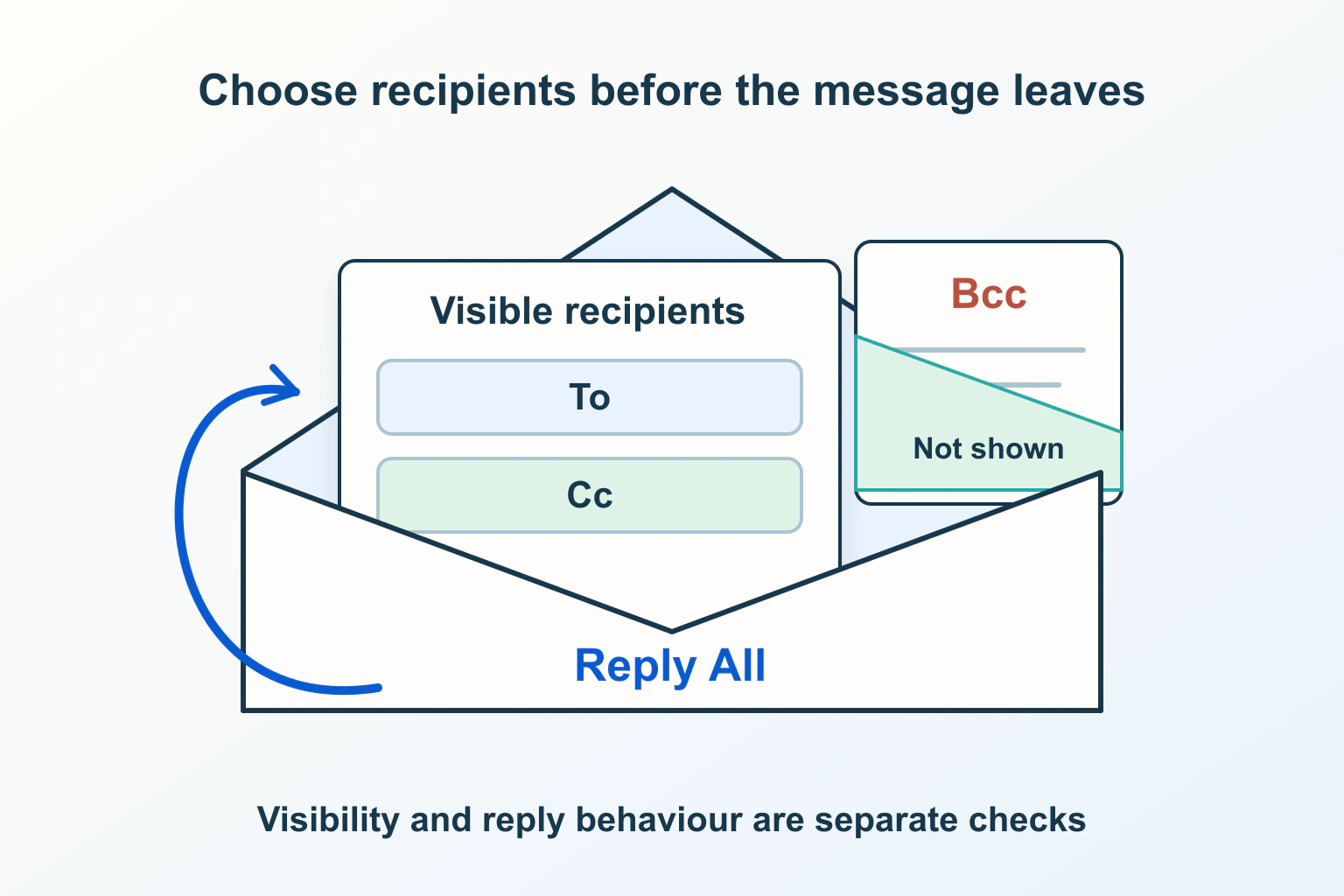
Choose the conversation before choosing the recipient field. A useful email has an intended audience, someone responsible for its next step and a reply route that matches the work. Putting a name in a different box does not answer all three questions.
Imagine a fictional community workshop arranging access to a venue. The caretaker must confirm a time, a coordinator needs to know the outcome, and several unrelated tutors need the final arrival instructions. Those are three different communication jobs. Combining them into one large thread creates avoidable uncertainty, even if every address is spelled correctly.
Separate responsibility from recipient visibility
RFC 5322 describes To as the primary recipients, Cc as additional recipients and Bcc as recipients whose addresses should remain hidden from others. It also warns that a blind recipient’s reply can reveal their involvement. Bcc governs address visibility; it does not encrypt the message or prevent its recipients sharing the content.
For the workshop, write the request to the caretaker in plain language: which decision is needed and by when? Explain why the coordinator is copied. Do not expect a field label alone to communicate ownership. If two people must perform different tasks, name each task in the body rather than hoping they infer it from their position.
Before adding the tutors, ask whether they need the negotiation or only the confirmed instructions. A separate announcement may be clearer than silently copying them into an unfinished discussion. That choice also avoids making the coordinator responsible for manually forwarding every subsequent change.
Choose a delivery pattern for the actual job
| Communication job | Suggested arrangement | Review before sending |
|---|---|---|
| Obtain one decision | Address the responsible person and explain any copies | Does the request identify an owner and deadline? |
| Coordinate people who need to discuss together | Use a deliberately visible working group | Is everyone meant to see this audience and conversation? |
| Send the same logistical notice to unrelated people | Consider separate messages or a carefully reviewed Bcc notice | Does every recipient need exactly the same content? |
| Give a private briefing about another conversation | Create a separate message with appropriate context | Can the recipient respond without accidentally joining the original thread? |
| Operate a recurring newsletter | Use a managed subscription workflow | Are subscription choices and future sending rules maintained? |
These are editorial workflow suggestions, not a claim that one arrangement satisfies every organization’s policies. For the tutors, the owner should decide whether replies belong with the coordinator individually or in a shared discussion. Include that instruction beside the actual question.
Understand the original Bcc copy and a later reply
Gmail’s recipient guidance says Bcc recipients can see the To and Cc recipients but not each other’s Bcc addresses. It also says the original Bcc recipients do not receive an ordinary Reply All. Google notes that recipients using another service may not see that they received a blind copy.
Therefore, do not plan a collaborative thread on the assumption that the hidden audience will automatically follow every response. Ask the organizer to issue a separate final update when the venue changes. A person who intentionally adds another address to a later message creates a new audience decision.
When you receive a message, expand the proposed reply recipients before typing anything sensitive. Compare them with the people who need that specific answer. If you only need to acknowledge the organizer, remove unnecessary recipients deliberately. If you were included privately, a separate reply to the organizer is often easier to review than a group response.
Find the controls in your actual mail application
The Outlook for Windows Bcc guide separates new and classic versions. New Outlook exposes Bcc through Options and Show fields; classic Outlook uses its Bcc control. Microsoft also explains how a sender can inspect hidden recipients in the sent message. Match instructions to your version instead of assuming a missing box means the feature does not exist.
Use a harmless draft to establish the workflow before preparing a real announcement. Expand saved contact suggestions and groups. In the workshop example, two tutors might have similar display names; an attractive contact chip is not enough information for the coordinator’s final check.
If the team cannot explain who controls the sending mailbox or who reviews its drafts, resolve that first. The small-team business email guide helps separate account responsibilities from the simple appearance of an address.
Review the content as carefully as the address boxes
For each recipient, ask: would this person understand the message without a private backstory, and should they receive everything attached or quoted? An arrival notice should not accidentally carry the earlier discussion about an individual tutor’s availability, invoice or access arrangement.
Trim the quoted history to what the new audience actually needs. Review file names, attachments and any copied contact list in the body. Changing recipient fields cannot remove information you have already written into the message itself.
A display name also does not establish a correspondent’s identity. If an unexpected message requests payment or a new private recipient, verify the request through an established route. Our email-header guide explains why claimed authorship, reply destinations and delivery evidence are different questions.
For an important announcement, compare the draft with a written audience list before sending. In the workshop example, that list can distinguish confirmed tutors from people who merely enquired. If a recipient no longer belongs in the communication, resolve the list first instead of relying on someone to notice the wrong name in the composer at the last moment.
Use a controlled pre-send review
- State the purpose: decision, coordination, announcement or individual briefing.
- Expand every address and group, then compare the audience with that purpose.
- Name the action owner and tell readers where their response belongs.
- Review the message body, attachments and quoted history for that exact audience.
- If hidden copying is involved, decide how later updates will reach those people.
- Have another authorized person review consequential group messages before sending.
For recurring public updates, move beyond an improvised group email. The first newsletter workflow covers the separate job of maintaining a subscription journey. The safest recipient choice is the one you can explain and review before the message leaves the draft.
Sources and verification
Editorial review 2026-10-15. Source check dates are recorded separately. Notes describe what each source supports and its limits.
View sources
- RFC 5322: destination fields and security considerationsChecked Recipient-field purposes and hidden-copy disclosure risks.
Limits: Does not prescribe a universal mail-client interface. - Gmail Help: send messages and add recipientsChecked Gmail recipient visibility and ordinary Reply All behavior for Bcc.
Limits: Describes Gmail; other clients can present hidden copies differently. - Microsoft Support: Bcc in Outlook for WindowsChecked Version-specific Bcc controls and sender review in Sent Items.
Limits: Windows Outlook instructions are not instructions for every mail service.