
Identify the actual failure state and owning component, preserve content and test one supported correction. Hiding brackets is not proof that the intended reader task works.
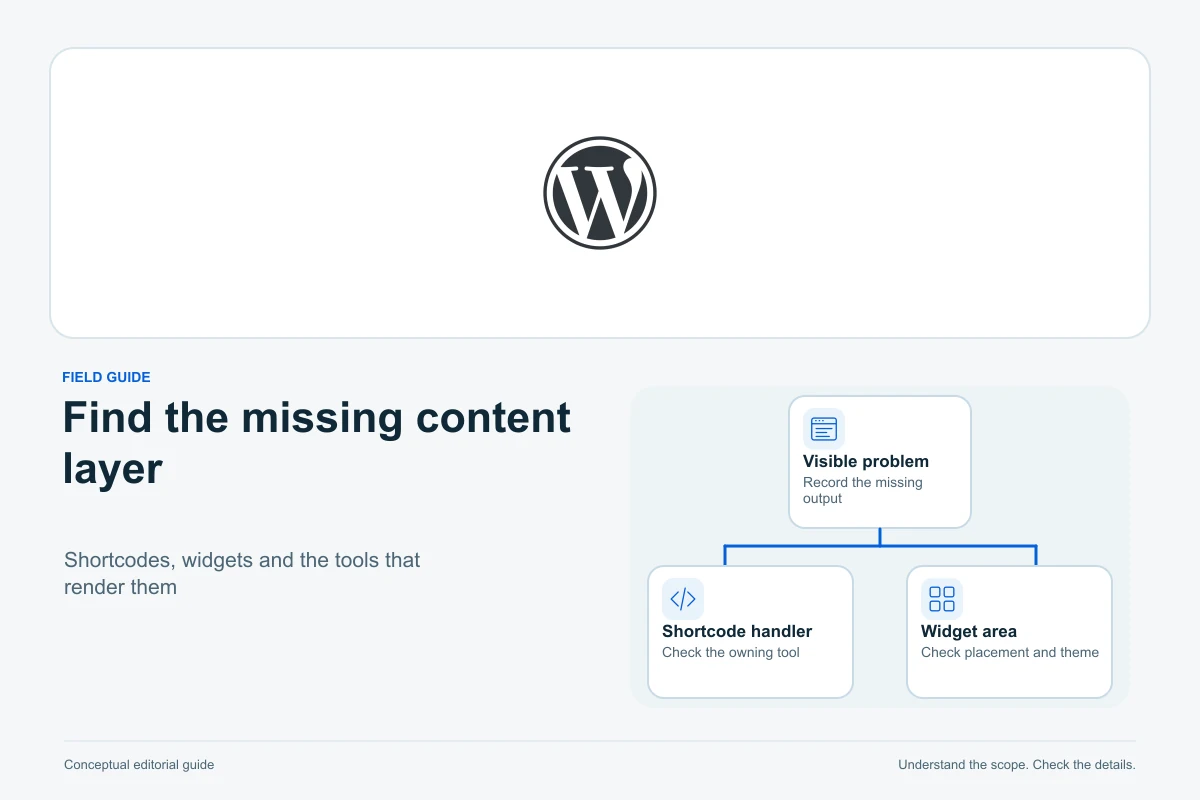
If a WordPress page displays a shortcode as bracketed text, identify the component that owns it and the context rendering it. If the shortcode disappears but its expected widget is blank, investigate the callback’s data and front-end dependencies instead. Those are different failure states.
This guide explains a focused diagnosis and safe restoration or replacement workflow. Official documentation was checked on 13 October 2026. Shortcode examples are fictional and escaped for display; no plugin was installed, page changed or live widget tested.
Distinguish literal text, blank output and a broken widget
| Observed state | What to investigate | What it does not prove |
|---|---|---|
| Bracketed shortcode visible publicly | Registration, syntax and processing context | The plugin must be completely absent |
| Shortcode text gone, no useful content | Supported attributes, data and visibility rules | The entire WordPress page failed |
| Markup appears but interaction fails | Script/style requests and runtime behaviour | Removing brackets or retyping content will fix it |
| Shortcode shown only in the editor | Block editing interface versus public rendering | Visitors see the same raw text |
WordPress shortcodes are instructions interpreted by registered callbacks, rather than ordinary formatted text. The visible name is a clue to the owner, not proof of what function is currently available on the site.
Record the affected URL, shortcode name, expected output and first known change. Compare a logged-out public view with the editor and a known working page using the same component. Preserve the original content before attempting repairs.
Find who registers the shortcode
The do_shortcode reference explains why content can remain unchanged when no matching registered tag is available. A missing or disabled provider is one cause of visible text, but the rendering context and exact tag also matter.
Check the installed plugin/theme documentation for the shortcode’s exact name. Determine whether its feature is active, has moved to another component, requires a supported integration or was deprecated. A similarly named plugin is not automatically the correct owner.
Shortcode registration also uses a shared tag namespace: competing registrations can replace the handler for the same tag. A developer can inspect the actual registration safely on a protected copy. Do not install unknown code or paste arbitrary PHP into a theme to force a name to exist.
Check syntax and attributes against the current documentation
Compare the exact tag, brackets, attribute names, quotation marks and any required closing tag. A copied fragment can contain smart quotes, incomplete markup or an identifier for content that no longer exists.
WordPress’s parameter guide explains that callbacks interpret supported attributes and defaults. The platform recognizing a shortcode does not mean a particular plugin accepts an arbitrary attribute or that the referenced item is published.
The fictional text [example_widget item="123"] illustrates structure only. Do not paste it into a real page expecting a widget. Use the provider’s exact generated or documented shortcode and verify the intended item, without exposing private IDs or access-bearing links in public support requests.
Enclosing shortcodes have another layer: the callback decides how enclosed text is handled. Do not assume nested shortcodes, repeated same-name nesting or mixed opening/closing syntax work in every implementation.
Use the intended editing and rendering context
The Shortcode block is the dedicated block-editor route for supported shortcodes. Its editor can display the instruction rather than the finished widget. Check the actual preview/public page before declaring that editor text is a visitor-facing error.
A Code block, Custom HTML block, page-builder field, navigation label, excerpt and template file are different contexts. Whether shortcodes are processed depends on the owning renderer and integration. Do not assume that putting brackets anywhere on the site executes the callback.
If the purpose is to teach or display code, the Code block serves that presentation role. Keep instructional examples safely escaped rather than accidentally running a real shortcode inside an article.
For an actual widget, use the component’s supported block, shortcode block or documented builder integration. Do not add global processing filters to every text field just to make one placement work; that can introduce execution in unintended contexts.
Trace blank output to data and visibility conditions
A recognized callback may return no visible content when its selected collection is empty, a referenced form/item is missing or the component applies a visibility condition. Those are hypotheses to check against that component’s documentation, not universal WordPress rules.
Confirm the intended object still exists, is in the required publication state and belongs to the expected site/account. For lists, inspect supported filters, language, dates and pagination. A filter that matches no records can look like a failed shortcode.
Compare authorized logged-in and logged-out states. If information is deliberately restricted, preserve that restriction. Do not expose private records or disable access control to make the widget appear for everyone. Record whether the expected outcome is public content, a login prompt or an honest empty state.
Check scripts and styles when the markup is present
A calendar, slider or form may have server-rendered markup but need scripts, styles or further requests to work. Inspect the failing task, rather than treating an empty-looking area as proof that shortcode registration is missing.
The Chrome Network reference documents request recording and filtering. Check the relevant asset or data request’s actual URL, status, response and initiator. A successful status with the wrong response content is a different result from a missing file.
Use our Console and Network guide for runtime diagnosis. Correlate errors with the broken interaction; an unrelated warning or source-map failure is not automatically the cause. Keep private request payloads, tokens and raw logs out of public reports.
If an optimization changed loading order, test a focused reversal on a protected copy. Do not disable all security headers, firewalls or browser protections to make a widget appear.
Compare versions and recent changes safely
Review the last known working version, component update, theme switch, content edit and optimization change. Identify one plausible dependency to test rather than changing several plugins at once.
Follow our plugin conflict workflow on a protected copy or a documented session-isolated troubleshooting mode. A test visible only to an administrator does not prove the logged-out production path works.
If a supported update changed shortcode syntax or retired the feature, use its documented replacement. Avoid permanently freezing an insecure old version merely because it restored one screen. A complete restoration must also preserve the required data and supported operating environment.
Check cache layers after the underlying correction using the cache diagnosis guide. Clearing every cache repeatedly cannot register a missing callback or restore deleted form data.
Restore or replace the feature without losing content
Preserve the original article, parameters and any enclosed text. WordPress revisions can help compare saved content changes, within the site’s configured history. They do not guarantee recovery of deleted plugin data or external-service content.
For a retained feature, restore the documented compatible provider and data through a tested plan. For a retired feature, build the replacement with the required content, accessibility and interactions before removing the old shortcode.
Do not use a broad regular expression to strip every bracketed fragment. It can remove meaningful enclosed text, examples or unrelated instructions. Review each known shortcode family and preserve the reader-facing information it used to supply.
WordPress backup guidance distinguishes files and database. Preserve appropriate recoverable state before material plugin, content or data changes. A body revision alone does not restore the whole feature.
Verify the actual visitor outcome
- Open the corrected public page in the intended logged-out state.
- Confirm that raw shortcode text is absent where a widget should render.
- Check the expected content, meaningful empty state and privacy boundary.
- Complete safe authorized interactions without real payments or messages.
- Inspect relevant requests and runtime errors during that task.
- Check mobile layout, keyboard access and affected sibling pages.
A form appearing does not prove submission works, and a list appearing does not establish correct filters or pagination. State the task that was checked and any untested dependencies rather than reporting “the shortcode works” based on one screenshot.
Restore temporary diagnostic settings and record the focused change. Keep the prior content and rollback information until the intended path has been verified under the conditions visitors actually use.
Reduce dependence on unexplained legacy fragments
Maintain a small inventory of shortcode names, owning components, important placements and supported replacements. Include them in theme/plugin migration reviews so a redesign does not silently remove the renderer behind years of content.
Prefer a supported editing interface that the team can understand, but do not assume converting a shortcode to a block removes every plugin dependency. Some blocks still depend on the same component or external service.
Document why the feature exists and what readers need if it fails. The useful outcome is maintained content and verified functionality, with an accountable owner—not merely hiding the bracketed text while leaving the underlying task unavailable.
Sources and verification
Editorial review 2026-10-13. Source check dates are recorded separately. Notes describe what each source supports and its limits.
View sources
- WordPress: ShortcodesChecked Shortcodes rely on registered handlers and rendering context rather than being standalone functionality.
Limits: No universal plugin-owner inference, shortcode execution or actual feature diagnosed. - WordPress: do_shortcodeChecked Unregistered matching tags can leave content unchanged, explaining one route to visible shortcode text.
Limits: Not proof a plugin is absent; no global filter or execution of untrusted content recommended. - WordPress: add_shortcodeChecked Registered tag names share a namespace and competing registration can replace the callback.
Limits: No arbitrary PHP snippet, owner-code installation or change to global registration performed. - WordPress: Shortcodes with ParametersChecked Supported attributes/defaults are interpreted by the callback; exact plugin syntax and data references matter.
Limits: Fictional escaped example only, no actual shortcode, private object identifier or generic attribute compatibility claim. - WordPress: Enclosing ShortcodesChecked Enclosed content handling and nesting depend on parsing/handler behaviour.
Limits: No guarantee same-name/mixed syntax or arbitrary nested shortcodes work for every provider. - WordPress: Shortcode blockChecked Dedicated shortcode placement and editor text differ from the public rendering result.
Limits: No claim that every Code/HTML/builder/menu/excerpt context executes identically or that editor display establishes public failure. - WordPress: Code blockChecked Code presentation is a separate editorial purpose from rendering an interactive shortcode.
Limits: All bracket examples are encoded numeric entities; no live executable shortcode is embedded in this guide. - Chrome: Network referenceChecked Request status/content/initiator inspection helps when server output exists but assets/data or interaction fail.
Limits: No private request capture, full HAR disclosure, security weakening or unrelated Console warning promoted into a cause. - WordPress: RevisionsChecked Saved content history can help compare/restore article changes within configured scope.
Limits: No guarantee deleted plugin data/external content is recovered, and no broad shortcode-stripping migration. - WordPress: BackupsChecked Files and database are separate recovery dependencies before material plugin/content changes.
Limits: No backup restored, plugin changed, production test, actual payment or message sent.