
Choose the shared-versus-local relationship deliberately, identify the true sync state, and test original edits, overrides and detached instances separately before release.
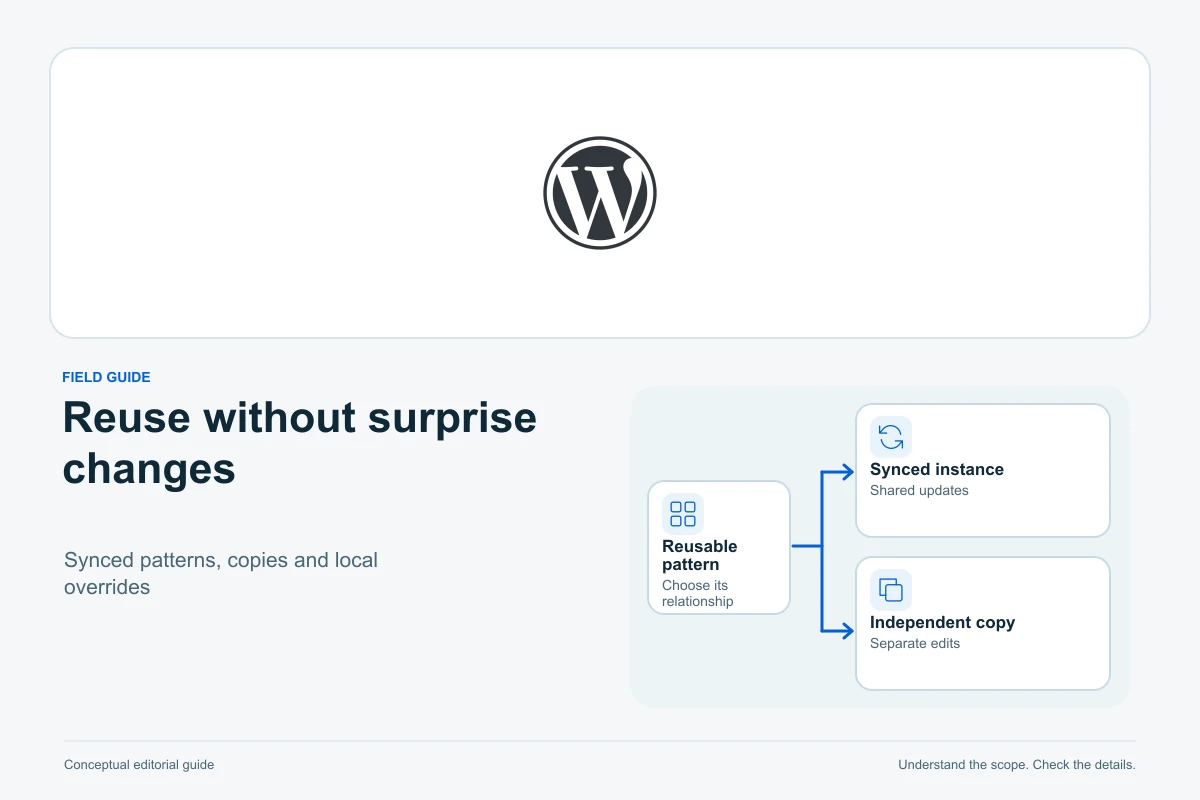
Choose a WordPress pattern by how future changes should spread. A synced pattern shares its source across placements; an unsynced insertion gives you an independent copy. Overrides can keep selected content local while the rest remains synced, where the blocks and installed version support them.
This guide uses official WordPress documentation checked on 13 October 2026. It covers reusable content decisions and safe editing boundaries. It does not claim that every theme, custom block or editor version exposes identical controls.
Decide what should be shared and what should vary
For a fictional workshop website, a standard safety notice might need identical wording wherever it appears. Service cards may need a common design but different headings and destinations. A one-off article callout may simply need a convenient starting layout.
WordPress’s Block Patterns documentation describes predefined groups of blocks used as a starting point. Do not assume that inserting the same visual design on two pages means that later text edits will automatically stay connected.
| Need | Candidate approach | Editing consequence |
|---|---|---|
| One maintained notice in several places | Synced pattern | Source changes affect connected placements |
| A reusable starting layout with independent content | Unsynced pattern | Each inserted copy is edited separately |
| Shared design with approved local fields | Synced pattern with supported overrides | Specific instance content varies while shared parts remain connected |
| One exception that needs full independent editing | Detach the intended instance where permitted | That placement stops following the original pattern |
Write the decision beside the pattern name. “Workshop safety notice — shared text” communicates a responsibility more clearly than “Block 7”. For a new native-editor site, the first WordPress site guide covers the surrounding page-building workflow.
Identify the actual pattern and document scope
Use WordPress List View to identify the selected pattern or container and its place in the document. A nested group, template part and pattern can look similar on the canvas while having different responsibilities.
Check the pattern’s name, management record and sync status. Note which page you started from and whether the editor opened the original shared item or a local placement. Do not infer those facts only from a coloured outline or icon.
Site Editor Patterns documentation describes managing patterns and template parts. Availability depends on the site’s editor and theme context. A header template part controls a different site area from a callout inserted inside one article.
Keep a small usage inventory for important shared items: name, owner, intended message and representative pages. If the administration interface does not show every use, do not treat a short list of known pages as a complete count.
Do not confuse restricted editing with synchronization
The official WordPress 7.0 pattern-editing note documents content-only editing for unsynced patterns too. It describes Edit pattern opening the local unsynced design for deeper editing, while Edit original opens a synced source whose changes apply globally.
Consequently, an extra editing step or pattern outline is not evidence that an ordinary copy has become synced. Establish the actual sync state before detaching, recreating or trying to remove a restriction. Custom locks, permissions and block support can also affect available controls.
This version-specific note describes a documented change, not a claim that all older screens use the same labels. Check your installed version’s supported workflow. Do not paste a global opt-out or remove locking metadata merely to recover a familiar icon.
Create a shared pattern intentionally
The Learn WordPress pattern tutorial demonstrates selecting the intended blocks, creating a named pattern and choosing its sync status. Select only the content that belongs in the reusable item; including the surrounding article accidentally broadens the shared responsibility.
For the workshop safety notice, review the wording and destination links before sharing it across pages. Keep reader-specific names, temporary prices or unique article claims outside the shared source unless they truly belong everywhere.
Insert the pattern in two controlled draft pages and record the expected relationship. Change the source in the review environment and verify both placements. This trial establishes the intended behaviour of that configuration; a tutorial screenshot does not prove a custom block behaves the same way.
Edit the original only when the change belongs everywhere
The Synced Patterns documentation states that source edits affect every placement using that pattern. Review the pattern name and save flow, not only the page title from which you entered the editor.
Before saving a shared notice change, compare the intended new message with representative contexts. A sentence that makes sense in a beginner guide may become misleading in a troubleshooting article. Shared wording needs a shared purpose, not merely a similar appearance.
Coordinate with the pattern owner when several editors work on the publication. Keep an approved before-and-after record and a recovery plan appropriate to the source. Removing the shared pattern is not equivalent to removing one placement; it can leave uses unavailable. Avoid deleting it to clean up a single article.
Use selective overrides for genuine local content
WordPress’s introduction to synced-pattern overrides explains the model introduced in 6.6: allow selected content to vary while the underlying design remains shared. Its historical interface examples should not be read as the current complete list of supported blocks.
The current Block Bindings reference describes the pattern-overrides source and supported-attribute system. Support depends on the particular block, attribute and configuration. An editable heading does not prove that every image option, link attribute or custom-block field is overridable.
For the fictional service card, define precisely which fields may vary: perhaps the heading, description and destination. Give enabled override fields distinct meaningful names through the supported controls so that the editor can identify their roles. Keep mandatory shared wording outside those local exceptions.
Test two instances with different local values, then change one shared design property. Reopen both and confirm that local content remains correct while the intended shared change appears. Check the links as well as the visible text. Do not publish an override setup based only on its appearance in one editor session.
Detach one placement when independence is the real requirement
Where the supported Detach option is available, use it on the intended instance before making a one-off structural change. The Synced Patterns documentation notes that a locked pattern may not expose the option. Respect that boundary and ask the responsible maintainer rather than stripping locks from markup.
After detaching, the local copy stops receiving future source edits. Record that consequence for important notices. A later policy or destination change will need deliberate review of independent copies, so detaching everything is not a maintenance strategy.
If several pages need the same distinct variation, consider a separately named maintained pattern instead of a collection of nearly identical exceptions. Confirm its intended sync status and keep the original source and placements intact.
Separate pattern linkage from shared styles and registration
The Patterns handbook describes patterns supplied through themes and plugins. A registered starting layout and a user-maintained synced item are different sources of reuse. Identify the source before assuming a theme update will revise every previously inserted copy.
Independence from a pattern does not mean independence from all site styling. WordPress Styles can affect shared text and block presentation, so a global typography change may alter both synced and unsynced placements. Diagnose the responsible layer instead of treating every visual change as a synchronization error.
Use the update-testing workflow to review pattern editing after an editor, theme or relevant block update. Preserve representative copies and expected outcomes without replacing newer live work.
Accept the shared and local results separately
- Record the pattern identity, source, sync state and intended uses.
- Define what must stay shared and which content may vary.
- Test an original edit across representative connected placements.
- Verify permitted overrides retain the correct instance values and destinations.
- Confirm detached copies are independent and documented.
- Reopen saved content and check the public reading layout at desktop and phone sizes.
Add the relevant checks to the website launch checklist. The result should be predictable ownership: shared edits spread where intended, local exceptions remain deliberate, and the editor’s visual restrictions are understood rather than mistaken for a different data relationship.
Sources and verification
Editorial review 2026-10-13. Source check dates are recorded separately. Notes describe what each source supports and its limits.
View sources
- WordPress: Block PatternsChecked Predefined groups of blocks act as reusable starting layouts.
Limits: Visual similarity alone does not establish a shared data relationship or propagation behaviour. - WordPress: List ViewChecked Identify and navigate nested blocks and containers in the document structure.
Limits: A visual outline or short list of known placements is not claimed to be a complete usage inventory. - WordPress: Site Editor PatternsChecked Management of patterns/template parts, sync filters, theme context and distinct editable copies.
Limits: The documented Site Editor screen depends on a block-theme context; no universal path or current account capability is assumed. - WordPress Core: Pattern Editing in WordPress 7.0Checked Content-only editing extends to unsynced patterns; Edit pattern and Edit original represent different local/shared workflows.
Limits: Version-scoped guidance is not imposed on older screens, and global opt-out or lock-removal code is not copied. - Learn WordPress: create custom synced or non-synced patternsChecked Deliberate block selection, pattern naming and sync choice.
Limits: The fictional workshop notices are editorial examples, not proof that a particular custom block or site configuration was tested. - WordPress: Synced PatternsChecked Shared source edits affect connected placements; detaching makes one independent; locks may prevent detaching; deleting the source affects its uses.
Limits: No shared source is changed or deleted. The guide does not assume a saved article revision automatically recovers every pattern entity. - WordPress Developer Blog: introduction to synced-pattern overridesChecked The override model introduced in 6.6, named local fields and retained shared design.
Limits: Historical 6.6 supported-block lists and then-current extension limitations are not represented as current exhaustive restrictions. - WordPress Block Editor: BindingsChecked Current core/pattern-overrides source and block/attribute support determine which instance values can be local.
Limits: No universal support for every custom field/attribute is promised and no bindings or locks are edited manually. - WordPress Block Editor: Patterns handbookChecked Themes and plugins can register starting patterns, distinct from user-maintained synced content.
Limits: No claim that updating a registration revises all previously inserted independent copies. - WordPress: Styles overviewChecked Shared site/block styling can affect both synced and independent placements.
Limits: Unsynced data is not represented as isolation from all global CSS or theme styles; no live style was changed.