
Choose a browsing pattern with defined URL and state behaviour, bind it to the intended query, and verify discoverable later results plus recoverable keyboard and network journeys.
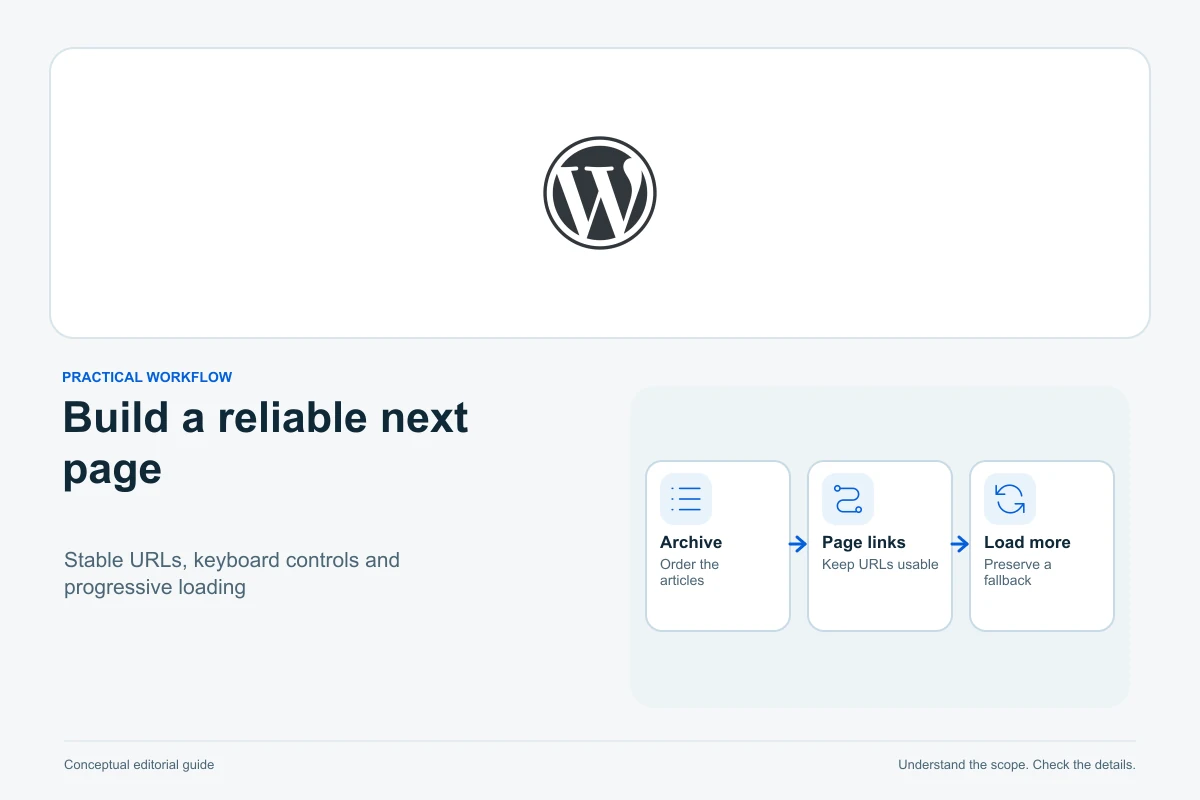
A blog archive must let people reach older content reliably. Pagination, a Load more button and infinite scroll offer different browsing experiences, but none should make later articles unreachable, lose the selected category or strand a keyboard user.
Choose the interaction around your reader’s task, then check content selection, navigation, public URLs and failure states together. This guide covers collection browsing, not splitting one long article into sections or changing individual post addresses.
Choose the interaction before styling its controls
| Pattern | Useful when | What needs extra attention |
|---|---|---|
| Numbered or previous/next pages | Readers need position, repeatable URLs and direct navigation | Clear current-page state and usable controls on narrow screens |
| Load more | Readers want to extend the current list deliberately | Loading, focus, duplicate prevention and a discoverable URL route |
| Infinite scroll | Continuous browsing genuinely suits the content | Position restoration, end state, footer access and alternatives to scroll triggers |
Prefer a simple reliable route over a more elaborate interaction without defined behaviour. For a small tutorial library, ordinary pagination can be an effective starting point. A Load more enhancement can be worthwhile when it preserves the same discoverable content and works with the site’s existing theme.
Decide what a copied address represents: one page of results, the current expanded state or just the archive’s beginning. Make that choice explicit so development and acceptance testing agree.
Check which query selects the articles
In WordPress, the Query Loop block controls the selected posts and contains nested presentation and navigation blocks. Its current documentation distinguishes query settings from the Post Template’s repeated layout. Use List View to select the correct level instead of changing one card and expecting a different result set.
On an archive, establish whether the loop should use the current archive context or a deliberate custom query. Record the post type, topic filters, order and number shown. A category archive should not quietly become a list of all posts when the visitor asks for the next page.
Compare the first and later result batches using identifiable articles. Confirm that the title or image really links to the post; not every layout enables every link by default. Changing pagination controls cannot repair cards with no useful destination.
Keep navigation attached to the intended loop
The native Pagination block provides previous, next and page-number components within the Query Loop. Review the chosen combination and its labels. If the template contains several lists, confirm that one list’s controls advance that list rather than unexpectedly changing another.
Classic or custom themes may implement navigation differently. The paginate_links reference exposes configuration such as total pages, current page, URL format and labels. These values must match the query that actually selected the content; copying a snippet with a hard-coded total is not a durable fix.
Preserve the existing theme workflow. A scoped maintainer change is preferable to replacing the archive template without understanding its filters or shared components. For shared template edits, first review the safe reuse guide.
Give later results usable URLs and real links
Google’s incremental-loading guidance covers blog collections as well as products. It recommends a unique URL for each page in a sequence and a canonical for each page, rather than pointing them all at page one. A hash-only change is not an equivalent discovery route.
Its crawlable-link guidance explains the role of anchor links with href destinations. Google generally does not activate a Load more button to discover the next batch. A sitemap can help discovery, but it should not be the sole remedy for an archive whose later content has no usable navigation.
Test a later-page address directly in a fresh logged-out session. It should return the intended articles without requiring someone to click through all previous batches first. Review the parameter and canonical guide before stripping page-selection parameters as supposed duplicates.
Define loading, error, retry and completion states
A deliberate Load more control should announce its purpose and prevent overlapping requests from adding the same batch twice. The native button element provides keyboard activation semantics; a styled text container is not an equivalent substitute.
While loading, keep the already available articles usable. If a request fails, retain them, explain what failed and offer a retry that requests the correct next batch. Do not replace the whole archive with a spinner or increment the page counter before confirming success.
Define the last-batch behaviour too. A clear “All articles shown” state is different from an empty area that leaves the visitor waiting. Treat a legitimate empty category differently from a failed request. A fictional twelve-item archive might append its final three items after the initial batches; those counts illustrate an acceptance case, not a prescribed batch size.
Keep keyboard and assistive-technology users oriented
Decide what happens to focus when new cards appear. A visitor should be able to reach the new content and continue without tabbing through the entire old list again or being moved somewhere unexplained. The appropriate journey depends on where the control sits and how the content is inserted.
W3C’s focus-order guidance requires an order that preserves meaning and operation. Test the actual keyboard route from activation through new results, retry and completion. Do not add arbitrary positive tabindex values to simulate a visual order.
Its status-message guidance addresses updates that can be conveyed without moving focus. A suitable result count or loading outcome may need a programmatically exposed status. Avoid announcing every card or repeatedly interrupting the reader. These are focused interaction checks, not a whole-site accessibility certificate.
Check Back, refresh and filter changes
Open an article from a later batch, then use Back. Does the archive restore a useful position and selection, or force the visitor to start again? Refresh or copy the current address and compare the result with your documented URL behaviour.
The History API can support session-history state in enhanced interfaces, but changing the address does not by itself implement server-side retrieval at that address. Both paths need acceptance tests.
Change a category or search term after loading several batches. Reset the pagination state appropriately and verify that subsequent requests preserve the new selection. An in-flight response for the old selection must not append stale items into the new list. If JavaScript fails, the available fallback should still let readers reach the collection.
Test the final archive with a small content matrix
- Choose a collection with enough published items for several batches and another with no matches.
- Compare expected item identity and ordering across the first, middle and final pages.
- Check direct later-page entry, next/previous navigation and article destinations.
- Repeat with keyboard, a narrow viewport and zoom; keep focus visible and controls usable.
- Exercise a harmless simulated request failure in staging, then retry without duplicate or missing cards.
- Test Back, refresh, filter changes and two lists on the same page if applicable.
- Inspect public response status, canonical and links as separate technical evidence.
The Network reference helps identify which batch request failed and what it returned. Use the separate JavaScript diagnostic guide for a script failure rather than guessing from the spinner.
Accept the interaction when later articles remain reachable, selections survive correctly and loading failures have a recoverable path. A visually smooth animation or a successful first batch does not demonstrate the complete archive journey.
Sources and verification
Editorial review 2026-10-13. Source check dates are recorded separately. Notes describe what each source supports and its limits.
View sources
- WordPress: Query Loop blockChecked The query selects posts, nested Post Template defines repeated presentation and controls/link settings have distinct ownership.
Limits: Current controls vary by version/theme; no universal setting is blindly toggled or live query changed. - WordPress: Pagination blockChecked Pagination components belong to the relevant Query Loop and expose previous/next/page-number navigation.
Limits: No separate guessed query-pagination URL is relied on; no multiple-loop behaviour is assumed without testing. - WordPress: paginate_linksChecked Classic/custom pagination has current, total, base/format and label configuration which must fit the real query.
Limits: No hard-coded page total or custom production snippet is supplied. - Google Search Central: Incremental page loadingChecked Blog collections need discoverable distinct page URLs with their own canonicals; crawlers generally do not click Load more controls.
Limits: No guarantee that a sitemap alone repairs navigation or that every later page will be indexed. - Google Search Central: Crawlable linksChecked Anchor href destinations provide a crawlable route distinct from action-only controls.
Limits: No exact search discovery or recrawl outcome was measured. - MDN: Button elementChecked Native buttons supply action/keyboard semantics; loading interaction requires deliberately handled states.
Limits: No runtime script or site-specific component is created by the worker. - W3C WAI: Focus orderChecked Meaningful keyboard order must preserve operation as collection content changes.
Limits: No universal forced-focus target or whole-site WCAG certificate is claimed. - W3C WAI: Status messagesChecked Applicable loading/results messages can require programmatic exposure without focus movement.
Limits: Not every appended card should be individually announced; actual assistive-technology testing remains needed. - MDN: History APIChecked Session-history state and URL handling are separate from server support for directly opening those addresses.
Limits: No browser Back or refresh test was executed on a real site. - Chrome DevTools: Network referenceChecked Request/response inspection supports identifying an actual incremental-loading failure.
Limits: Failure simulations belong in controlled staging; no production network request is manipulated.