
Use the smallest supported exception for a named task, verify the intended direct and VPN routes independently, and retain the account, HTTPS and interruption controls the workflow requires.
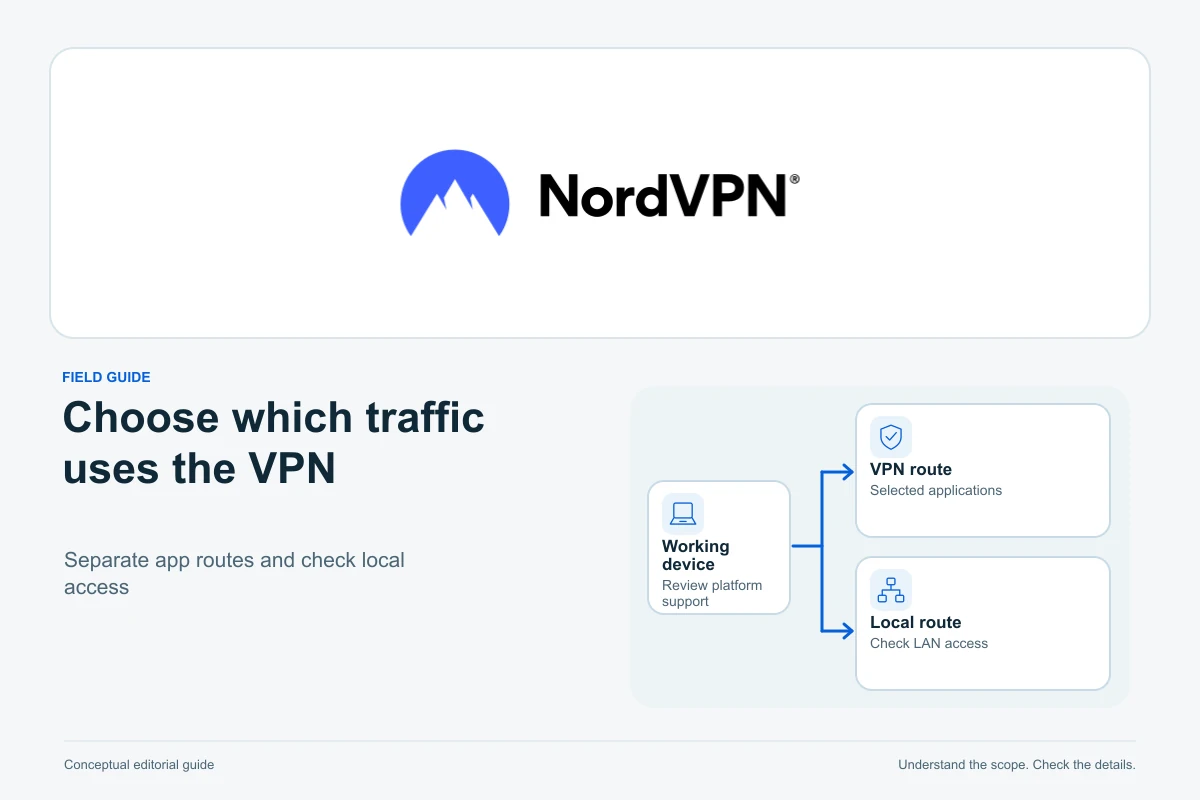
NordVPN split tunneling can make a mixed website-work session more practical: keep the applications you want on the VPN route while a specific, deliberately excluded application uses the ordinary connection. The benefit is control over routing without repeatedly disconnecting the whole VPN for one task.
The useful configuration depends on your platform and the reason for the exception. An application exclusion, a browser website exclusion and a Linux subnet rule have different boundaries. This researched guide explains those boundaries and a careful verification workflow; it does not report hands-on device testing or promise that every website accepts VPN connections.
Explore NordVPN
Explore NordVPN for supported selective-routing workflows. Check your platform’s split-tunneling options before choosing a subscription.
Start with a named task and the smallest exception
Suppose you maintain a website in one browser and also use a separate, trusted application that needs your ordinary connection. Write down which task should use the VPN, which should bypass it and why. If there is no clear need for a direct route, keeping the simpler full VPN route avoids an exception you must maintain.
NordVPN’s split-tunneling explanation distinguishes traffic sent through the tunnel from traffic using the regular connection and IP address. Bypassing the VPN changes that network layer; it is not additional protection for the excluded application. Avoid interpreting “trusted app” as a certification that its data or destinations are safe.
For website work, retain account security and HTTPS regardless of the route. A VPN does not replace MFA, permission controls or a secure hosting account. The VPN guide for website owners explains that wider decision.
Match the exception to the platform
| Installation | Relevant selection boundary | Important consequence |
|---|---|---|
| Windows app | Selected applications | Excluding a browser affects its traffic, not just one tab |
| Android or Android TV app | Selected applications excluded from the VPN | Check the actual app list and supported device interface |
| Browser proxy extension | Selected websites inside that browser | Other desktop applications are outside the extension’s coverage |
| Linux app | Allowlist entries for ports or subnets | Matching traffic from more than one application can bypass the VPN |
| iOS or macOS app | No equivalent app split-tunneling feature in the reviewed guidance | Do not follow Windows or Android exception instructions |
NordVPN’s current platform and local-connectivity guidance identifies Windows, Android, Android TV and browser extensions as supported split-tunneling routes and excludes iOS/macOS from that feature. Record your OS, app version and installation source before relying on a tutorial screenshot.
A familiar label is not enough: selecting a domain in an extension and selecting the whole browser executable in a desktop app are different policies. Choose the one that actually matches your requirement.
 Affiliate link.
Configure an application exception deliberately
On a supported Windows installation, open the app’s split-tunneling settings and read the selected mode before adding anything. Confirm whether the list describes traffic to exclude or traffic to include. Name the exact installed application, including a replacement executable after an update, rather than assuming a shortcut identifies every related process.
NordVPN’s Android setup documentation places split tunneling among the connection settings. Use the actual device interface to select the intended exclusion. Android TV has its own selection screen, so a phone’s click path is not a universal television procedure.
For a fictional workflow, keep your administration browser on the VPN and exclude a separate application only after confirming its need. If you instead exclude that administration browser, do not expect only its banking tab to bypass the tunnel while the WordPress tab stays inside. The selection is at the application’s boundary.
Use browser website exclusions for browser-only needs
The app-versus-extension guide describes the extension as a browser proxy with website exclusions. It does not cover your separate mail client, file-transfer utility or background backup application. NordVPN also advises against running its app and extension simultaneously because they can interfere.
A website workflow may use several hosts: the public site, its sign-in service, an image domain and a separate payment page. An exception for one address is not proof that every step uses the same route. Check the complete harmless journey and consult current support guidance if a dependent host behaves differently.
Do not create a broad list of unrelated exceptions just to make a single page load. First confirm whether you need a browser-only proxy or the app’s wider routing scope. One clear configuration is easier to verify than several overlapping layers.
Treat Linux allowlists and local access as separate decisions
The support article distinguishes Linux allowlisting from app-based split tunneling. Matching ports or subnets bypass the VPN and Kill Switch, applying to incoming and outgoing traffic. A broad subnet or port range is therefore not equivalent to excluding one trusted application.
That article also acknowledges cases where an excluded application’s ordinary IP and the computer’s NordVPN DNS route produce compatibility problems. A changed browser IP alone does not prove that every relevant routing or DNS behaviour matches your intention.
For a local printer or test server, first distinguish local discovery from internet access. Review the app’s local-network visibility setting on a network you trust. Do not switch off a firewall, expose a router’s administration interface or apply a broad Linux allowlist merely because a printer disappeared.
If you administer a Linux machine remotely, arrange an authorised recovery route before changing networking. A remote session is a poor place to discover that a rule blocks the same connection needed to undo it.
Check interaction with connection-blocking settings
Split tunneling does not promise that excluded applications stay online under every blocking policy. NordVPN’s interaction guidance describes excluded applications losing access when Internet Kill Switch takes precedence. Linux allowlist behaviour has its own documented exception, so do not generalise one platform’s result.
Decide which requirement matters: ordinary access for an excluded application, or a stricter connectivity block. Do not silently weaken a deliberate blocking requirement to remove an error. The separate Kill Switch guide covers platform-specific interruption handling.
A VPN-bypassed connection is not automatically plaintext application content. TLS, including HTTPS, protects its own connection layer. Equally, HTTPS does not turn a direct route into a VPN route. Keep those observations separate.
Verify the actual workflow with harmless traffic
- Record the platform, app version, selected mode and existing exceptions. Save open work before changing networking.
- Establish a baseline with ordinary non-sensitive traffic and identify which application’s request you are observing.
- Add only the intended exception and reconnect if the current instructions require it.
- Check a request from the excluded application and a separate request expected to remain on the VPN.
- Exercise the necessary sign-in or local-device journey using a harmless test account or sample task.
- Observe normal reconnect and sleep/wake behaviour separately, including the chosen blocking settings.
- Remove the temporary exception and confirm that the original route returns.
These checks provide evidence for the requests and transitions observed. They do not establish the absence of every leak or the behaviour of every background process. Keep credentials, private URLs and customer information out of diagnostic screenshots.
Keep a small exception list you can explain
If the configuration fails, use NordVPN’s split-tunneling troubleshooting guidance for the current app. Note the version, application, time and exact symptom before resetting settings. Remove an obsolete exception when its original need ends, and recheck after replacing an application or making a major OS update.
NordVPN’s practical strength here is selective routing in supported environments: it can reduce the need to disconnect a whole working session for one exception. Choose it for a documented configuration that fits your devices, and review the current supported features before subscribing. A small, verified exception list is more useful than a promise of universal compatibility.
Sources and verification
Editorial review 2026-10-18. Source check dates are recorded separately. Notes describe what each source supports and its limits.
View sources
- NordVPN: Split tunneling featureChecked Direct and VPN routes have different IP/tunnel boundaries and supported platforms offer deliberate selection.
Limits: No comparative speed, anonymity, universal access or guaranteed compatibility claim is repeated. - NordVPN: Platform and local-connectivity guidanceChecked Windows, Android, Android TV and browser split-tunneling routes differ from iOS/macOS; local discovery is a separate setting.
Limits: No broad local firewall bypass or unsupported Apple app exception recipe is supplied. - NordVPN: Android setupChecked Android connection settings expose supported split-tunneling selection with device-specific interface context.
Limits: Phone screens are not treated as universal Android TV instructions and no device was operated. - NordVPN: Application or browser extensionChecked The browser proxy has website exclusions and narrower coverage; simultaneous app/extension use can interfere.
Limits: Stale Meshnet and generic platform/protocol claims elsewhere on the page are excluded. - NordVPN: Split tunneling and Linux allowlist supportChecked Linux port/subnet allowlists apply to matching incoming/outgoing traffic, bypass VPN and Kill Switch; excluded app/DNS compatibility limitations are acknowledged.
Limits: No commands, broad port exceptions or universal DNS failure are prescribed; exact installed behaviour still needs checking. - NordVPN: Kill Switch and split tunneling interactionChecked Internet Kill Switch can prevent excluded applications from retaining ordinary access.
Limits: Not generalised to Linux allowlist exceptions or converted into advice to weaken an intended blocking policy. - MDN: Transport Layer SecurityChecked TLS and HTTPS have their own encryption layer, separate from VPN routing.
Limits: A direct connection is not automatically plaintext, and HTTPS is not evidence of a VPN route. - NordVPN: Split tunneling troubleshootingChecked Provider troubleshooting is appropriate to current supported app behaviour and specific failure symptoms.
Limits: No full reset, security disabling, system command or claimed tested recovery is supplied.