 Pagember

A 429 response means a request has met a rate limit. It does not, by itself, tell you that your hosting plan is too small, that the visitor is malicious or that a security plugin is broken. The useful first question is: which component counted which requests, and why did this request cross its rule?
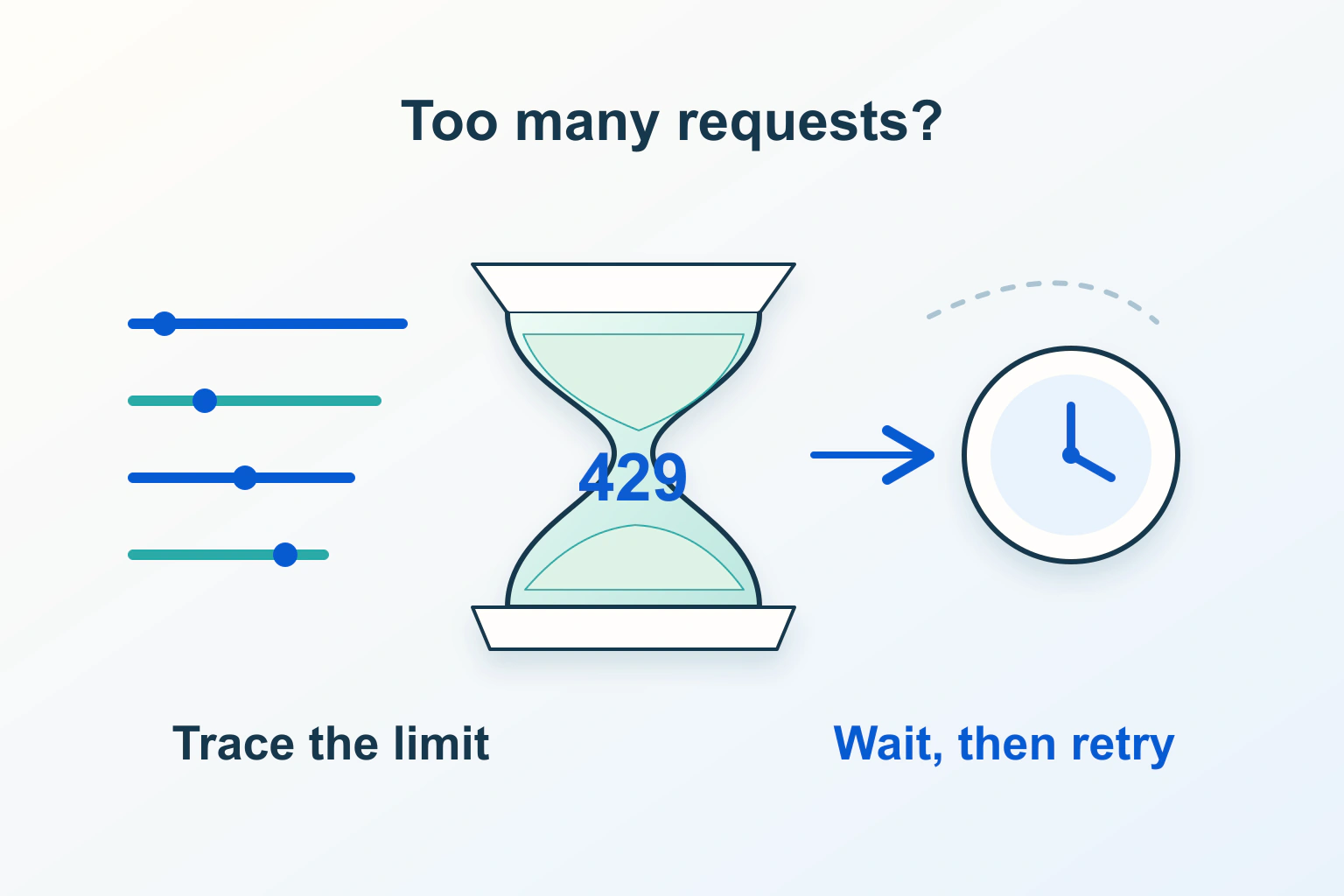
Start with one reproducible failed action. A page load, a login attempt, an automated link check and a payment notification may need different limits. Fixing one by disabling protection everywhere usually leaves the original cause unexplained. This guide builds a request-level investigation, followed by a small verification plan.
Identify the failed action and its actual response
Write down what the person or integration was trying to do, the URL, method, time and whether they were signed in. For a browser failure, use the Network panel to select the failed request. The page displayed in the tab can succeed while a background request fails, so record the request responsible for the broken action rather than assuming the main document returned 429.
MDN describes 429 as too many requests in a time period. Limits can be applied to a resource, an entire server, an authenticated user or application, or an IP address. The response may include Retry-After. Those possibilities explain why two people can have different results without establishing which mechanism your site uses. Neighboring codes point elsewhere: a 401 or 403 is an access refusal, a 413 is a request that is too large, and a 502, 503 or 504 is a gateway or availability failure.
- Save the status, response headers and a short description of the error body.
- Record a request or correlation identifier if the platform supplies one.
- Keep the timestamp and time zone consistent when comparing logs.
- Remove cookies, authorization headers, form contents and personal query parameters before sharing evidence.
A screenshot of the error is useful context, but the responsible maintainer needs the request identity and time as well. Avoid producing a new burst of traffic just to gather a larger sample.
Read Retry-After as a wait instruction
Retry-After has two documented forms: a non-negative number of seconds or an HTTP date. In the invented response below, 120 means wait two minutes after receiving the response before making the follow-up attempt. It is not a quota of 120 further requests.
HTTP/1.1 429 Too Many Requests
Retry-After: 120
Content-Type: application/json

{"message":"Please try again later"}
If the field contains a date, compare it with a correctly synchronized clock and the response context. If the header is missing or malformed, the software's documented retry policy becomes important; absence does not authorize immediate endless retries. Client support varies, so verify the actual behavior of the client you operate.
For a person using a form, present an understandable waiting state and preserve the information that can safely remain on screen. A disabled button without an explanation creates repeated clicks and support requests. Do not tell someone a transaction failed when its final state is still unknown.
Trace the response through the layers you control
List the components on this request's route: a CDN or edge firewall, hosting proxy, web server, application and any external service the application calls. Your goal is to match the request to a recorded rule or upstream refusal. A branded error page is a clue, not sufficient evidence that a particular setting generated it.
| Observation | Next evidence to request | Question it can answer |
|---|---|---|
| Edge event at the matching time | Rule name, scope and matched request identifier | Was the request stopped before the application? |
| Application received the request | Relevant application log and route-level limiter | Did the application apply its own limit? |
| External call failed inside a successful page request | Sanitized upstream status and documented quota | Is an integration returning the refusal? |
| No matching event in the first system checked | Clock alignment and the next responsible layer | Is the investigation looking in the right place? |
On managed hosting, ask support for the matched limit and counter rather than requesting every firewall be switched off. Do not bypass the public protection boundary by publishing an origin address. Where a comparison requires a direct-origin request, let the responsible administrator arrange an authorized diagnostic method.
Match one request across both logs. Take the request ID or exact timestamp of a failed request and search for it in the proxy or firewall log and in the application log. If it appears only in the proxy log, the proxy refused it before forwarding, and the limit to review is there. If it appears in the application log with a 429, the application applied its own limit. If it appears in neither, check clock alignment and whether another layer, such as a CDN, sits in front. The access and error log guide explains how to read both kinds of record.
Check what is sharing the counter
Consider an office where several staff open the same reporting page. Its main document works, but each refresh starts multiple background searches. A shared IP limit might see the office as one source. Test that idea against the rule and the logs before changing anything.
Build a compact timeline: the first successful action, the first 429, the requests between them and the next allowed attempt after waiting. Ask whether a recent deployment introduced duplicate listeners, repeated polling, retries from several workers or a task scheduled more often than intended. Change one suspected cause at a time so the comparison remains meaningful.
Also compare the limit's identity with its purpose. A login defense and an authenticated report export protect different resources. If the same broad rule covers both, a route-specific adjustment may be appropriate. It still needs ownership, a documented reason and an abuse check; “this user complained” is not a durable exception policy.
Repair client retries and server limits separately
For a client you maintain, define a maximum attempt count and total waiting period. Respect a valid server wait instruction, and use the integration's documented backoff behavior for other retryable conditions. Avoid having a browser, background worker and scheduler each retry the same logical task independently.
Do not blindly repeat a purchase, message submission or other consequential operation. First establish whether the original operation was accepted and use the service's supported deduplication mechanism. A status code from a later request does not prove that an earlier request had no effect.
For a server rule, start with the smallest correction supported by the evidence: stop duplicate requests, reduce concurrency, narrow a mistaken route scope or revise a confirmed threshold. Record the previous setting and rollback route. A wider capacity change may eventually be justified, but a plan upgrade cannot repair an accidental request loop.
Treat crawler refusals as an access incident
Google treats 429 as a server overload signal and temporarily reduces crawling. Persistent server errors can eventually affect retained indexed URLs. This is different from telling Google that a page permanently does not exist.
Correlate the crawler's failing URL and time with your security evidence. Confirm crawler identity using the platform's supported verification route before adding an exception; a self-declared user-agent name is not sufficient. After a correction, keep current successful retrieval and later search processing as separate observations. One successful fetch cannot guarantee indexing or rankings.
Verify the repair with a controlled acceptance sheet
Use a private test environment for deliberate threshold tests where possible. Keep production checks low-volume and authorized. The acceptance record should include both the legitimate action you repaired and the protection you intended to preserve.
- One normal action after the required wait
- Completes with the intended content or confirmation.
- Several ordinary users within the agreed usage pattern
- No unexpected shared-counter refusal.
- Background request sequence
- No duplicate loop or unbounded retry burst.
- Controlled excessive traffic in the approved test environment
- The intended protective response still occurs.
- Failure after the retry budget ends
- Clear recoverable state and a useful support reference.
Leave the rule owner, cause, change, timestamps and unresolved limitations in the incident note. The durable result is a legitimate workflow that works at its expected rate, with excessive traffic still handled deliberately.
Common questions about 429
What does HTTP 429 Too Many Requests mean?
A server, proxy or service counted more requests from you, your IP address or your account than its rule allows in a time window, and refused this one.
How long should I wait after a 429?
If the response has a Retry-After header, wait that many seconds or until that date. If it has none, wait before trying again and increase the gap after each further refusal instead of retrying immediately.
Can a 429 hurt my site in Google?
Short episodes slow Googlebot's crawling temporarily. If Googlebot keeps receiving 429 for a long time, already indexed URLs can eventually drop, so fix rules that block verified crawlers.