 Pagember

An “Add to calendar” button makes a promise about an event, not just a downloadable file. Readers expect the right date, duration and location in their calendar. They may also assume that a later change will follow them there. Decide which of those expectations your website can actually meet before adding the button.
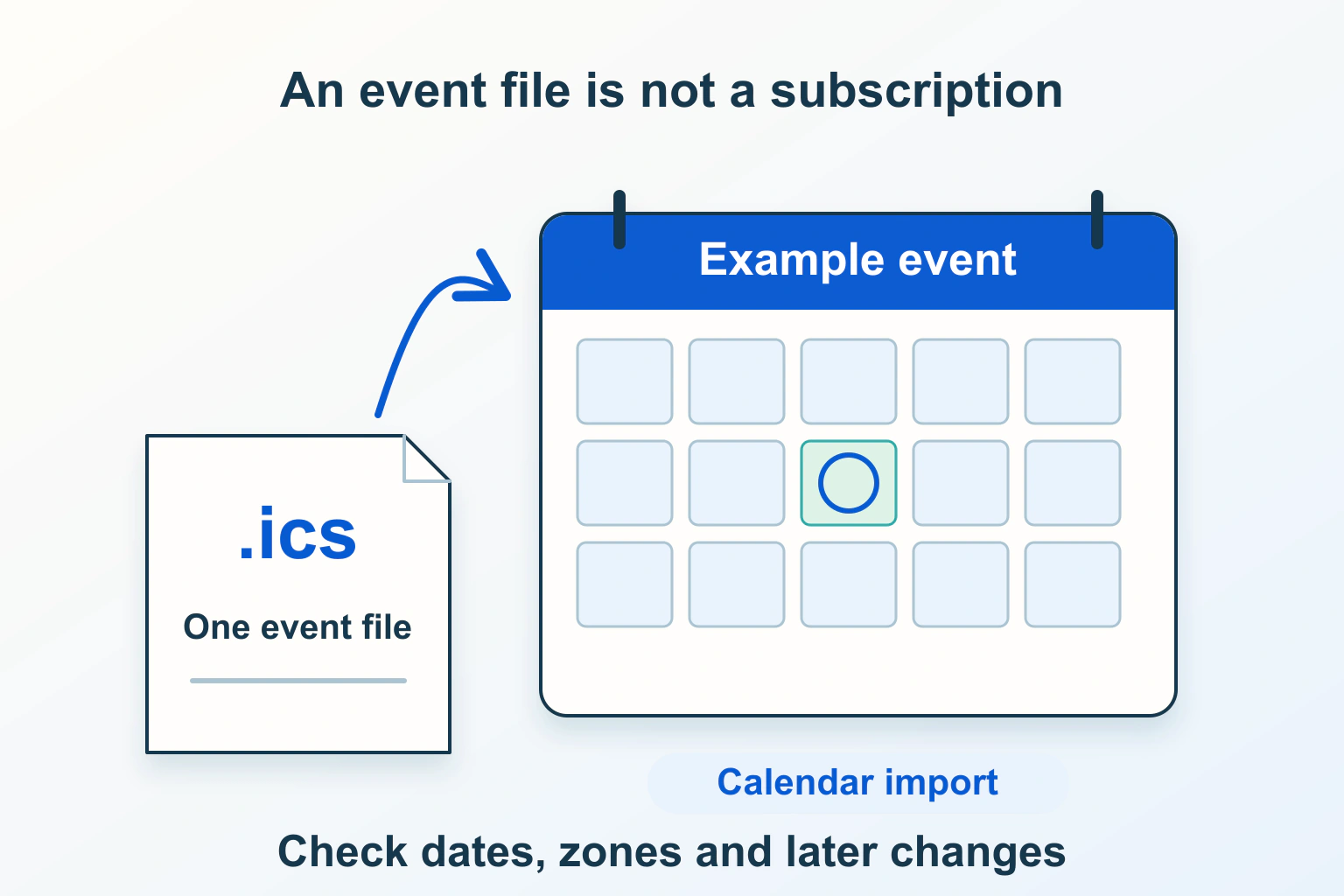
A one-off ICS download is often appropriate for a public workshop or webinar. A maintained calendar subscription serves a different job. Neither should be confused with a booking, RSVP or guaranteed reminder. This guide uses a hypothetical event.
Choose a snapshot or a maintained calendar
Google Calendar's import instructions support ICS and CSV imports on a computer and explain that imported events do not stay synchronized. A downloaded event therefore needs wording that matches a snapshot, such as “Download this event for your calendar.”
Microsoft's import and subscription guidance distinguishes an imported snapshot from a subscription that receives later changes. Receiving services update subscriptions on their own schedule, sometimes with delays. “Subscribe for future changes” is more defensible than “Your calendar will update immediately.”
| Reader need | Possible route | Promise to avoid |
|---|---|---|
| Keep one public event | A clearly labeled ICS snapshot | Later edits automatically replace the imported entry |
| Follow a changing public schedule | A maintained calendar feed with an owner | Every calendar refreshes immediately |
| Reserve a limited seat | A separate booking or registration process | Downloading the file confirms attendance |
| Receive private appointment details | An access-controlled workflow appropriate to the information | A public event URL keeps its contents private |
Choose the smallest route you can maintain. A permanent feed is not free of editorial work: somebody must remove canceled events, correct mistakes and keep the address functioning. If the organization cannot take that responsibility, use a snapshot and an unmistakable update route on the event page.
Create an event fact sheet before generating the file
For a hypothetical online workshop, agree the title, start, end, intended time zone, public location, canonical information page and change contact. Record which person approves those details. The calendar button should draw from the same approved event information as the page and confirmation messages, rather than a second manually maintained schedule. The event page guide covers which of those details readers look for before they register.
Use a specific full date rather than “next Friday.” Check the intended duration and whether a visitor in another zone crosses into a different calendar day. Our booking time-zone guide covers resolving local times and daylight-saving ambiguity; do that work before generating a calendar representation.
Keep public and private information separate. A public file should not contain an attendee list, private meeting credential, internal note or organizer's personal address merely because a generator has a convenient field. Review the downloaded contents, not only the attractive event summary displayed by your calendar app.
Use a supported generator and preserve event meaning
RFC 5545 defines the calendar envelope and event properties. The narrow example below uses UTC, a stable UID and a UTC DTSTAMP. It illustrates a one-off public event, not a booking invitation or a complete generator.
BEGIN:VCALENDAR
VERSION:2.0
PRODID:-//Example Studio//Public Events//EN
BEGIN:VEVENT
UID:workshop-20270114@example.com
DTSTAMP:20261120T120000Z
DTSTART:20270114T150000Z
DTEND:20270114T160000Z
SUMMARY:Example workshop
URL:https://example.com/events/workshop/
END:VEVENT
END:VCALENDAR
In the generated file, use CRLF line endings, correctly escape TEXT values and fold long lines as specified; the recommendation concerns 75 octets, not a visual editor's character count. UTC, floating local time and a TZID-based local time have different meanings. Do not apply TZID to a UTC or DATE value. For all-day events, DTEND is exclusive and uses the same DATE type; DTEND and DURATION are not used together.
Use a calendar library or supported platform feature rather than concatenating unreviewed visitor text into a file. The example is deliberately short; it omits recurrence, attendee handling and complex zone definitions. A real generator needs the rules appropriate to its chosen event representation.
Make the button and fallback understandable
Put the calendar action beside verified event details, after readers can understand the event. Keep registration distinct: “Register for the workshop” and “Download calendar event” should not look like two names for the same action. If registration is required, explain that adding the date does not reserve a place.
Show the date, time and location as ordinary page text as well. A reader who cannot import a file still needs the information. A short instruction can explain that the download may open a calendar app or need to be imported, depending on the device. Avoid a success message that claims an event was added when the website has only served a file.
Use a descriptive filename and link label. Follow the same download-maintenance principles as our reliable public download guide, while recognizing that a calendar file has its own format and client behavior. A working page link does not prove that the downloaded content describes the correct event.
Test the file in separate calendars
Choose the receiving calendars relevant to your audience. Use a separate test calendar and a synthetic public event, not a customer's private schedule. Save the exact generated file so an apparent difference can be traced back to the same input.
- Check the website's event facts against the downloaded file.
- Import using the receiving client's supported route and inspect title, start, end, zone display and destination link.
- Repeat from a visitor zone different from the event's zone and compare the same event instant.
- Check an all-day case if your website publishes all-day events.
- Try a repeated manual import and record what that client actually does; do not assume it replaces the first entry.
- Open the canonical event page from the imported entry and confirm that changes and cancellations remain findable.
A stable UID is not a promise that every client deduplicates manual imports. If your tested client creates a second entry, document its cleanup route rather than changing event identity arbitrarily.
Handle changes without rewriting the original promise
If the workshop time changes after people downloaded it, update the information page and file together. State the change clearly on the page and use an established communication route when attendees need direct notice. A revised download cannot by itself reach calendars that imported the older snapshot.
For a maintained public schedule, Google's calendar URL guidance describes a subscription route. Do not publish a private feed merely to make that route available. Treat the feed's visibility, information and refresh behavior as deliberate product choices.
Give cancellations a recognizable state. Removing the entire event page without explanation can leave an old calendar entry pointing at an unhelpful destination. Keep an appropriate public change notice while the event remains relevant, subject to your publication and retention choices.
Keep a small acceptance record
Record the approved fact sheet, file version, public download address, tested client and device, displayed result and limitations. Include who owns corrections. This makes a later report of a wrong date much easier to investigate than an unlabeled screenshot of somebody's calendar.
Accept the button when the delivered file matches the approved event, the tested receiving journeys are understood and the page honestly explains updates and registration. If the event's image also needs a privacy review, handle its photo metadata separately; a safe calendar file does not sanitize the other public downloads.