Pagember

For a small newsletter, choose between MailerLite and Brevo by counting both people and sends. MailerLite's current Free allowance is based on a small active list and a monthly sending budget. Brevo Free has a daily sending cap. A generous stored-contact allowance does not mean you can send a whole newsletter to all those people at once.

The limits below come from each provider's official documentation, checked on October 8, 2026. Current MailerLite plans are Free, Comfort, Power and Enterprise; older plan names and larger Free allowances should not be treated as the present offer.
Two small newsletters with different requirements
In an original example, a local maker has 200 consenting subscribers and sends four issues a month. That uses 800 recipient-level sends. If all 200 people also receive one welcome message, the planned total is 1,000, before extra automation, resends or other sends that count. MailerLite's documented Free limits could cover that plan, subject to its remaining conditions.
Now consider a community publication with 600 subscribers, four monthly issues and a promise that everyone receives each issue on the same day. Its regular issues require 2,400 sends. The monthly number alone does not make it eligible for MailerLite Free, because the list exceeds 250. Brevo Free's 300 daily limit also prevents that same-day issue to all 600.
The second publication therefore needs a suitable paid tier or a genuinely different sending promise. Splitting the audience over days may be acceptable for evergreen updates, but it changes the product when an issue contains time-sensitive information. Do not conceal that compromise in a headline about free email.
Read the limits in the right units
| Question | MailerLite | Brevo |
|---|---|---|
| Free audience and sends | Up to 250 subscribers and 2,500 monthly emails | 300 daily sends; unused daily allowance does not carry over |
| Paid volume selection | Subscriber tier and plan determine sending allowance | Selected paid tier determines both stored contacts and monthly sends |
| Brand removal | Documented paid feature | Starter requires an add-on; check the total against Standard |
| People using the account | Free lists two seats; Comfort three | Free lists one marketing seat; verify paid-seat extras |
| Automation need | Check current workflow and step limits | Check automated-contact allowance and required tier |
Sources: MailerLite's current plan table and Brevo's plan documentation. Do not assume that buying Brevo removes every contact limit; current paid tiers pair sends with contact capacity.
Ask for a matched quote
Open each provider's current pricing page and record active subscribers, stored contacts, campaign frequency, automation volume and the largest same-day campaign. Add the number of account users and whether removing provider branding is essential. Then select the smallest edition that meets all of those requirements.
A starting price is not a quote for the publication's list. Compare the same currency, billing country and term, including paid extras and applicable tax. Distinguish annual upfront payment from a monthly contract, and keep a reasonable growth margin without paying for an imagined future audience.
MailerLite's billing guide says active subscribers count cumulatively within a cycle. Deleting a contact later does not necessarily erase its billable presence. Use list hygiene to maintain permission and relevance, not as an assumed method for avoiding a pricing tier.
Set a spending rule before automation
Treat subscriber and sending allowances as usage limits, not proof of a hard spending cap. Before scheduling unattended sequences, confirm the rules for your account and pricing version: what triggers an upgrade, whether additional charges can occur, when allowances reset and which alerts you receive.
Set an operating threshold below the confirmed allowance, leave room for welcome messages and growth, and name the person who will review an alert or approve an upgrade. Check usage after changing a sequence. The budget should cover the actual sending plan and account rules rather than assuming every campaign will stop automatically at a fixed bill.
Choose automation you will maintain
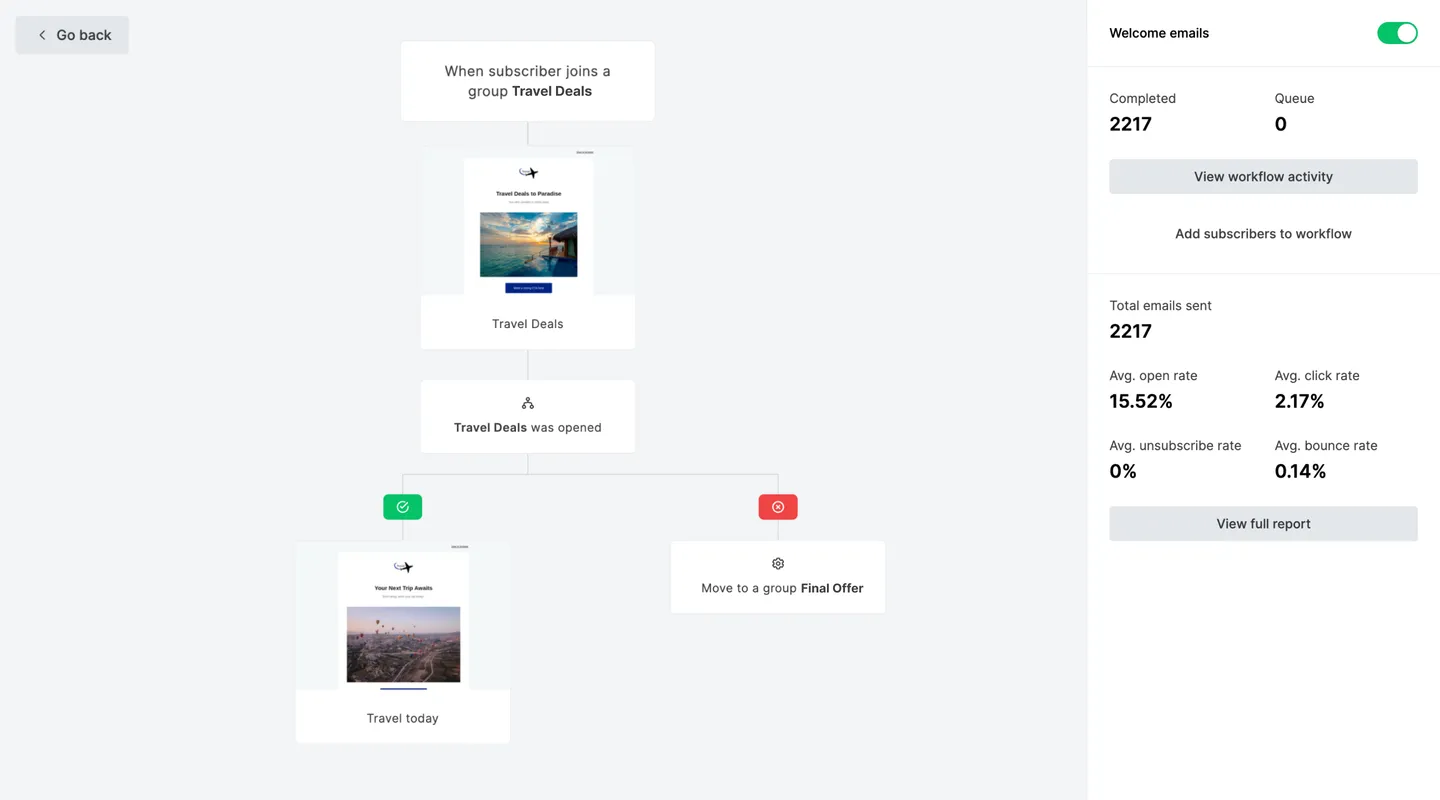
Draw the actual welcome sequence before comparing feature names. For the maker, one useful welcome message and an occasional interest-based follow-up may be enough. The publication may instead need a sequence introducing a topic series. Count the required steps, triggers and automated contacts, then check the edition.
Choose MailerLite as a shortlist when its list-based workflow, pages/forms and documented allowance meet that plan. Choose Brevo as a shortlist when its campaign and transactional or other communication requirements fit the selected package. Skip a larger package if its extra channels and automation have no owner or practical use.
Neither purchase makes the newsletter useful. A clear promise, relevant issues and a manageable schedule should come first. Existing free tools can be an appropriate starting point within their real limits; paying is justified by a defined capacity or workflow gap.
Do the sending work separately
MailerLite's authentication guidance describes sending-domain setup. Google's sender guidance also emphasizes authentication, permission and unsubscribing for Gmail recipients. Subscription level does not establish inbox placement; authenticating your sending domain does more for it than the plan you pick.
Before switching platforms, preserve permission records, groups and unsubscribe status. Recreate and check the workflow in a controlled way before retiring the old system. Avoid importing an audience merely because its addresses are available; the newsletter's permission history matters.
Newsletter questions
Is a daily cap equivalent to a monthly allowance?
No. The daily cap controls when messages can be sent. Multiplying it by the number of days does not let you send that whole monthly total in one day.
Are stored contacts and active subscribers the same?
No. Providers define billable and stored audiences differently. Read the selected tier's definition and include unsubscribed or historical records where its storage rules require them.
Which service delivers better?
Both can deliver well when the sending domain is authenticated and the list is built on consent. To compare them for your own audience, send the same issue to a small group of addresses you control at Gmail, Outlook and your own domain, then check where each lands and whether SPF, DKIM and DMARC pass in the headers.
Do we also need business email?
Possibly. A newsletter platform and a mailbox for reading and answering ordinary correspondence serve different jobs. Include a mailbox separately when needed.
Take the next useful step
Prepare the audience-and-send worksheet and obtain two equivalent quotes. Read MailerLite Free versus paid, SPF, DKIM and DMARC and email hosting versus marketing for the related decisions.