 Pagember

An Elementor website is easier to own when the handover explains the accounts and the ongoing work as clearly as the page layout. The business needs to know who controls WordPress, the domain, hosting and any paid plugin subscription. It also needs a practical way to change content, apply updates and recover from a problem.

This checklist is for a small-business owner working with a designer or taking over an existing WordPress site. It follows Elementor’s official licensing and update guidance. For the wider plan and editor picture, see Elementor One from brief to handover.
Separate website ownership from subscription access
Create an account inventory before the final design sign-off. List the domain registrar, hosting provider, WordPress administrator, Elementor subscription and any services used for forms or email. For each, record the accountable person, the billing arrangement and where recovery information is held securely. Do not put passwords into a shared handover document.
The business should understand the agreed relationship even when a designer supplies a managed service. A subscription may belong to the business, or it may remain within a clearly described maintenance agreement. State what happens when that agreement ends: which features need a replacement subscription, who performs the change and how much notice is expected.
Elementor documents switching a site to another account’s license through Elementor → License in wp-admin, where Check license status shows the current connection. Treat that as a specific activation task. Moving an activation between domains is different from transferring the ownership of the subscription account itself. Confirm the appropriate current process rather than handing over a designer’s personal login.
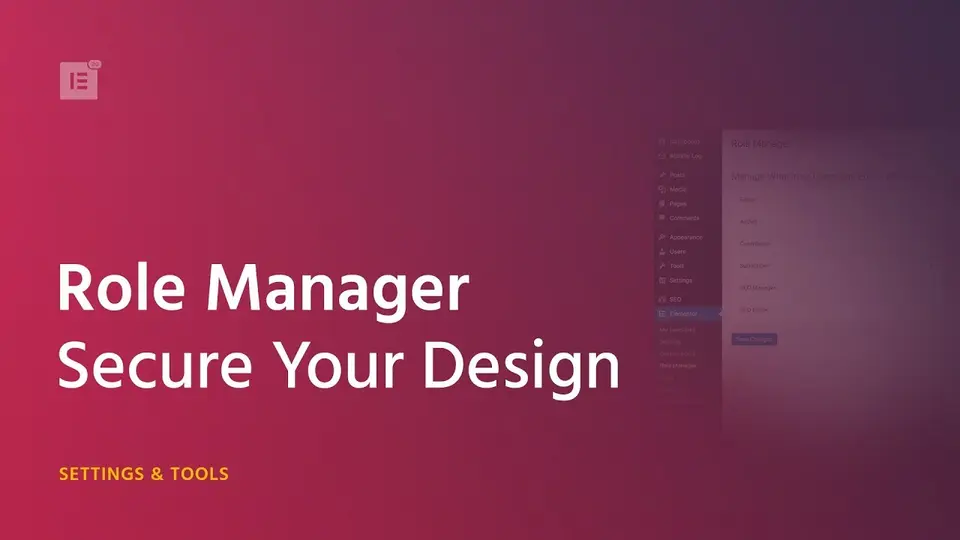 Play video: Role Manager: How to Restrict Certain User Roles to Only Edit Content
Write down what must renew
- Domain
- Owner, renewal date, billing responsibility and recovery route.
- Hosting
- Selected plan, backup arrangement, renewal and support contact.
- Elementor subscription
- Account owner, plan, site activation and renewal decision.
- Other paid plugins or services
- Purpose, separate payment and any dependency on the page or inquiry workflow.
- Maintenance service
- Included work, response expectations and the process for ending the arrangement.
Keep the original order summary and the current renewal reference together. A discounted first term should not become the assumed ongoing budget. Review the basket and account before renewal, particularly if the site has grown or the selected tools have changed. A calendar reminder is useful only when a named person is responsible for acting on it.
An Elementor editor purchase does not settle domain, hosting, mailbox or backup responsibilities. If those services are included in a separate bundle, name that bundle and its limits. This prevents a common handover gap: everyone assumes a useful service is covered, but no one knows which account supplies it.
Keep Core and Pro on a deliberate update path
Elementor’s update guidance says to keep both the free Core plugin and Pro current, and warns that updating one without the other can cause problems. Its preparation guidance recommends a backup, release-note review, addon compatibility checks and staging. Use that guidance to define a repeatable routine for the actual site.
Record the current WordPress, theme and plugin versions before a planned update. Identify the important visitor tasks: opening the menu, reading a key page, submitting an inquiry and completing any purchase or booking. A small checklist of those tasks makes the review much more useful than simply seeing that the home page still loads.
Make the update in the agreed test environment, inspect the affected functions and decide how the same change will reach the live site. For a site collecting orders or submissions, preserve new live data created after the test copy was made. Do not replace a current database merely to publish a layout change without understanding what would be overwritten.
After the live change, repeat the visitor checks and record the outcome. Keep the previous working version and a recovery route until the change is accepted. If there is a failure, stop adding unrelated updates and investigate the specific difference. A short change log helps the next person understand what happened and what has already been checked.
Prove the recovery route before it is needed
A backup list in a dashboard is only the beginning. Confirm what is backed up, how long copies are retained and who can restore them. The practical acceptance question is whether a selected copy can produce a working site with its important content and inquiry route. Perform that check in a safe environment rather than experimenting on the public site. BlogVault is one option the business can own directly: it stores backups off the server and can restore a copy to staging for exactly this test.
Keep an independent copy of important business content where appropriate, and agree how often it should be refreshed. A site with frequent orders has a different recovery requirement from a portfolio updated once a month. Match the backup schedule and review process to the information the business cannot afford to lose.
Separate a layout rollback from restoring all site data. A broken template may need a focused correction; an older full backup can remove later submissions or orders. The maintenance owner should know which action is being taken and why. Document the result in plain language that the business can understand.
Hand over editing with the real user account
Ask the future editor to perform ordinary work: correct a service paragraph, change an opening time and replace an image with a properly sized file. Use their own account and the permissions intended for normal use. A demonstration performed only by an administrator can hide the obstacles the owner will encounter later.
Where the selected plan supports Elementor Role Manager, open Elementor → Editor → Home, choose Role Manager, and tick Access to edit contents only or No access to editor for the role. WordPress roles and other plugins also affect access. Choose the permissions that match the job, then verify them with the actual account rather than assuming a role label proves what it can do.
Explain which elements are shared across the site. Changing a header, global style or template can affect several pages, while editing a local paragraph should be a smaller task. Give the owner a short example of each and a way to request larger changes. The aim is confident routine editing with a clear boundary around structural work.
Handle license changes as a planned operation
Elementor distinguishes license deactivation from removing the plugin. Its documentation says disconnecting a site does not itself change the live site’s functionality, but Pro updates are no longer available through that activation. Do not treat a page still rendering as a complete long-term maintenance plan.
If the business will use its own subscription, confirm that the replacement plan supports the site’s required features and activation count before changing the connection. The switch itself is Elementor → License → Switch Account → Switch User, sign in to the business account, then Activate my license; Disconnect on the same screen ends the old activation. Schedule the switch, verify the resulting license status and check the visitor journey afterward. Keep the old arrangement documented until the new one has been accepted.
For a domain change, Elementor provides a deactivate-and-reactivate process subject to subscription limits. That process should be part of a broader domain change checklist covering links, redirects, email and the public site address. A successful license activation alone does not prove that every part of a moved website works.
Check the working features before replacing the license
List the live features: saved inquiries, integrations, popups, custom CSS, shop templates or editing restrictions. The current comparison places several, including Role Manager, above Essential. Match the replacement to that list and the site count. The account-switch instructions require the new account to have a Pro license. Sharing the old account login is not the handover process.
Finish with an owner-readable handover
- An account and renewal inventory with a named responsible person.
- The selected Elementor plan and the features the site relies on.
- A short editing exercise completed using the owner’s normal account.
- An update checklist and the last successful change record.
- A backup and recovery procedure that has been checked safely.
- A clear contact and exit process for any ongoing maintenance service.
Budget the renewal with the Elementor pricing and renewal guide, and keep the Elementor company guide in the handover notes. A strong handover makes the visual build more valuable because the business can keep it useful. Elementor can support a consistent design workflow, while clear account ownership and a tested maintenance routine protect the work after launch. Complete those parts together and the next content change or renewal becomes an ordinary decision rather than a surprise.
