Website BuildersTutorial
Skip navigation links
Review the skip link, its real target and the next keyboard step across shared templates. Scrolling past a header is useful only when focus and continuation make sense.
7 min readRead
Clear explanations and practical steps for building and running a website.
139 guides
Page 8 of 12Review the skip link, its real target and the next keyboard step across shared templates. Scrolling past a header is useful only when focus and continuation make sense.
Choose ordinary navigation, a justified new tab or an email and phone handoff deliberately. Keep labels truthful and recovery usable when a device has no suitable app.
Prepare accurate timed captions for the final video edit, connect the correct WebVTT track and review language, timing, delivery and player behaviour on the public page.
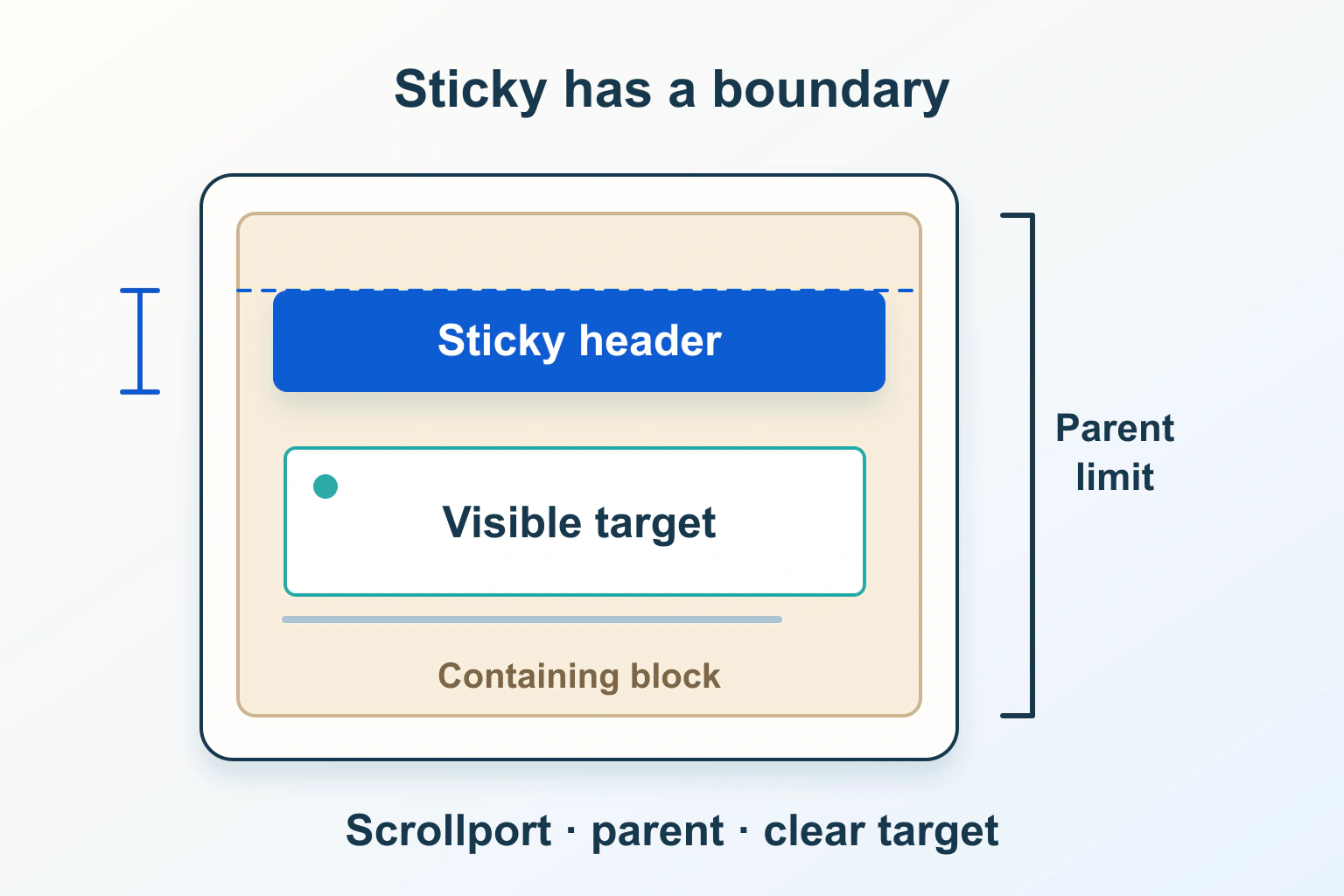
Find the ancestor, available travel and offset behind a sticky header that stops too early or hides destinations. Review the repair across layouts and focus journeys.
Choose native or custom FAQ disclosures around the reader’s task. Review open states, meaningful triggers, keyboard continuation and information that should stay visible.
Design useful loading, count, empty and error feedback for enhanced search and filters. Keep announcements tied to the current request and preserve the reader’s focus.
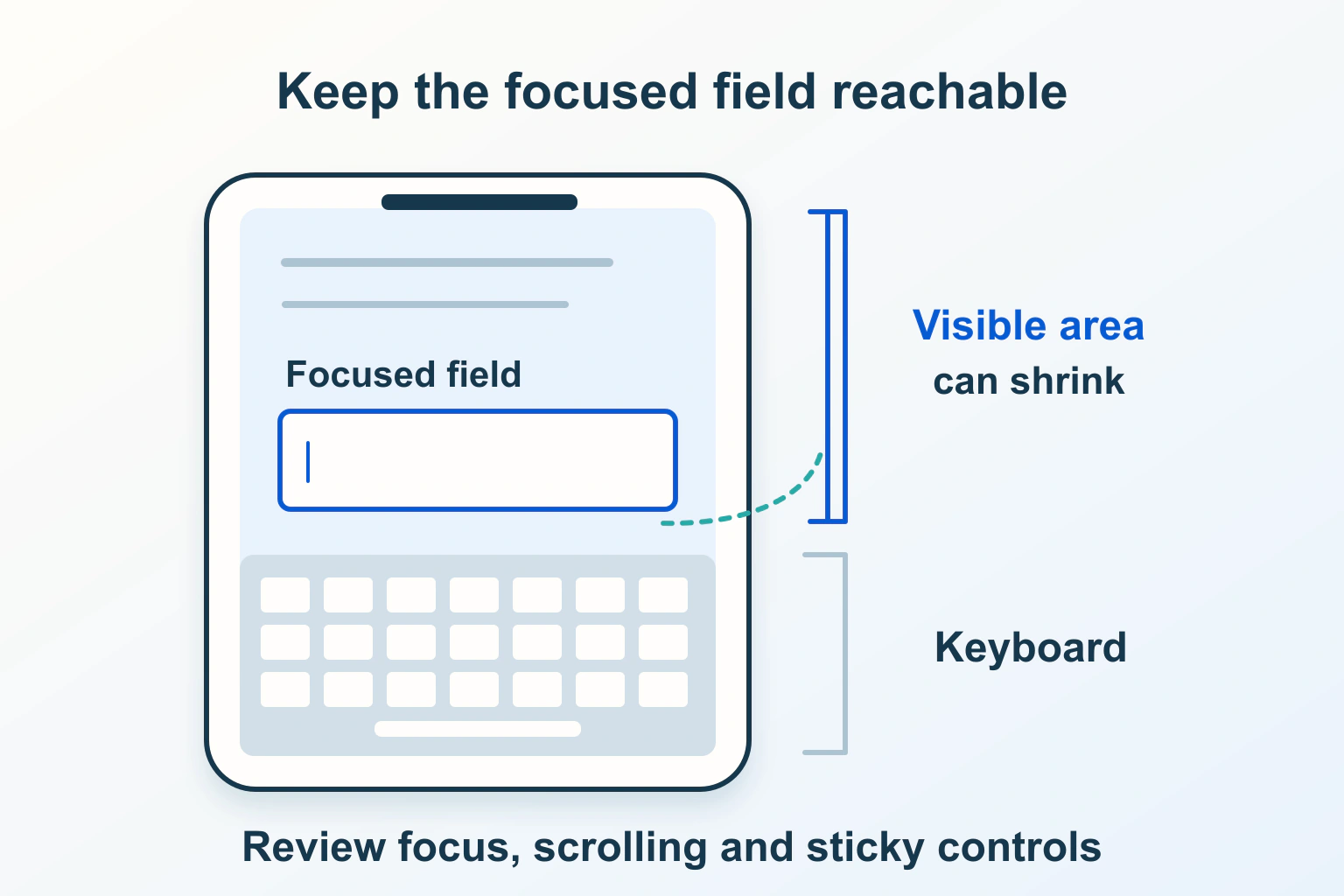
Trace keyboard-open visibility, fixed bars and scroll containers before changing viewport behavior. Keep fields, errors and the next action reachable on real phones.
Review a website in the reader-selected system palette. Preserve borders, selection, focus and chart meaning without disabling forced-color adjustments across the page.
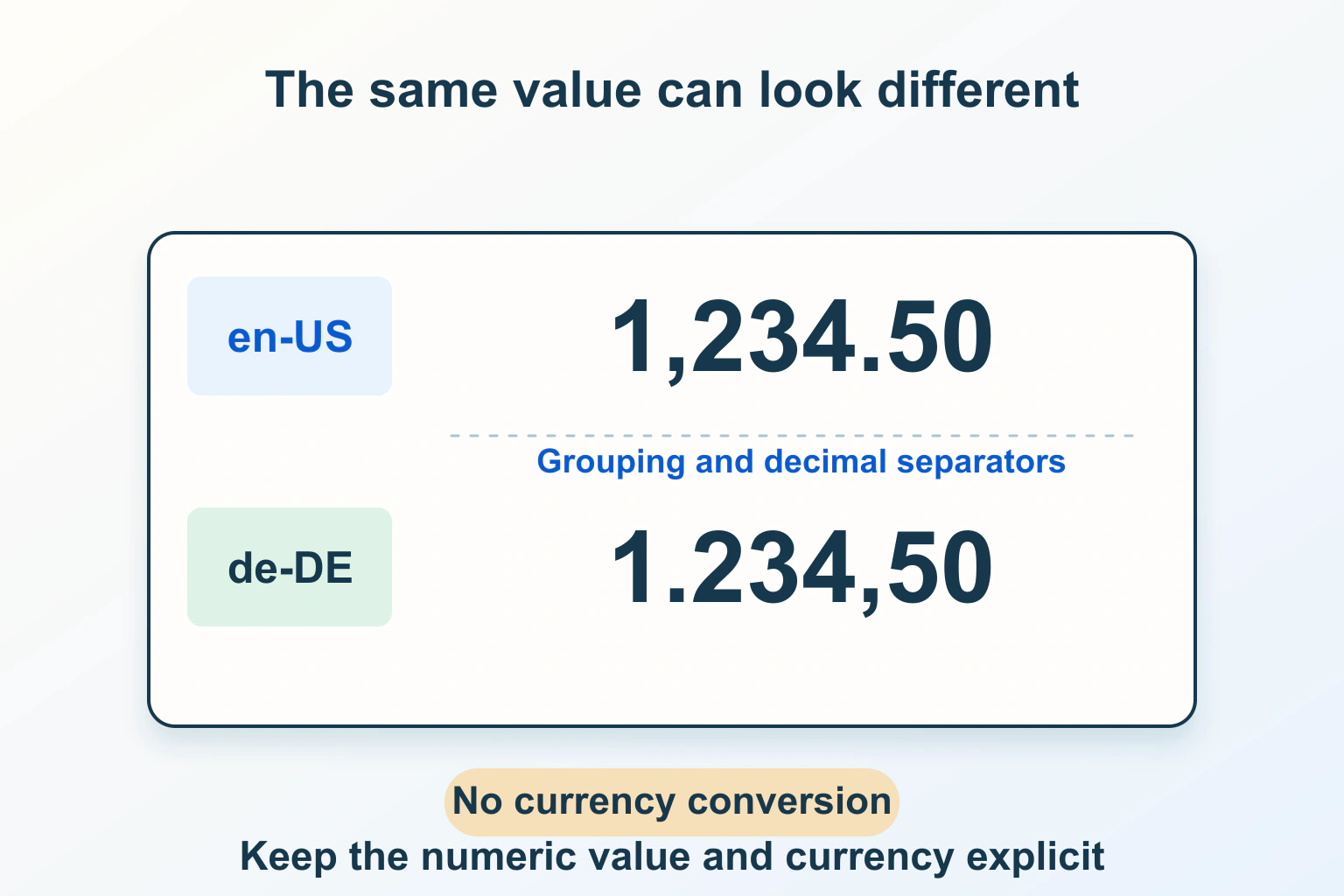
Keep the numeric value, currency and display locale separate. Use explicit formatters, review ambiguous symbols and test unusual values without inventing conversions.
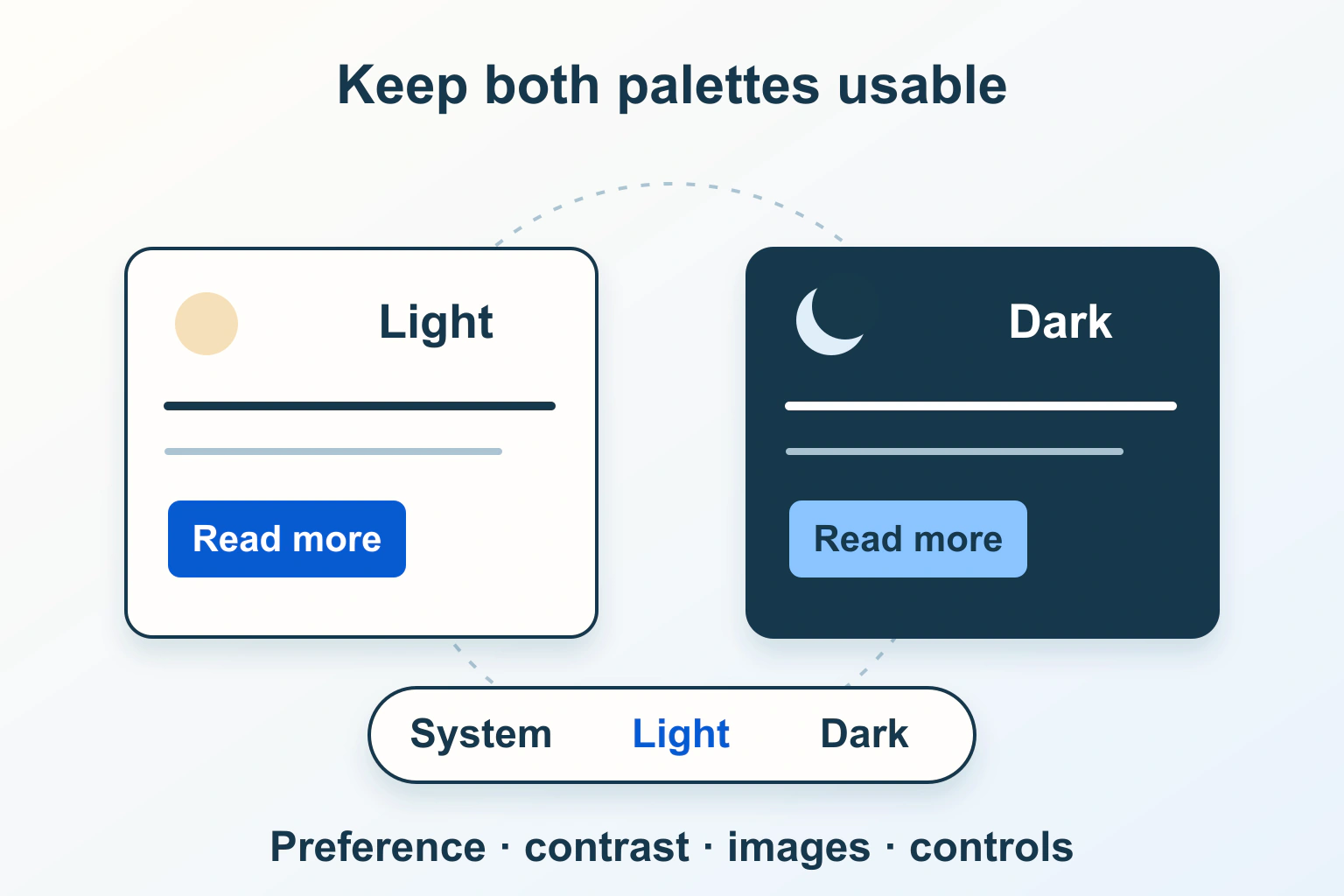
Separate the system preference from a saved override, define two complete palettes and check controls, images and real reading states before adding a dark-mode switch.
Review an RTL website beyond right alignment: language, mixed identifiers, logical spacing, reading order and mobile behavior need separate checks.
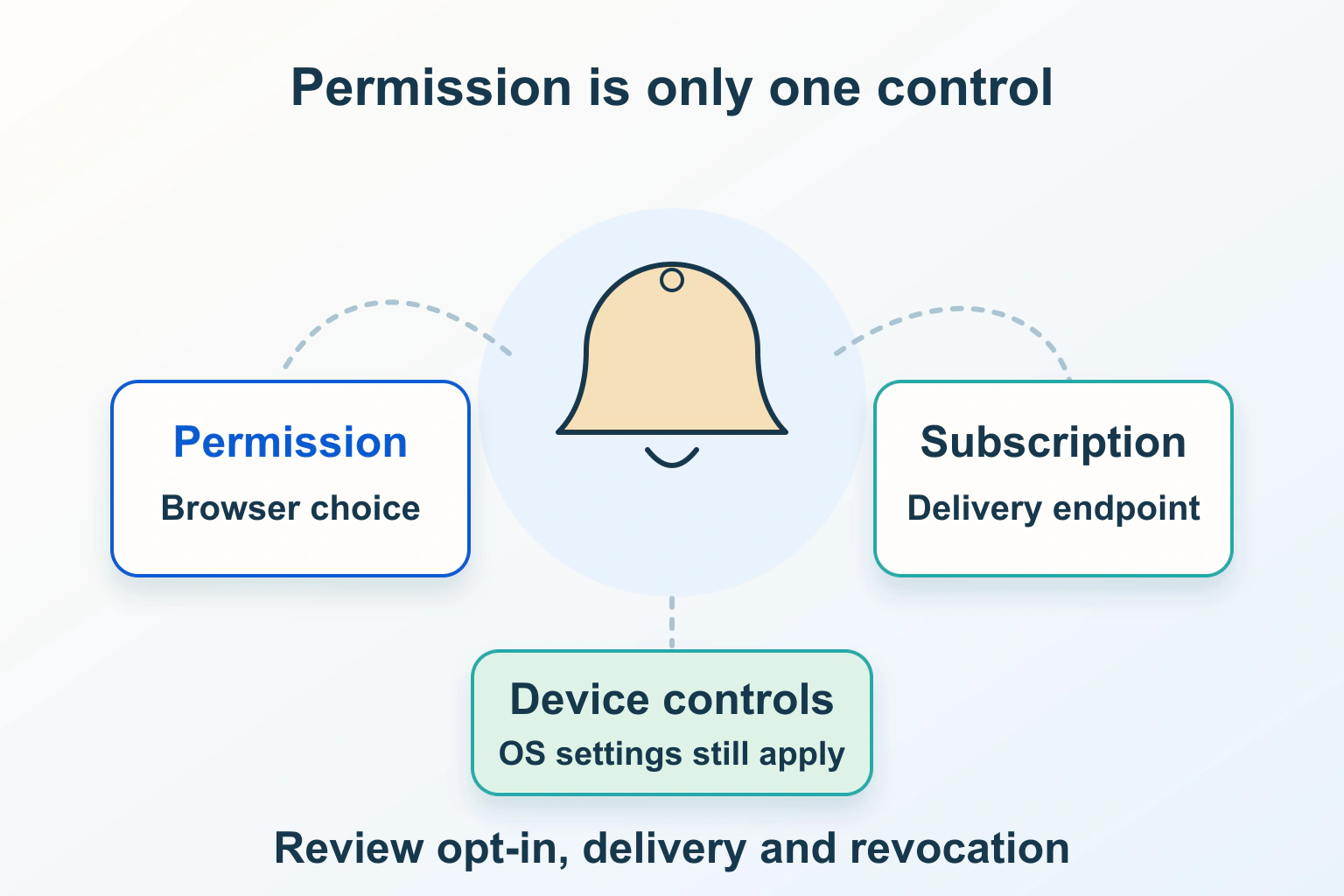
Plan useful browser alerts without confusing permission, subscription and delivery. Review device support, quiet failures, privacy and stop controls.
Find an answer, a decision or a practical next step. Choose a topic and format: explanations, buying guides, comparisons, tutorials or editorial opinion.