Website BuildersTutorial
Website tabs change the wrong panel
A row of tabs needs more than a selected colour. Define which panel is active, how keyboard focus moves and what happens when content is slow or unavailable.
6 min readRead
Clear explanations and practical steps for building and running a website.
139 guides
Page 6 of 12A row of tabs needs more than a selected colour. Define which panel is active, how keyboard focus moves and what happens when content is slow or unavailable.
A decimal can be a valid number but an invalid step. Define the quantity, inspect the allowed grid and distinguish entry, display and submitted values.
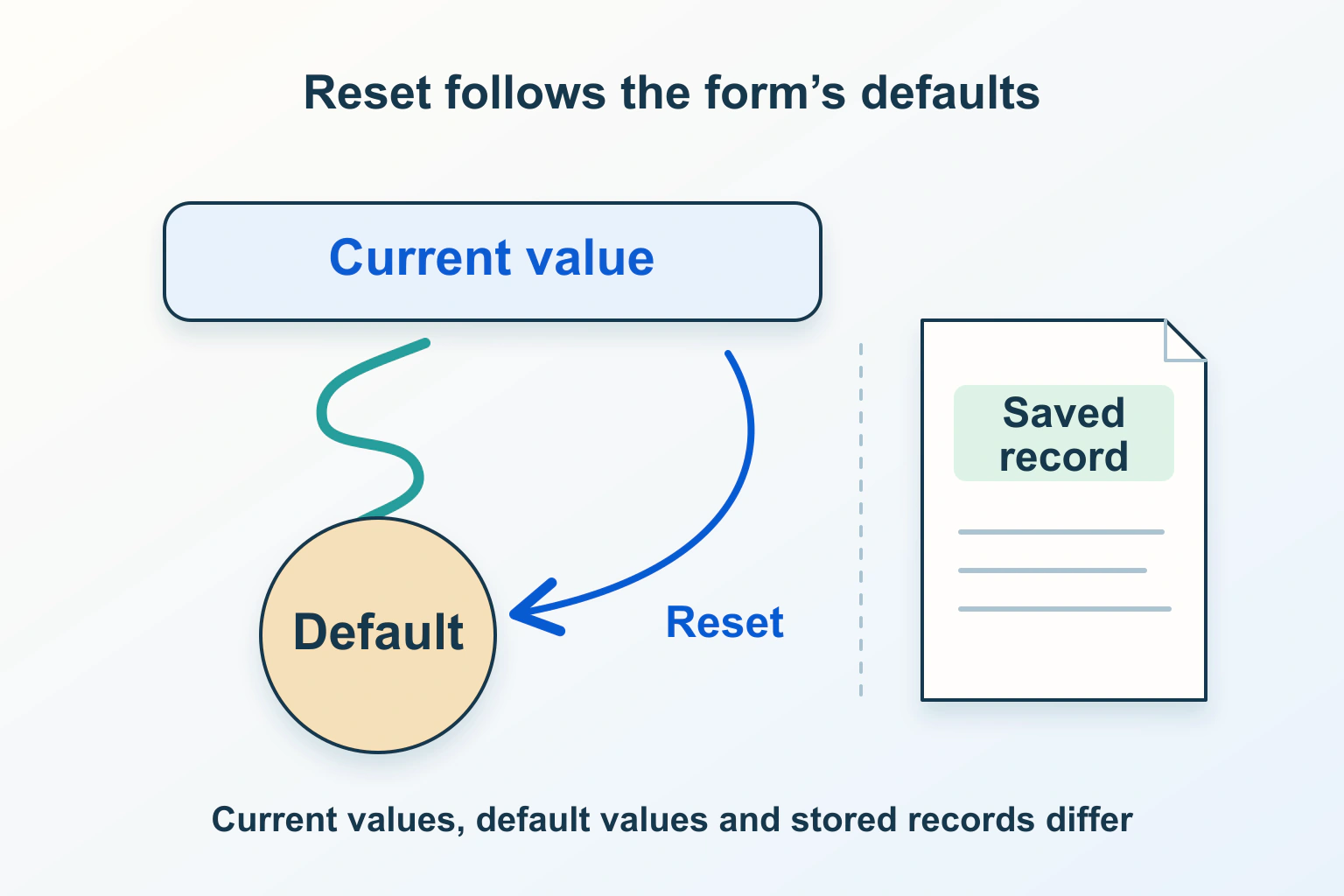
Clearing fields, restoring defaults and discarding unsaved edits are different operations. Name the destination state and keep native controls and application state aligned.
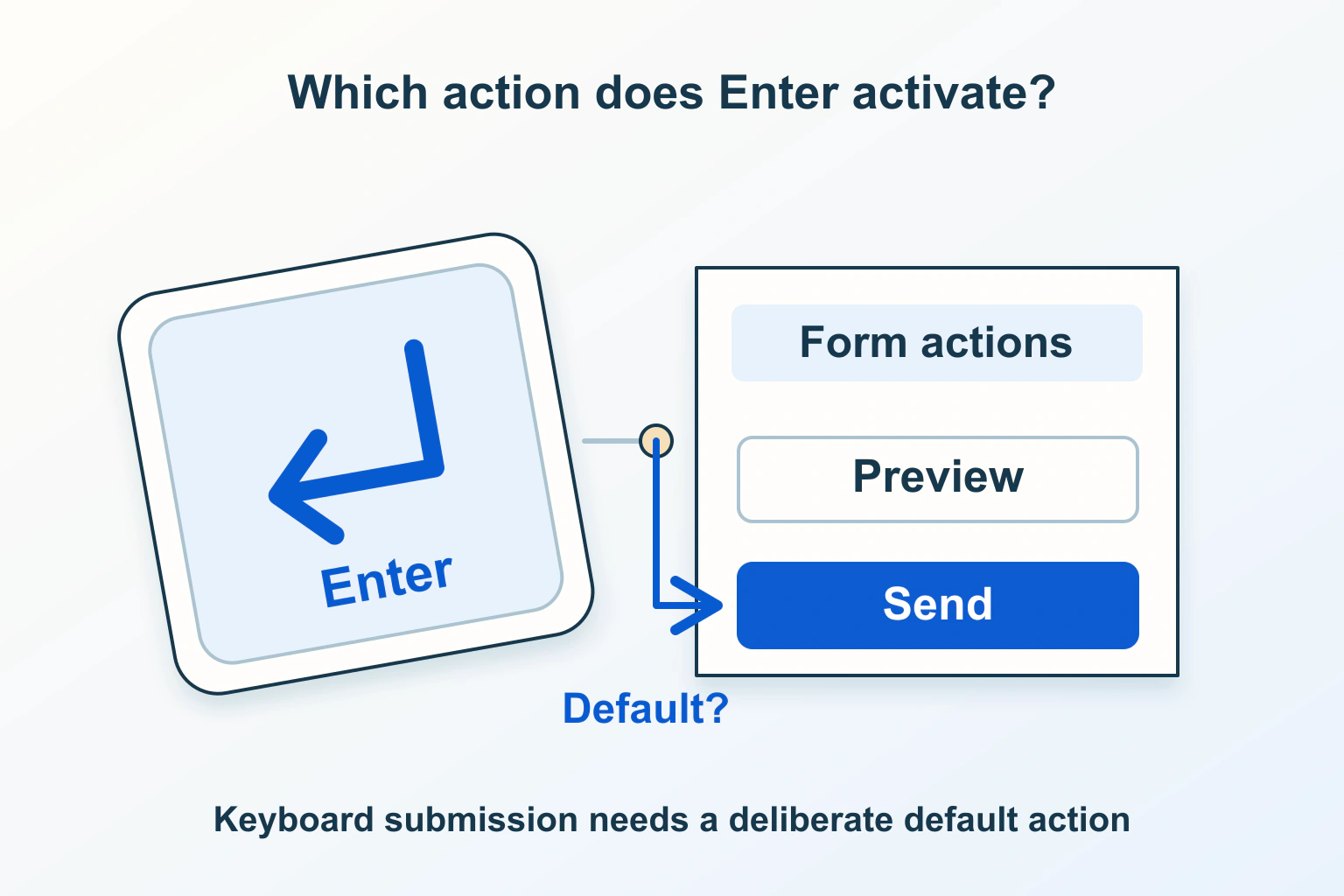
A form with several actions needs a deliberate keyboard path. Check the associated submit buttons, tree order and validation before adding an Enter handler.
What a visitor sees is not necessarily what a form sends. Trace eligibility, prepared data and the server result before replacing disabled with readonly.
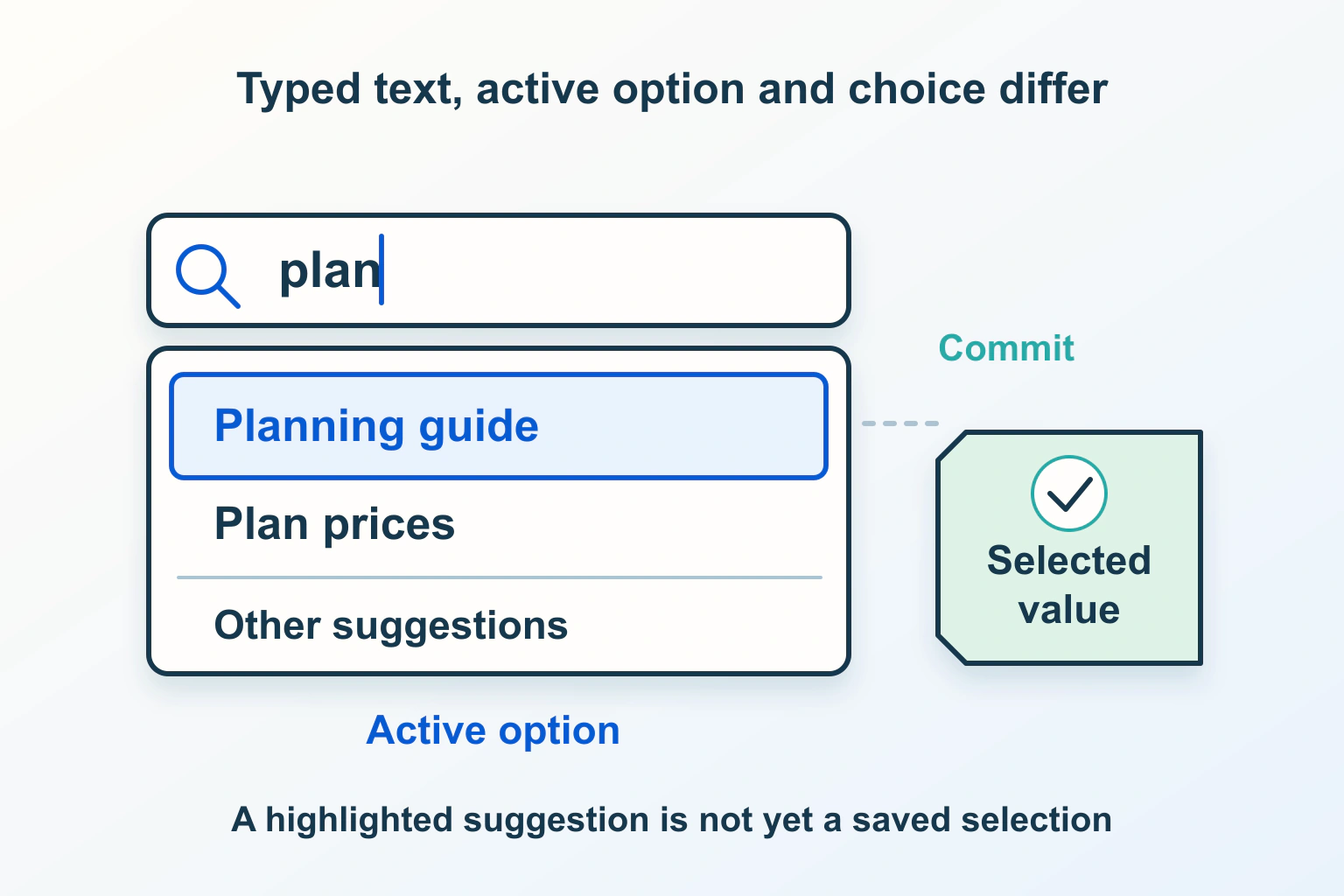
A suggestion popup should help people choose without changing their intent. Define free typing, selection, keyboard actions and the value the website actually submits.
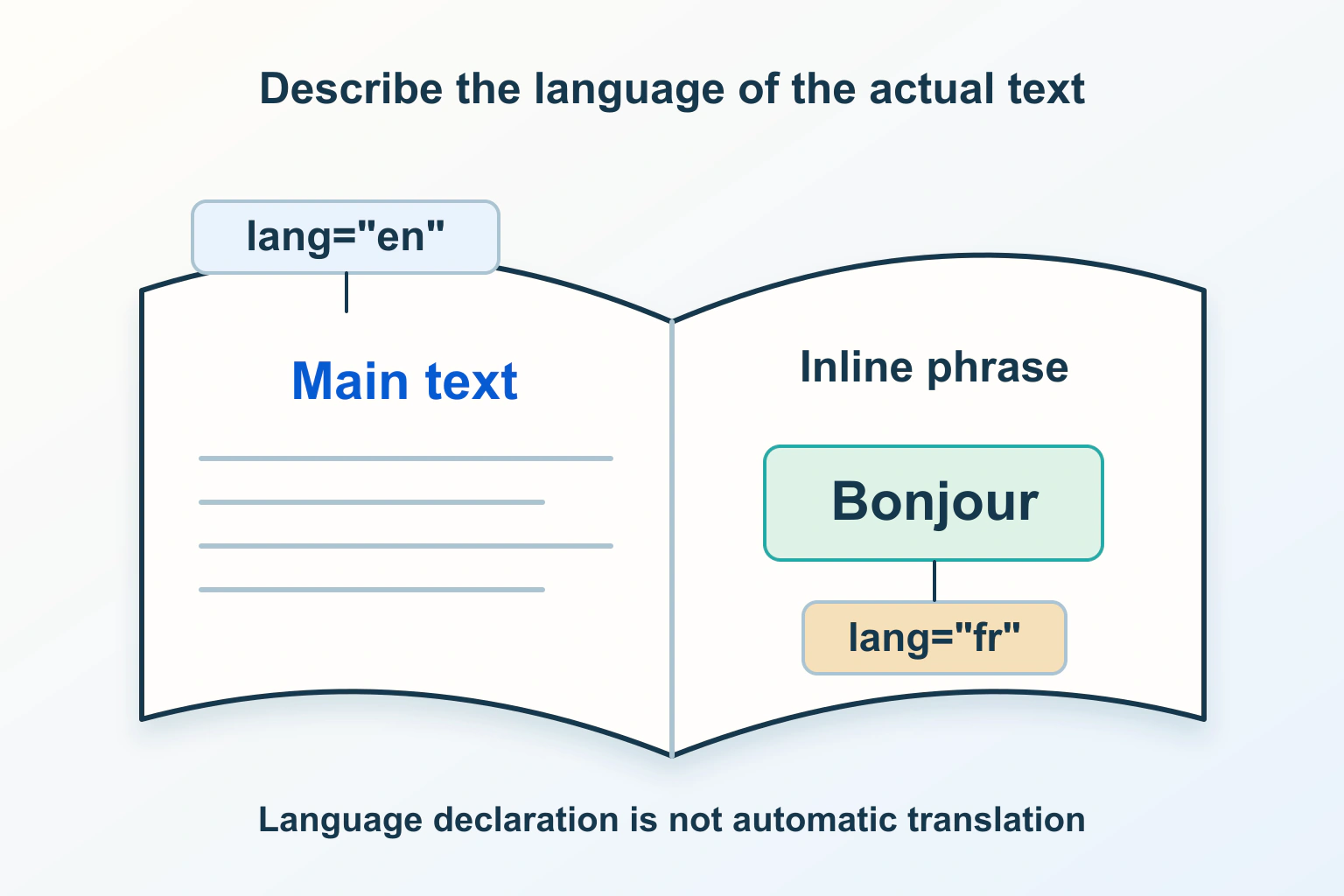
The language a page declares should match what people read. Review the document default, distinct passages and public output without confusing language with translation or search targeting.
A useful shortcut should not turn a typed sentence into unexpected actions. Review character keys, focus, discoverability and the ordinary controls people still need.
Unexpected empty space beside a mobile page usually needs a layout investigation. Find the responsible content and sizing constraint before hiding the overflow.
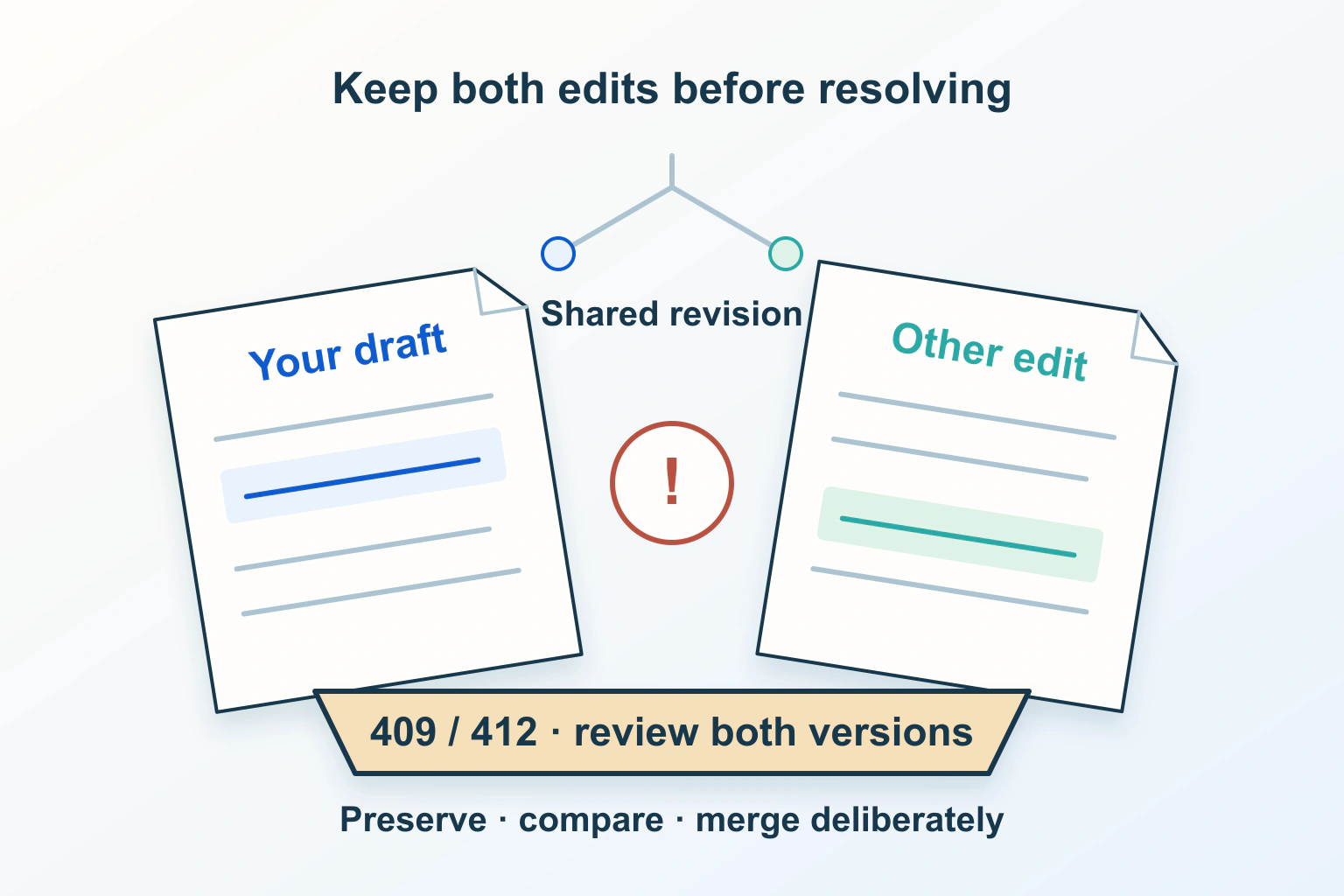
A stale save can replace newer work even when each edit is valid on its own. Separate version conflicts from duplicate submissions and reconcile the intended content deliberately.
Offer a deliberate screen-awake option for a recipe, QR code or presentation. Handle refusal and release truthfully, preserve the task, and keep a useful fallback.
Make fullscreen an optional presentation control. Diagnose failed requests, reflect the actual state and keep navigation, captions and a normal view usable after refusal or exit.
Find an answer, a decision or a practical next step. Choose a topic and format: explanations, buying guides, comparisons, tutorials or editorial opinion.