HostingTutorial
Change PHP on IONOS without selecting the wrong website
Identify your IONOS product, contract and domain before changing PHP, then verify the intended project and review legacy-support charges separately.
9 min readRead
Clear explanations and practical steps for building and running a website.
413 guides
Page 26 of 35Identify your IONOS product, contract and domain before changing PHP, then verify the intended project and review legacy-support charges separately.
Use a separate login address for website tools without losing password resets. Understand blocked versus deleted masks, optional 1Password integration and domain continuity.
Plan MyKinsta redirects with a URL map, narrow rules and negative tests. Check HTTP journeys, domain controls, imports and recovery before moving WordPress content.
Compare portable app control with a maintained shared-router route. Check encryption boundaries, exact firmware, manual protocols, feature scope and recovery before choosing.
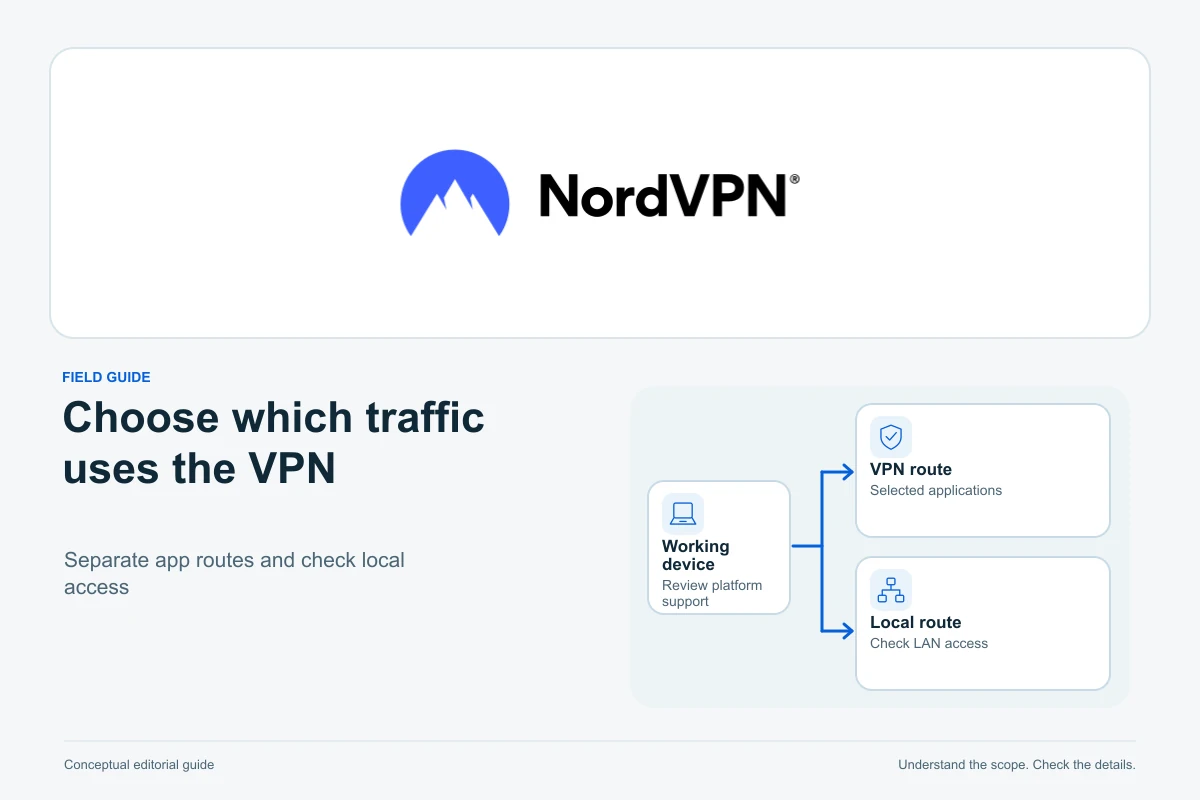
Keep a supported website-work session on the VPN while managing a deliberate exception. Compare app and website exclusions, Linux allowlists, local access and careful checks.
Build a clear credential-sharing workflow with NordPass: compare personal and business needs, choose permissions, organise shared folders and plan a safe staff handover.
Plan a careful NordPass migration: handle CSV exports safely, verify imported records, keep passkeys and MFA on the checklist, and prepare vault recovery before you need it.
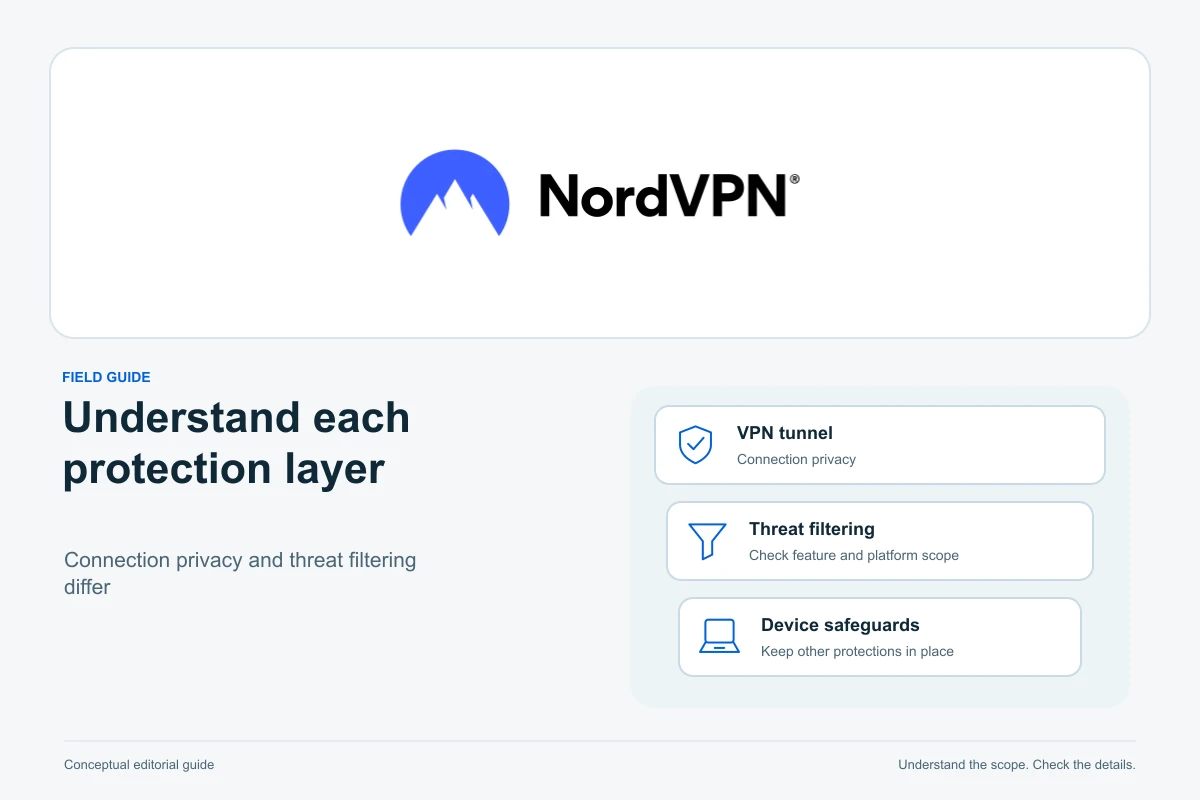
Understand NordVPN security-feature naming, desktop and mobile differences, download-scanning controls and the limits to check before choosing a bundle.
Choose the appropriate NordVPN Kill Switch behavior for Windows, macOS, iOS, Android and Linux, then check interruptions and exceptions without overstating the result.
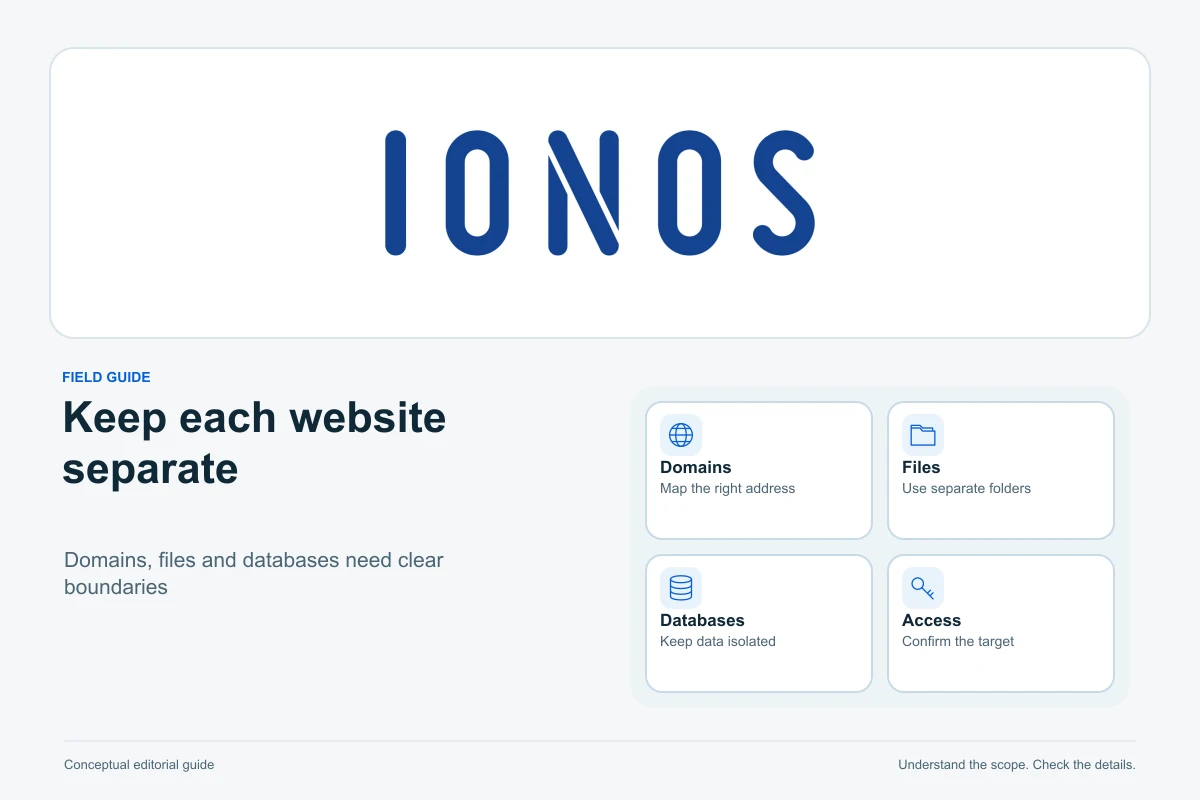
Plan separate WordPress installations on suitable IONOS Linux Web Hosting, map each domain to its actual resources and avoid changing a site that is already working.
Use IONOS Click & Build on Linux Web Hosting, connect the intended domain, activate HTTPS and check the visitor journey before launching your first WordPress site.
Check actual runtime, upstream support and component requirements, test a private representative copy, and plan rollback without overwriting new orders or submissions.
Find an answer, a decision or a practical next step. Choose a topic and format: explanations, buying guides, comparisons, tutorials or editorial opinion.