
Website BuildersTutorial
Build a credible confidential case study with permission, traceable evidence and careful redaction. Explain the work without inventing results or exposing identities.

Website BuildersTutorial
Choose a useful service pricing format. Explain scope, assumptions, extra costs and the next step without making an estimate look like a fixed offer.
Website BuildersTutorial
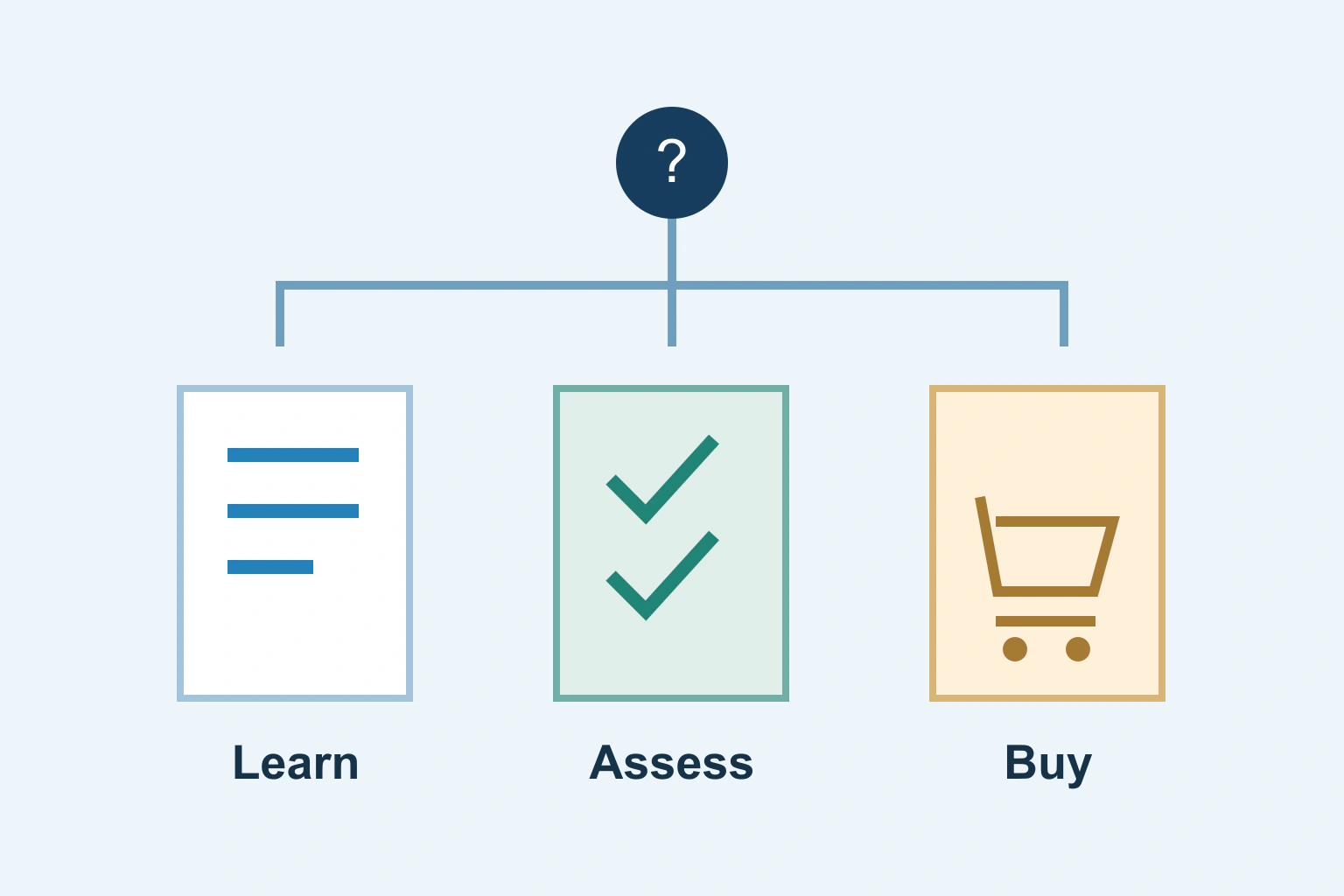
Choose a page format by what the visitor needs to do. Separate learning, assessing a service and buying a defined item without creating competing duplicate pages.
Website BuildersTutorial
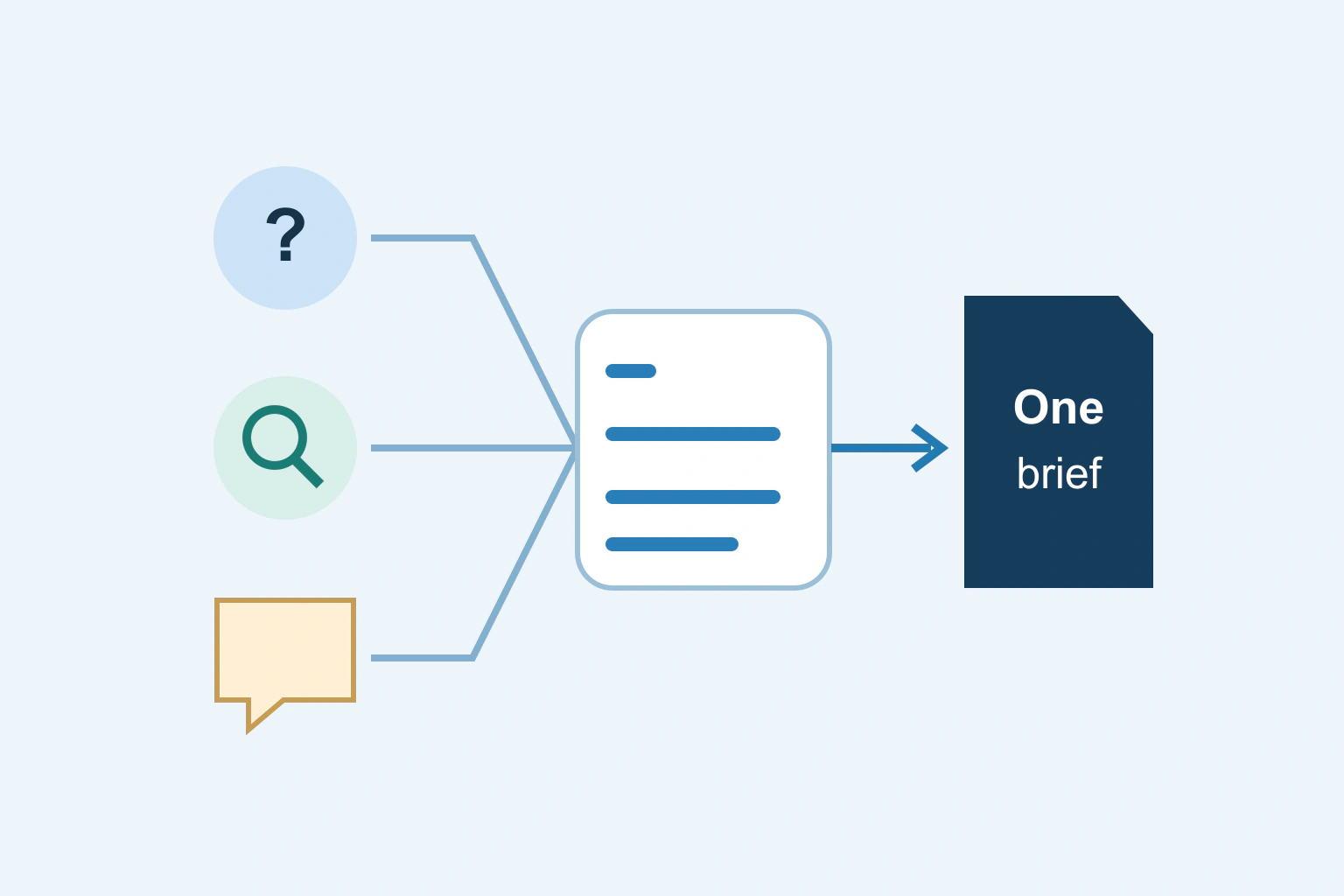
Build an evidence-backed topic list from customer questions, search reports and public discussions. Separate repeated needs from keyword variations and trend noise.
Website BuildersTutorial
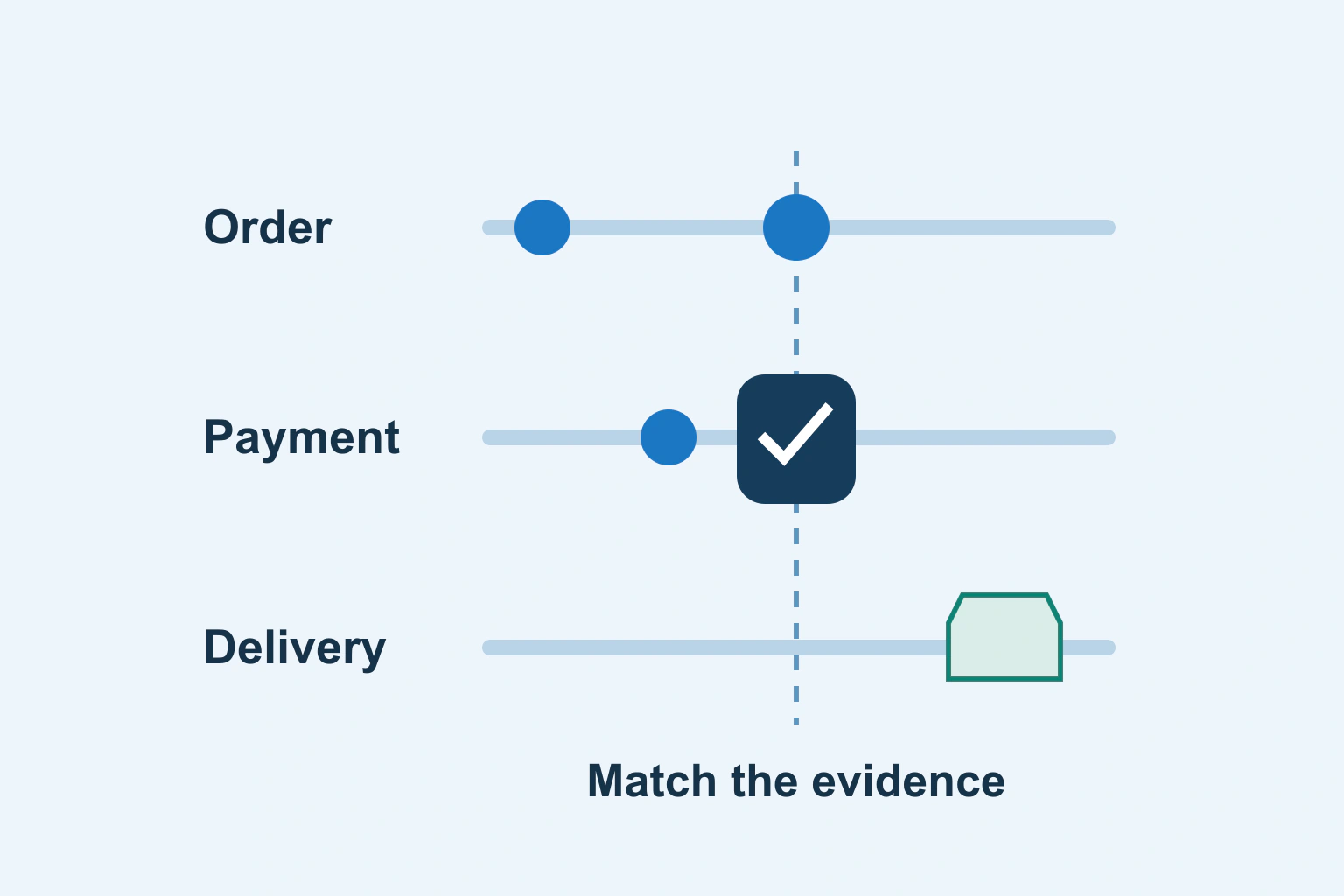
Separate order state, payment confirmation and fulfilment. Check the exact transaction and timeline before shipping, retrying, cancelling or marking an order paid.
Website BuildersTutorial
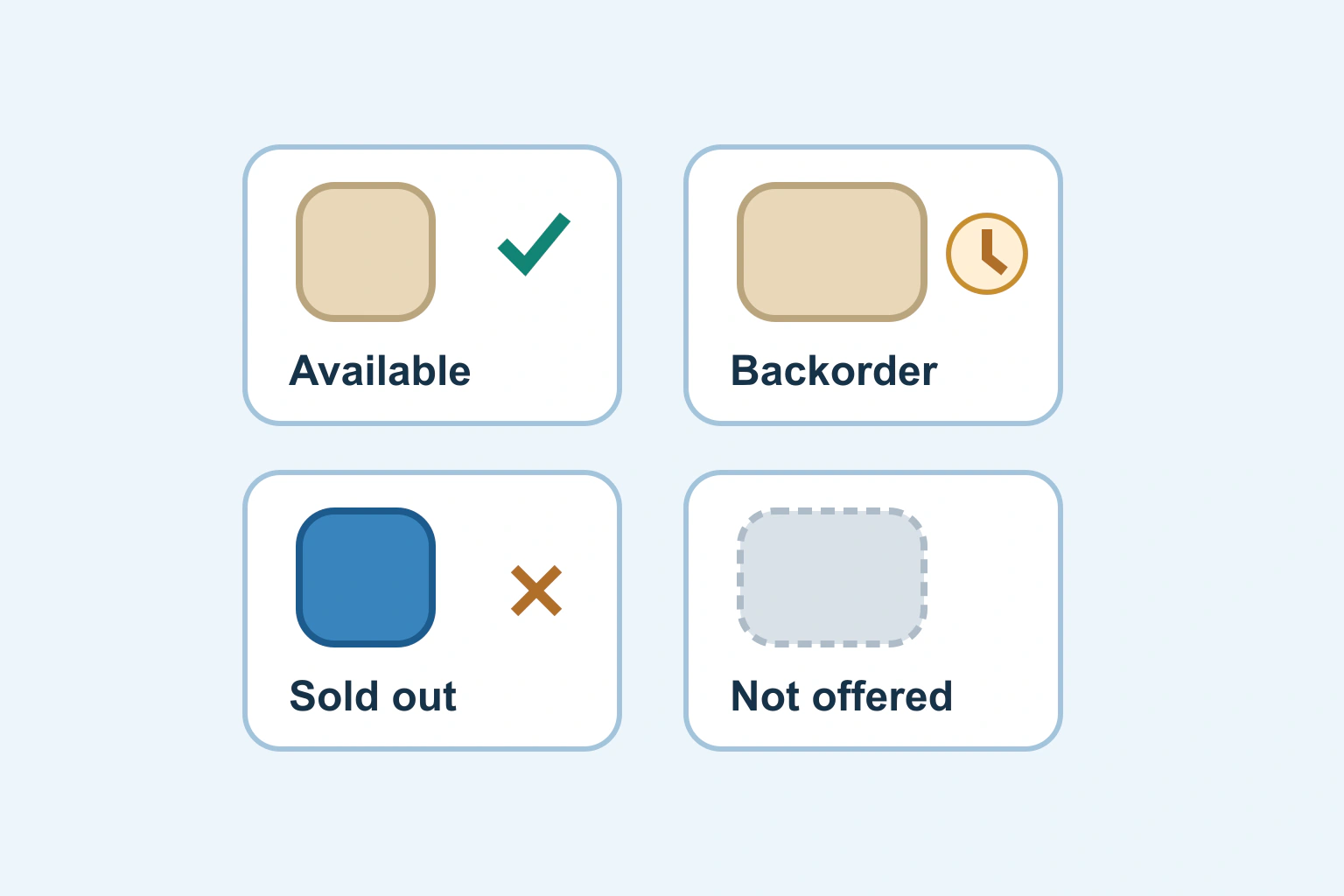
Make size, colour, price and availability describe the same product choice. Review the route from a shared link to selection, basket and order confirmation.
Website BuildersTutorial
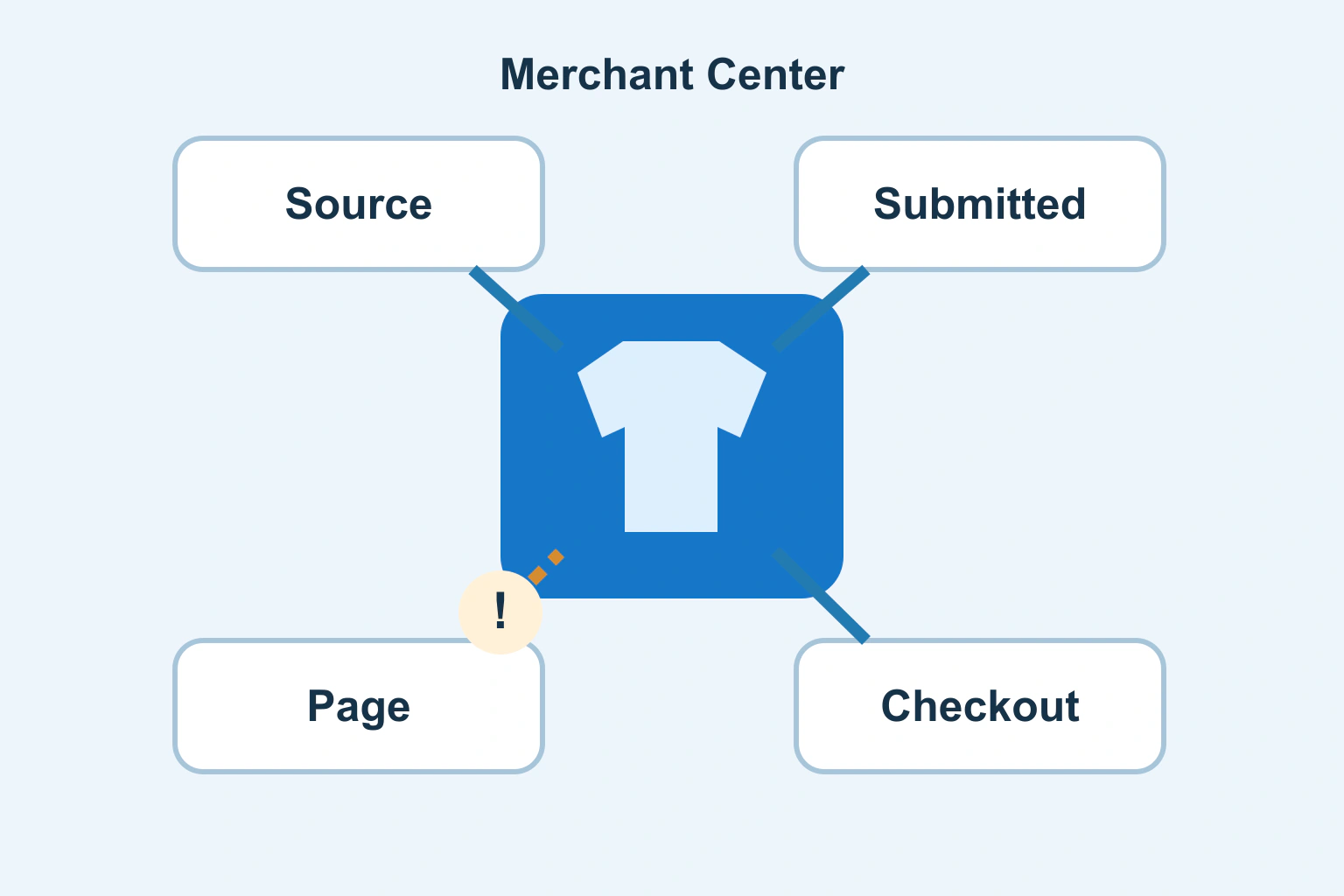
Trace a disapproved product from Merchant Center to the exact variant, submitted data and public page. Fix the owning source before requesting a review.
Website BuildersTutorial
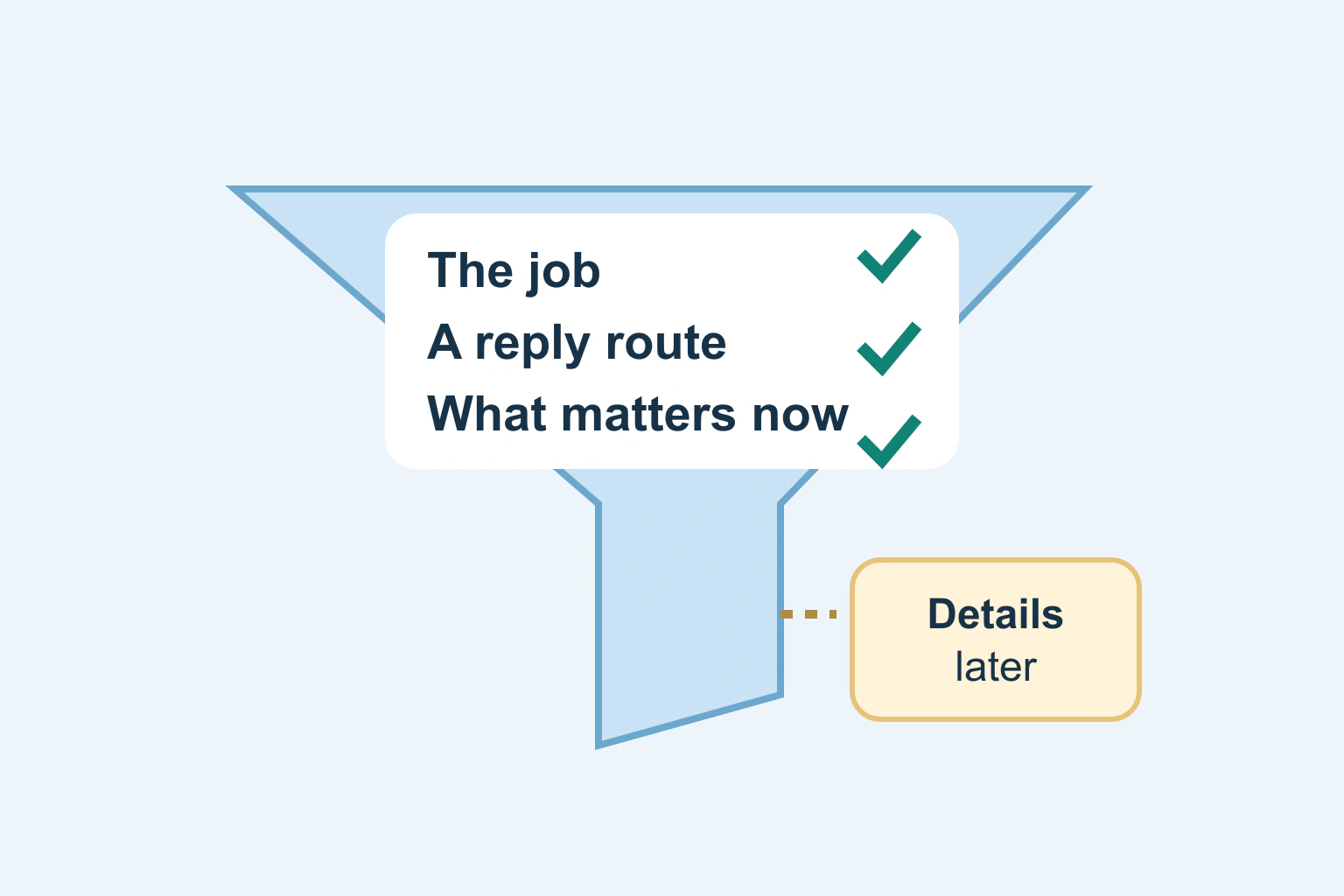
Choose quote-form fields by the decision each answer enables. Give customers a clear route through unknown budgets, optional files and a useful follow-up.
Website BuildersTutorial
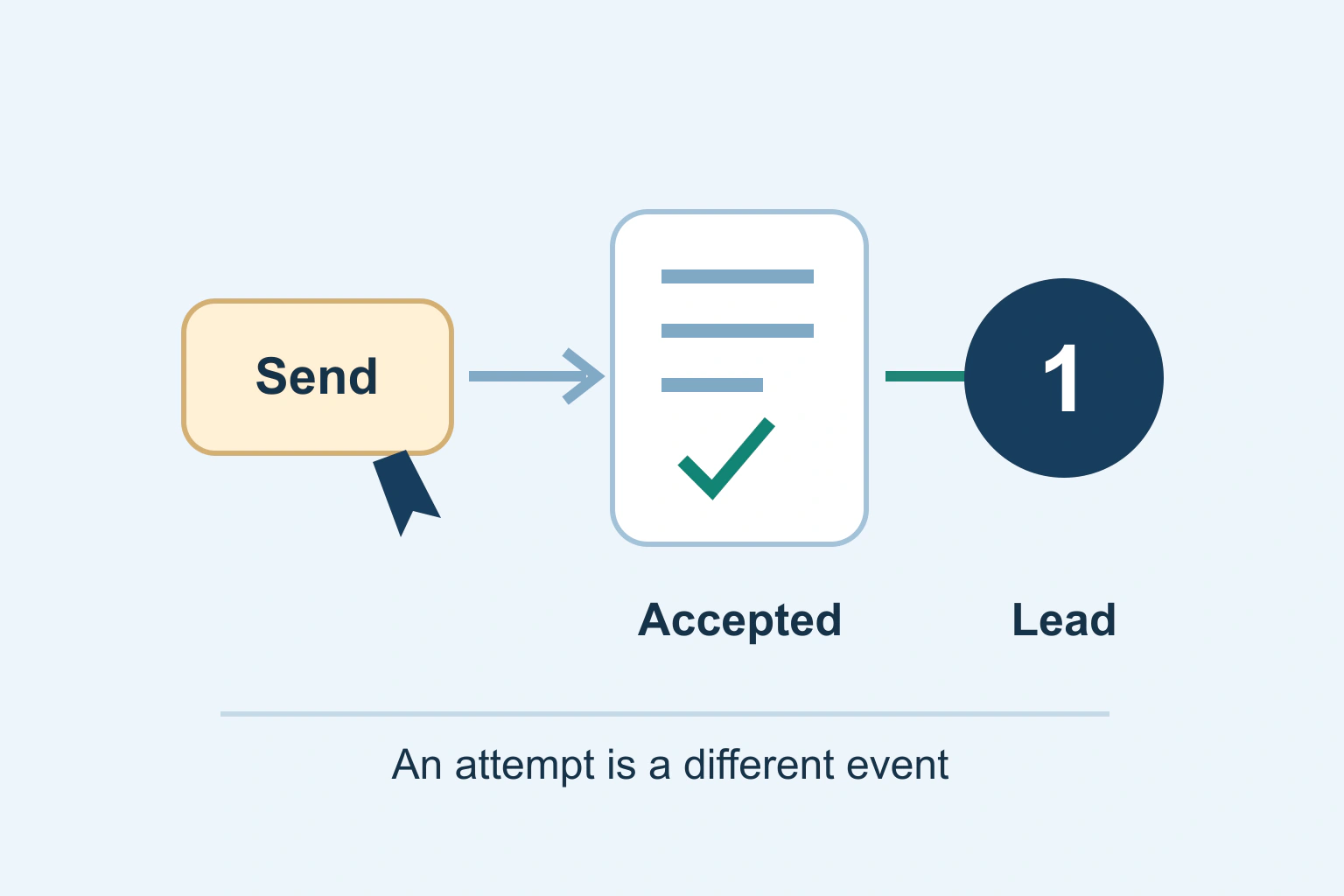
Measure accepted form enquiries rather than button clicks. Define the success boundary, prevent duplicate counting and reconcile analytics with the working lead record.
Website BuildersTutorial
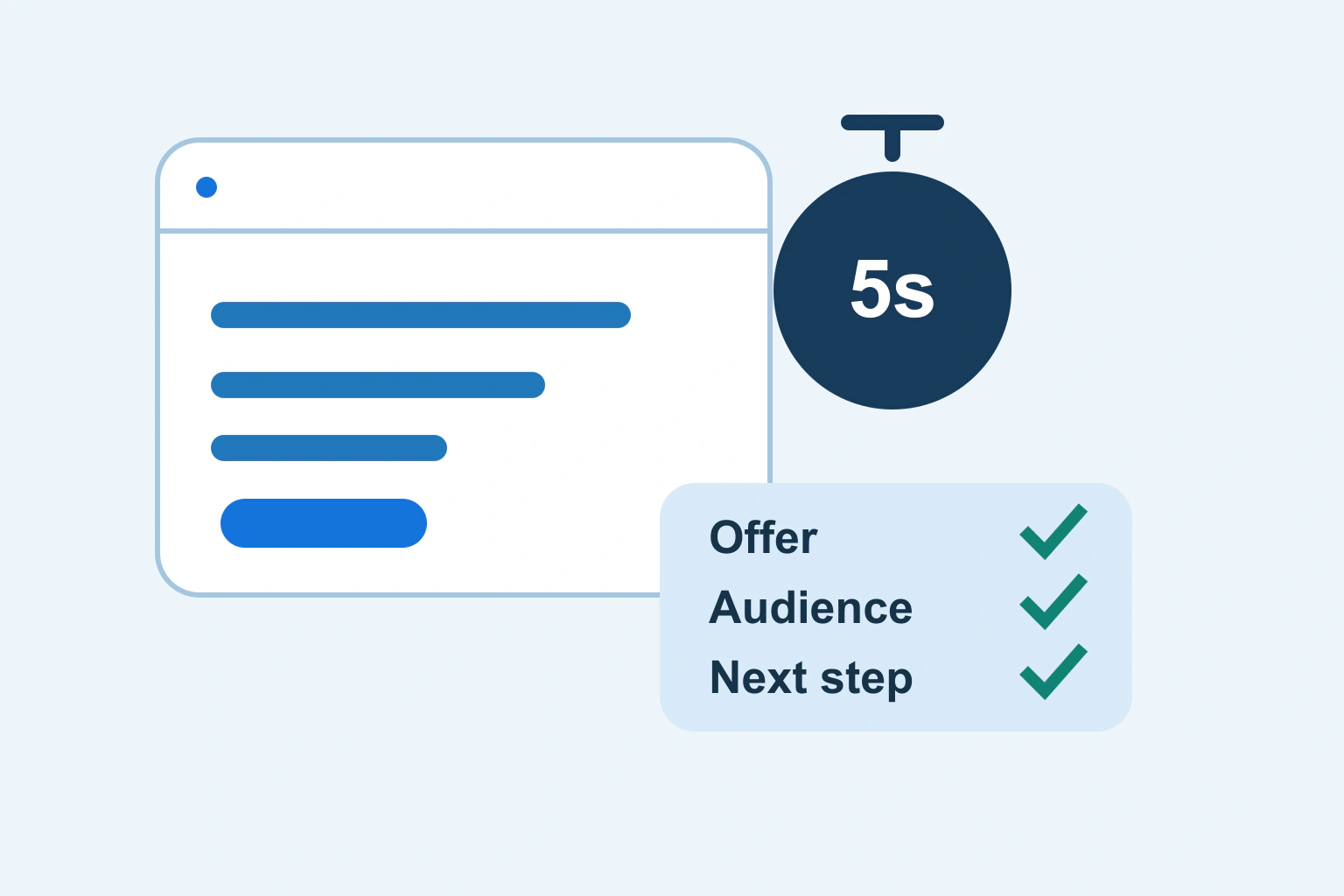
Review what your homepage communicates in a short first look. Separate the offer, audience, evidence and next action before rewriting the hero section.
Website BuildersTutorial
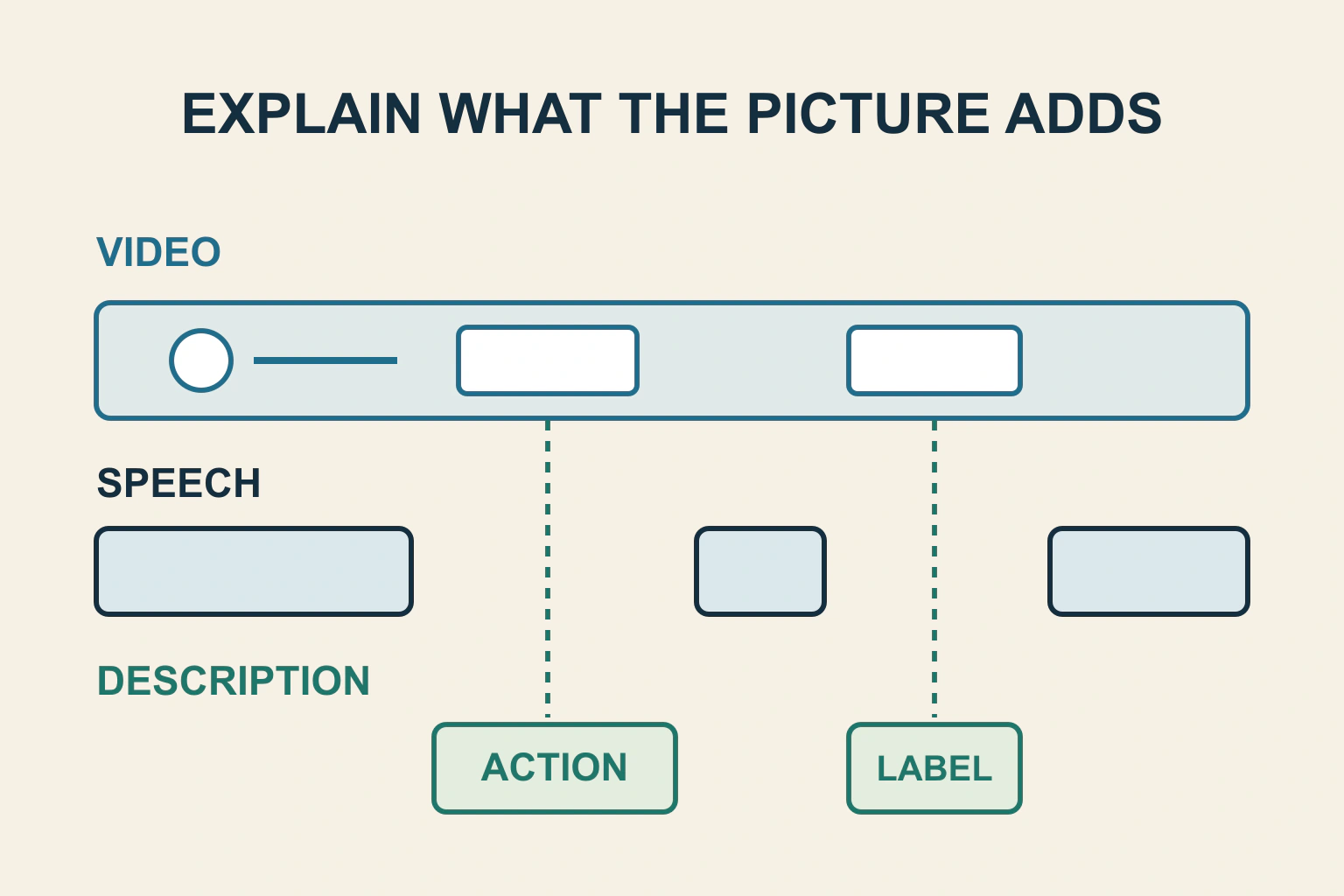
Audit what a video communicates visually but never says aloud. Choose integrated narration or a supported described version, then verify the same information reaches someone listening without the picture.

Website BuildersTutorial
A floating panel is not automatically a modal. Choose whether the surrounding page remains usable, then select native popover or dialog behaviour and verify dismissal and continuation.
