Website BuildersTutorial
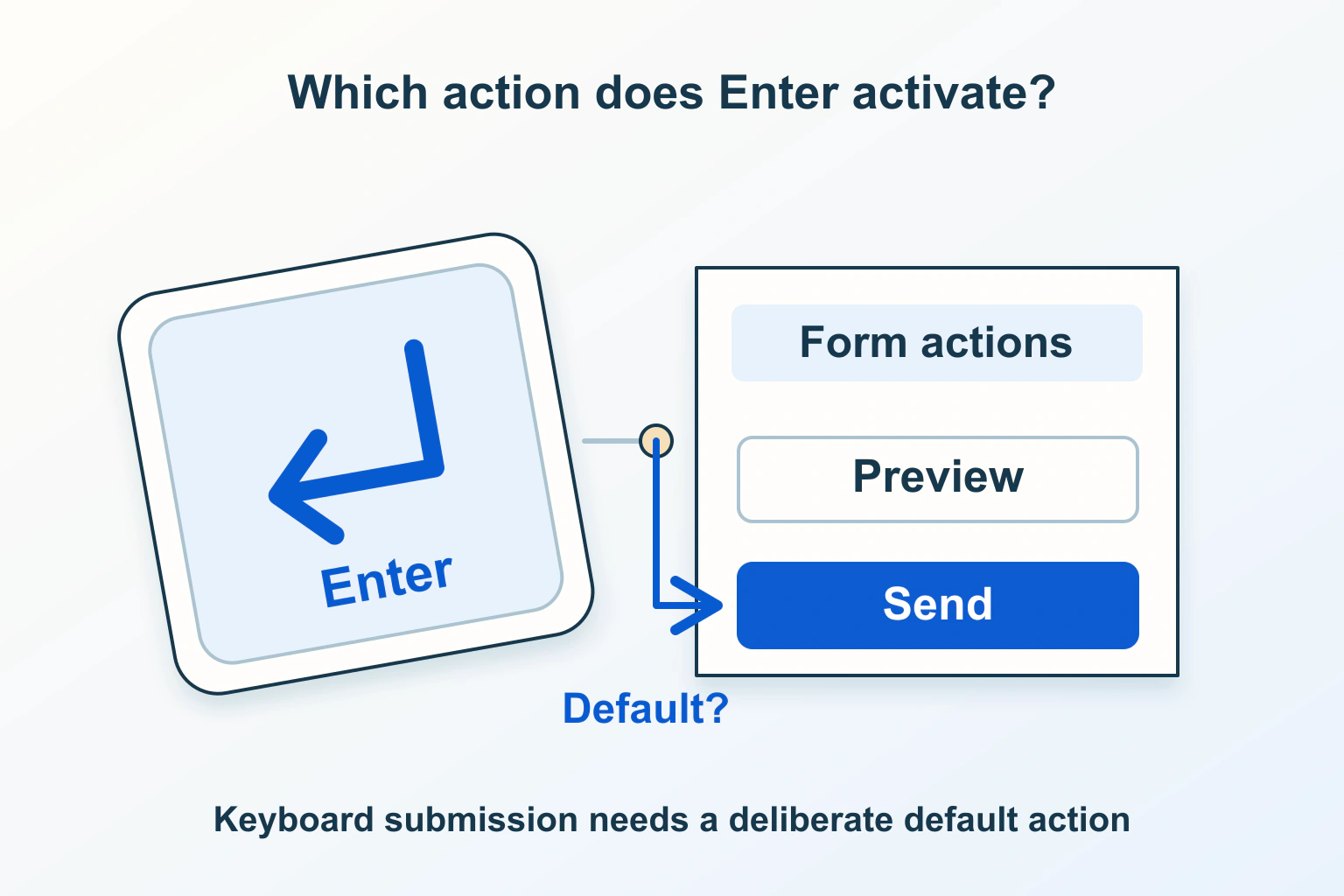
Pressing Enter submits the wrong form action
A form with several actions needs a deliberate keyboard path. Check the associated submit buttons, tree order and validation before adding an Enter handler.
6 min readRead
Clear explanations and practical steps for building and running a website.
413 guides
Page 16 of 35A form with several actions needs a deliberate keyboard path. Check the associated submit buttons, tree order and validation before adding an Enter handler.
What a visitor sees is not necessarily what a form sends. Trace eligibility, prepared data and the server result before replacing disabled with readonly.
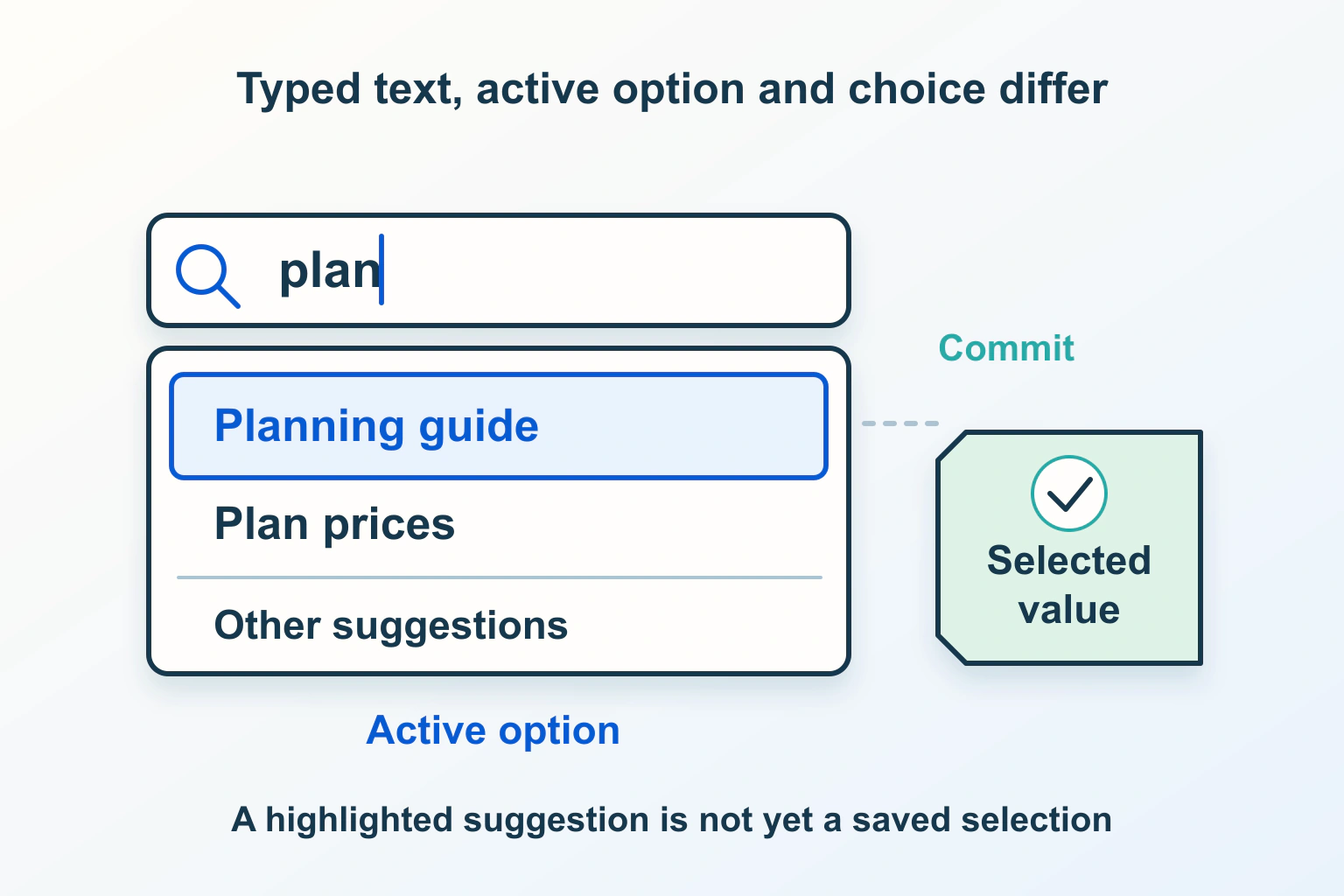
A suggestion popup should help people choose without changing their intent. Define free typing, selection, keyboard actions and the value the website actually submits.
A directory listing instead of a homepage needs a mapping and initial-resource check. Preserve the correct site and separate hiding a listing from protecting files.
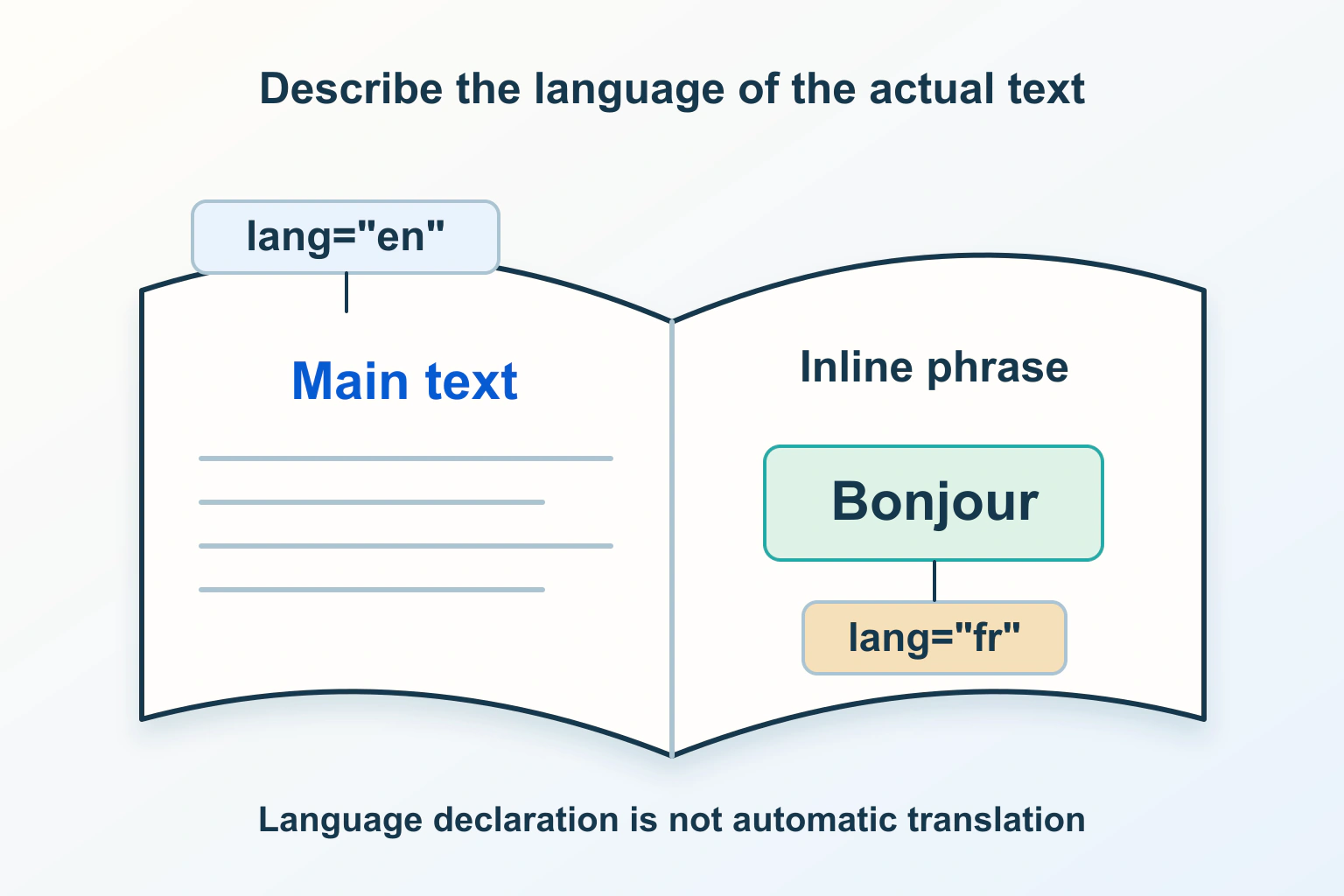
The language a page declares should match what people read. Review the document default, distinct passages and public output without confusing language with translation or search targeting.
A useful shortcut should not turn a typed sentence into unexpected actions. Review character keys, focus, discoverability and the ordinary controls people still need.
A storage dashboard can show free space while a website write fails elsewhere. Identify the exact destination, byte or inode capacity, account quota and temporary route first.
Undo Send, scheduled delivery and message recall solve different problems. Identify the available control quickly, then confirm the result and correct any remaining impact.
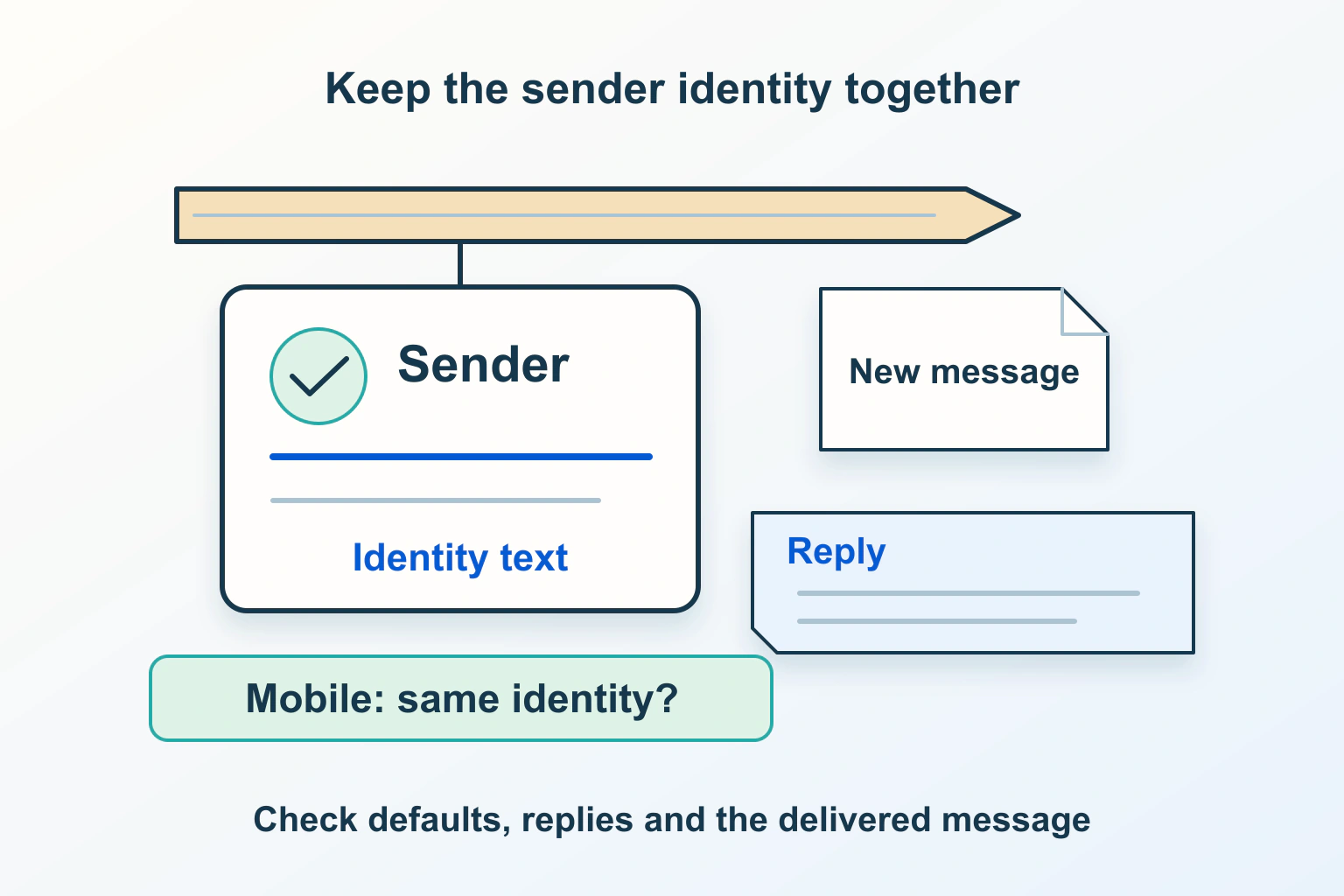
A correct signature depends on the sender, mail app and kind of composition. Map those combinations, preserve a readable text identity and check the received result.
A conversation is a client’s view of individual messages. Separate reply relationships, subject changes and folder visibility before trying to repair a split or merged thread.
A handover that covers the website, domain, hosting, plugin subscription, editing permissions and a repeatable update-and-recovery routine.
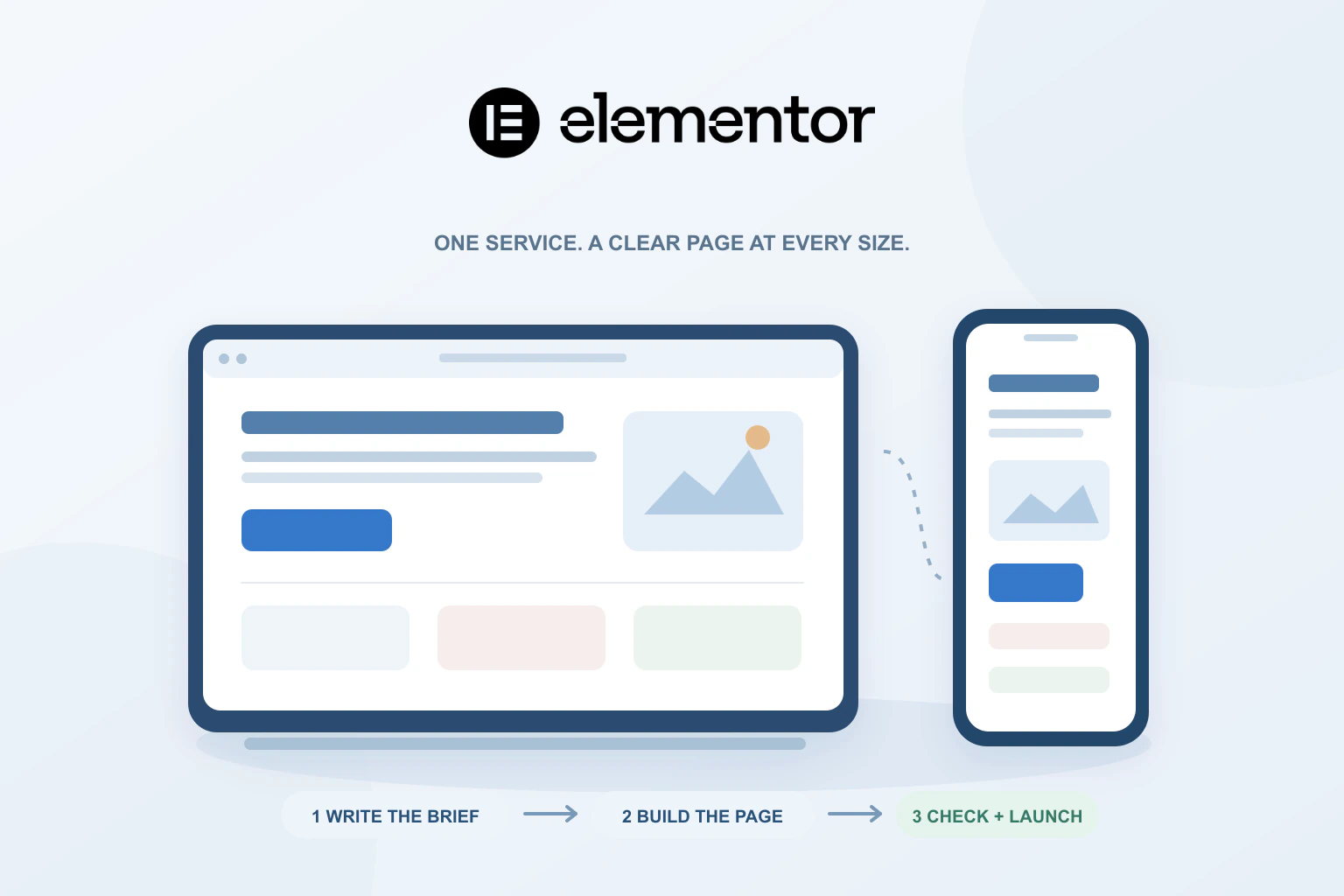
A practical service-page workflow covering the brief, content order, reusable styles, mobile reading and the enquiry checks that matter before launch.
Find an answer, a decision or a practical next step. Choose a topic and format: explanations, buying guides, comparisons, tutorials or editorial opinion.