
Define which addresses the feature accepts, validate them on the server as well as in the interface, and treat any server-side fetching as a separate security-sensitive operation.
A profile form asks for a website address. One visitor pastes a full link; another types only a domain; a third leaves an optional field empty. Before choosing a validation expression, decide what the feature is promising to accept. A vague Website label cannot resolve a disagreement between the interface, stored value and server.
The fictional community directory used here publishes submitted website links after review. It does not automatically download those pages. A link preview service would add a separate server-fetching risk, described below. The examples are proposed design and verification cases, not a claim that these rules have been tested in your application.
State the accepted format before rejecting input
The MDN URL-input reference says an empty value or a properly formed absolute URL can pass native URL syntax validation; required removes the empty option. Passing syntax does not establish that the address exists, and an accepted scheme is not necessarily one your application intends to allow. Native validation is also bypassable and cannot replace server validation.
For the directory, a sensible written contract might be: enter a full public HTTPS website address, or leave the optional field blank. Put that guidance beside the field, not solely in a placeholder that disappears during editing. If the product instead accepts a bare domain and adds a scheme, make that normalization an explicit design decision and show the result before saving.
Do not repeatedly prepend text while someone is still pasting a link. A person should be able to replace the whole value without fighting automatic edits. Keep the originally supplied value available during correction and present a specific error, such as requesting the full address, rather than reporting that the person entered bad data.
Parse the address before applying destination rules
Choose a URL parser appropriate to the implementation and inspect its components deliberately. The MDN protocol reference defines the parsed protocol as the scheme string including its trailing colon. Compare the parsed scheme with your feature’s allowed schemes. A string that happens to contain https somewhere is not the same as a parsed HTTPS address.
Keep the policy easy to explain. The directory may permit only public HTTPS website links, while another feature legitimately handles telephone or email actions. These are different features with different contracts. Do not broaden one field merely because a parser can represent several kinds of URL.
Ask the developer to show the normalized address that will be stored and later rendered. Review the hostname rather than relying on a familiar brand word appearing anywhere in the text. If a submitted address needs moderation, record that as a separate state instead of displaying a green check that implies the destination is trusted.
Separate syntax, reachability and authorization
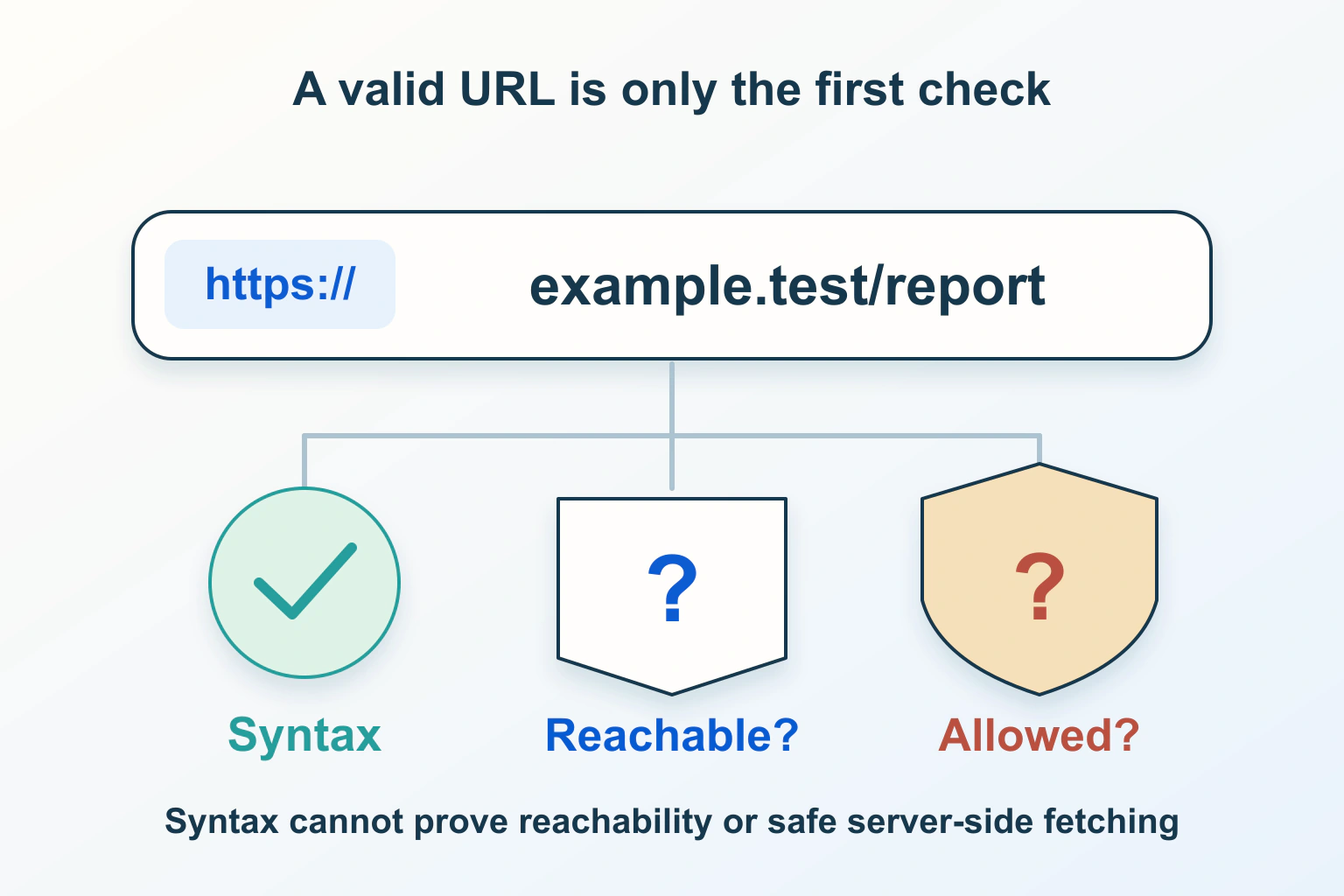
A syntax check answers whether the input has the expected form. A reachability check asks what happens when a client requests it. Authorization asks whether your feature should accept or use it. The directory owner needs all three questions to remain distinct, even if the interface presents a simple save action.
In the proposed directory, a temporary network failure should not silently erase an otherwise acceptable address. Equally, a responding page should not automatically become approved for publication. Give moderation and verification their own outcomes, with wording that explains which step has passed.
| Proposed entry | Question to answer | Product response to define |
|---|---|---|
| Empty optional field | Is a link required here? | Save without inventing an address |
| Bare domain text | Does the product normalize it? | Show the accepted full format |
| Full address using another scheme | Does the feature allow that scheme? | Explain the allowed destination type |
| Accepted address that cannot be reached | Is this temporary or disallowed? | Keep verification separate from syntax |
Have the reviewer record the actual stored value for each case, not merely whether the form displayed a success message. Then inspect how that value appears in the published link. A useful acceptance record connects entry, storage, moderation state and final destination.
Give server fetching a separate security review
A directory that only renders a reviewed link differs from a service that fetches any submitted URL to create a preview. In the latter case, the server is making a network request on someone’s behalf. MDN’s SSRF guide explains the risk of arbitrary server-originating requests and recommends layered controls including destination restrictions, scheme rules, redirect validation and isolation.
Do not add a preview downloader as a cosmetic follow-up without involving the person responsible for backend security. Ask which network destinations it can reach, how redirects are handled, and what limits apply to the operation. A valid HTTPS string is not a complete answer to those questions.
For a small directory, decide whether fetching is needed at all. A reviewed text link and an owner-supplied image may meet the product need without an unrestricted crawler. If fetching is essential, document the trusted destination model and request a proper implementation review; this article does not supply a universal safe-fetch algorithm.
Test the browser and server disagreement paths
Prepare harmless fixtures for every supported input format, including a full address, an empty optional entry, a mistaken scheme and an address awaiting moderation. Ask the implementer to check server rejection independently of the browser. A disabled client rule must not convert a disallowed destination into an accepted one.
Keep examples under domains reserved for documentation, and do not probe internal services to demonstrate the risk. The purpose of an acceptance plan is to verify your own intended boundaries, not to test unrelated networks. Record the validation rule, returned message and persistence result for each fixture.
Review correction after an error, too. The visitor should retain their other form entries and understand what to change. If the address is normalized, make the final version visible. If moderation is pending, say so without implying that a website has been verified safe.
Maintain one understandable address contract
Keep the field guidance, client behavior, server policy and moderation workflow together in a short specification. A future preview feature, broader scheme list or automatic normalization is a reason to revisit it. Do not let each layer quietly develop a different definition of valid.
For the next checks, read our guides to Review website form accessibility: labels, instructions, errors and confirmation, External links, new tabs and contact actions: make the handoff predictable, and Audit and fix broken website links without deleting useful references. The desired outcome here is a clear contract for website addresses, with syntax, acceptance and fetching treated as separate decisions that can each be verified.
Sources and verification
Editorial review 2026-10-15. Source check dates are recorded separately. Notes describe what each source supports and its limits.
View sources
- MDN — URL inputChecked URL fields validate syntax, with empty allowed unless required; this does not establish reachability.
Limits: Native validation is bypassable and not a destination security policy. - MDN — URL protocol propertyChecked Parsed protocol is a scheme string including the colon.
Limits: Parsing does not establish trust in a host. - MDN — Server Side Request ForgeryChecked Server fetches require destination restrictions, redirect checks and isolation.
Limits: A layered security topic; no short input rule guarantees SSRF prevention.