
Offer push only for a specific useful purpose, request permission after an informed action, and keep subscription, sending and stopping states separate.
Website push is useful when a reader wants an alert after leaving the page: a requested availability change, a time-sensitive service update or a deliberately chosen publication reminder. It is less useful when the first thing a new visitor sees is an unexplained permission prompt. Begin with the reason to interrupt someone, then design what accepting, declining and stopping actually mean.
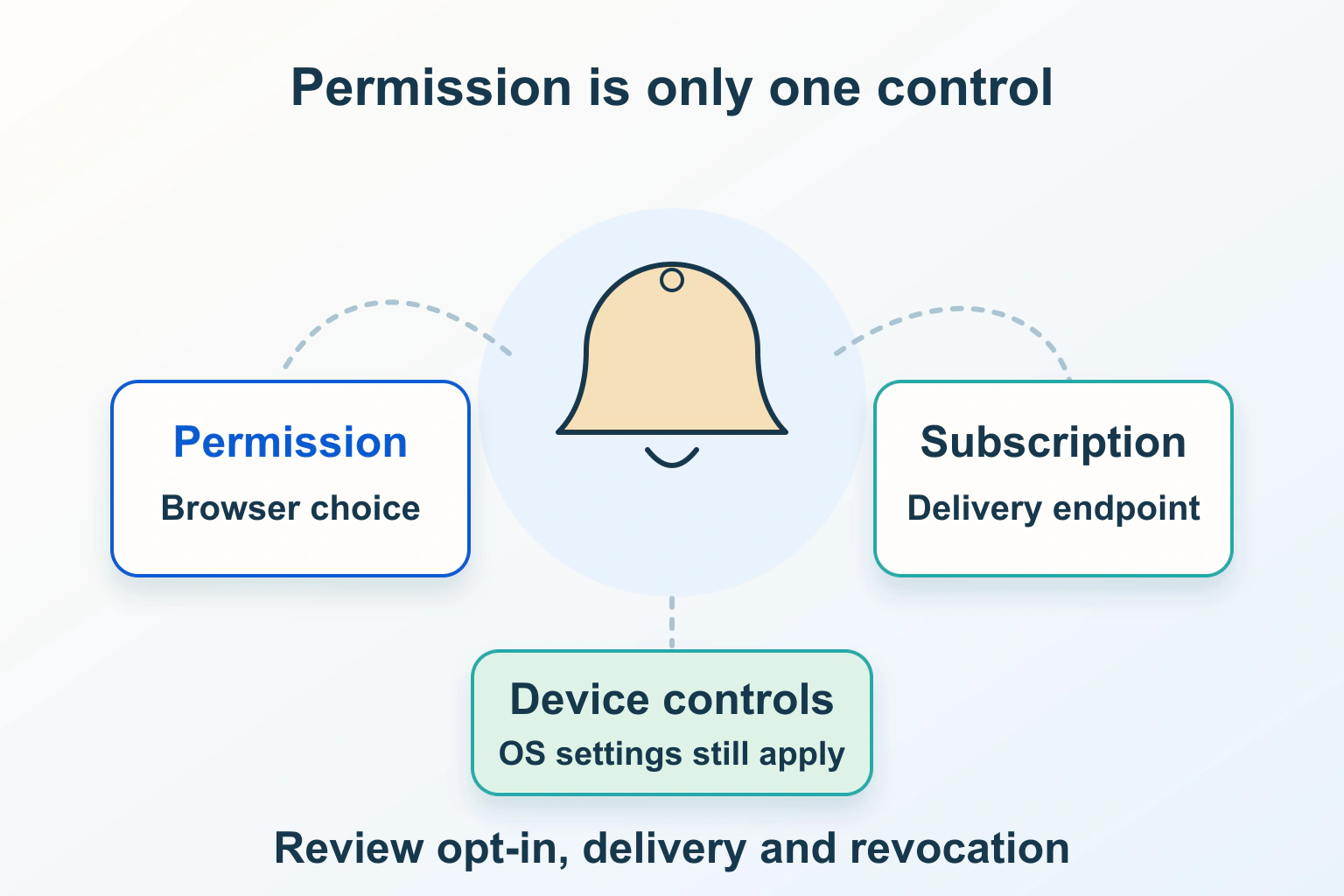
Permission, a subscription and a delivered notification are separate facts. A website that merges them into one “Enabled” badge can mislead both its readers and its support team. This guide describes a proposed workflow, not a notification service we have installed or tested.
Define a useful promise before choosing a tool
Consider a fictional community studio offering alerts when a new workshop is announced. “Tell me about new workshops” is a clearer offer than “Enable notifications.” The studio should explain the likely frequency, which device will receive alerts and where the reader can stop them. A request about workshops should not quietly become permission for daily promotional messages.
Write the smallest useful alert policy: purpose, audience, approximate frequency, message owner and expiry. If a notice is no longer useful after registration closes, the sending process needs that boundary. An alert should lead to the promised information, with an ordinary public route available to people who never enable push.
Reading articles, navigating the website and completing unrelated tasks should remain possible after a refusal. A newsletter, bookmark or visible updates page may satisfy the same need with less implementation work. Choose push because leaving the page creates a real information gap, not because a plugin makes the prompt easy to add.
Separate display permission from incoming push
MDN’s Notifications API guidance distinguishes default, granted and denied permission states. Permission requests belong after an explicit user gesture and require the relevant secure context; iframe and platform restrictions also matter. Notification display support does not mean every browser accepts the same implementation.
The Push API concerns messages arriving from a server. Its traditional subscription path uses an active service worker. The subscription endpoint and associated encryption material are sensitive capability data, so they should not appear in public debugging screenshots or analytics labels.
Ask a proposed implementation to show these boundaries separately. “The browser allowed notifications” is not the same as “this device has a valid subscription,” and neither establishes that a particular alert appeared. If your administration screen reports an accepted send, describe it as that rather than calling it a confirmed reader view.
Check the supported device path instead of repeating an old rule
Modern support needs a more careful statement than “push always requires a service worker.” Apple’s declarative push presentation describes a released path on macOS Safari 18.5 and later and Home Screen web apps on iOS and iPadOS 18.4 and later that can display without an installed worker. Developer-program membership is not required for that Web Push route.
WebKit’s Safari 26 release notes also explain that Home Screen additions on iOS and iPadOS 26 open as web apps by default; users can disable the option. Do not turn that current behavior into a claim that every older device works the same way or that a standalone manifest is always compulsory.
Keep a supported-device table for your actual chosen implementation. Include browser and operating-system versions, ordinary browser versus installed web app, permission state and the expected fallback. Unsupported should mean an understandable explanation and another way to find updates, not a broken button or instructions to weaken browser protection.
Make every important state understandable
| Observed state | Useful reader-facing response | Maintainer check |
|---|---|---|
| Not supported on this device | Offer the updates page or another voluntary route | Compare with the documented support matrix |
| No permission decision yet | Explain the purpose before an Enable action | Do not prompt during an unrelated task |
| Permission denied | Keep the site usable; explain settings only if requested | Avoid repeated requests and nags |
| Permission granted, no current subscription | Show that setup is incomplete | Investigate subscription creation, not permission wording |
| Current subscription recorded | Show the chosen topic and a stop control | Keep device and account preferences distinct |
| Stopping failed or is unconfirmed | Explain what remains uncertain and provide recovery | Check browser and server outcomes separately |
These are product states to agree with the maintainer, not a universal database schema. The studio’s account might say that workshop alerts are wanted, while this particular phone has no subscription. Conversely, a shared browser might retain an old subscription after the account’s preferences change. Define how your system reconciles those situations before collecting real subscriptions.
Ask at the point where the reader understands the benefit
Place a small, accessible explanation near the relevant topic preference. The reader should know what the button does before the browser displays its own prompt. Do not make a decorative close icon the only way out of a preliminary panel; check keyboard access and continuation using the separate dialog and popup workflow.
After a refusal, avoid relaunching the same request on every article. When someone later deliberately asks to enable alerts, explain the supported browser-settings route without promising that the page can reset a denied decision itself. Keep the text specific to the actual browser path you support.
Design stopping as carefully as enabling
PushSubscription.unsubscribe() returns a promise resolving to a Boolean outcome. That result does not mean the browser’s display permission has been reset. Treat disabling the relevant server send record as a separate part of the proposed stop workflow, and confirm its result.
Give readers a clear choice between stopping one topic, stopping this device and stopping all account-linked alerts when your product supports those distinctions. Do not label a device-only control “Stop everything.” If synchronization fails, retain an actionable state rather than silently displaying success.
Also agree how stale subscriptions are handled and how a replacement device is enrolled. A browser reset or new phone should not force support to guess which record belongs to the reader. Record only the operational information you need, with access and retention appropriate to its sensitivity.
Review messages and controlled test evidence
Keep notification text suitable for its visible surface. A lock-screen preview may not be the right place for a private appointment detail, account issue or personal name. Link to the authorized destination for sensitive information, and check its sign-in and return journey separately.
- Create deliberately identified test subscriptions on supported device paths.
- Check default, denied, granted-without-subscription and subscribed states.
- Send a clearly identified test alert and record acceptance, arrival and opening as distinct observations.
- Test the destination when signed out and when the workshop is no longer available.
- Stop alerts, confirm the browser and server outcomes, and attempt the controlled follow-up send.
- Verify that declining or losing support leaves ordinary website reading intact.
If delivery fails, follow the evidence from the device state through subscription and sending records instead of adding another prompt. If an installed website still uses an old release, investigate its service-worker update lifecycle separately. When a third-party script supplies the feature, include it in the script and embed inventory.
Accept the feature only when the useful promise, actual state and stop behavior agree. A rising permission total is not a substitute for a reader who understands and controls the interruption.
Sources and verification
Editorial review 2026-10-15. Source check dates are recorded separately. Notes describe what each source supports and its limits.
View sources
- MDN: Using the Notifications APIChecked Notification permission states, secure contexts, user gestures and display behavior.
Limits: Browser and platform support differs; permission alone does not establish a push subscription or delivery. - MDN: Push APIChecked Server push and subscription concepts, the traditional service-worker path and sensitive subscription endpoints.
Limits: This traditional API description is not proof that every newer platform path requires a service worker. - MDN: PushSubscription.unsubscribe()Checked Unsubscribing is an asynchronous operation with a Boolean result.
Limits: It does not guarantee that browser notification permission is reset or that every server-side send record is disabled. - Apple WWDC25: Meet Declarative Web PushChecked Released Safari declarative push can display without an installed service worker on the stated supported Apple platforms.
Limits: It is a platform-specific capability, not universal browser support or a deployment test. - WebKit: Features in Safari 26.0Checked Home Screen additions on iOS and iPadOS 26 open as web apps by default, with an option to disable that behavior.
Limits: This does not establish the behavior of older devices, another browser or a particular installed site.