
Identify which semantic or update layers repeat the same information, then remove only the proven redundancy while keeping controls and status discoverable.
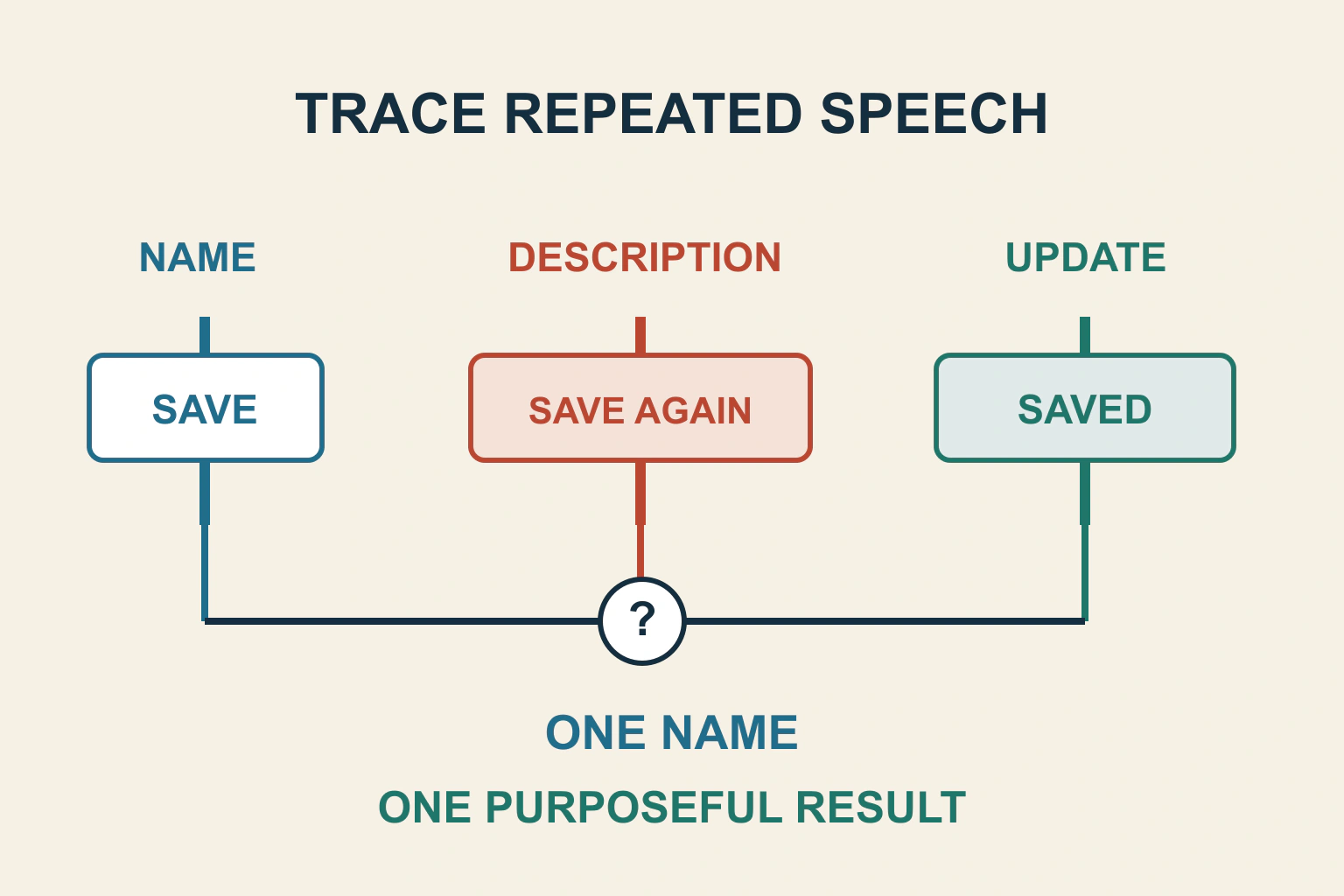
Repeated screen-reader speech needs a trace, not a blanket removal of ARIA. Identify whether the repeated words come from a control’s name, its description, another DOM copy or a live update. Keep one complete, accurate meaning and remove only the redundancy the evidence explains.
In a fictional reading-list tool, a button visibly says “Save article”. Its accessible description repeats “Save article”, and activating it updates two live regions with “Article saved”. The reader hears repetition at two different moments. Those moments need separate diagnoses.
Write down the speech and the triggering action
Record the screen reader, browser, relevant verbosity setting, exact key sequence and spoken output. Distinguish speech heard on focus from speech heard after activation or a later update. Note whether a normal reading command encounters another copy of the same content.
Use a small reproducible route on an authorized test copy. Open the page, navigate to the button, wait, activate it once and wait again. Avoid making several changes before repeating the sequence, because a shorter announcement alone will not explain what was removed.
Do not report every repeated word as a failure. A heading encountered during normal reading and again as a dialog’s title can be useful context. The question is whether unnecessary duplication obscures the task or whether separate meaningful contexts legitimately contain the same phrase.
Inspect name and description as separate values
The APG naming guidance distinguishes the short name identifying an element from an optional description supplying additional information. Browsers combine naming sources through defined precedence. Inspect the computed accessible name and description instead of counting every label-like attribute in the source.
For the reading-list button, “Save article” identifies the action. A description repeating those same words adds little. A useful description, if necessary, could instead explain where the item will be stored. Do not put the entire article excerpt into the button’s name to compensate for a missing relationship elsewhere.
The form-label workflow covers names and instructions. Preserve the actual label relationship during cleanup; replacing a clear native label with an empty aria-label can make the repetition disappear by removing the control’s meaning.
Check decorative content inside the control
A text-labelled button may include an icon whose own text or graphic label repeats the action. Inspect whether that icon contributes to the computed name or appears separately in the reading sequence. Decide whether it communicates anything beyond the existing words.
MDN documents aria-hidden as removing an element and its descendants from the accessibility tree without visually hiding them. It warns against applying it to focusable elements or their ancestors. Use it only where equivalent meaning remains exposed, such as a proven redundant decorative icon.
In the example, hiding a decorative save icon may be appropriate; hiding the entire Save article button is not. Nor does aria-hidden remove a control from keyboard navigation. A focusable control that is unavailable to assistive technology creates a new mismatch rather than a successful cleanup.
| When repetition occurs | Layer to inspect | Evidence before changing it |
|---|---|---|
| Immediately on button focus | Name, description and child content | Computed accessible values |
| Reading the page reaches two copies | Responsive or hidden DOM duplicates | Exposed elements and actual focusability |
| After a single successful action | Multiple live regions or duplicate update handlers | Which regions changed and how often |
| After focus is moved to a message | Focus announcement plus live update | Timing of focus and content changes |
Find duplicate interface copies
Responsive layouts sometimes keep wide and compact controls in the DOM simultaneously. Check which copy is actually rendered, exposed and focusable at the failing size. Merely moving a copy off screen can leave it in the reading order.
Trace the component that owns each copy. A theme control and a plugin control can serve the same action without sharing state. Removing one randomly may break the narrow layout or leave the remaining control pointing at an obsolete element.
Test the intended responsive visibility mechanism and source order. Ensure the inactive copy is unavailable through the project’s supported pattern while the active copy remains complete. Avoid scattering aria-hidden attributes through an entire navigation region to conceal a duplicate you have not identified.
Separate live updates from focus changes
MDN’s live-region reference explains that content updates can be announced without giving the region focus. Politeness affects interruption, and atomicity affects how much content is announced. This is another channel from the ordinary announcement of a focused element.
For the reading list, inspect whether both the visible toast and a separate hidden status region announce the same result. Also check whether the handler runs twice. A duplicate event handler is a different cause from two intentionally updated regions.
The dynamic-result announcement guide covers designing status updates. Here the task is tracing overlap between layers. Choose a single responsible status route where appropriate, preserving visible feedback and access rather than silencing all updates.
Do not substitute a timer for understanding
Delaying one message may merely move the duplicate later. Switching everything to assertive can interrupt useful speech and make the page harder to operate. Removing every live region can leave important outcomes silent.
Inspect the exact sequence: change status, move focus, render a toast, remove a pending message. Decide which step needs attention and which needs only a status update. Keep the distinction between pending and accepted states so the announcement remains truthful after cleanup.
For a dialog, the dialog workflow helps review entry and continuation. A title announced when focus enters a dialog can be meaningful; an additional live announcement of the full dialog may be redundant. Test the actual combination rather than assuming all dialog repetition has the same cause.
Verify that simplification preserves meaning
- Repeat the original speech sequence after one explained change.
- Inspect the computed name, role, state and description.
- Read surrounding content and confirm no essential information disappeared.
- Activate once and verify one accepted result produces the intended feedback.
- Check failure and pending states as well as success.
- Repeat relevant responsive and screen-reader/browser combinations.
Keep the before-and-after output and the specific layer responsible. Accept the result when readers receive enough information at the right moment, without unnecessary repetition or newly silent controls. The next useful action is a trace of the announcement channels, not a site-wide ARIA cleanup.
Sources and verification
Editorial review 2026-10-17. Source check dates are recorded separately. Notes describe what each source supports and its limits.
View sources
- W3C APG: Accessible Names and DescriptionsChecked Different roles of name and description, naming sources and precedence, and useful concise naming.
Limits: Speech output varies across browser and assistive-technology combinations; repetition is not proof of a single attribute bug. - MDN: aria-hiddenChecked Hides an element and descendants from the accessibility tree; must not be used on focusable controls or ancestors of them.
Limits: Does not visually hide content, fix focusability or justify hiding essential visible information. - MDN: aria-liveChecked Live-region updates are announced independently of focus, with politeness and atomicity considerations.
Limits: Does not guarantee identical queueing behaviour across every screen reader.